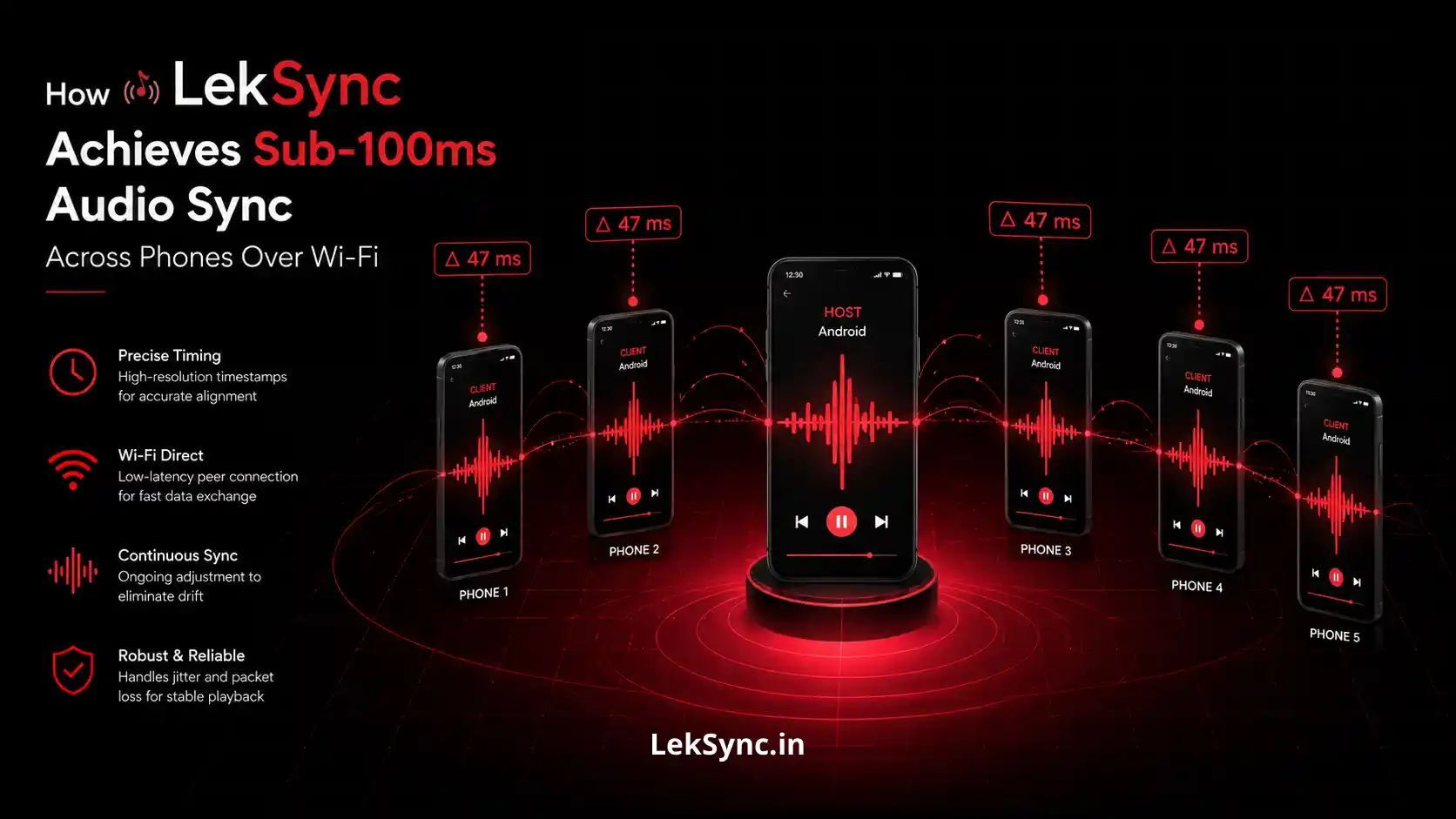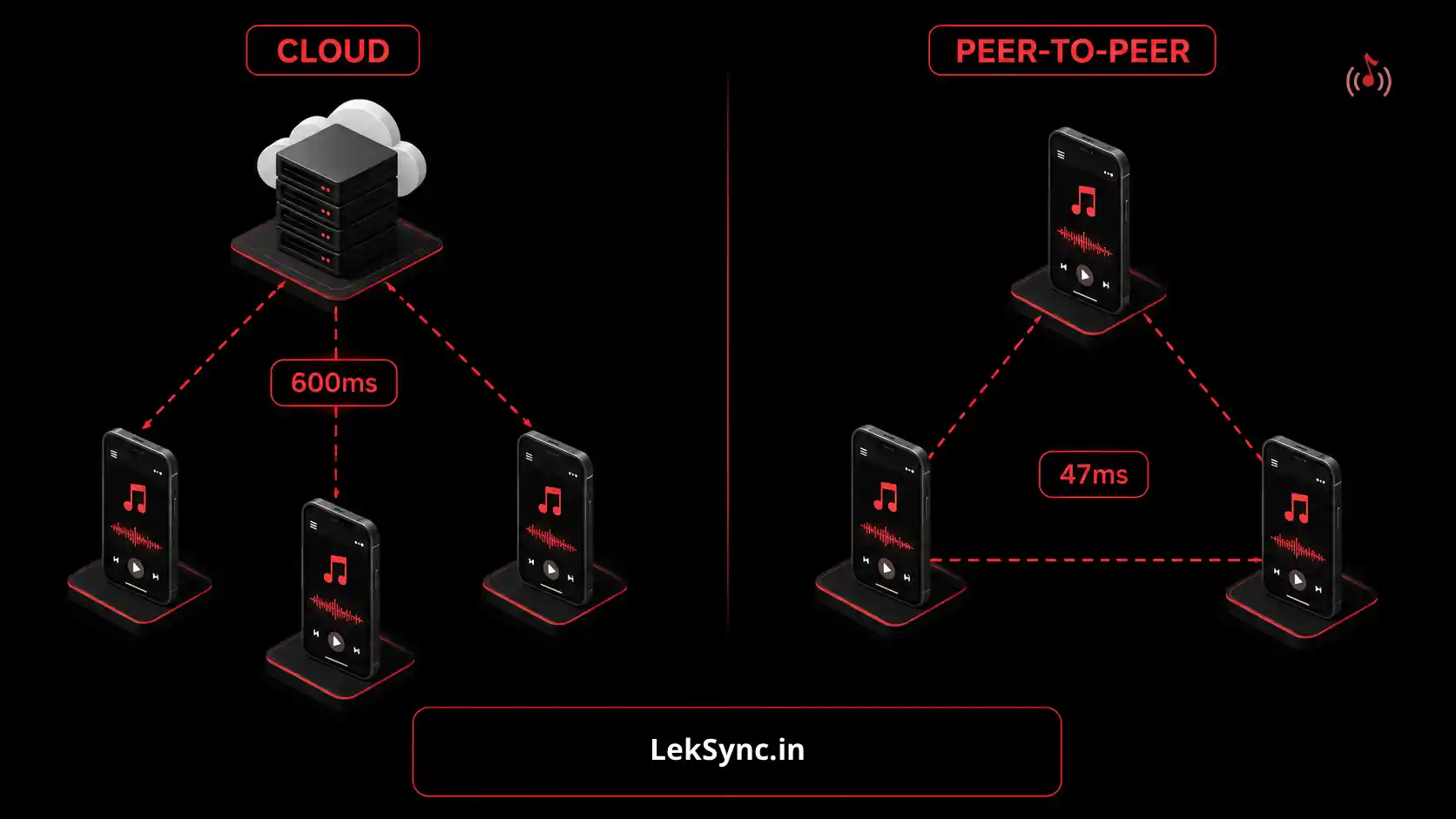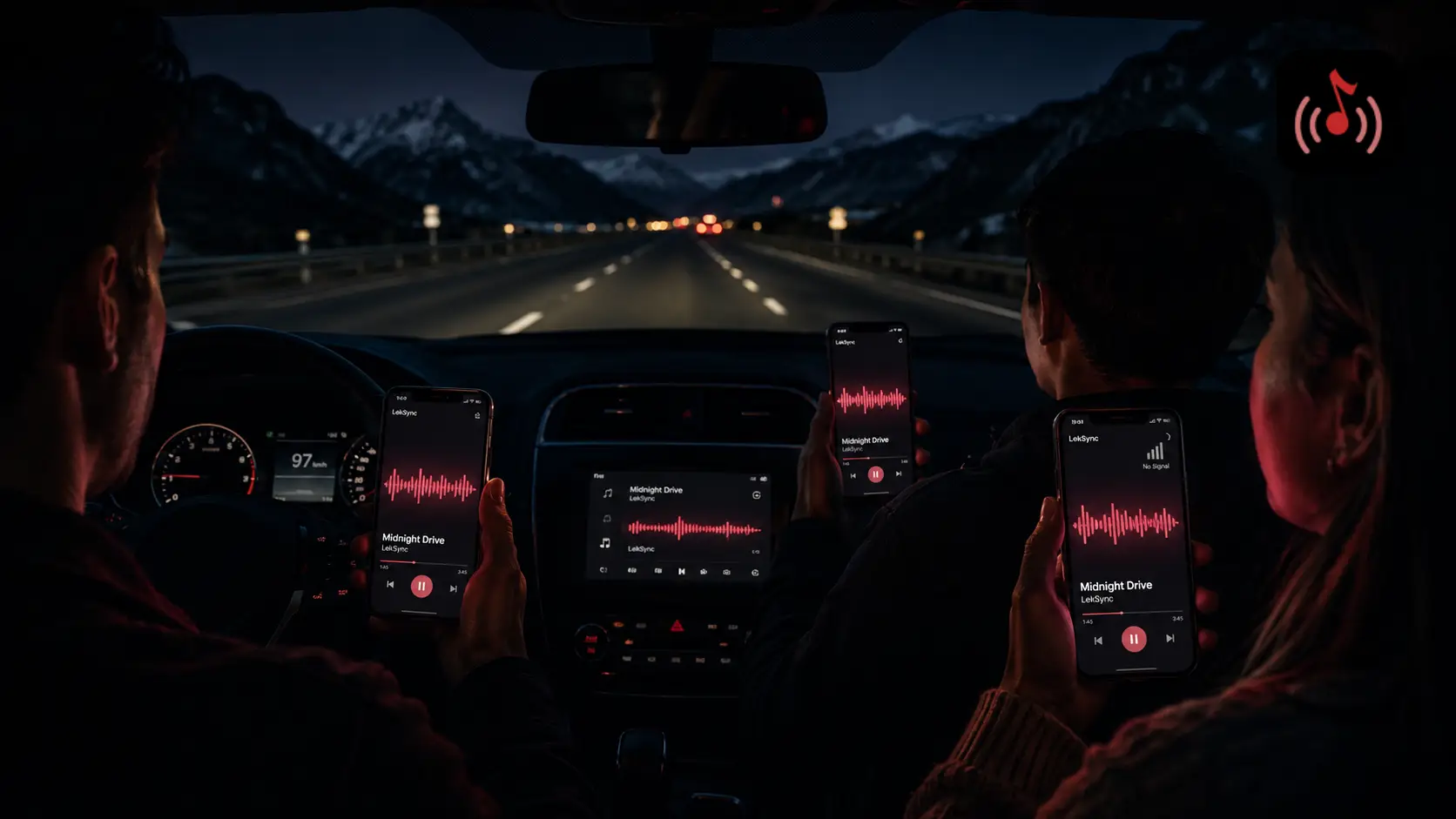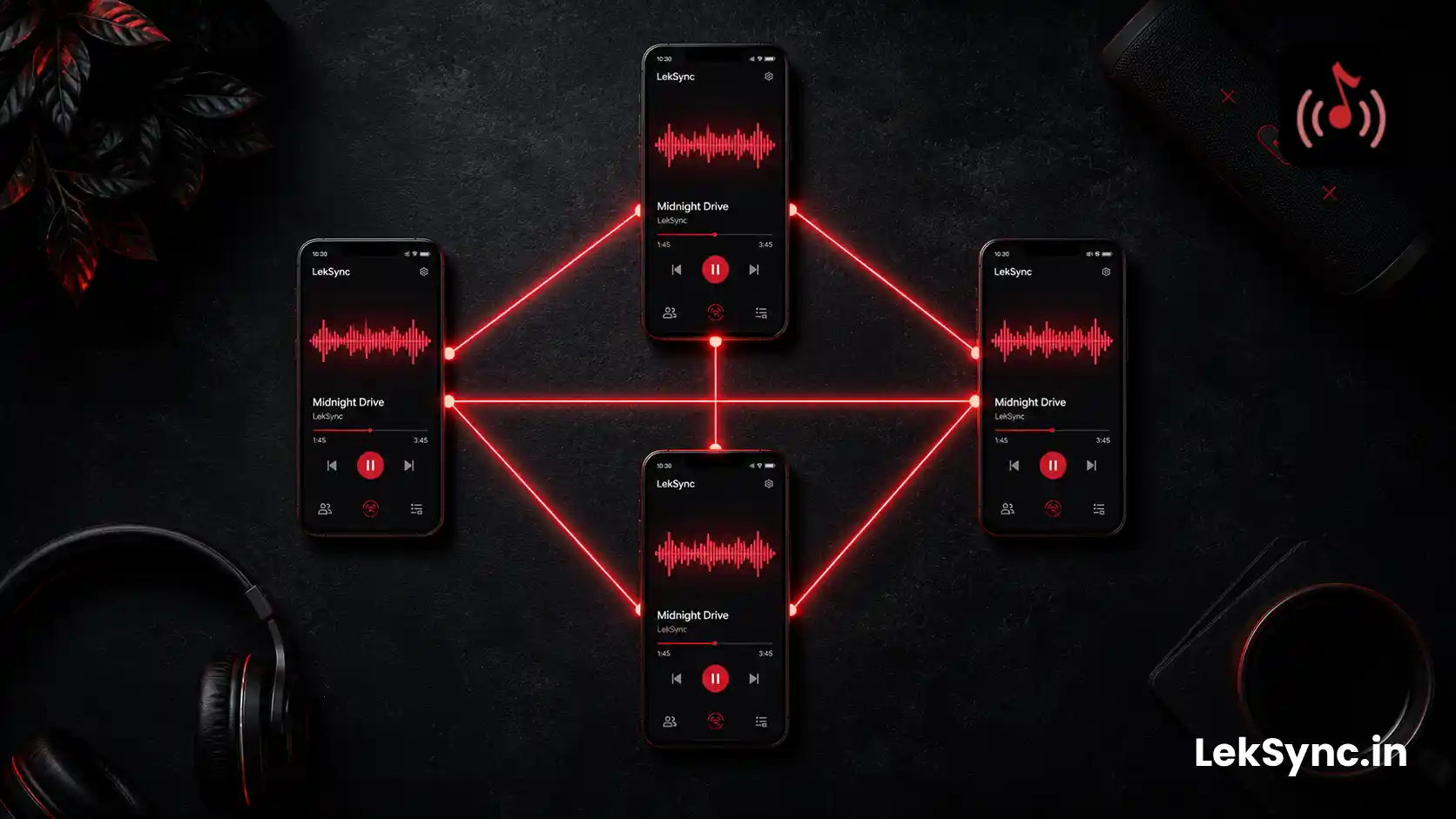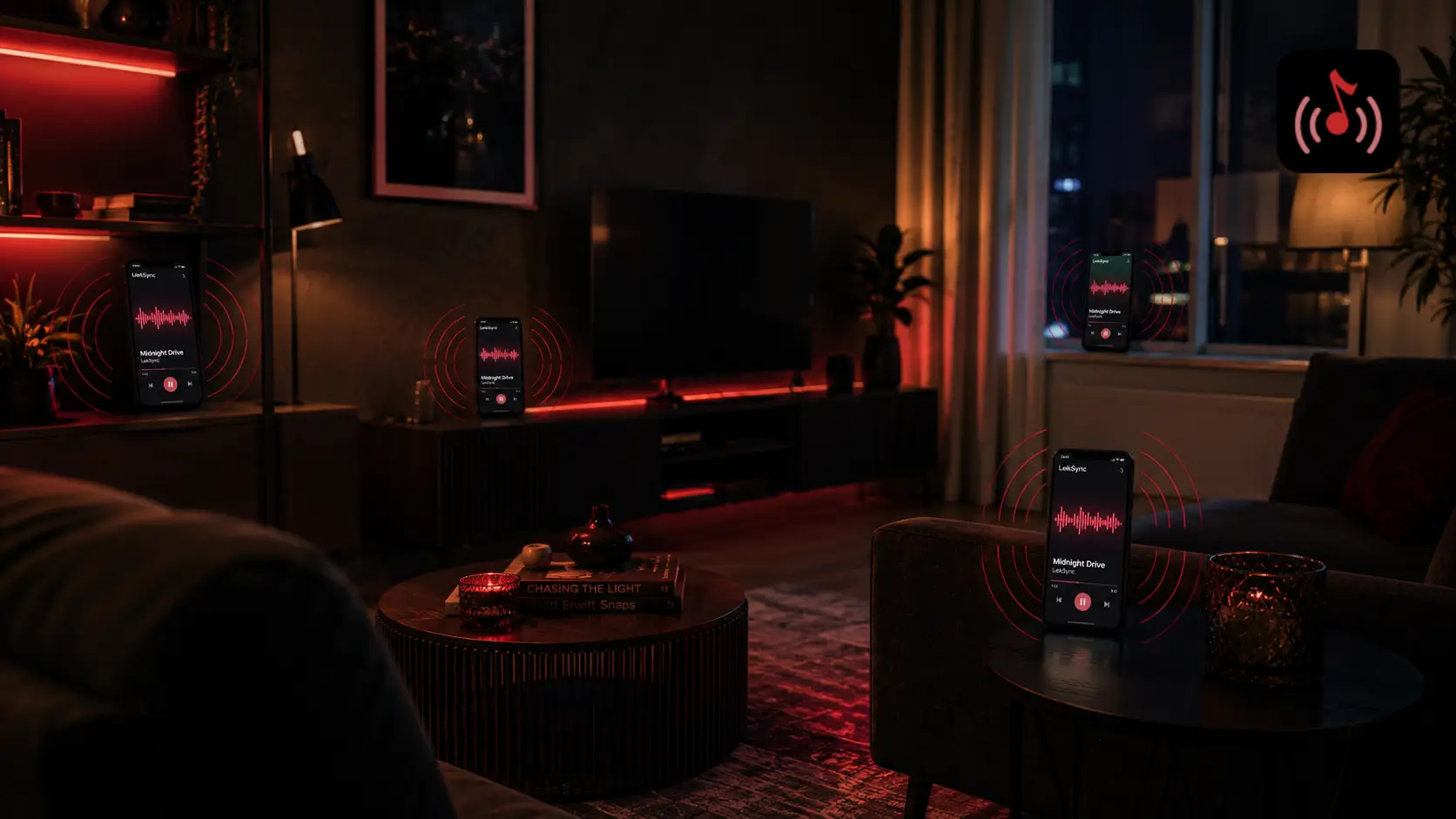
When LekSync works correctly, audio sync is invisible — everyone just hears the same thing and doesn't think about it. When it doesn't work, the problem is immediately obvious: an echo effect between devices, or one phone clearly playing ahead of or behind the others.
The good news: audio sync problems in LekSync almost always have a fixable root cause. Here are the five most common ones, how to identify which one you're dealing with, and how to fix it.
Cause 1: Battery Saver Mode on a Receiver Device
What you'll see: one specific receiver is consistently behind the others, while the rest are fine.
Battery saver mode on Android throttles processor speed and network activity to extend battery life. This directly affects how quickly LekSync can process incoming audio packets and how often the device checks for sync corrections. The result is a receiver that falls progressively behind.
Fix:
- On the affected receiver phone: Settings → Battery → Battery Saver → turn off.
- Re-join the session from that device.
- If battery saver turns on automatically at a certain percentage, keep the phone plugged in during the session.
Prevention: before every session, have receivers check that battery saver is off. It's the most common single-device sync issue by far.
Cause 2: Bluetooth Audio Output Adding Latency
What you'll see: one device (using Bluetooth earbuds or a Bluetooth speaker) sounds noticeably delayed compared to devices using wired earphones or phone speakers.
Bluetooth audio has inherent latency of 100–300ms depending on the codec (SBC is worst, aptX Low Latency is best, AAC is in between). LekSync's sync operates at the transmission level, but it can't compensate for output-side delay added by Bluetooth after the audio leaves the app.
Fix:
- Standardize output type across all devices: all wired, all phone speakers, or all Bluetooth (if all Bluetooth, the latency is consistent and nobody notices the offset relative to each other).
- If someone insists on Bluetooth, use a headset with aptX Low Latency support — it reduces Bluetooth latency to ~40ms, which is below perceptible threshold.
- If mixing output types is unavoidable, the devices using Bluetooth should move away from the others so the offset isn't audible between nearby devices.
Cause 3: Weak or Congested Wi-Fi / Hotspot Signal
What you'll see: intermittent sync — audio drifts, then re-snaps, then drifts again. Multiple receivers affected unevenly.
LekSync streams audio over UDP packets on the local network. If the Wi-Fi signal is weak or the hotspot is congested (too many devices, or devices running background data), packets arrive late or out of order. The result is sync drift that fluctuates rather than being a constant offset.
Fix:
- Move the host phone to a central location — closer to the average position of all receivers. This improves signal uniformity.
- Ask all receivers to disable background apps — anything streaming data (YouTube, Instagram auto-refresh, cloud sync) competes for bandwidth on the shared hotspot.
- Reduce receiver count if signal is marginal — each additional device on the hotspot adds load. If you have 6 receivers and are seeing drift, drop to 4 and see if it stabilizes.
- Switch from 2.4 GHz to 5 GHz hotspot if available — 5 GHz has more bandwidth and less interference from other networks, though shorter range. Good for gatherings where everyone is in the same room.
Cause 4: The Receiver Joined Mid-Session Without Re-Syncing
What you'll see: one specific device is playing from the wrong position — either well ahead or behind everyone else. Usually happens when someone joins an already-running session.
When a receiver joins a session in progress, LekSync sends a position correction to align it with the current playback point. If this correction fails (due to a momentary connection issue during join), the receiver starts from the beginning of the track or a wrong position.
Fix:
- On the host phone: tap the Re-Sync button. This pushes a position correction to all receivers.
- If the specific device is still out of sync: have it leave the session and rejoin. The new join will include a fresh position correction.
- Make sure the rejoin happens while the host phone has stable network — don't rejoin during a moment of hotspot instability.
Cause 5: Old Android Version With Large Audio Buffers
What you'll see: a consistent, fixed offset on one device — always the same amount behind — that doesn't respond to re-sync. Battery saver is off, signal is fine, but that phone is just always delayed.
Some older Android versions (Android 9 and earlier) and certain manufacturer skins use large audio output buffers by default. This means audio is queued up inside the device's audio system before it plays — adding a fixed latency that LekSync can't dynamically compensate for at the network level.
Fix:
- Enable Developer Options on the device (Settings → About Phone → tap "Build number" 7 times).
- In Developer Options, find "Disable audio processing" or "Minimum audio buffer size" and enable it. This reduces buffer depth and lowers the audio output latency.
- If Developer Options don't help: that device may not be compatible with sub-100ms sync. It can still participate, but consider placing it away from other devices so the offset isn't audible as an echo.
Quick Diagnostic Checklist
When sync isn't right, run through this in order:
- Is only one device out of sync? → Battery saver or Bluetooth output issue on that device.
- Are all devices inconsistently drifting in and out? → Wi-Fi/hotspot congestion or signal issue.
- Did a device just join mid-session? → Use Re-Sync button on host.
- Is the offset on one device fixed and consistent, unresponsive to re-sync? → Old Android audio buffer issue.
- Is one device on Bluetooth while others are wired? → Output type mismatch — standardize output method.
When to Use the Re-Sync Button
The host screen has a Re-Sync button visible during any active session. It pushes a position correction to all receivers simultaneously without stopping playback. Use it:
- When a receiver rejoins after a disconnection.
- After a period of weak signal that caused drift.
- Any time you visually notice that someone's phone seems off.
Most sync issues resolve within 1–2 seconds of tapping Re-Sync. If re-sync doesn't fix it, the issue is device-level (battery saver, Bluetooth latency, or old audio buffer) — not a network issue.
Still Not Working?
If you've worked through this list and still have a persistent sync issue, contact LekSync support at leksync.official@gmail.com with details: which devices are affected, Android version, output method (wired/Bluetooth/speaker), and whether it's hotspot or online mode. Include a short description of the pattern (constant offset, intermittent drift, or specific-device issue) — that narrows the diagnosis significantly.
Download LekSync on Google Play — free to start, and most sync issues take under two minutes to fix.