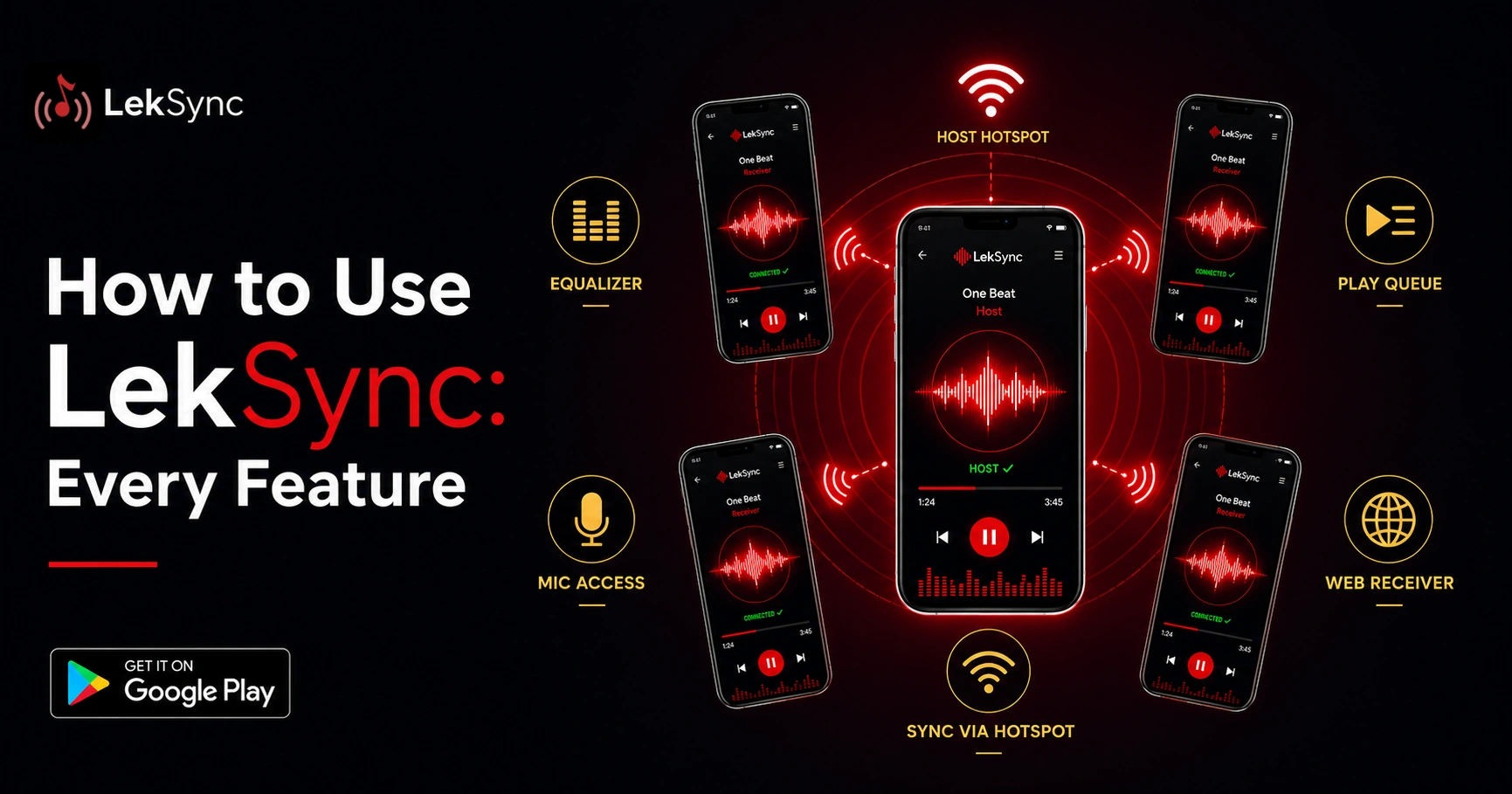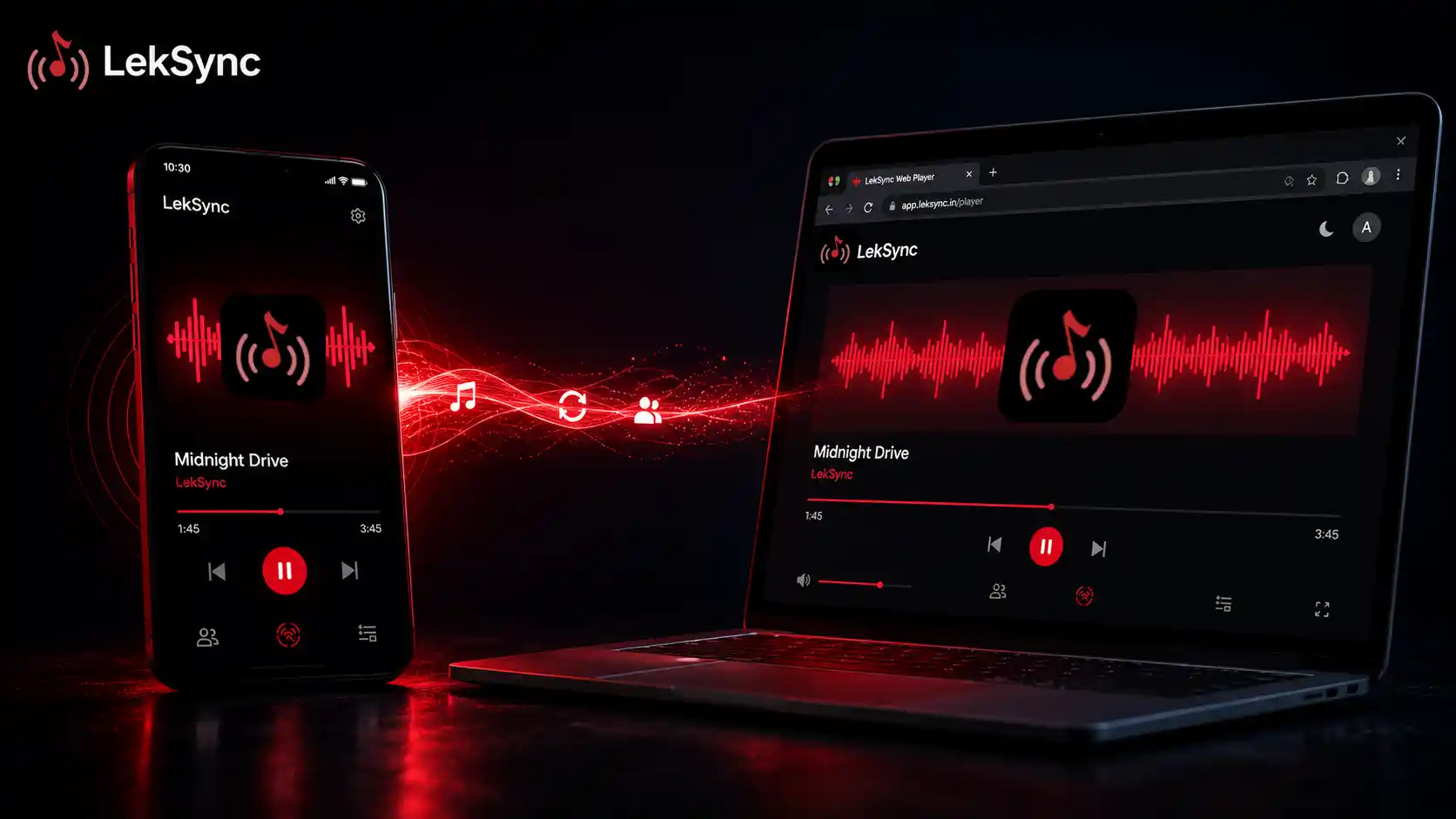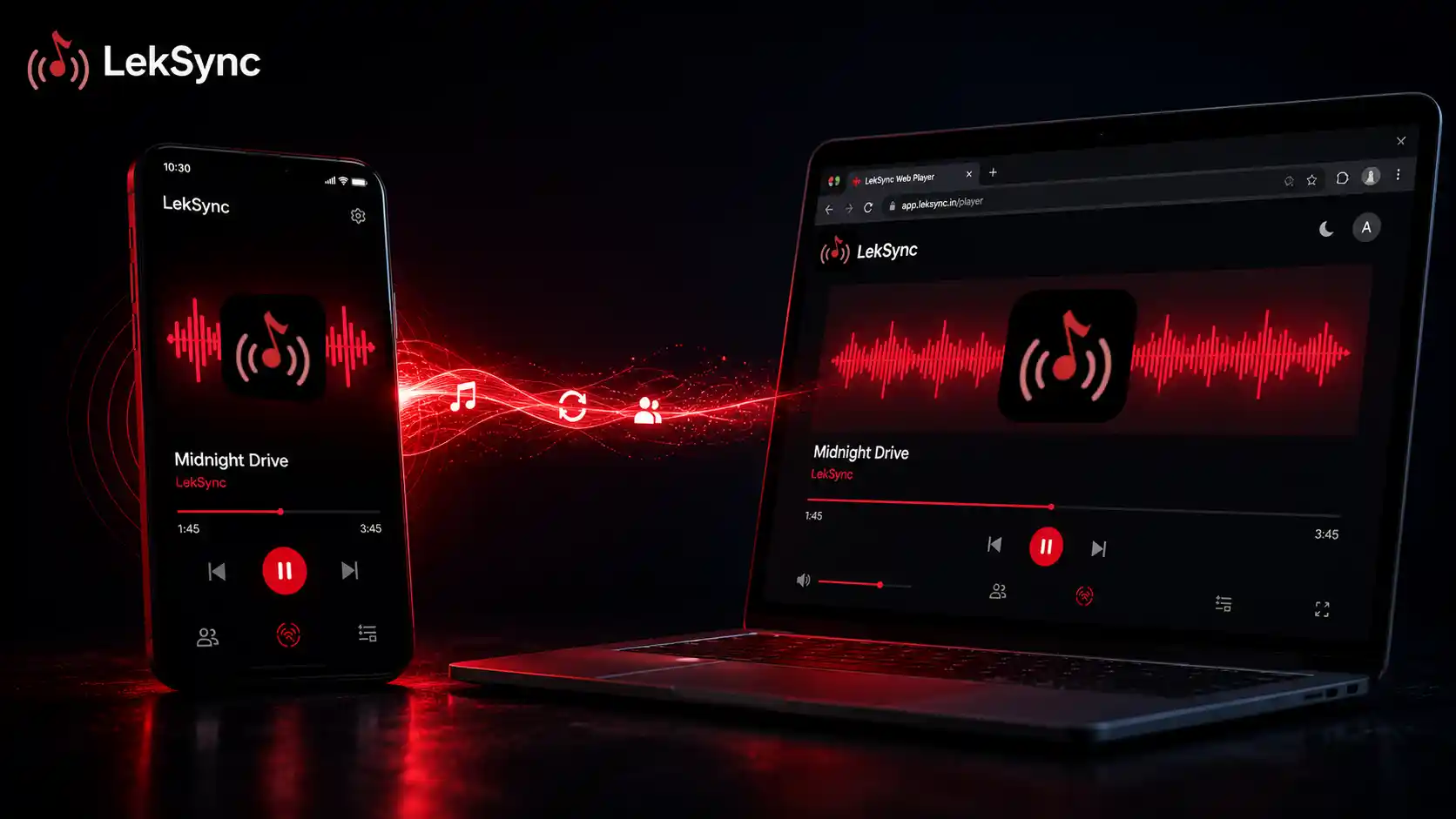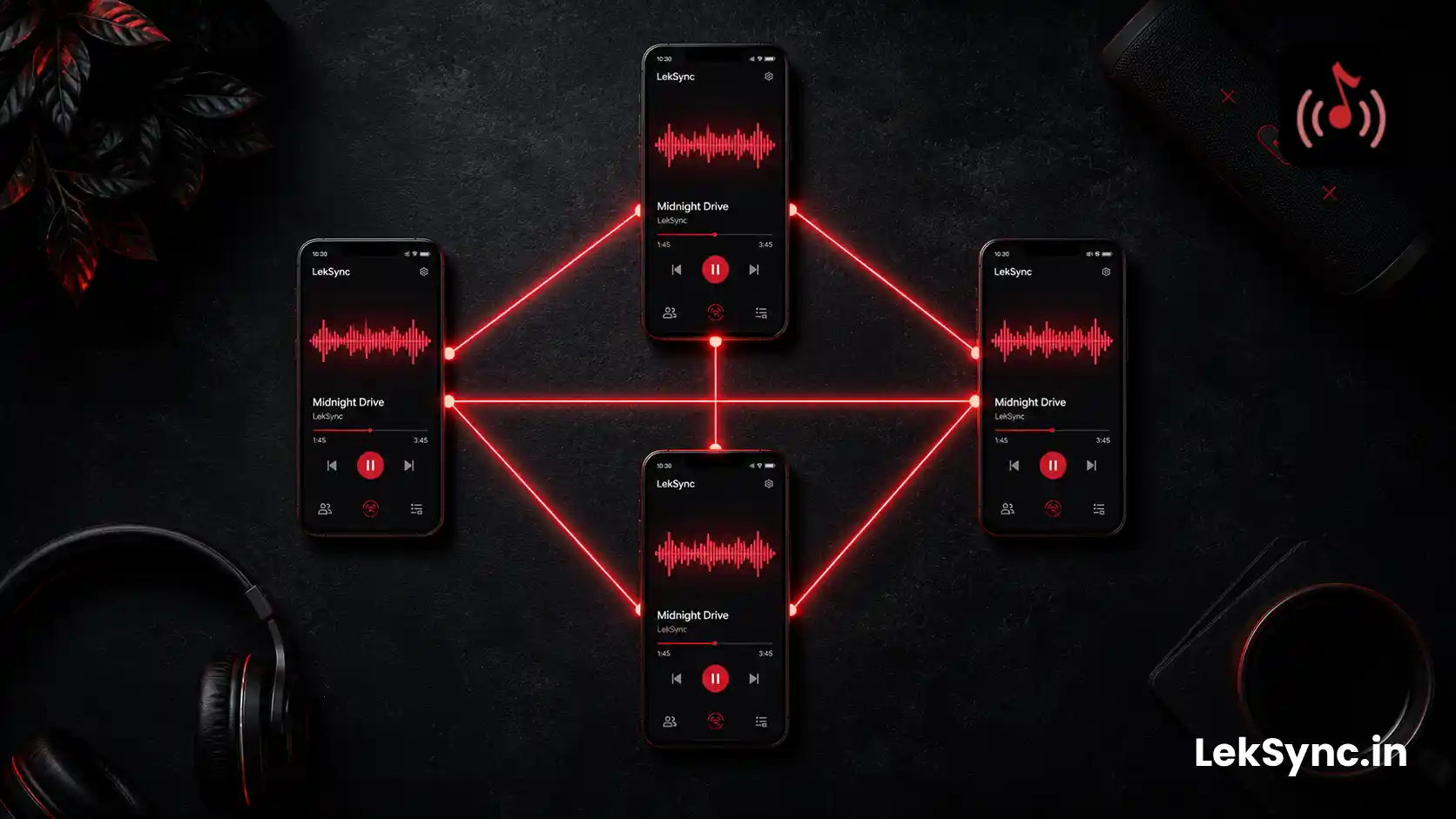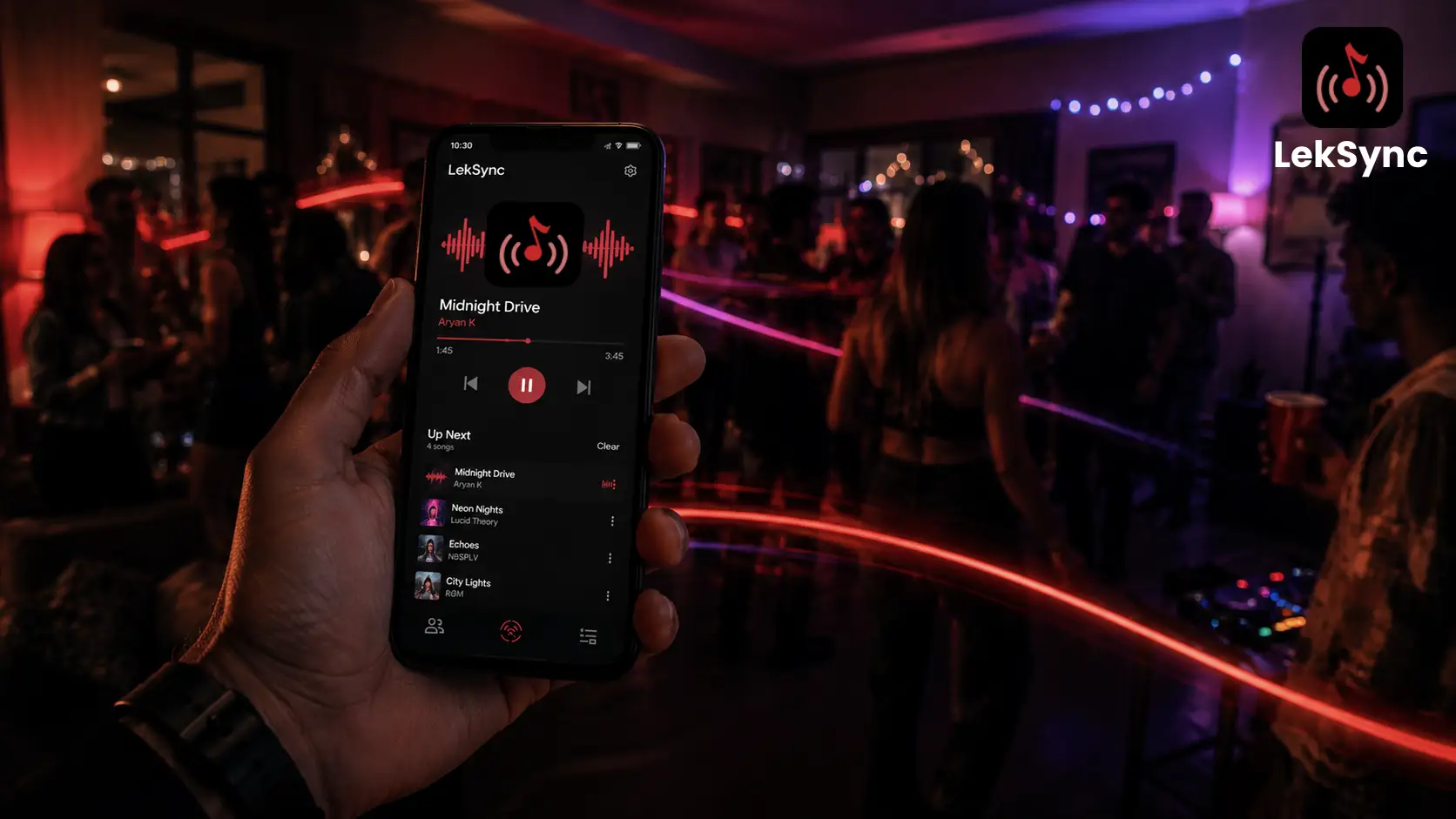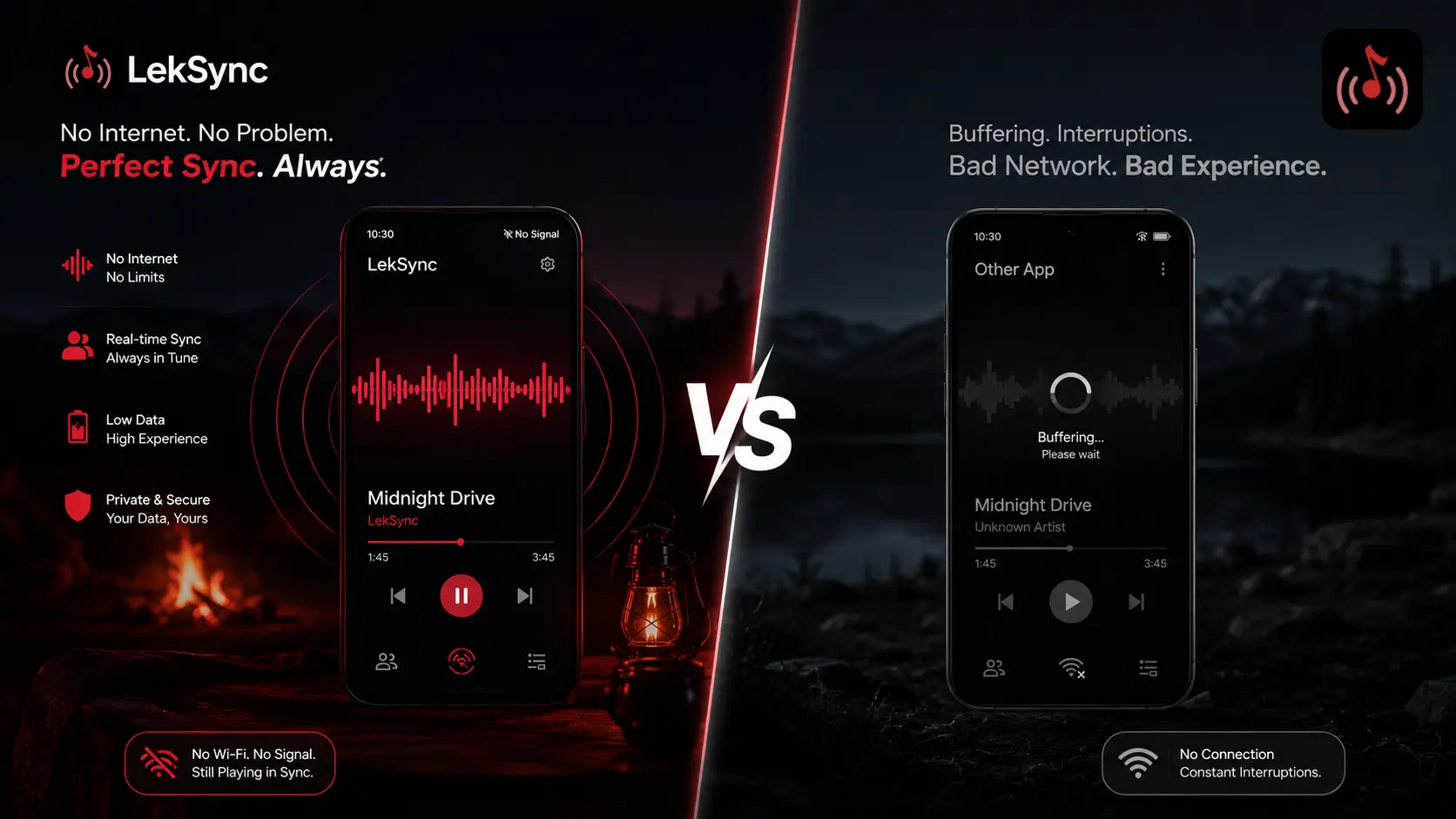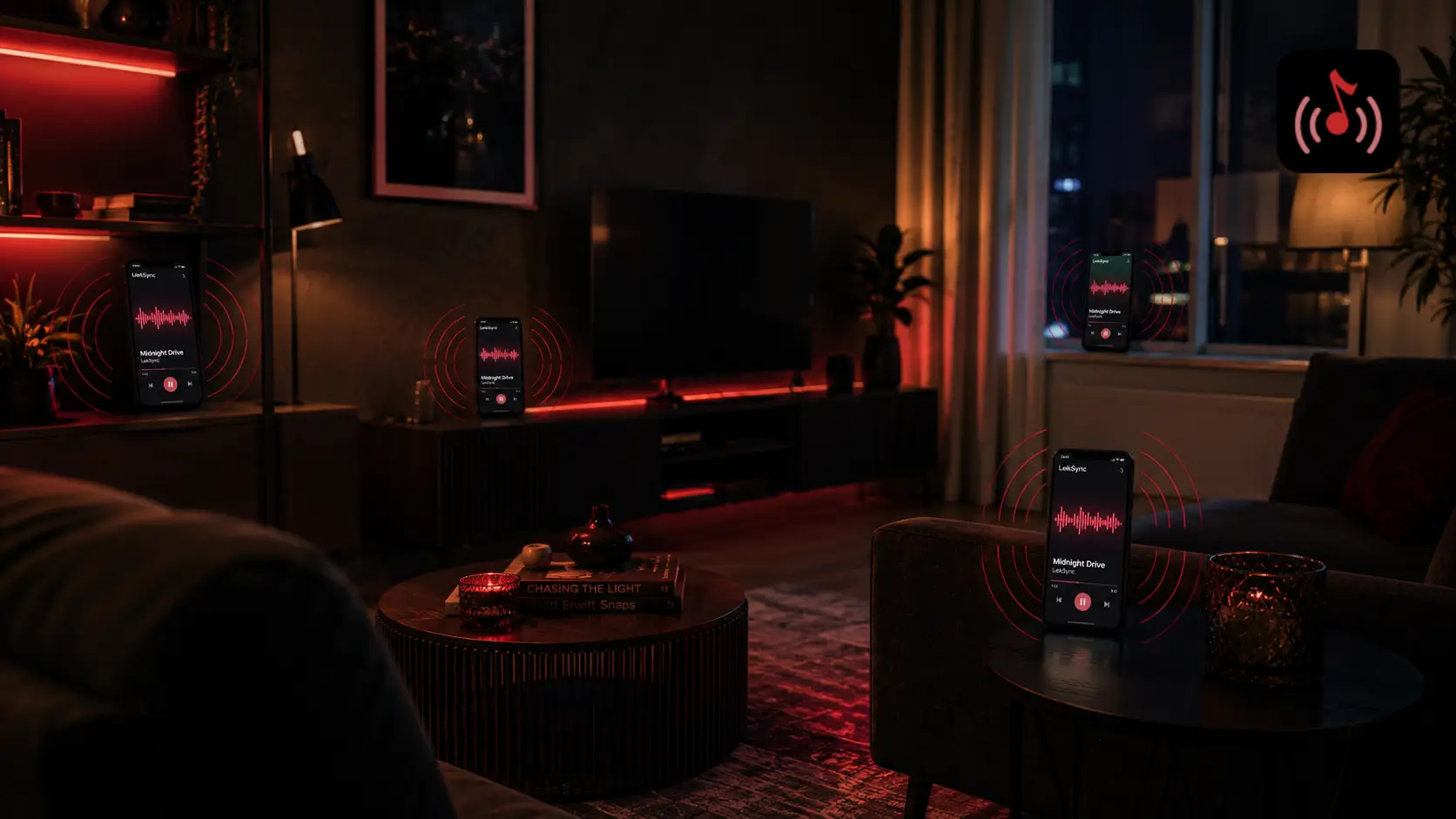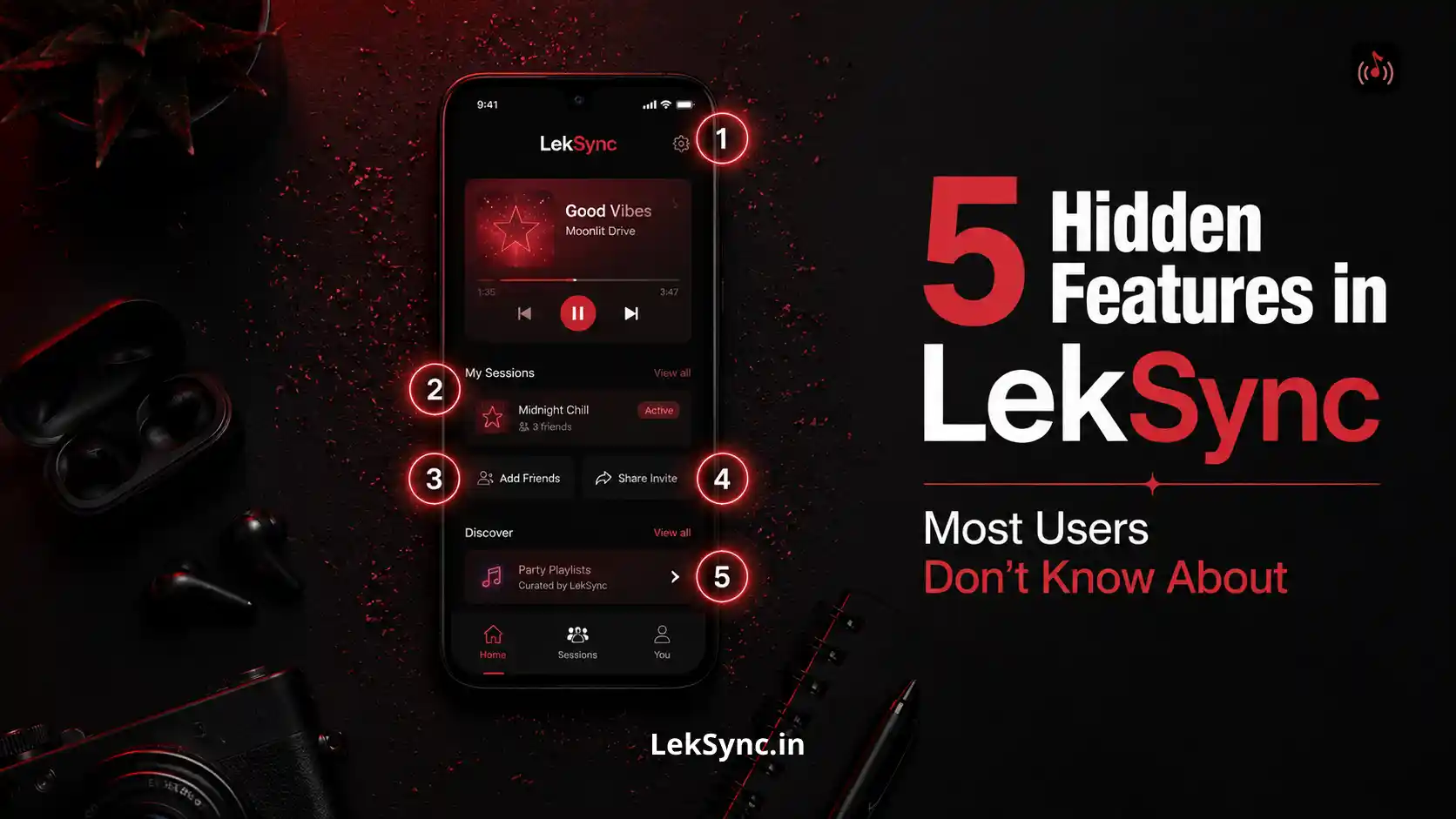
Most LekSync users discover the core feature in the first session: host plays music, friends join, everyone hears the same track in sync. That's the headline. But the app has five capabilities that most people never tap into — some because they're tucked away in menus, some because the use case isn't obvious until someone points it out.
Here are the five, in order of "most likely to change how you use the app."
1. The Web Receiver — No App Install Needed
Most people assume every person in a LekSync session needs the Android app installed. They don't.
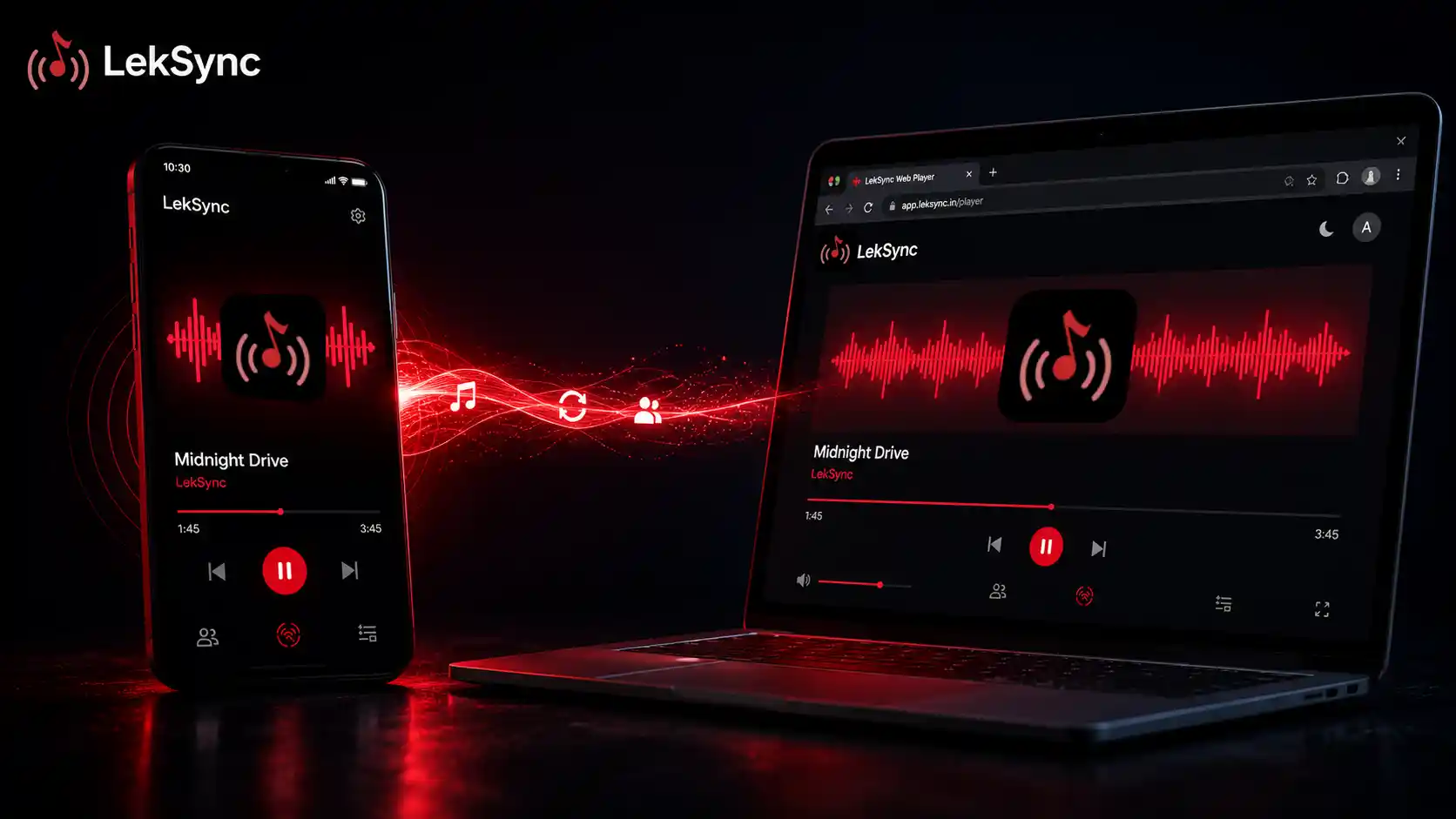
LekSync has a browser-based receiver at leksync.in/receiver. Anyone — on Android, iPhone, laptop, or tablet — can open that URL in a browser, enter the room code, and join the session. No download. No account. No Google Play.
Where this changes everything:
- iPhone users in your group can join without any workarounds. LekSync is Android-only as an app, but the web receiver is fully cross-platform.
- Someone who just met your group and doesn't want to install an app can still be part of the session.
- Laptop users at a study session or work event can participate from their browser tab.
Full guide on this: How to Use LekSync's Web Receiver Without Installing the App.
2. Live Microphone Audio Over the Music
LekSync isn't just music sync — it's a one-to-many audio channel. The host can activate a live microphone and speak to every connected receiver in real time. All listeners hear the voice overlaid on the music instantly.
Where this is useful:
- Parties and events: announce the next track, shout out a birthday, hype the crowd — without stopping the music or unplugging from a speaker.
- Silent discos: the host DJ can talk to the headphone-wearing crowd directly. See our silent disco guide for the full setup.
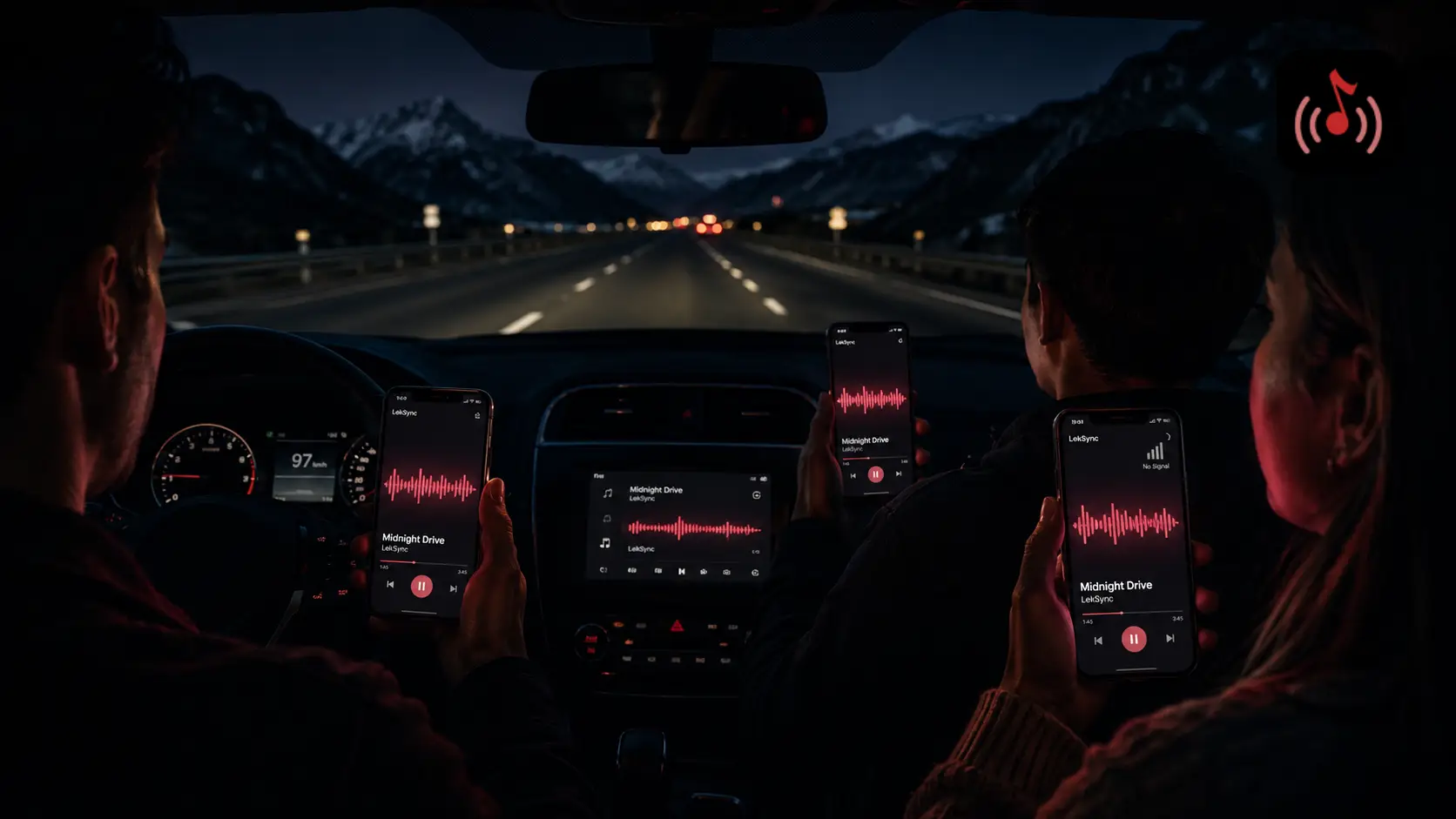
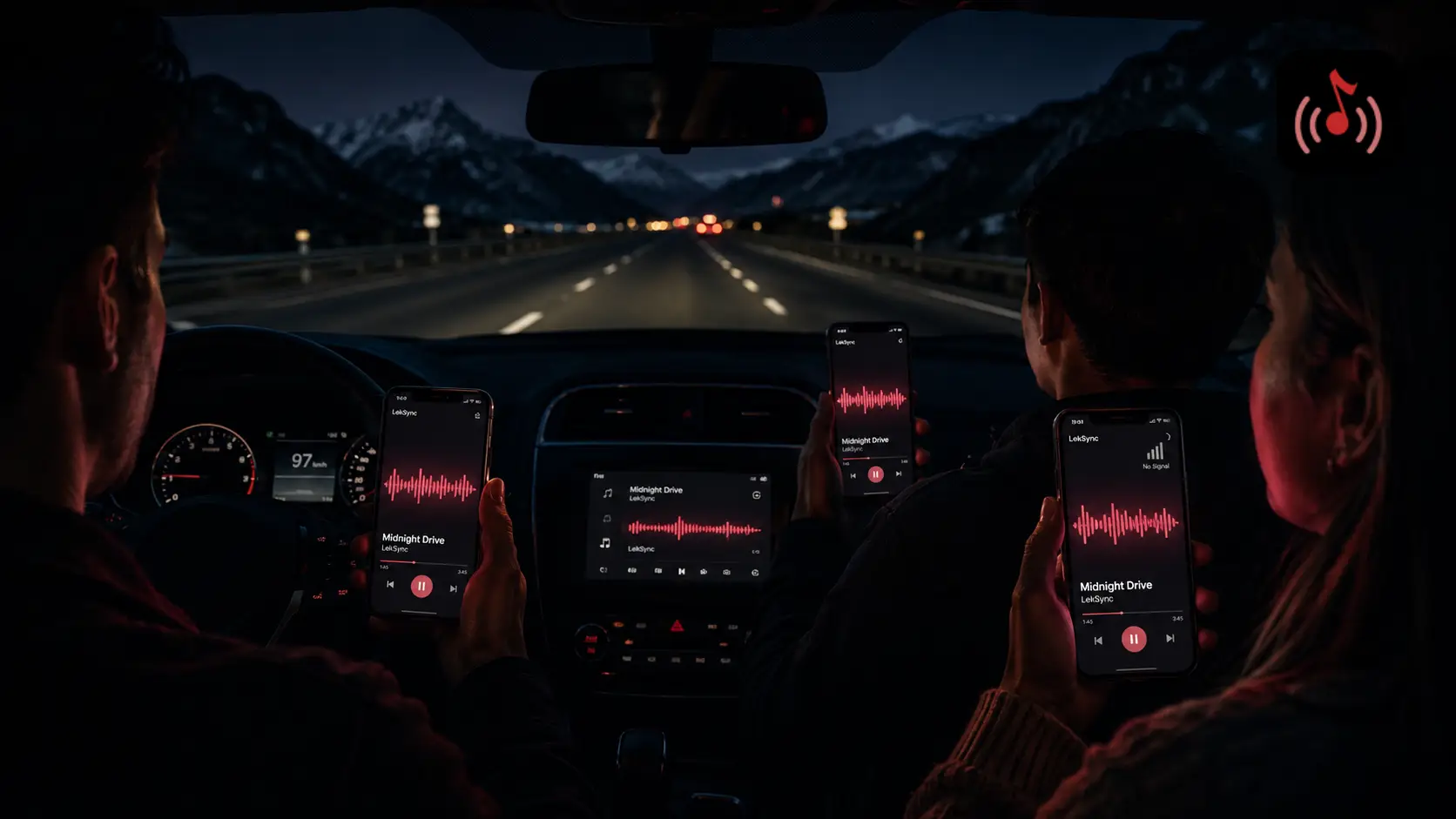
- Road trips: driver can narrate landmarks or make announcements to passengers in different rows — everyone hears it through their earbuds.
- Study groups: "break time" announcement reaches everyone simultaneously, even if they're in different rooms of the library.
The mic is bidirectional — receivers can optionally enable their own mic so the host hears them too. Useful for live Q&A setups or group conversations over long distances.
3. The Built-In Equalizer (Applied to All Receivers Simultaneously)
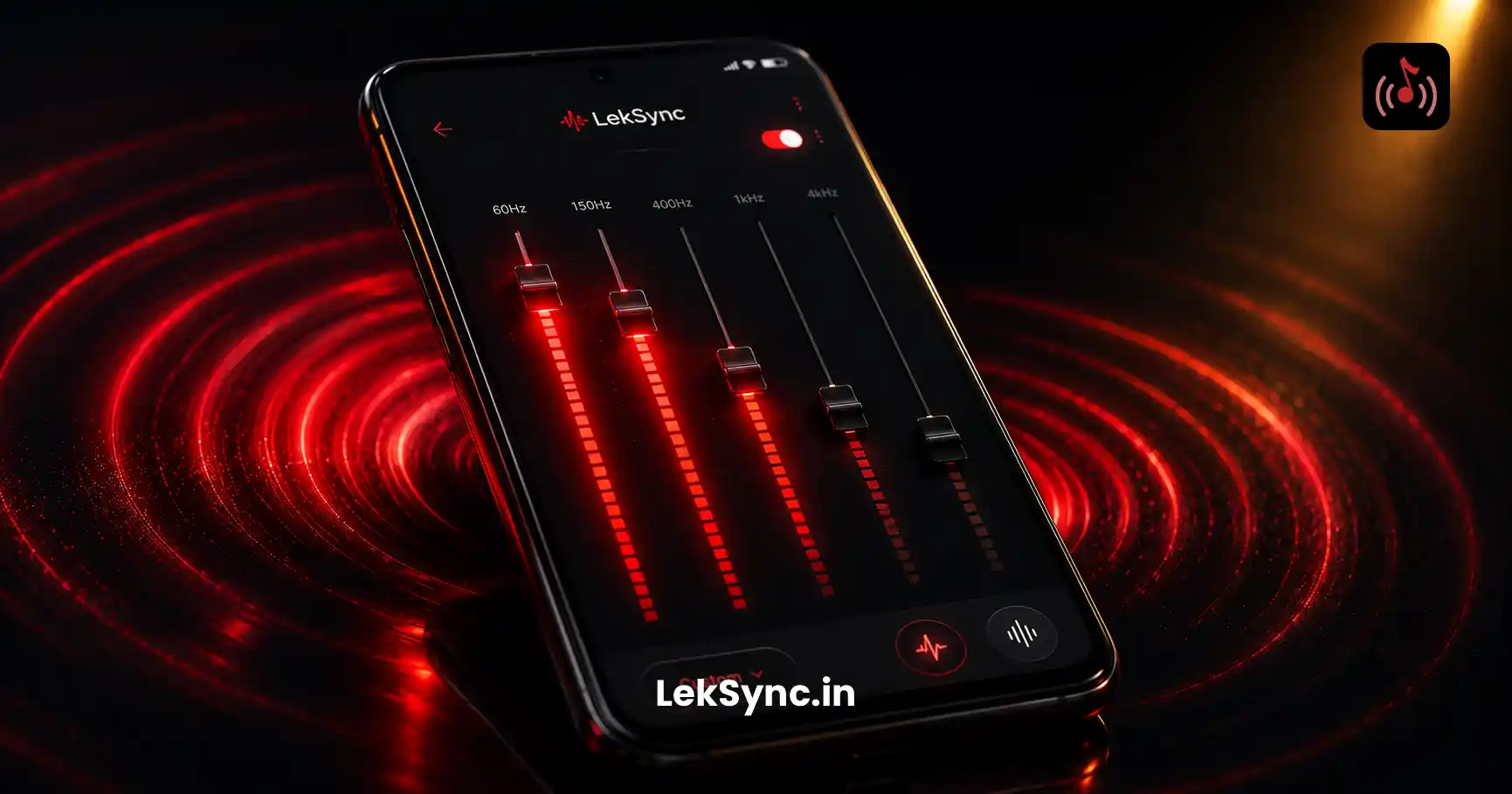
LekSync includes a parametric equalizer on the host side. Most users open the app, connect friends, and hit play — never discovering there's an EQ hidden in the settings.
What makes this different from your phone's system EQ: adjustments made in LekSync apply to the audio stream before it's sent to receivers. Every connected phone gets the same EQ profile automatically. You tune it once, and it affects the entire room.
Practical use cases:
- Bass boost for a party — turn up the low end without touching individual phones.
- Treble reduction for sleep ambient playlists — take the harshness off high-frequency sounds before it reaches people's earbuds.
- Room correction — if the space is echoey or muddy, cut the problem frequencies from the source.
Full walkthrough: How to Use LekSync's Equalizer for Better Sound.
4. Online Rooms — Sync Music Across Cities
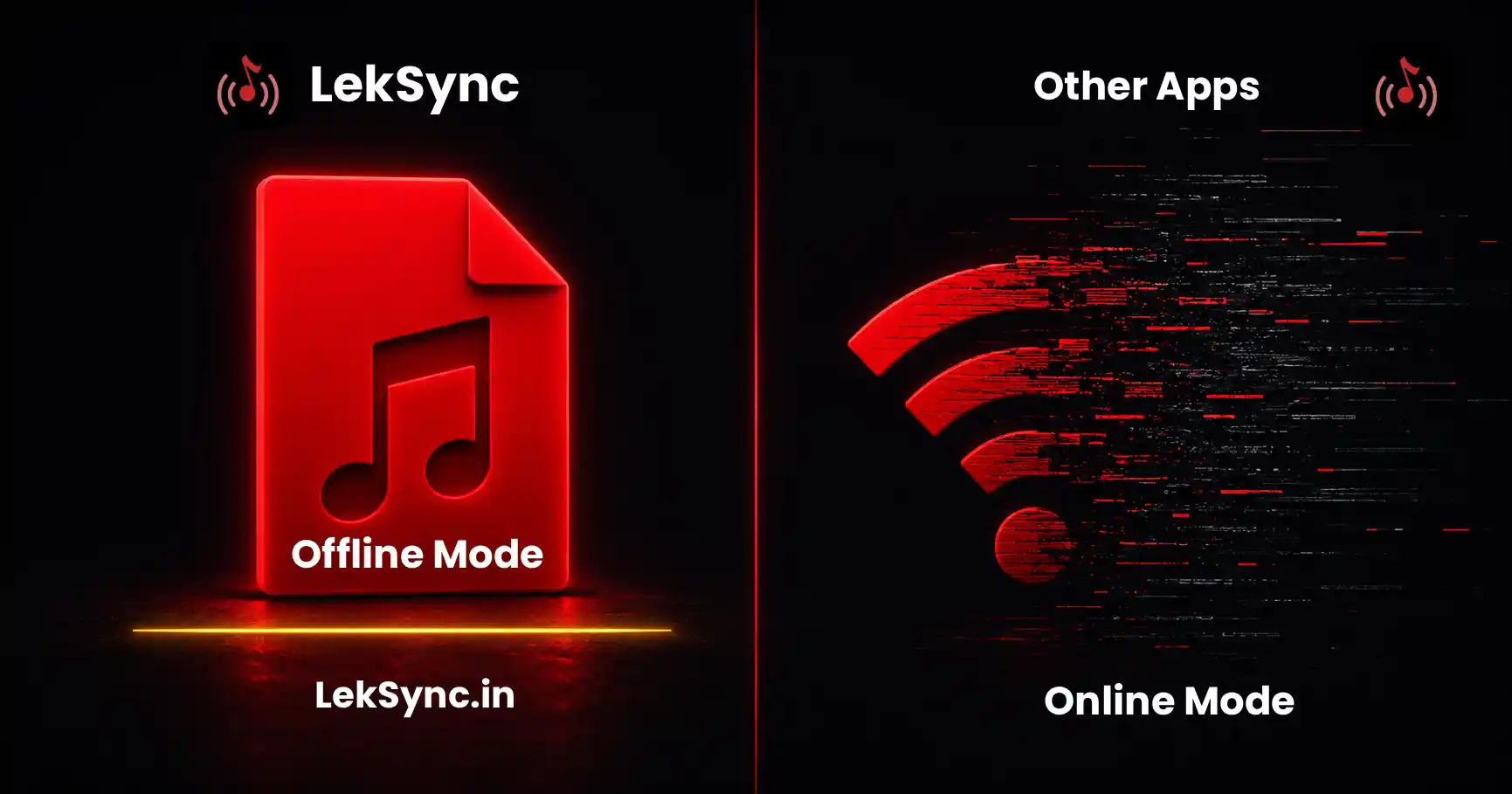
LekSync has two modes. Most users only discover the hotspot mode (everyone connects to the host's local Wi-Fi). The second mode — Online Rooms — lets you sync music with people anywhere in the world over the internet.
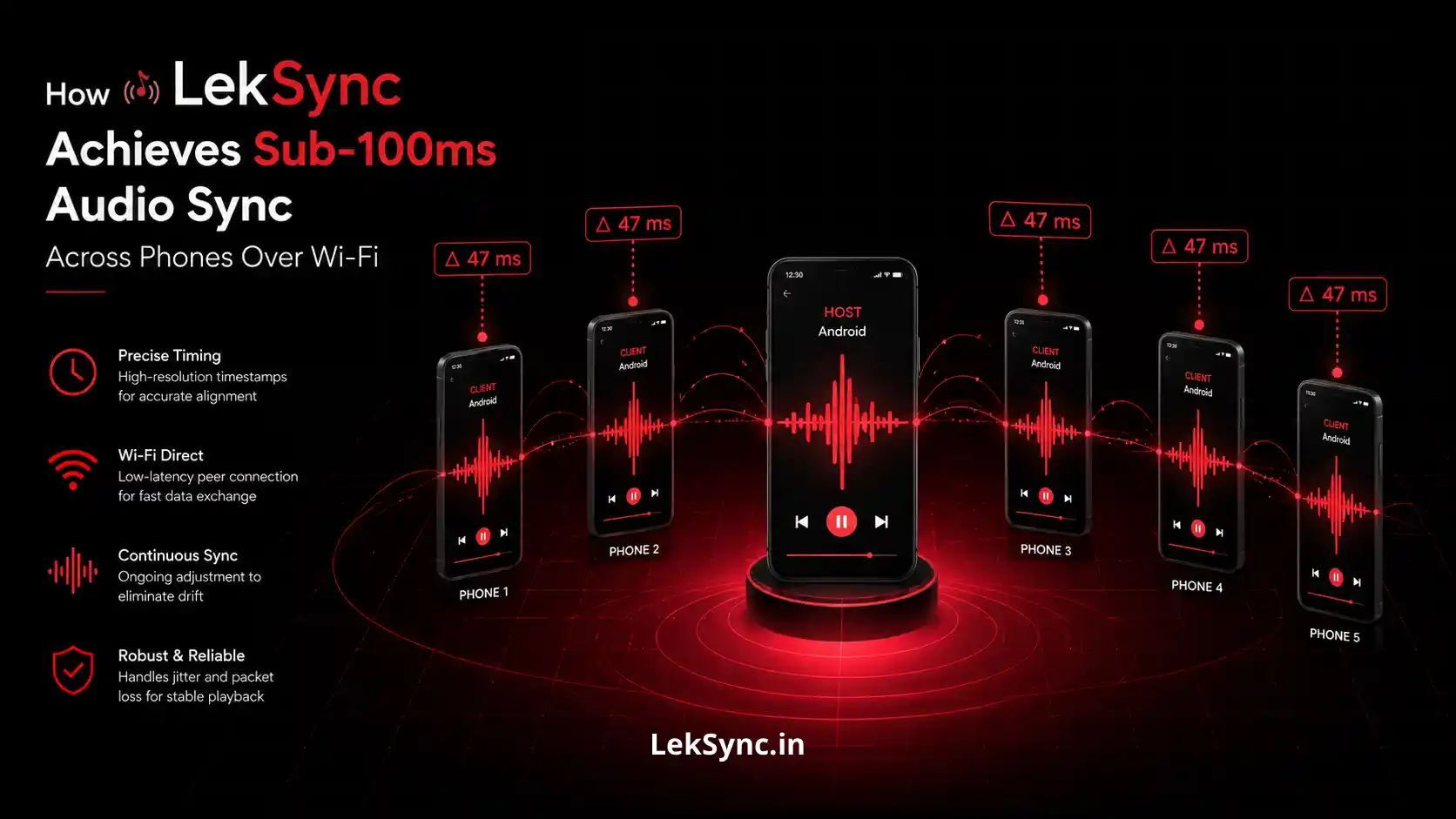
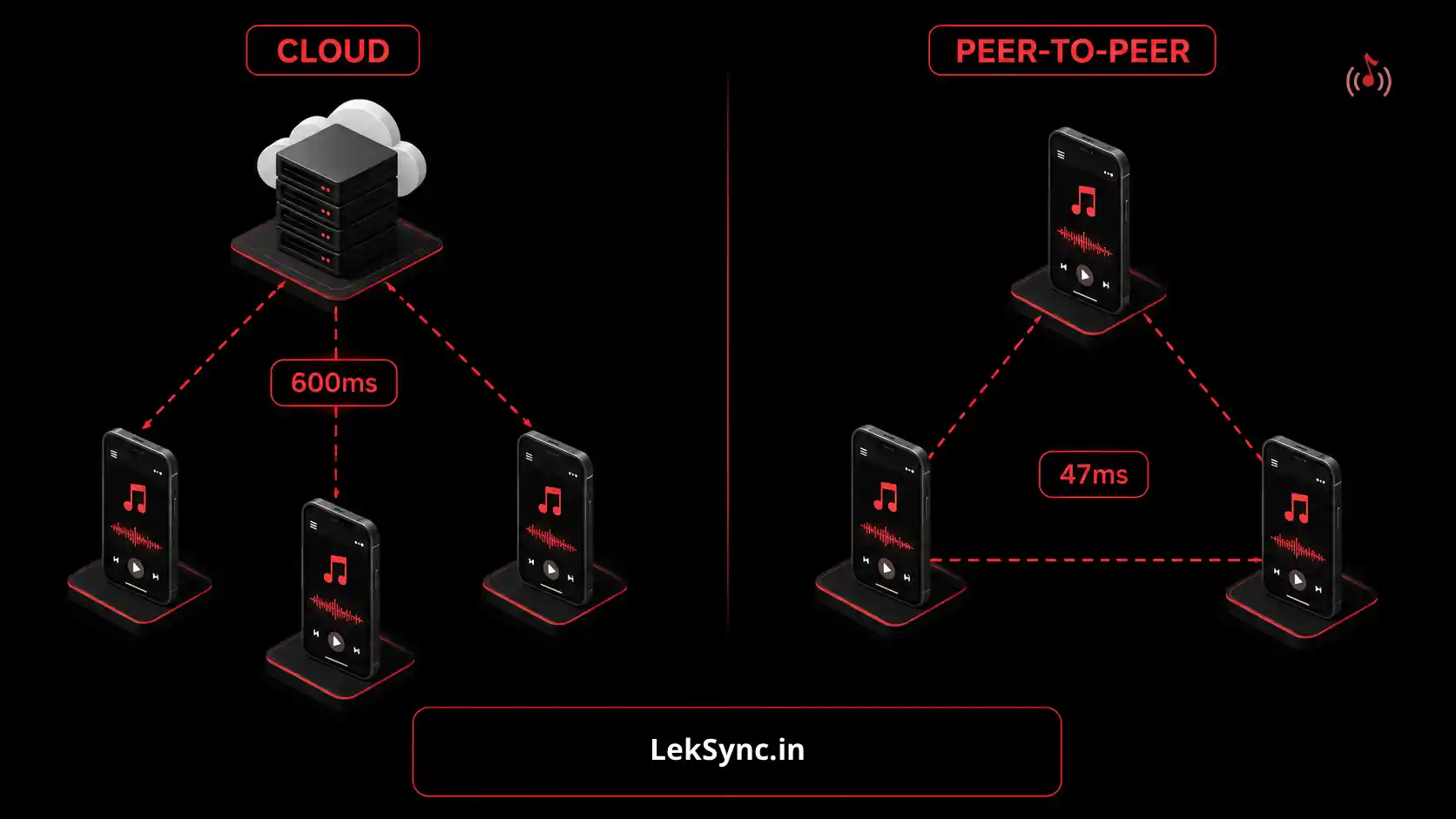
The host starts a session in Online Mode, gets a 10-character room code, and shares it. Anyone with the code — in a different city, country, or timezone — can join. Latency stays within ~100ms even across long distances.
Use cases people don't think of:
- Long-distance study groups — friends in different universities share a focus music session.
- Remote watch parties — sync a background music playlist across everyone watching the same show remotely.
- Distributed family events — a wedding or celebration with attendees across different cities can share music in real time.
- Group workouts over call — everyone runs to the same playlist simultaneously even while on a video call in different gyms.
Full setup guide: How to Set Up a Group Listening Session Online.
5. Video File Audio Streaming
LekSync can open video files and stream only the audio track to all connected receivers. The video itself isn't shared — just the sound.
Why this is more useful than it sounds:
- Concert recordings — you have a full concert video on your phone. Everyone listens to it through their own earbuds while you watch the video on your phone. Audio quality is preserved; no Bluetooth compression involved.
- DJ sets and mixes — downloaded as MP4 from YouTube. Open in LekSync, stream audio to the room.
- Movie nights with separate audio — stream the audio of a movie to earbuds while the video plays on a shared screen. Better than phone speakers; avoids audio sync issues with Bluetooth.
- Recorded speeches or podcasts — a video interview or recorded talk plays audio-only across all connected phones at once.
How to Find These Features
None of these are buried — they just require opening the right part of the app:
- Web receiver link: visible on the host session screen when a session is active.
- Mic audio: microphone icon on the host interface during an active session.
- Equalizer: Settings → Audio → Equalizer (accessible before or during a session).
- Online rooms: Mode selector on the host screen — toggle between "Hotspot" and "Online."
- Video files: in the Music/Files browser within the app, video files show up alongside audio files and are selectable as source.
If you've been using LekSync only for basic music sync, try one of these in your next session. The mic feature in particular consistently surprises people.
Download LekSync on Google Play — free to start, all five features accessible.