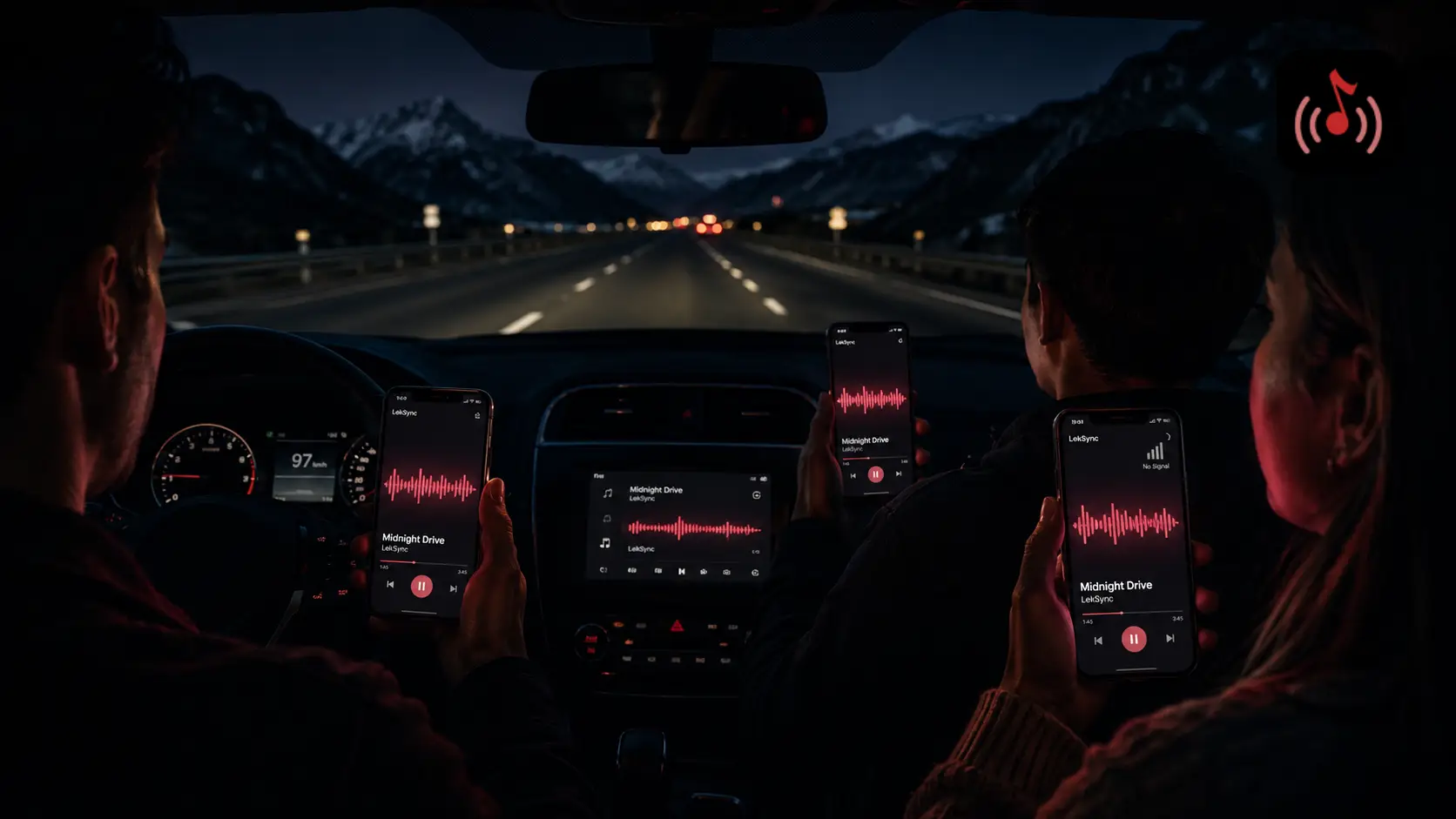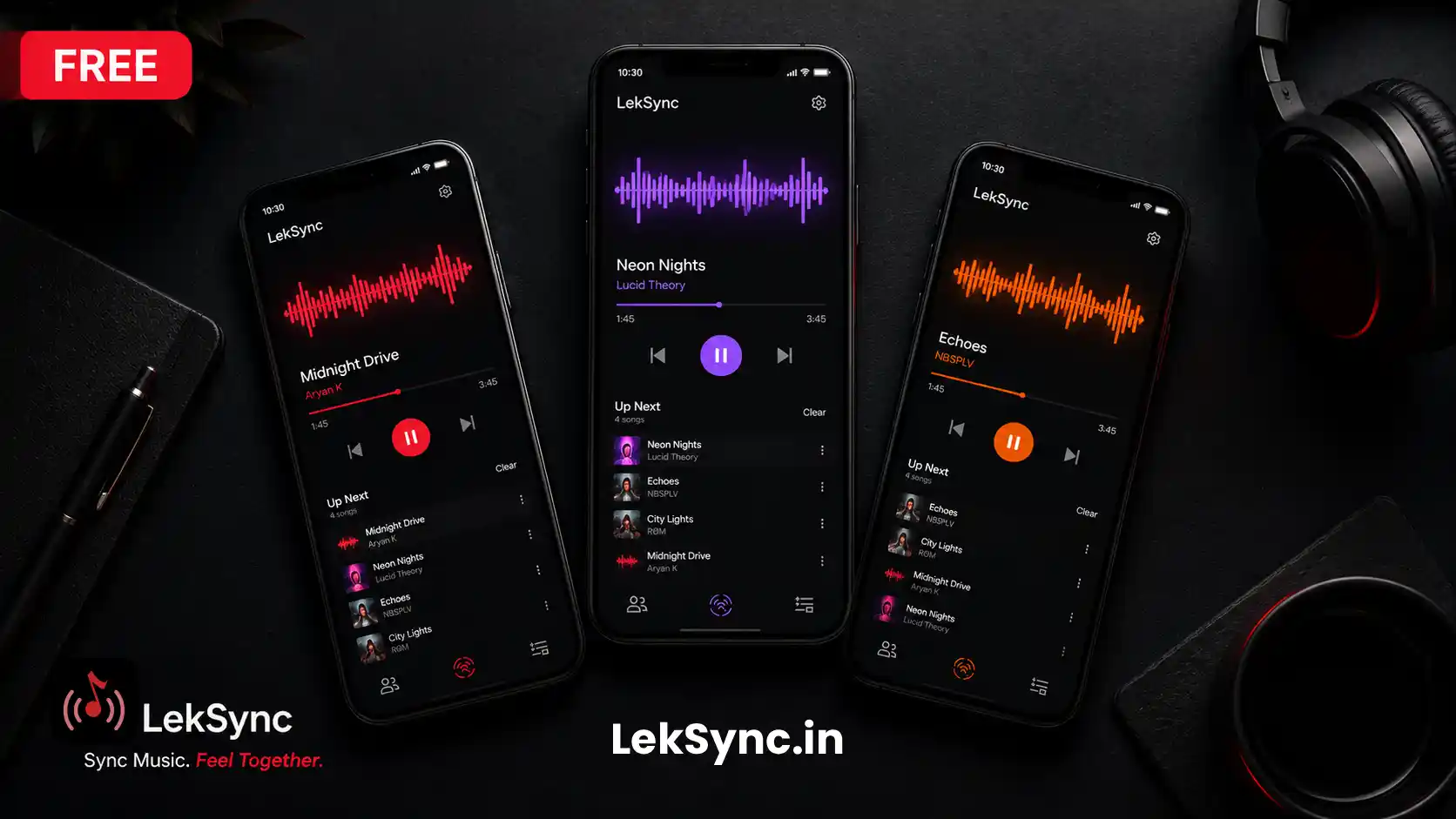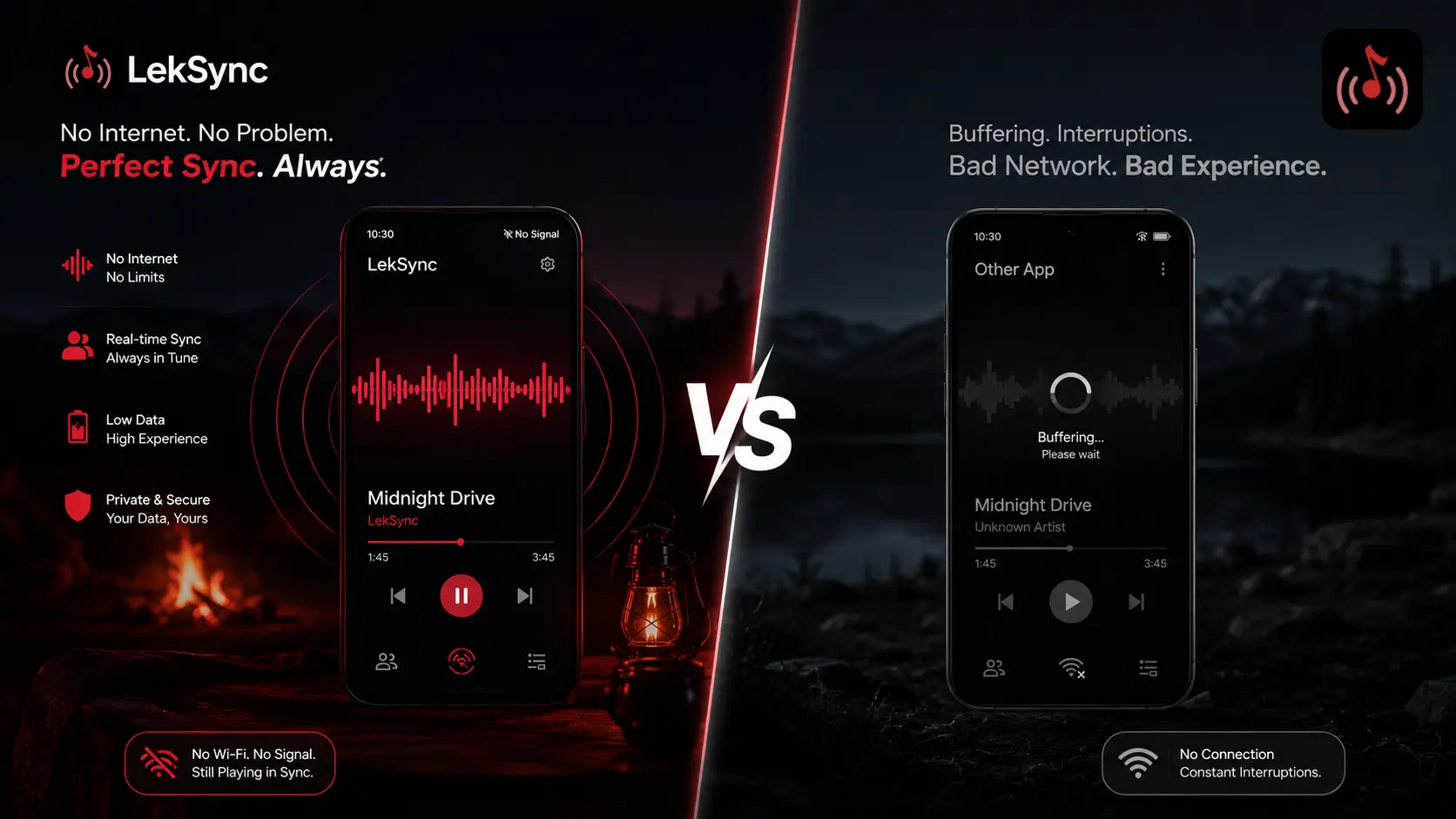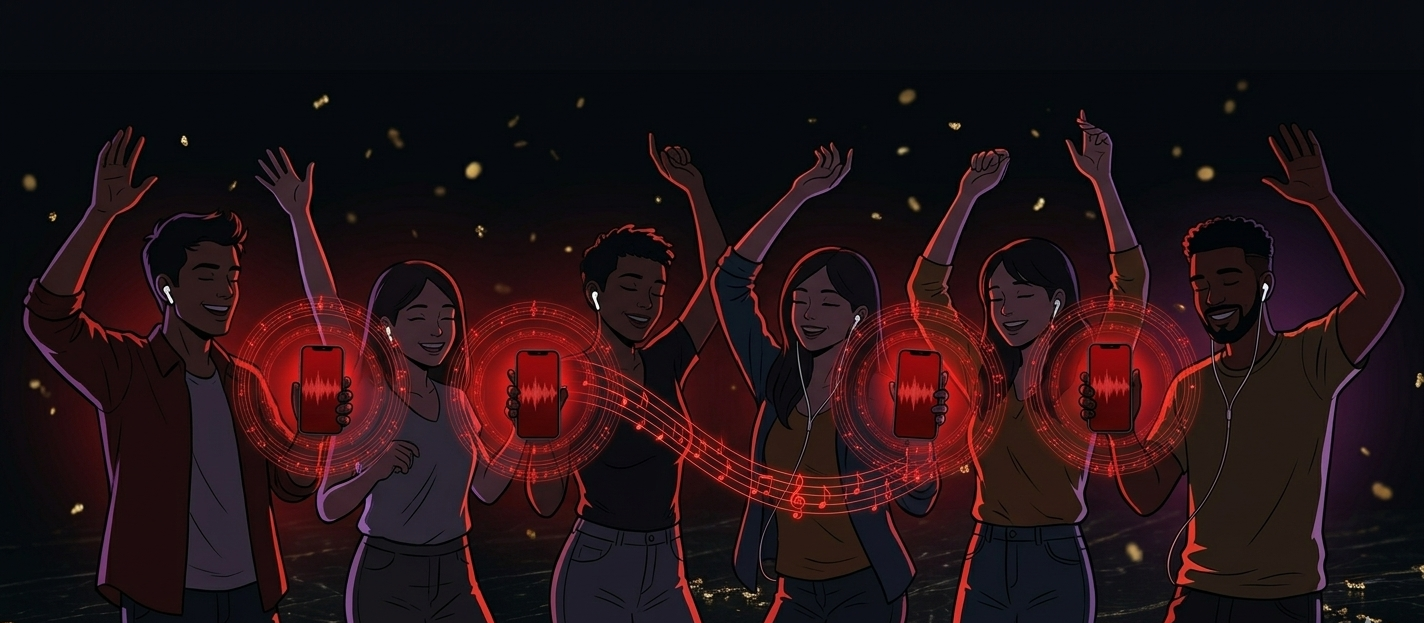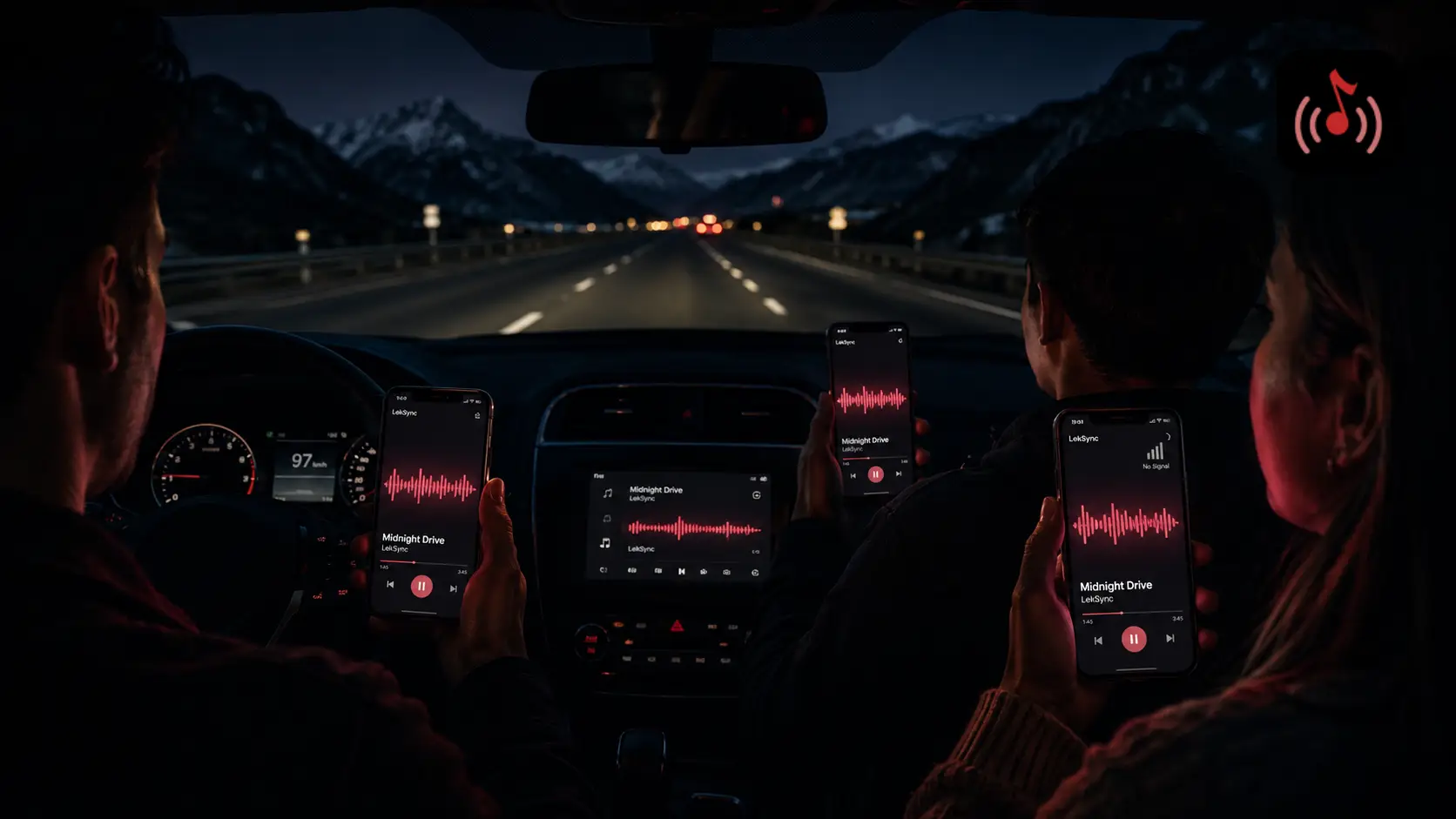
Road trips and dead zones go together. The moment you hit the highway, your streaming app starts buffering. An hour in, there's zero signal and the music stops. You're stuck playing DJ from one phone through a single speaker while everyone else sits in silence.
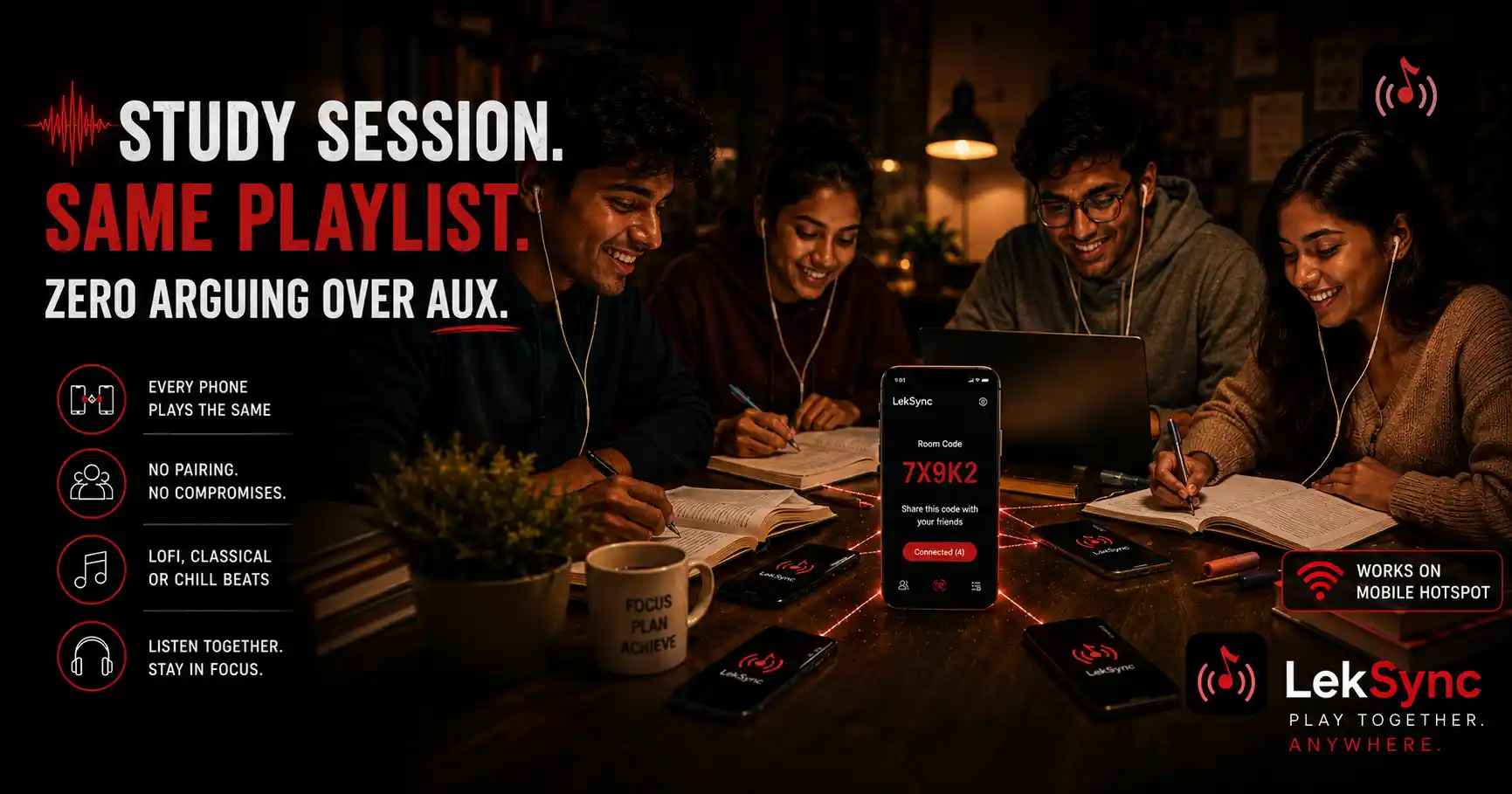
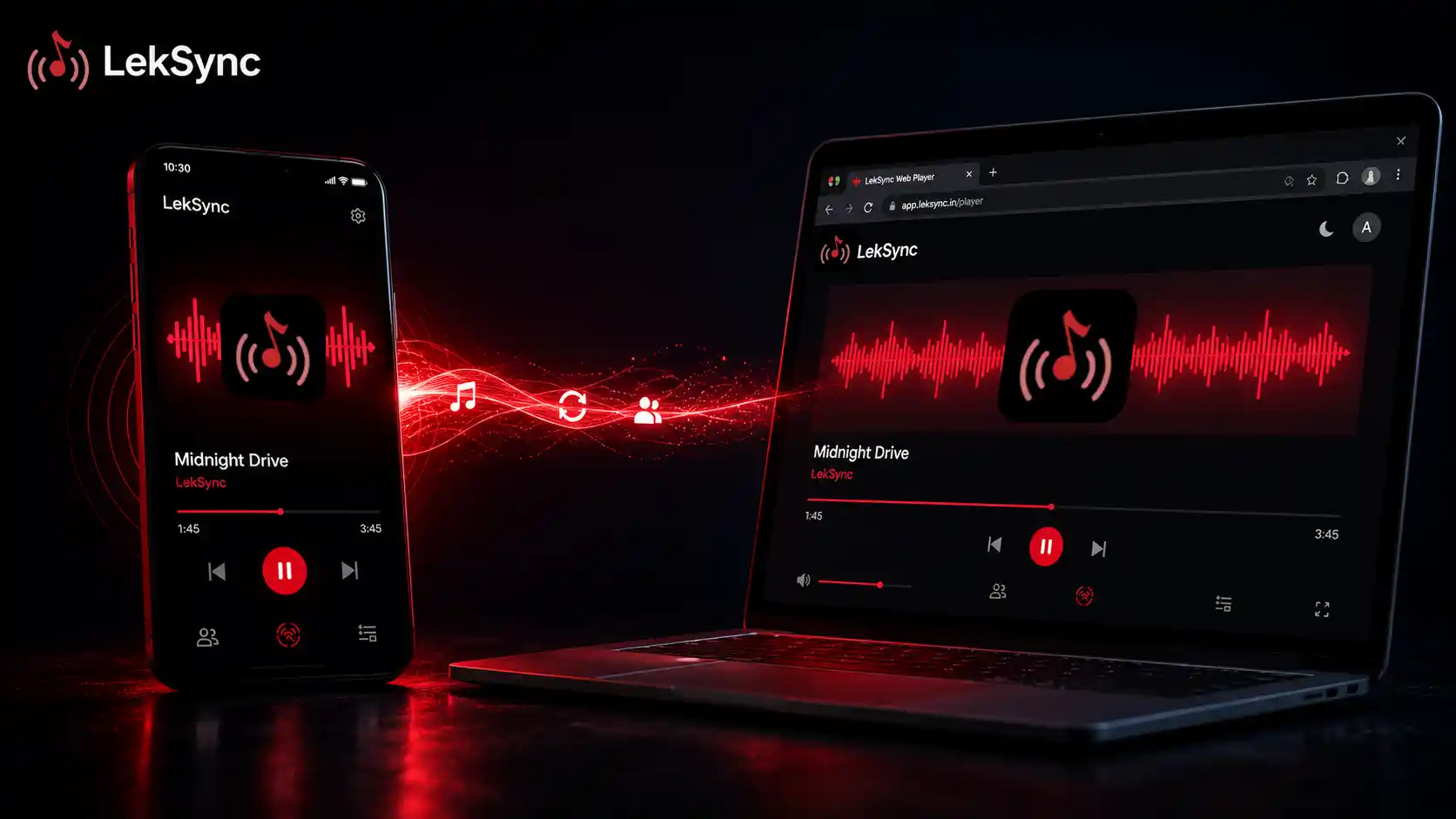
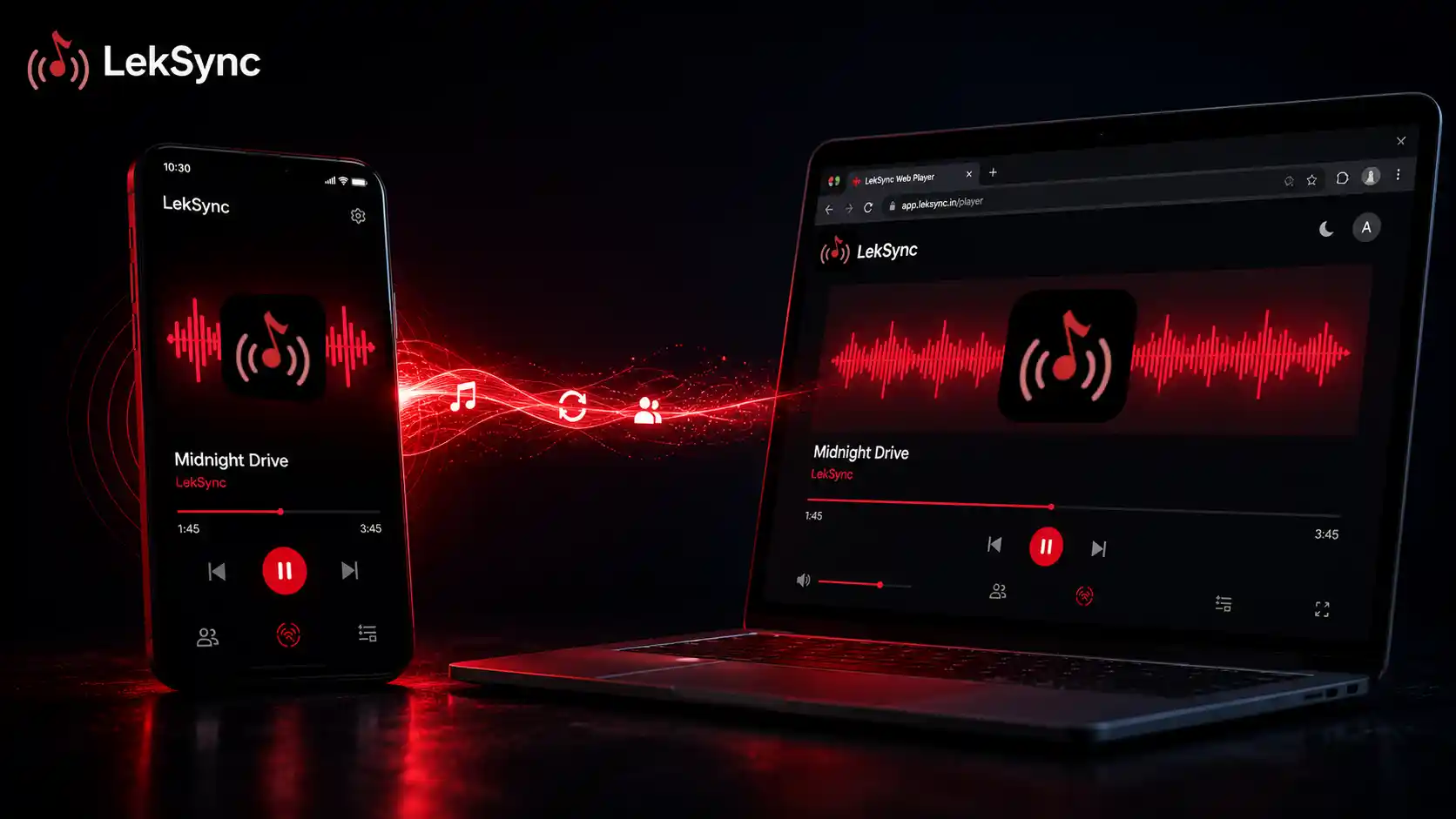
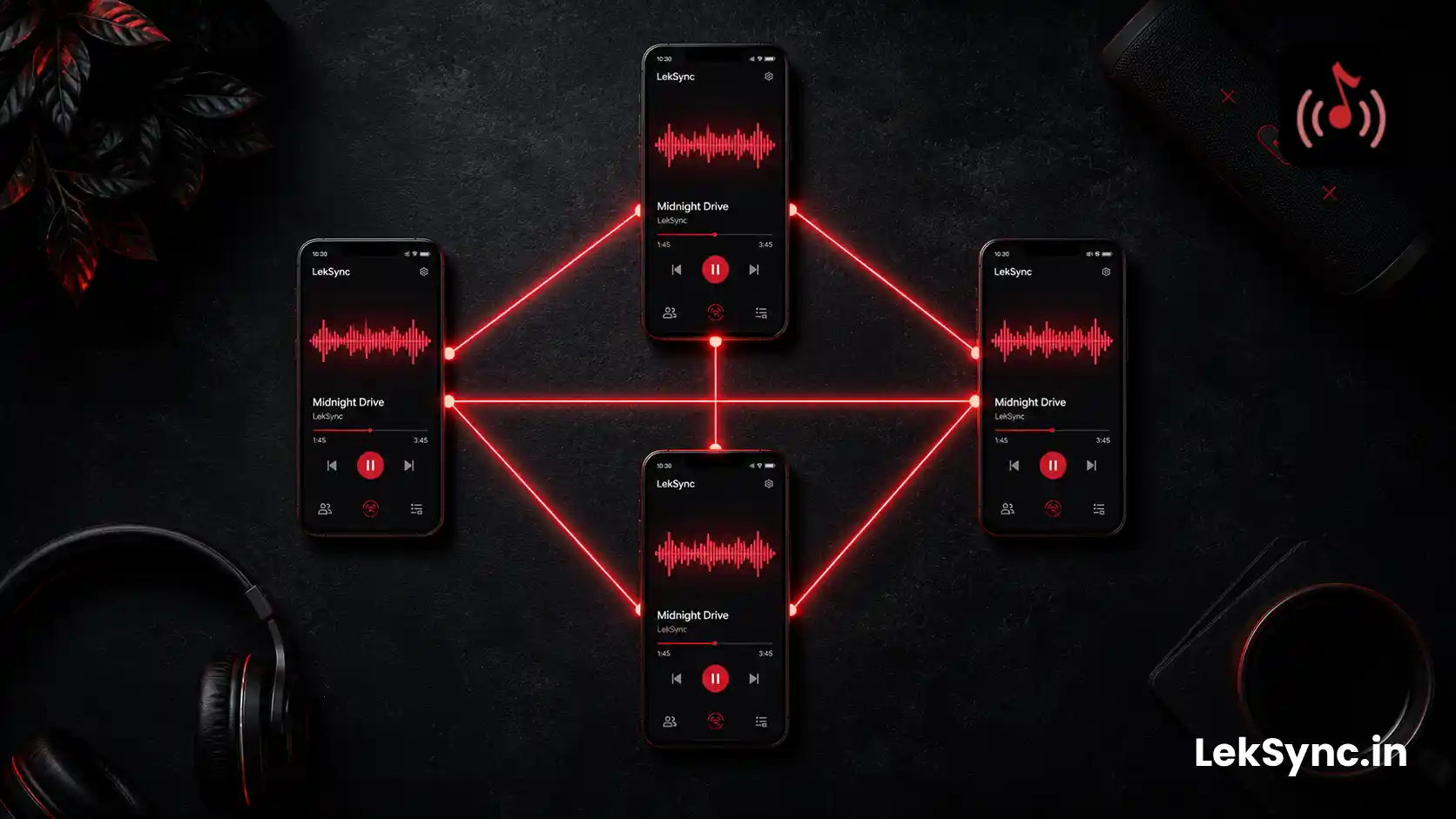
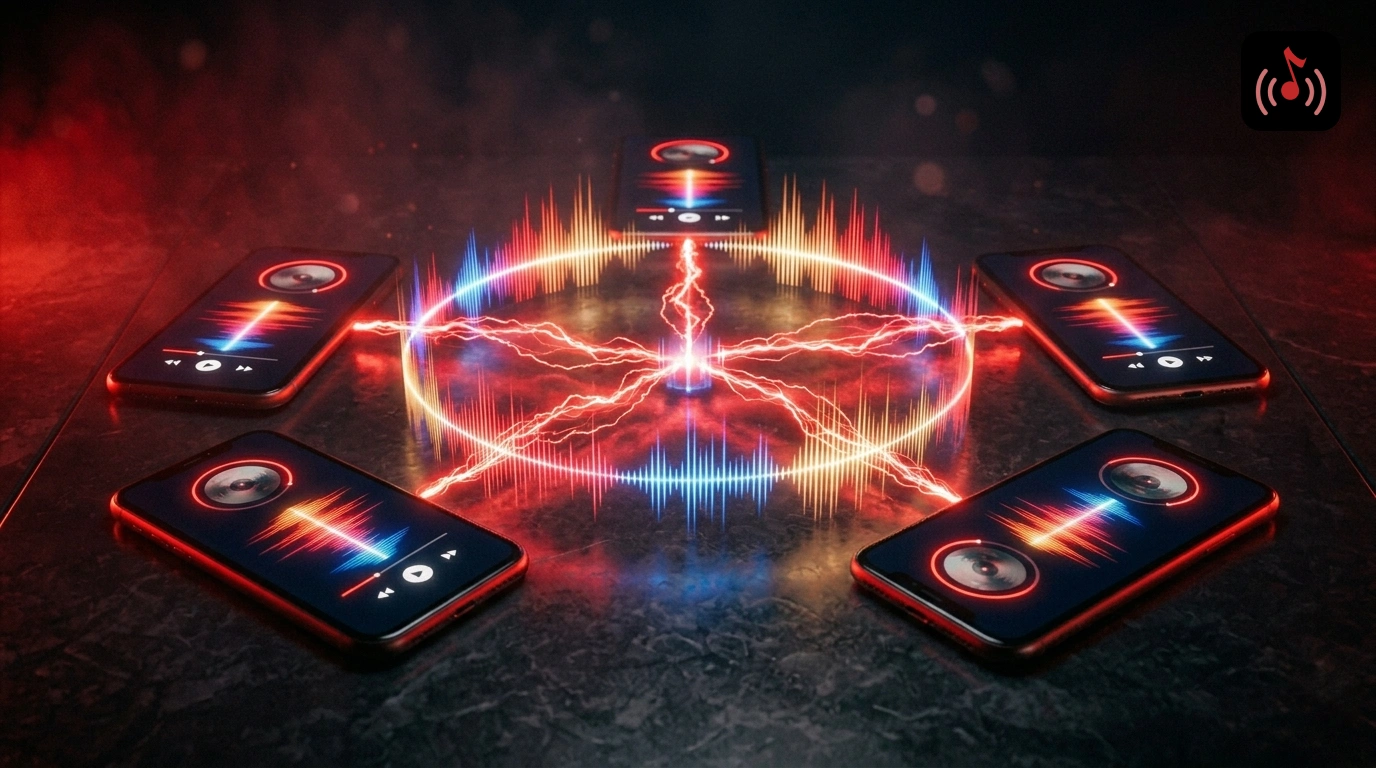
There's a better way. LekSync streams music across every phone in the car using a local hotspot — no internet, no data, no dead zones. Here's exactly how to set it up. (Looking for more car-audio fixes beyond just sync? See our 10 road trip music hacks.)
What You Need
- Two or more Android phones (Android 10 or newer)
- Music files downloaded on the host phone (MP3, FLAC, AAC — any format works)
- LekSync installed on the host phone — free on Google Play
- LekSync installed on each passenger's phone (or they can join from a browser)
No Wi-Fi router. No SIM card data. No subscription needed.
Step-by-Step Setup
Step 1: Download your playlist before you leave
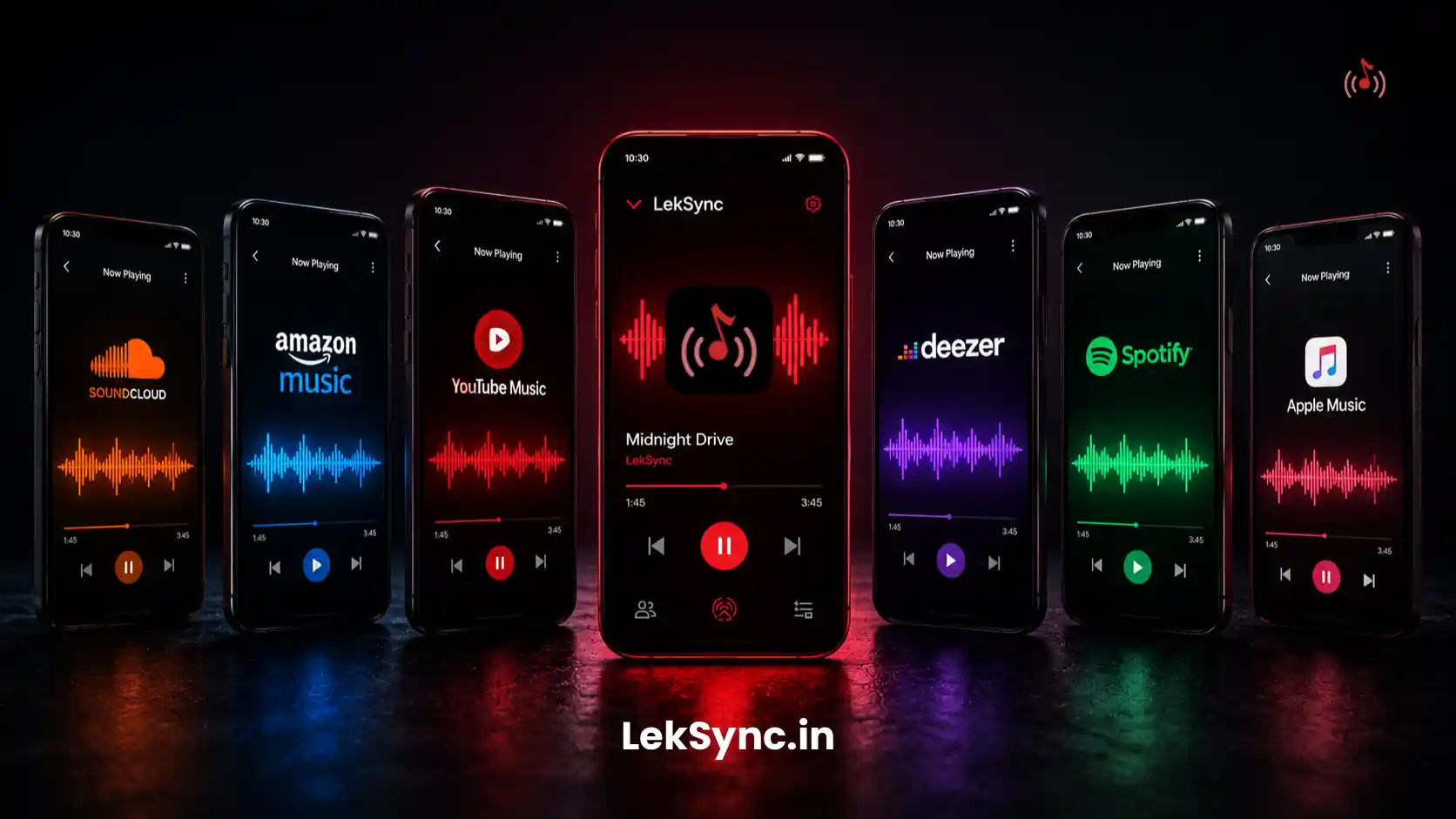
LekSync plays local files — not streaming services. Before the trip, use any music app (Spotify offline, YouTube Music downloads, or just drag MP3s onto your phone) to get your songs onto the host device. A folder of MP3s in your Downloads or Music folder works perfectly.
Step 2: Turn on your hotspot
On the host phone, go to Settings → Hotspot & Tethering → Wi-Fi Hotspot and switch it on. Share the network name and password with everyone in the car.
Step 3: Everyone connects to the hotspot
Passengers connect their phones to the host's hotspot — the same way they'd join any Wi-Fi network. This is the only network step. No accounts, no logins.
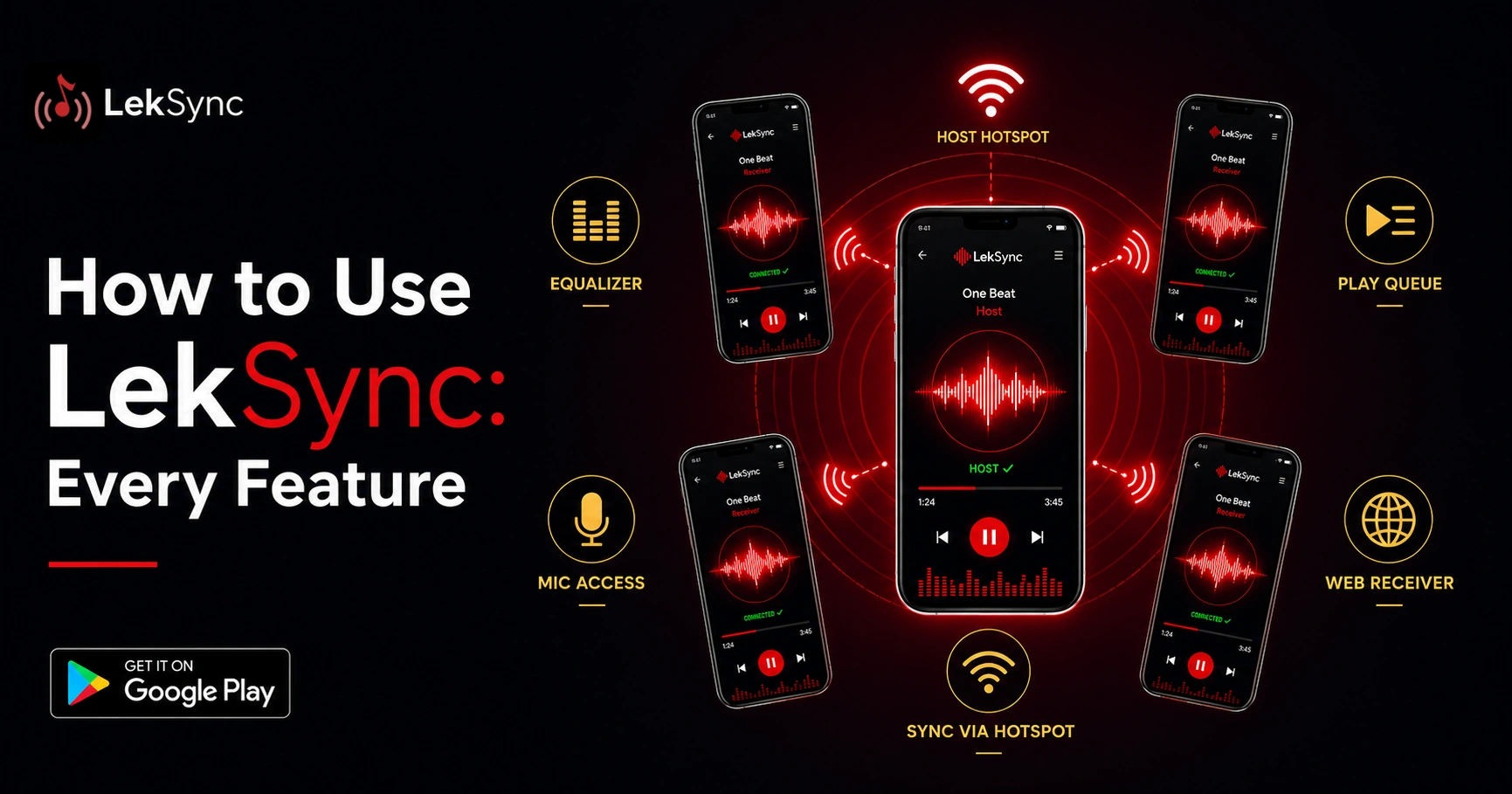
Step 4: Open LekSync and tap "Host"
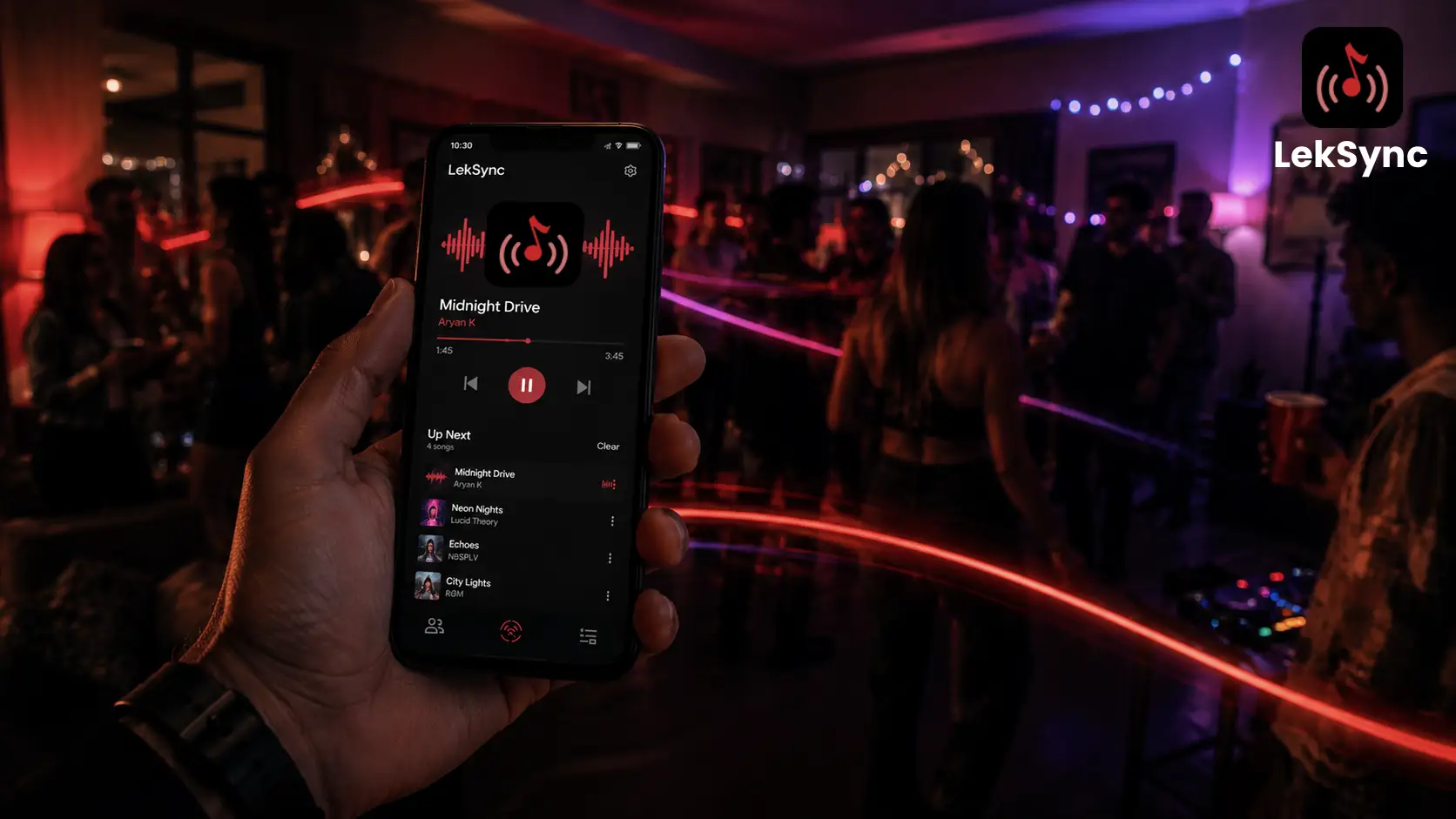
On the host phone, open LekSync and tap Host on the start screen. Your local music library loads automatically. The host is now broadcasting to the local network.
Step 5: Passengers open LekSync and tap "Receiver"
On each passenger's phone, open LekSync and tap Receiver. The app finds the host on the network automatically. Tap to connect — it takes about two seconds.
Step 6: Press play
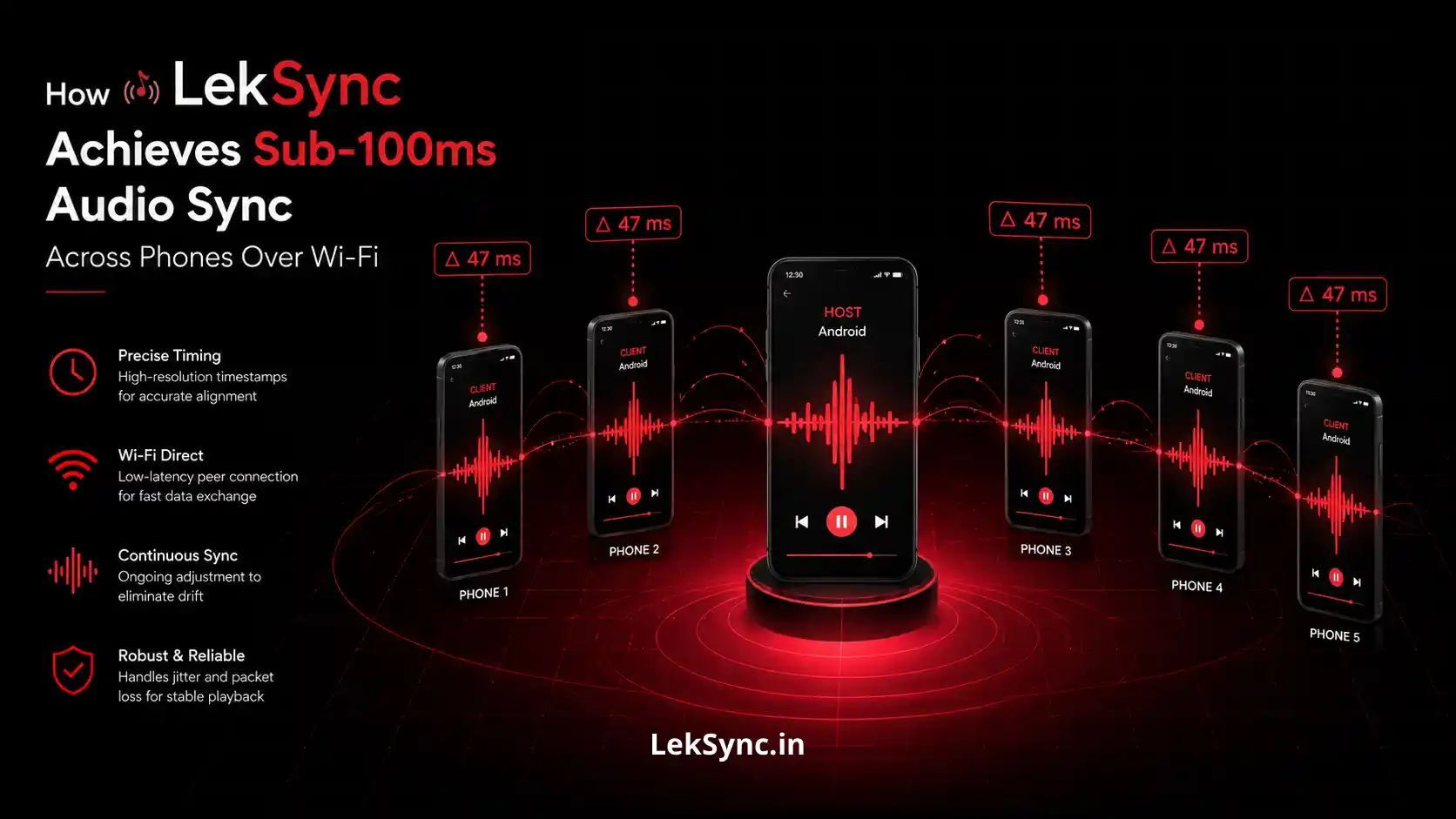
On the host phone, tap any song. Every connected phone plays it at the exact same moment — synced to within 100 milliseconds. Everyone plugs in their earphones and the road trip soundtrack begins.
Why This Works Better Than Sharing a Speaker
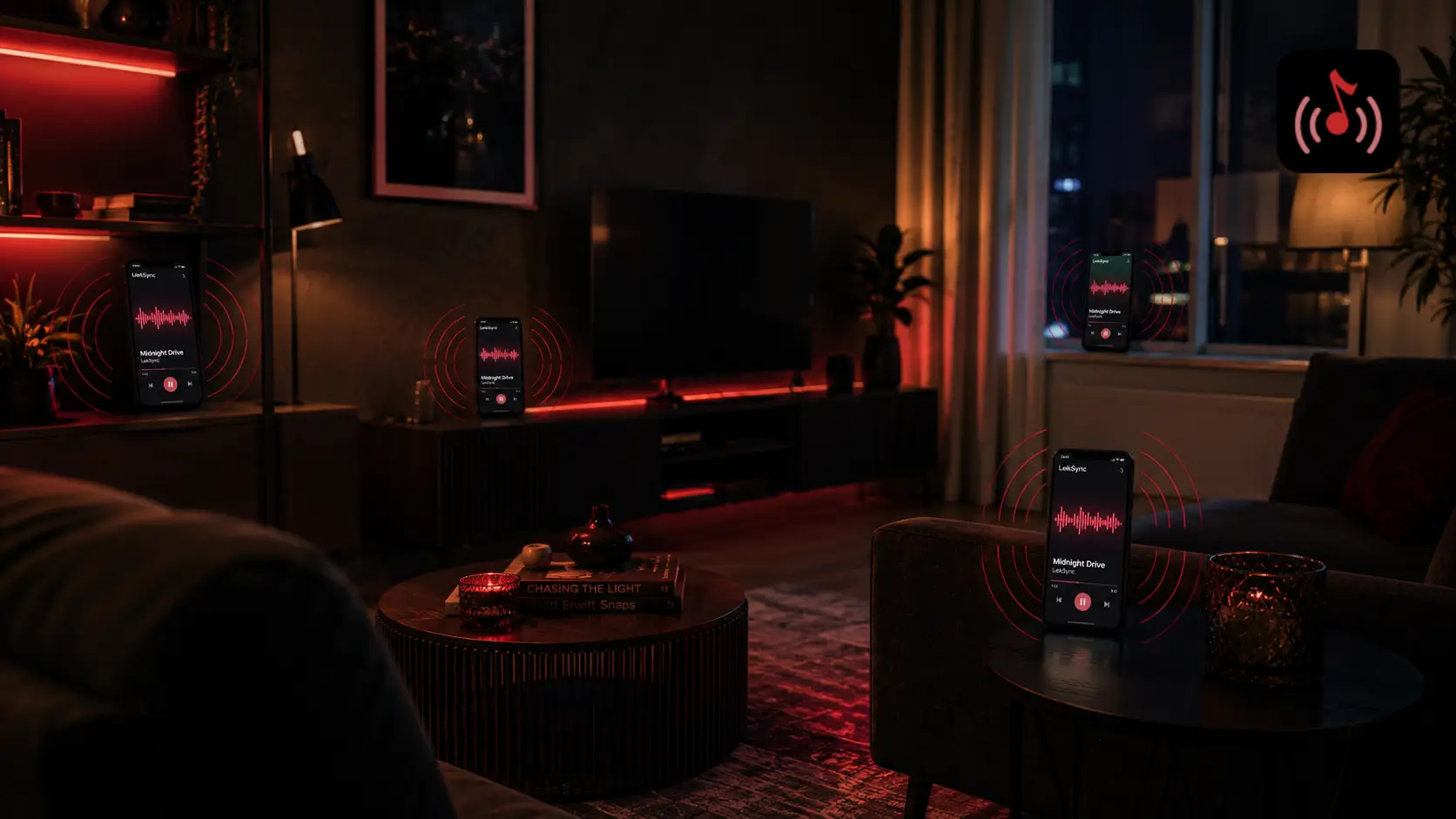
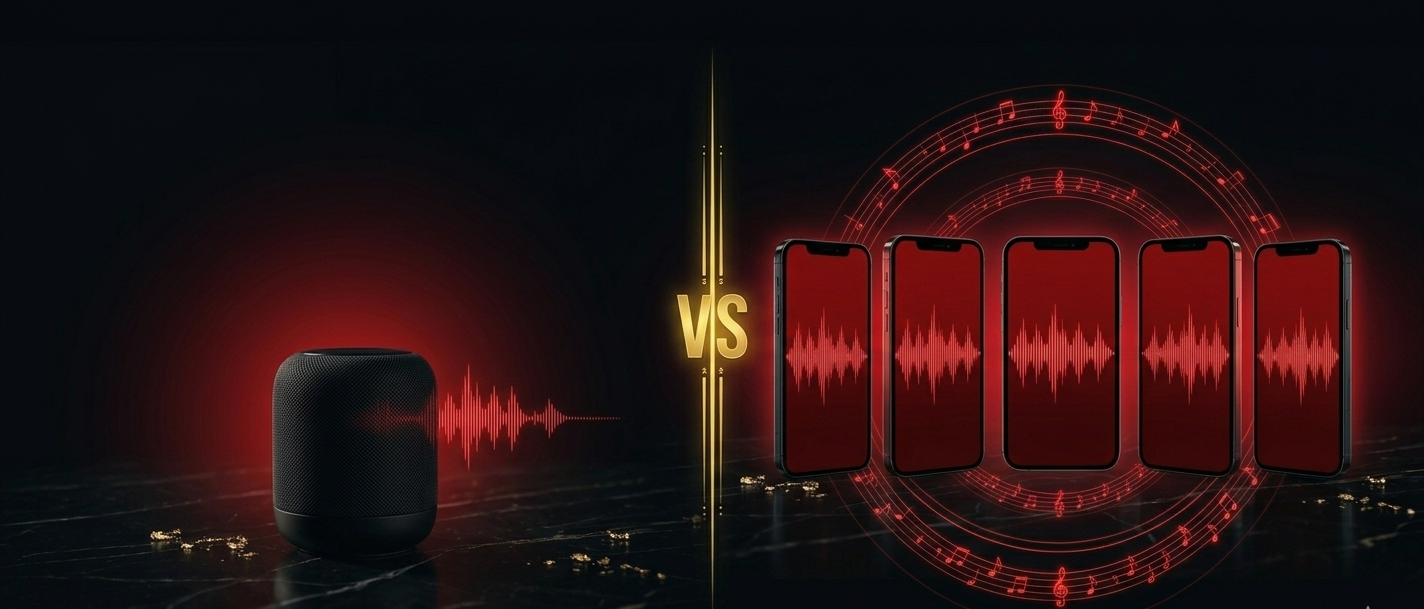
A single Bluetooth speaker in the car means half the passengers can't hear properly, the person nearest the speaker gets blasted, and everyone else gets nothing. With LekSync:
- Each person uses their own earphones or their phone's speaker
- Volume is controlled individually on each device
- The music is perfectly in sync — no echo, no delay
- Nobody fights over the aux cord
Tips for a Smooth Trip
- Keep the host phone plugged in. Running a hotspot and streaming audio draws more battery than usual. A car charger or USB port keeps the session going for hours.
- Download more than you think you need. A 10-hour road trip is 10 hours of music. Download a full offline playlist the night before.
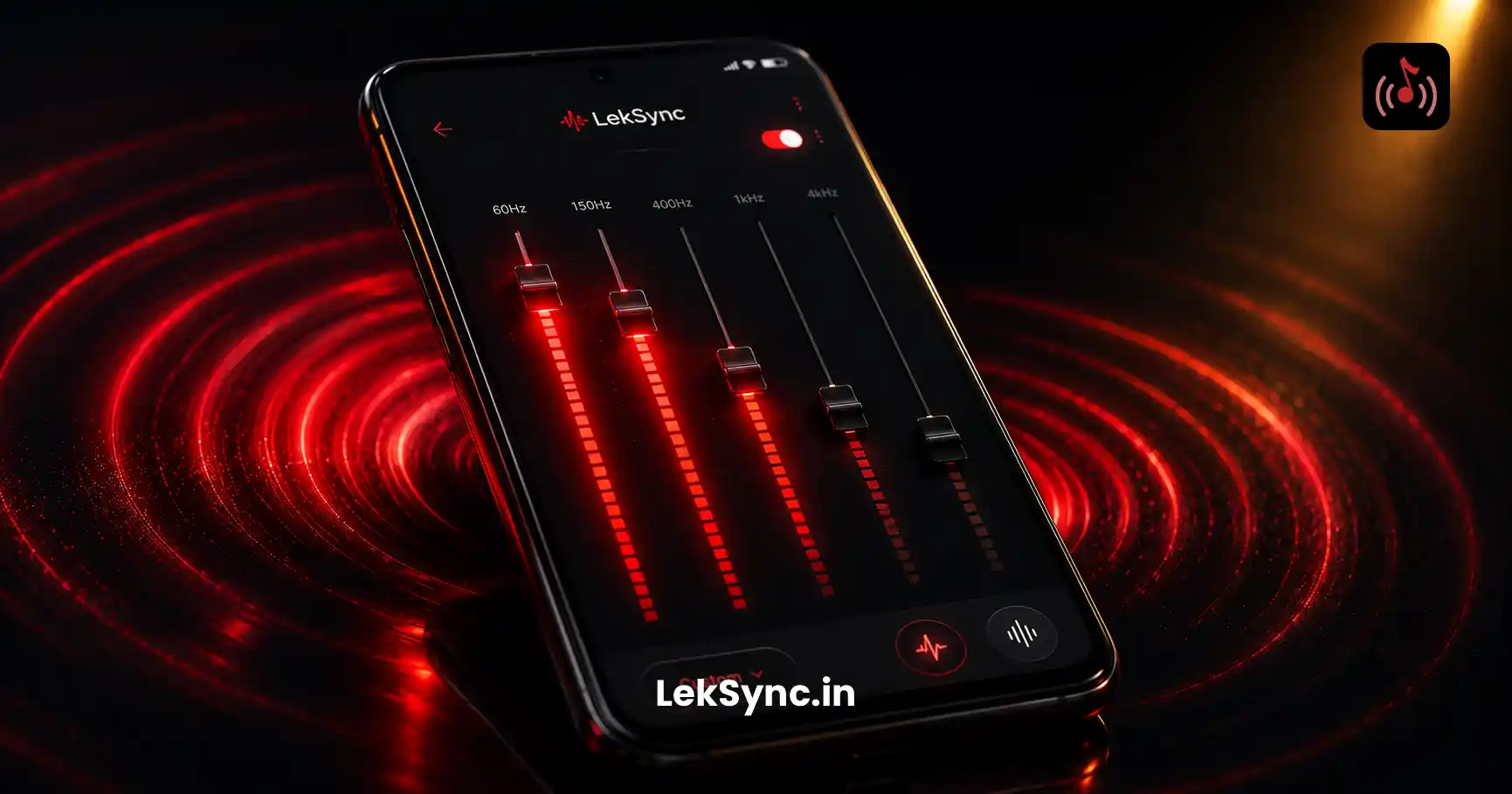
- Use the equalizer. The host's EQ settings apply across all connected phones. Dial in the bass before you hit the highway.
- Enable mic audio. The host can tap the mic button to speak to all passengers over the music — useful for announcements without shouting across the car.
- Hotspot password tip. Set a simple password before the trip so passengers can connect quickly without a long string of characters.
What About Spotify or Apple Music?
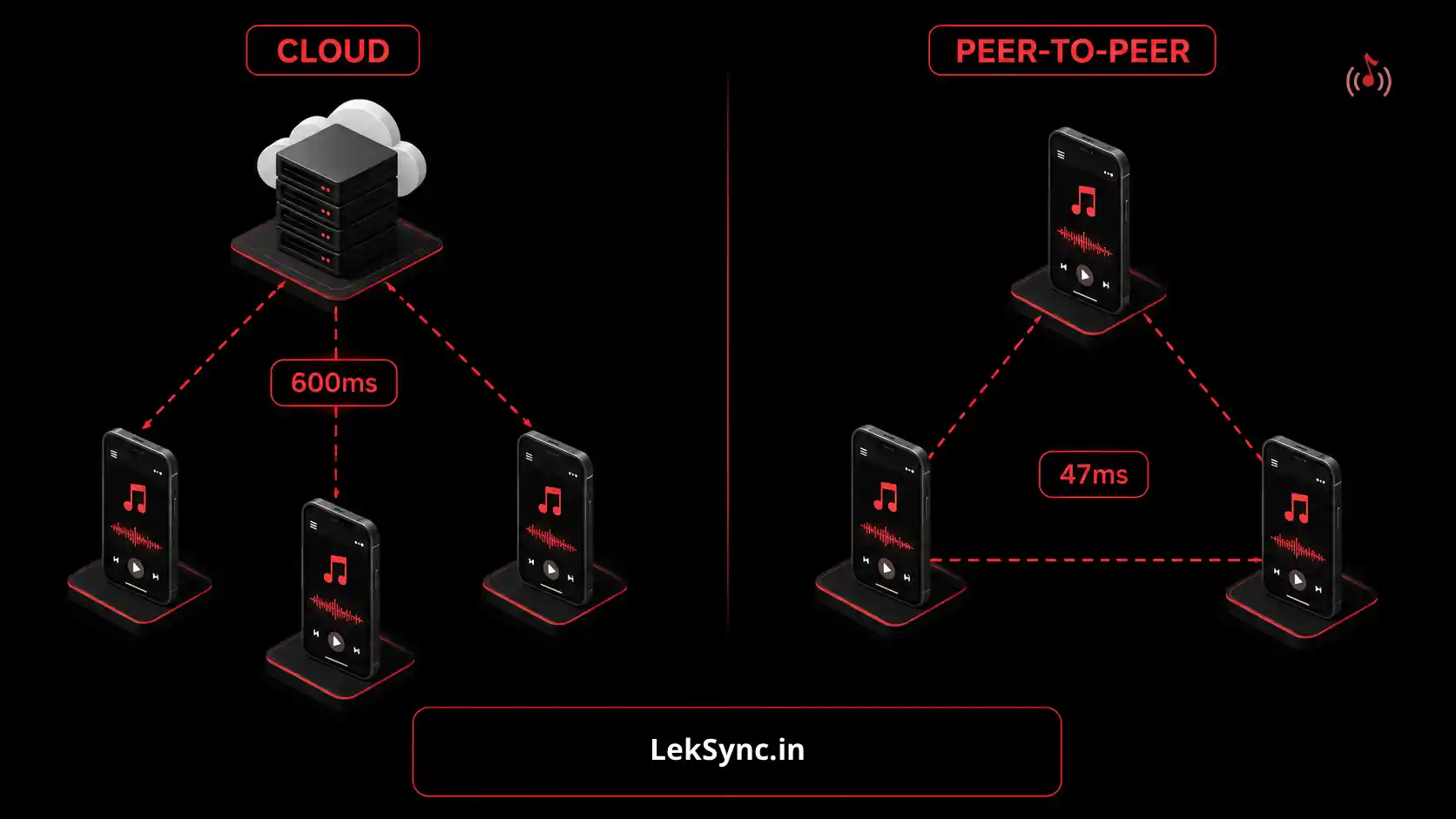
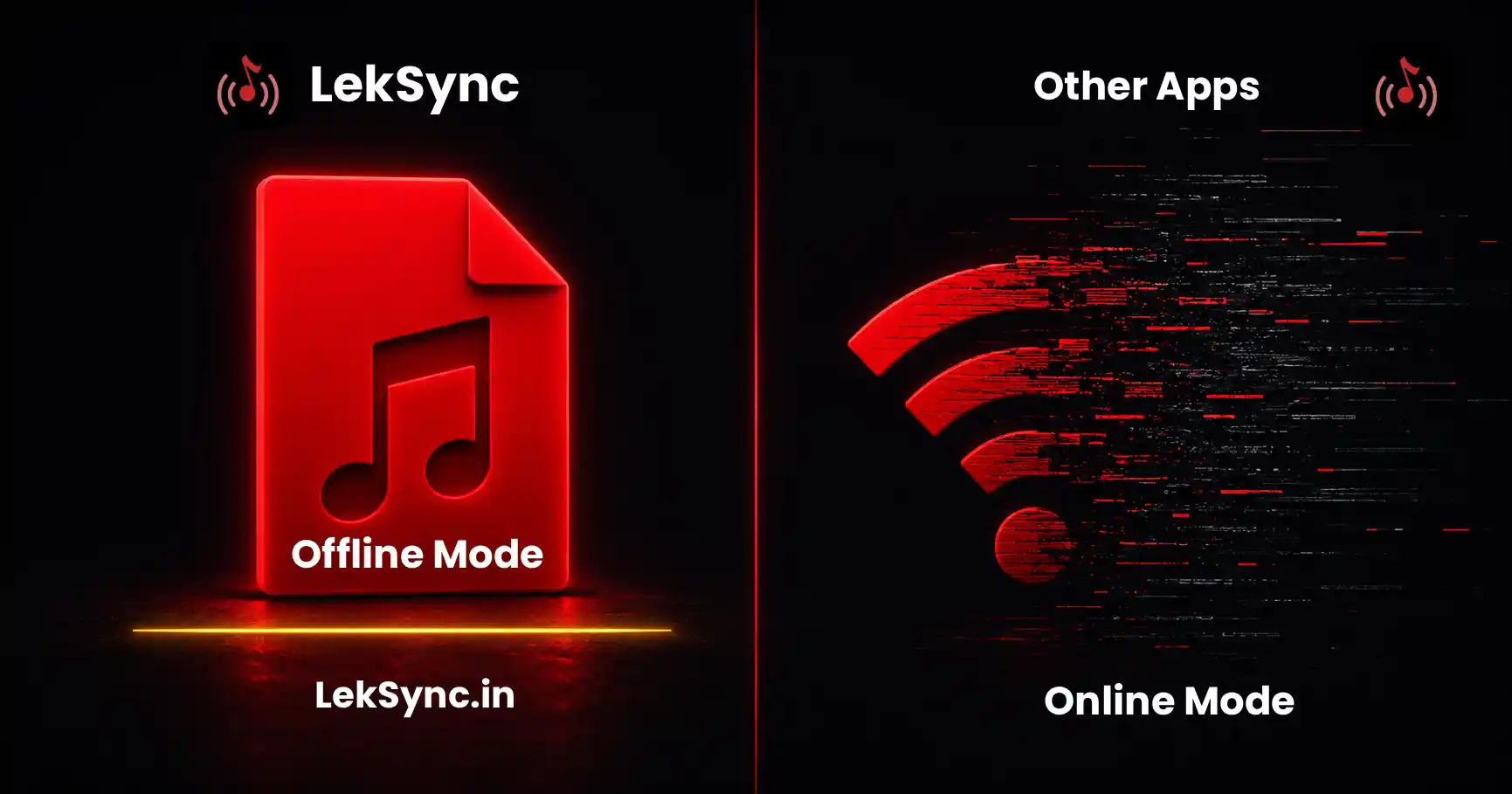
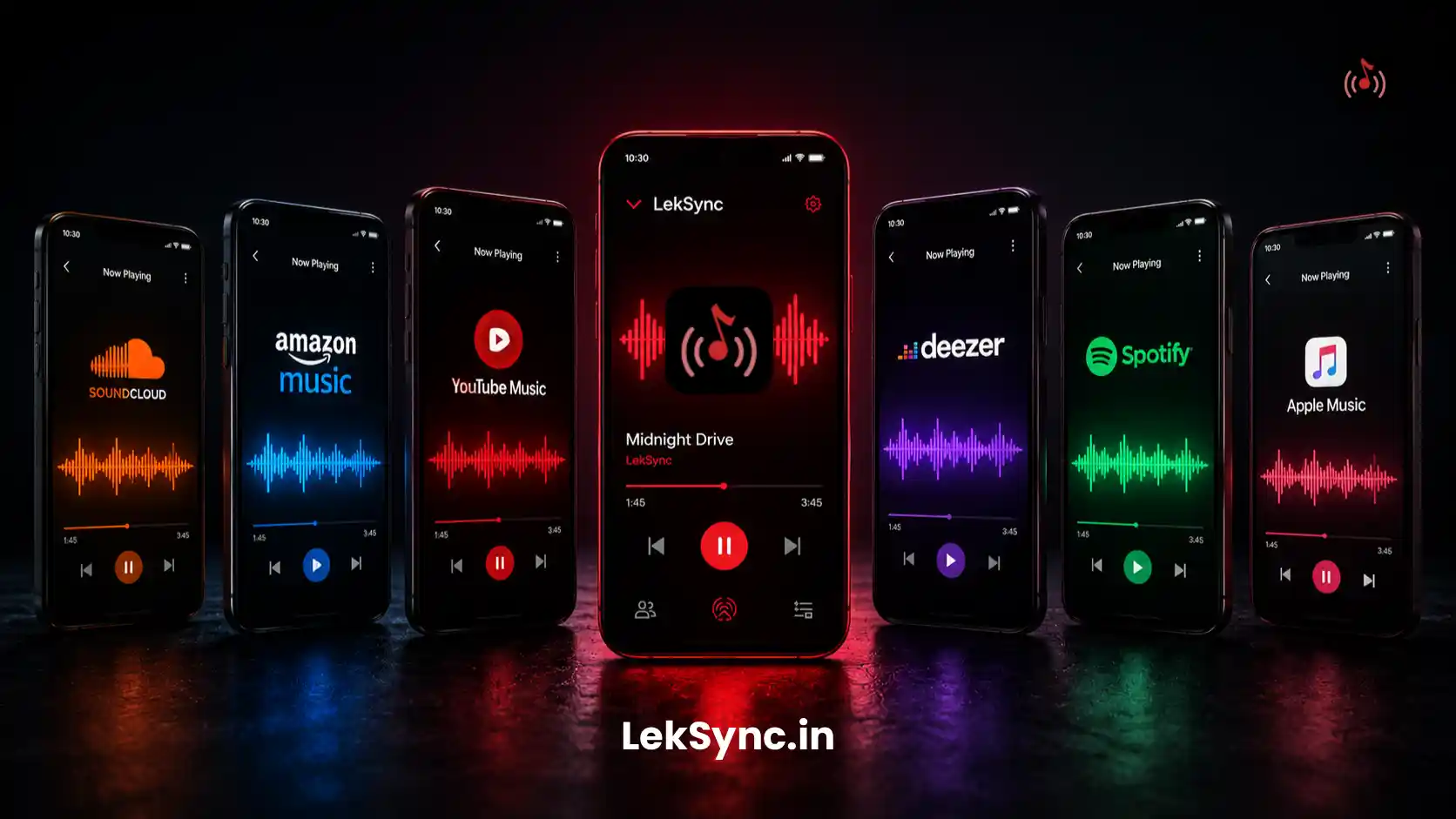
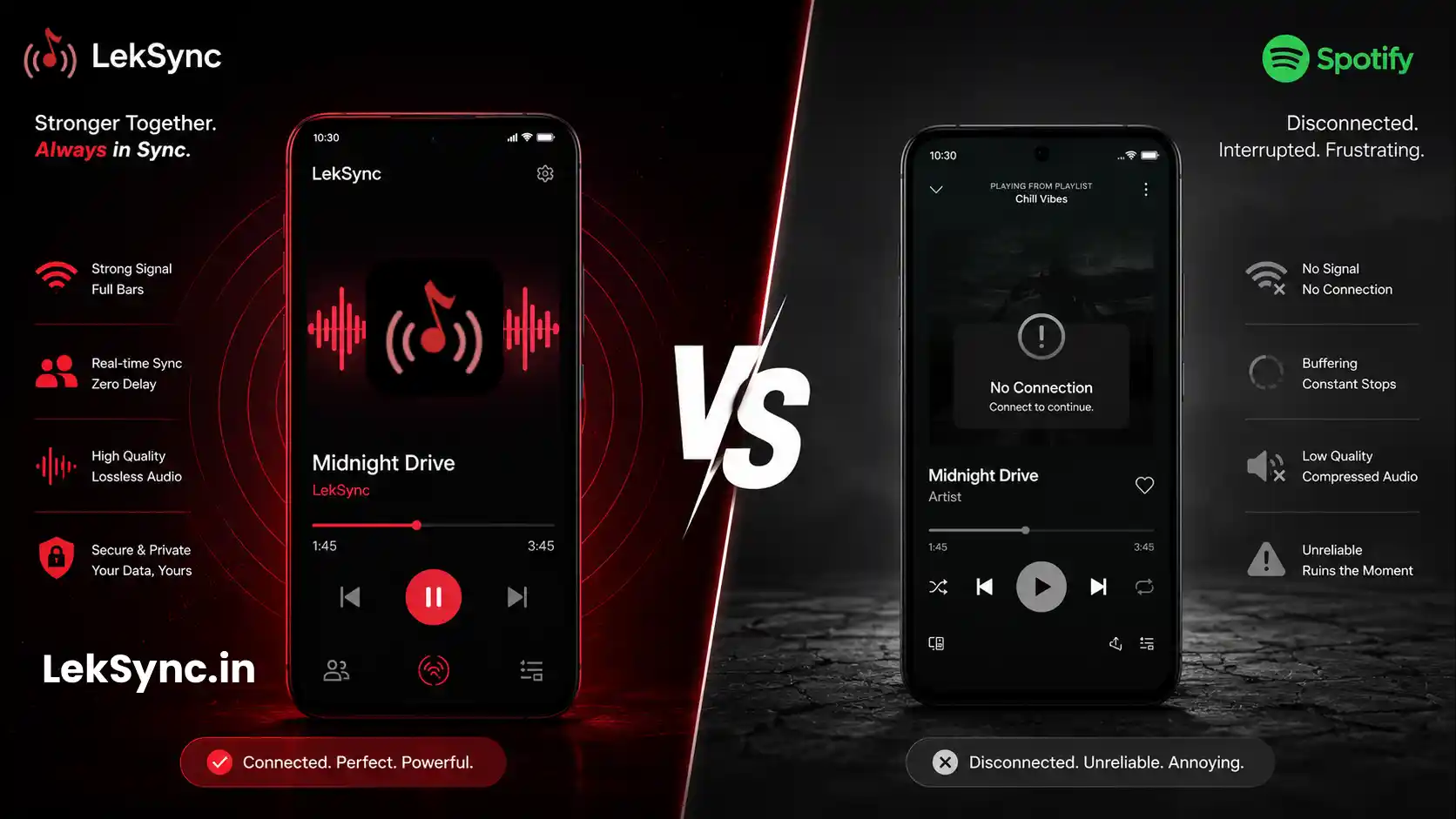
Spotify and Apple Music both stop working without a data connection — even with downloaded songs, their sync features require internet. LekSync is built differently: it streams directly from the host phone's storage to everyone else over the local hotspot. No server in the middle. No data consumed. Works anywhere.
Ready to Try It?
Download LekSync free on Google Play and set it up before your next trip. The whole setup takes under two minutes — and works every time, signal or no signal.