The road trip is the original group listening experience. Five friends in a car, one playlist, one set of speakers, six hours of highway. Then the cell signal drops, the aux cable falls out, and someone's earbuds run out of battery in the back seat. The vibe dies. The vibe was the whole point.
Here are ten hacks every road trip group should know to keep music going for the whole drive, even when everything tries to stop it.
1. Make Everyone a Speaker, Not Just One
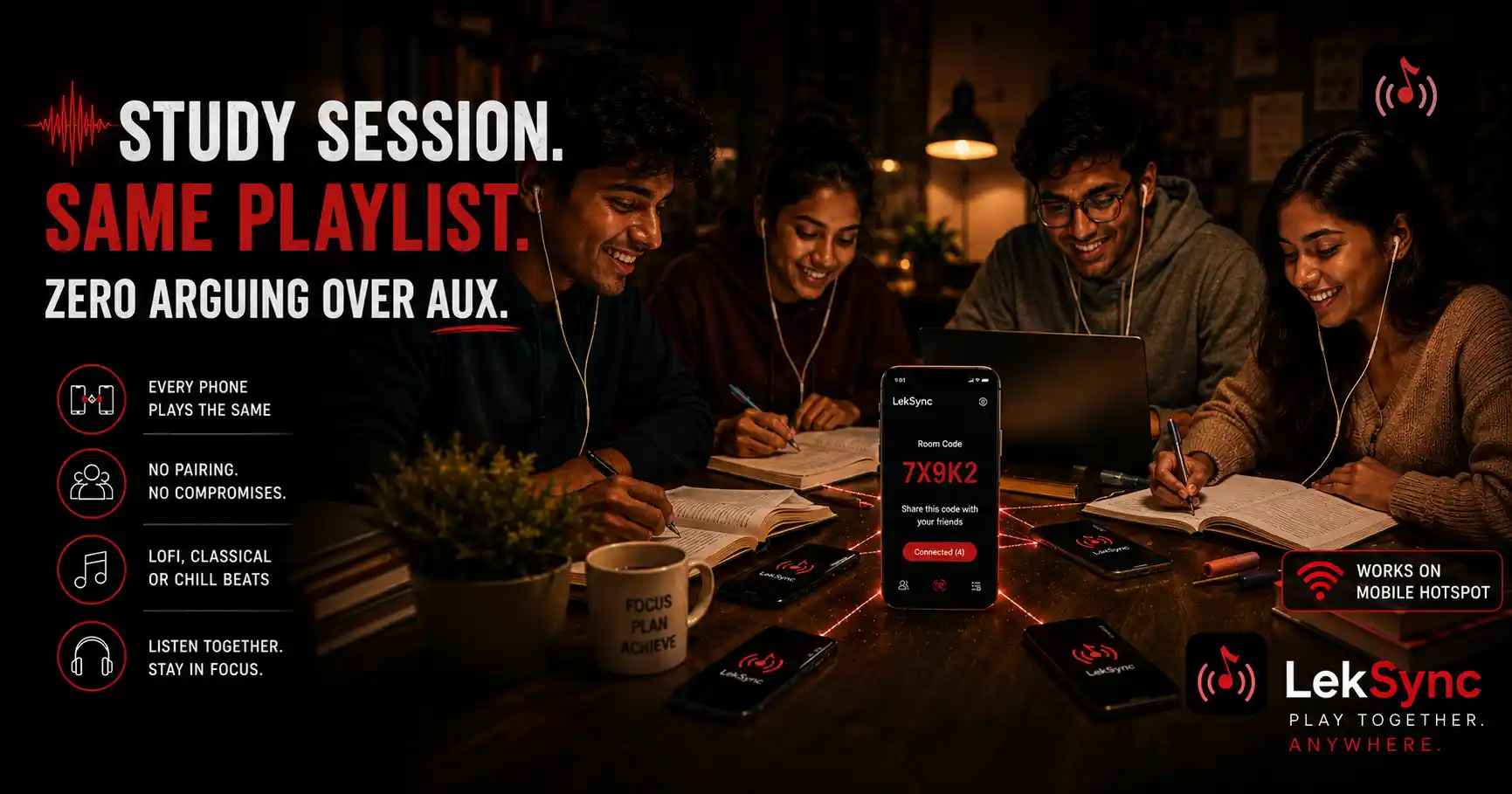
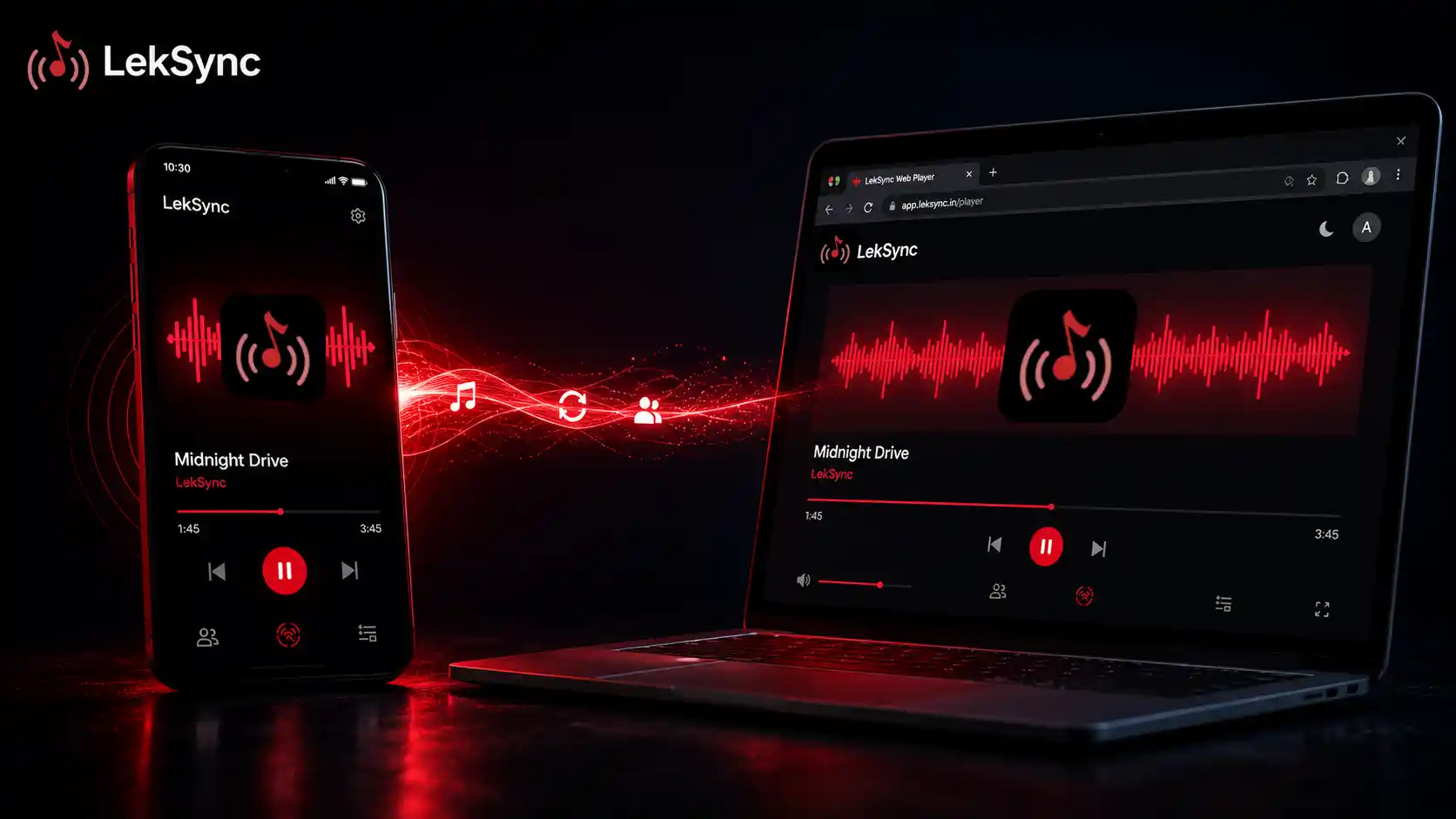
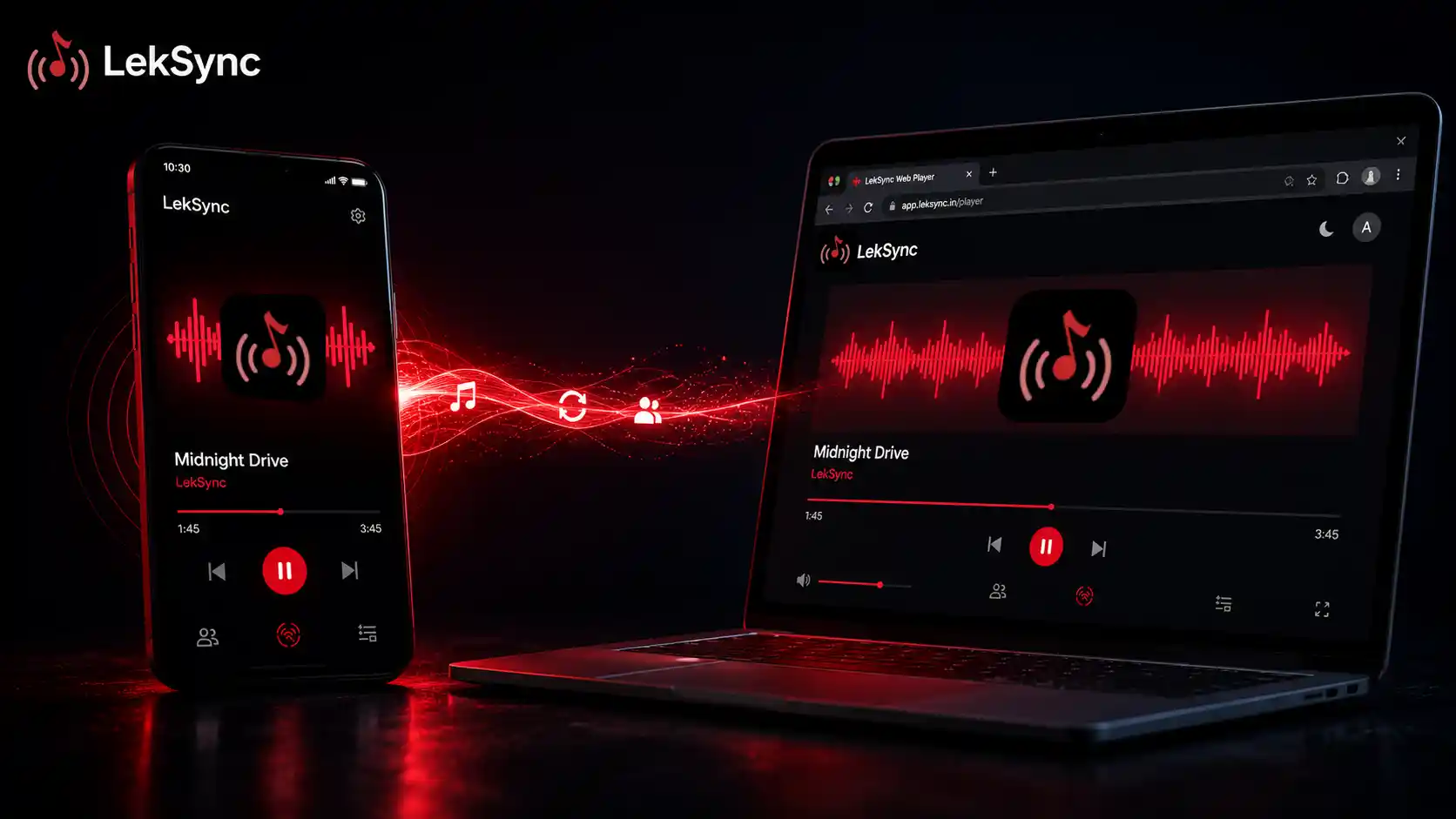
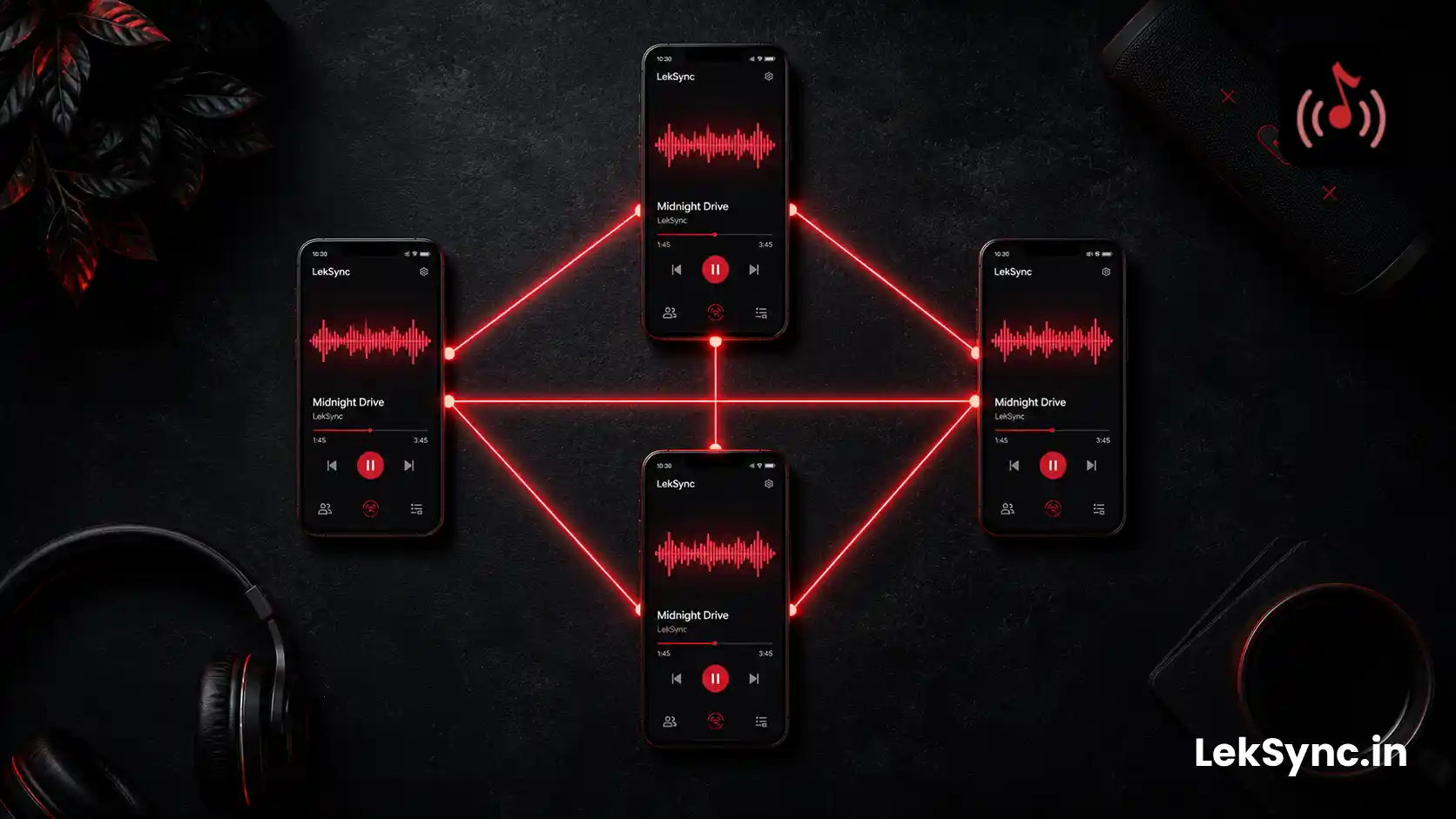
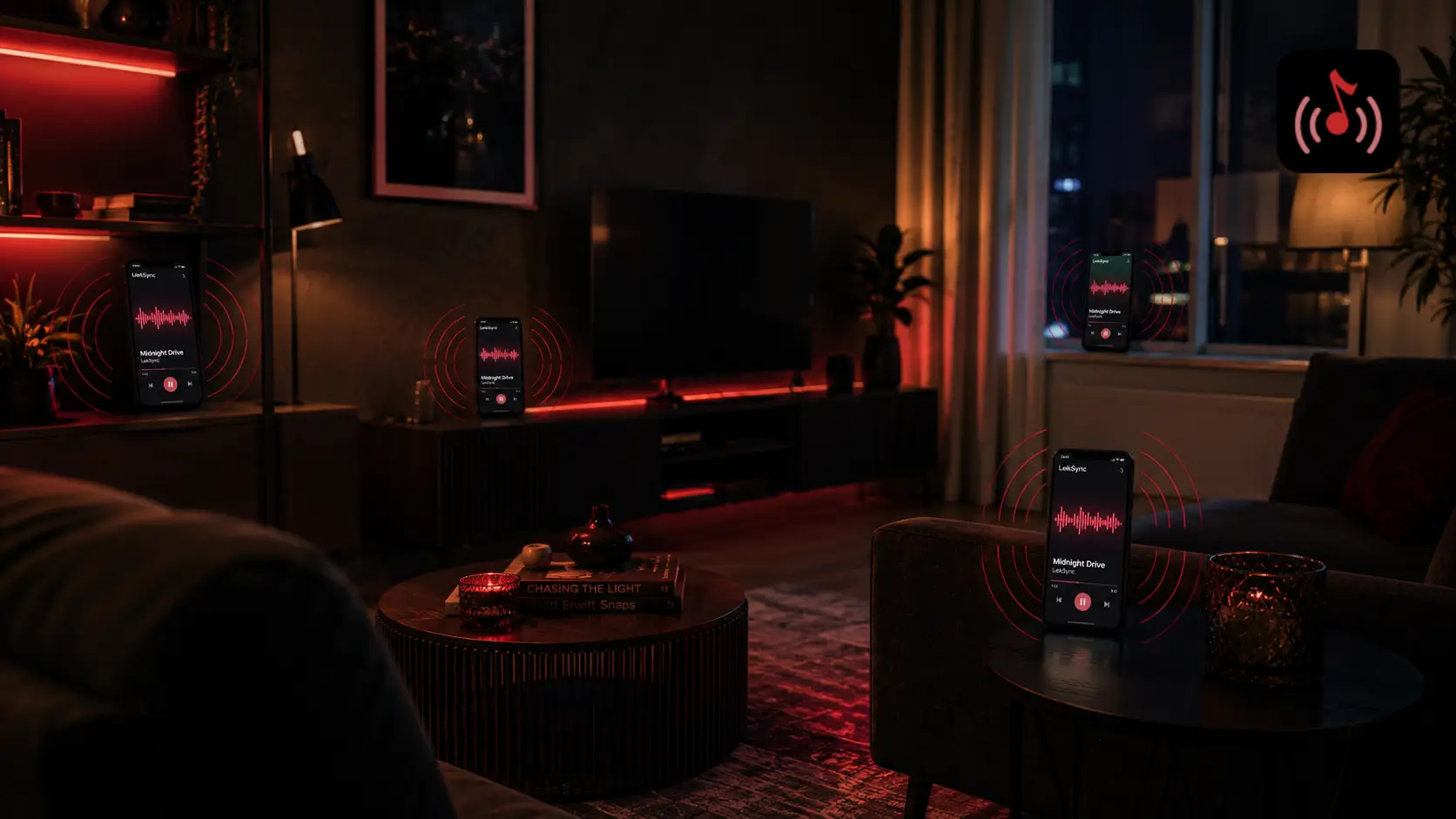
The default road trip setup, one phone on aux and everyone else silent, wastes nine other devices. If every phone is connected to the same music feed, you get richer sound, the back seat can hear properly, and people with earphones can listen at their own volume.
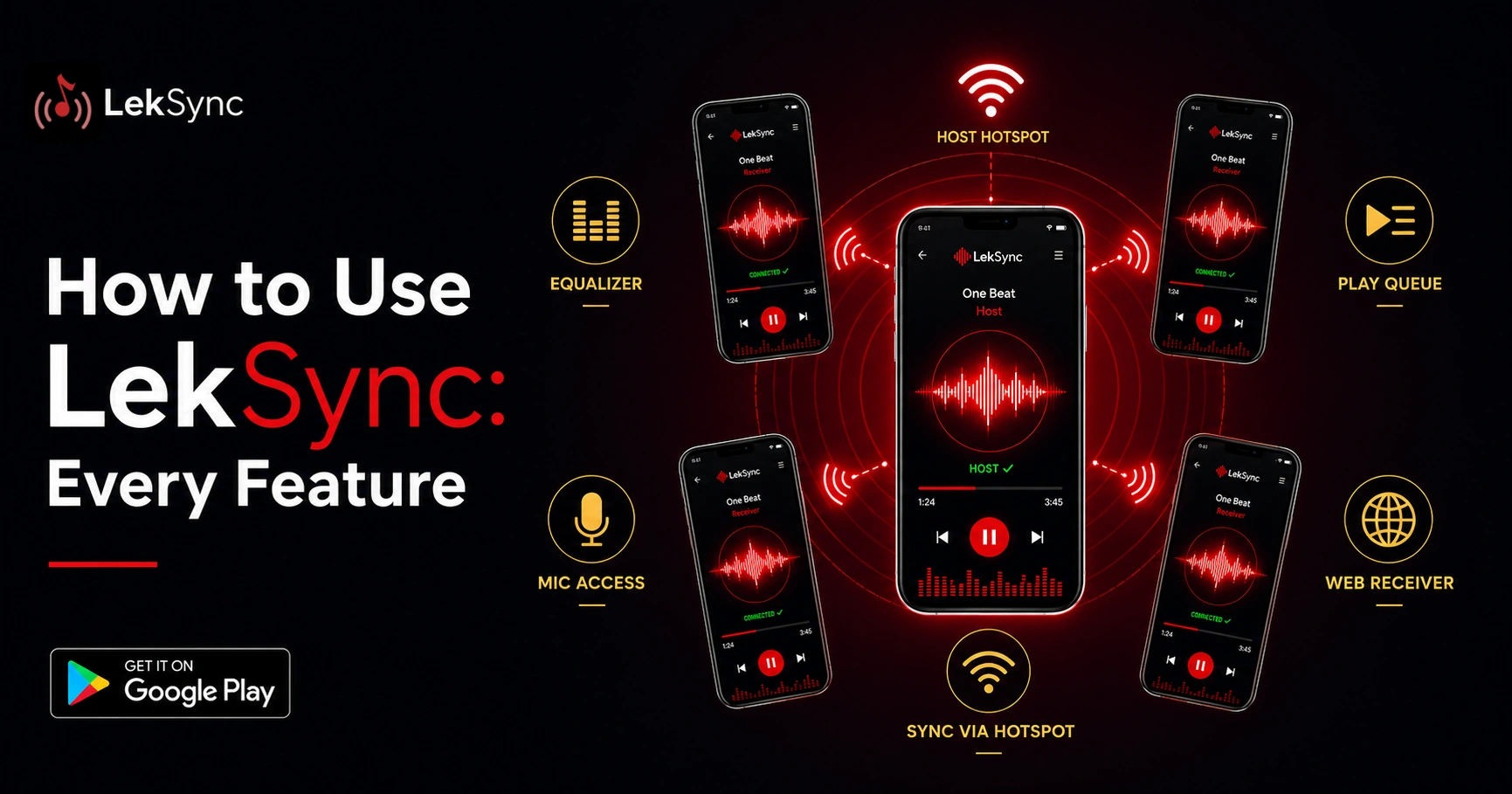
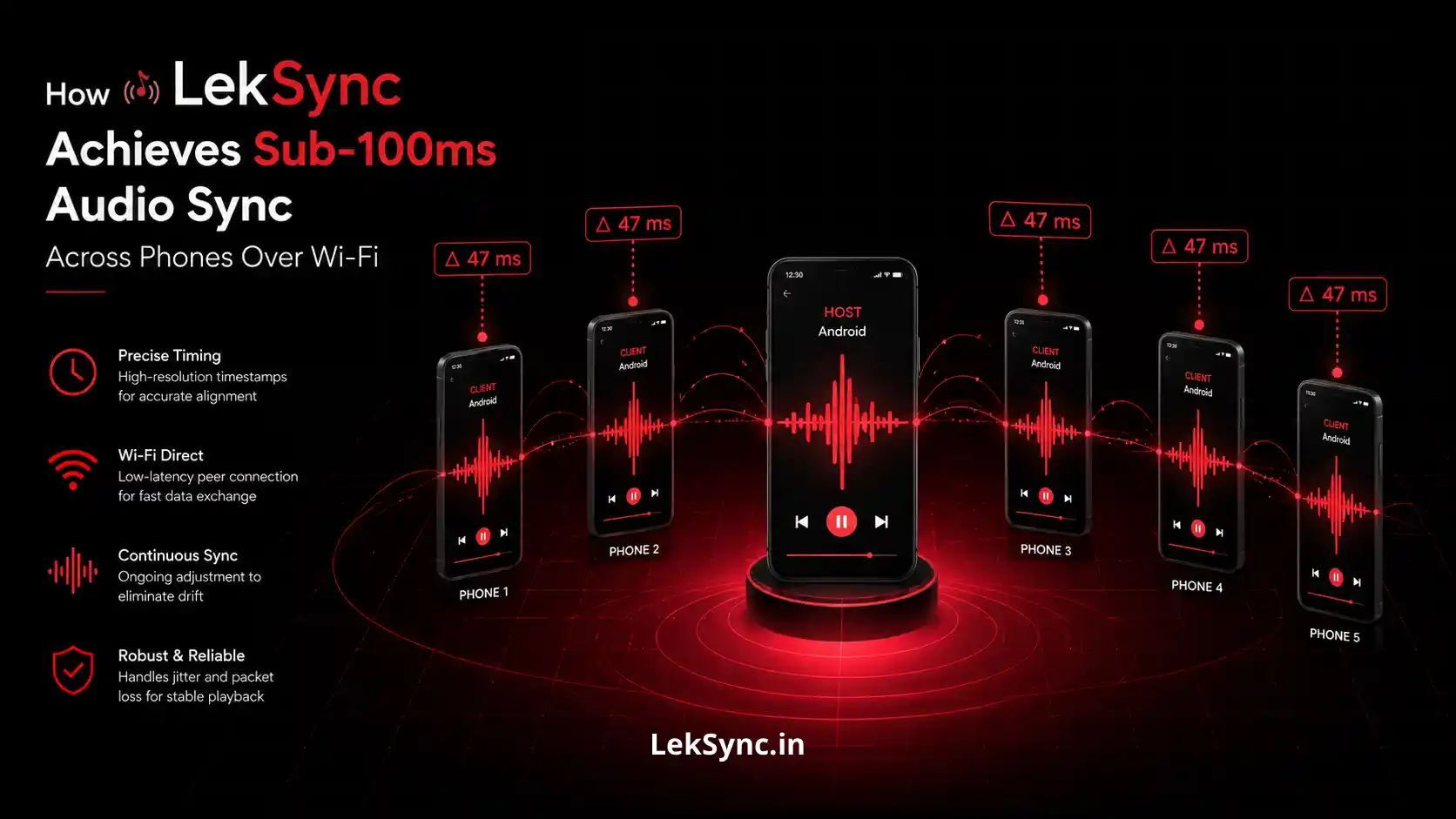
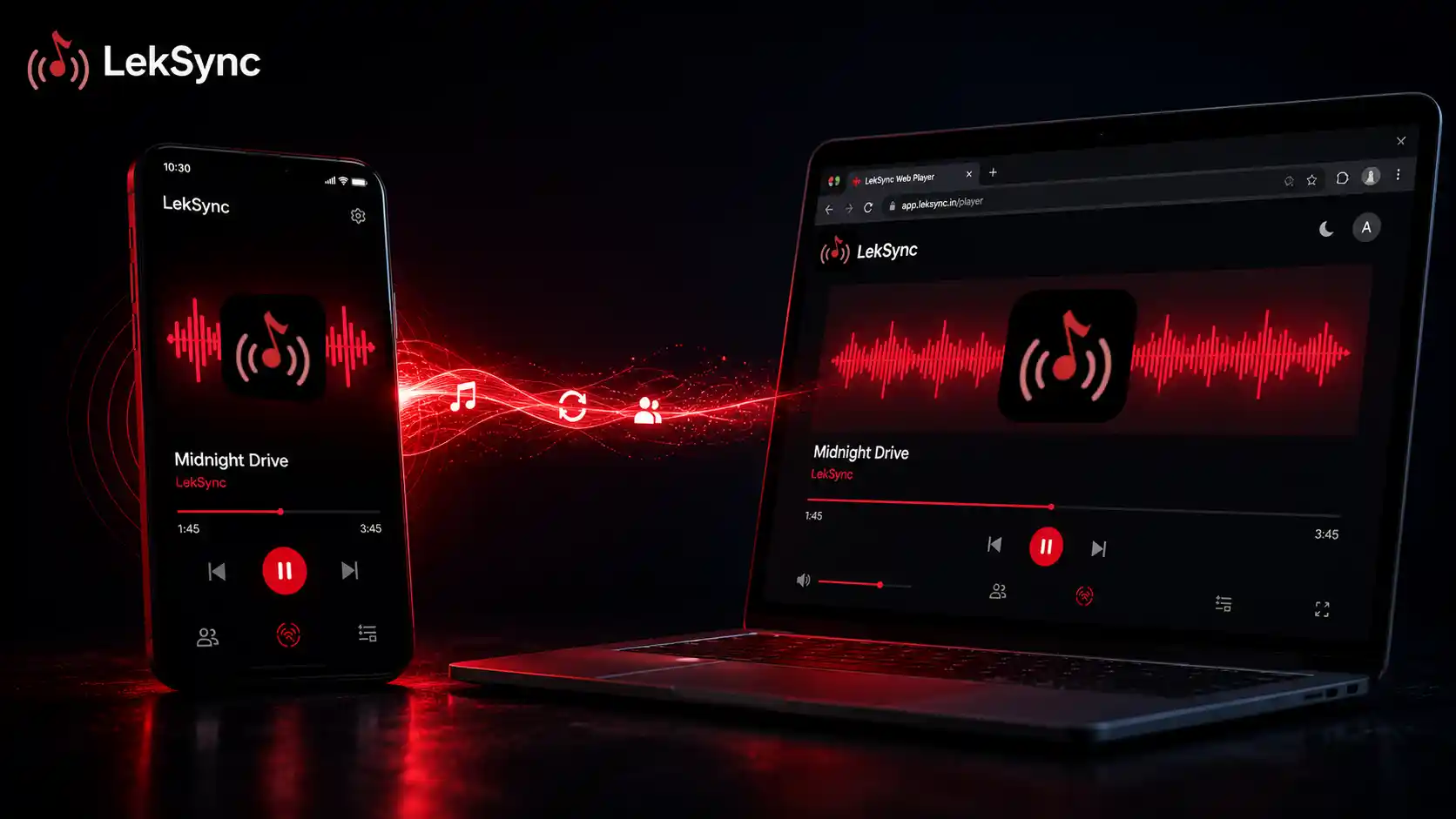
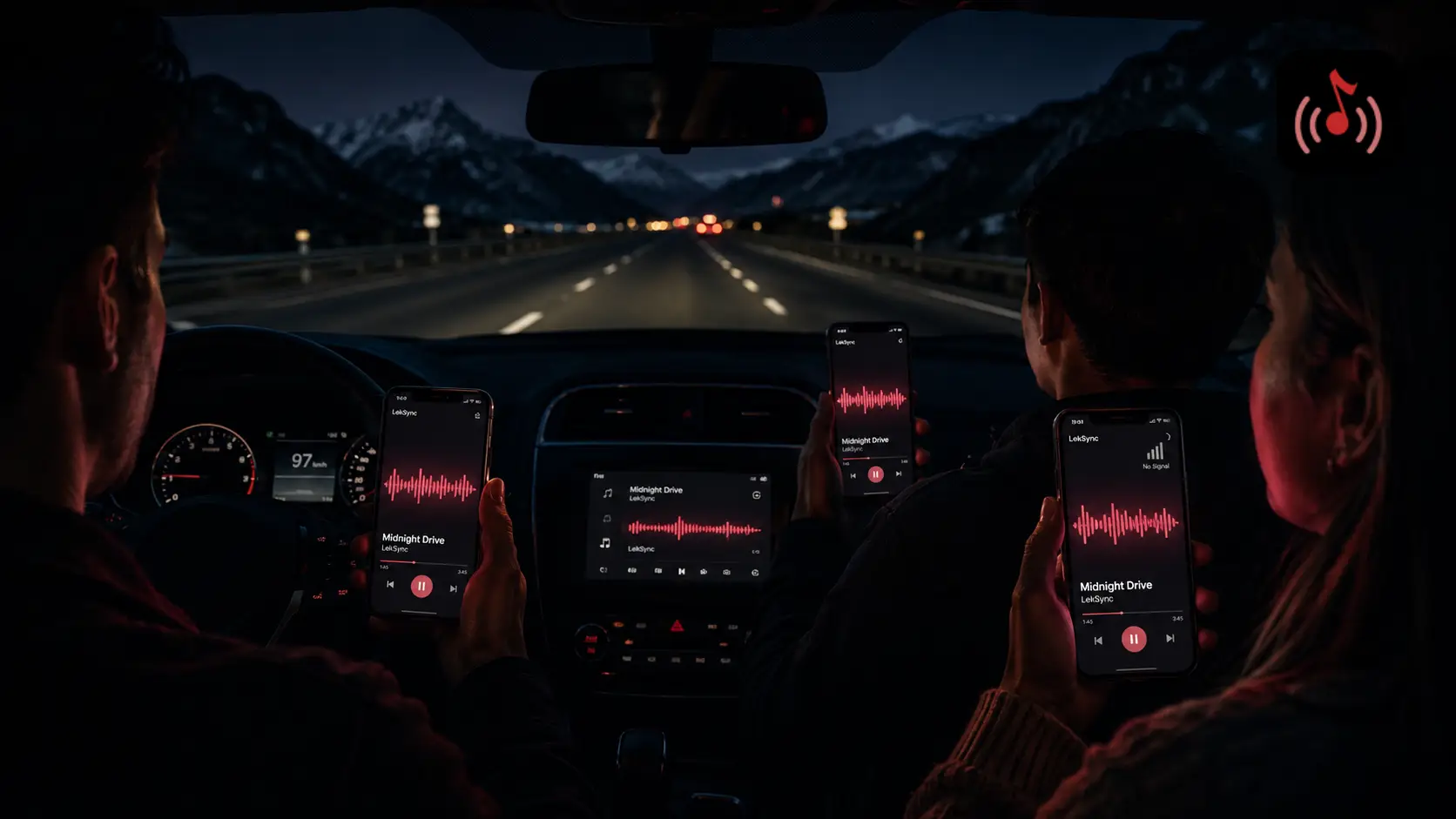
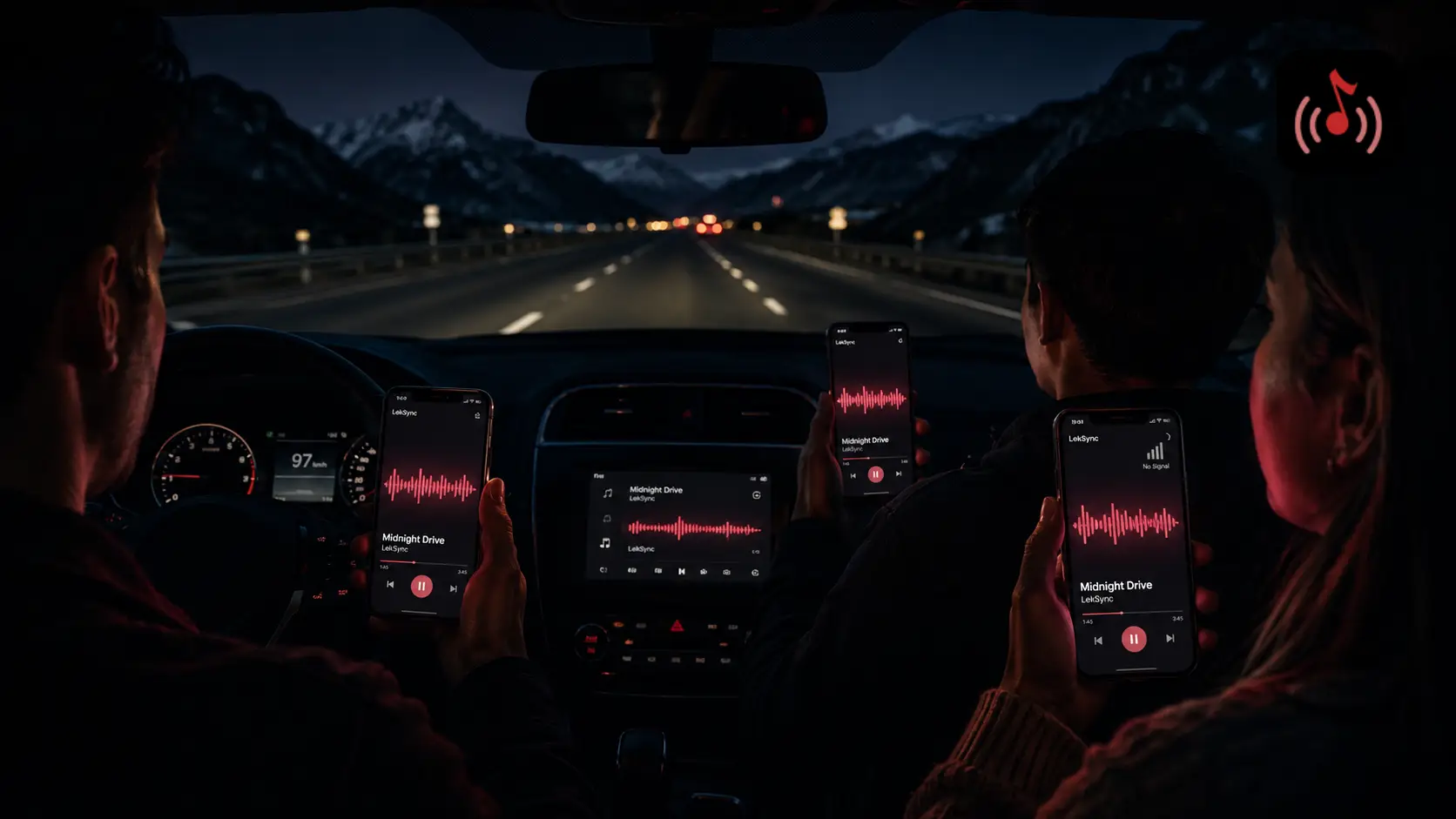
How: Use LekSync on the driver's phone. Every passenger joins through the driver's hotspot. Suddenly the car has six in-sync speakers instead of one.
2. Download Before You Leave
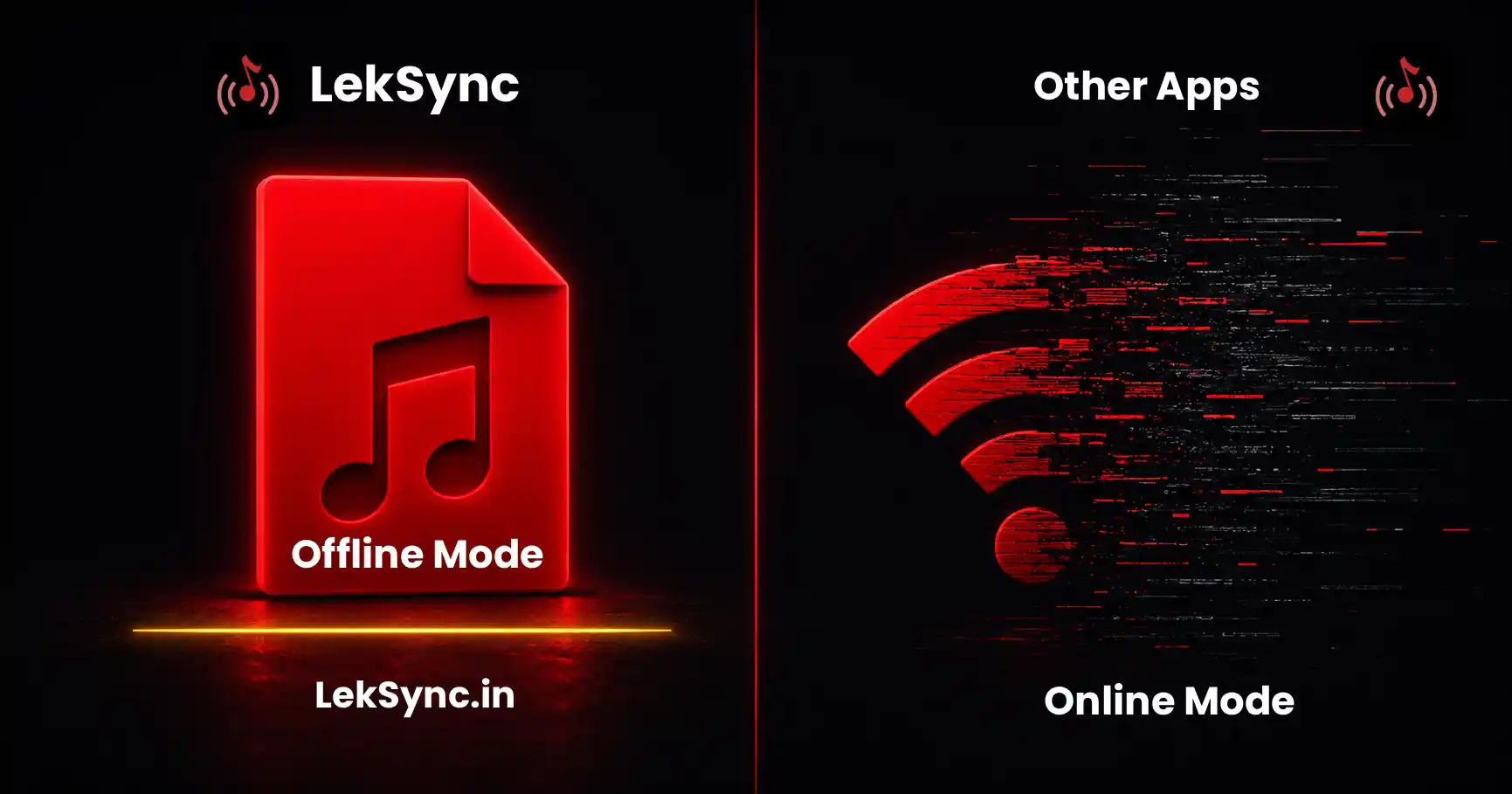
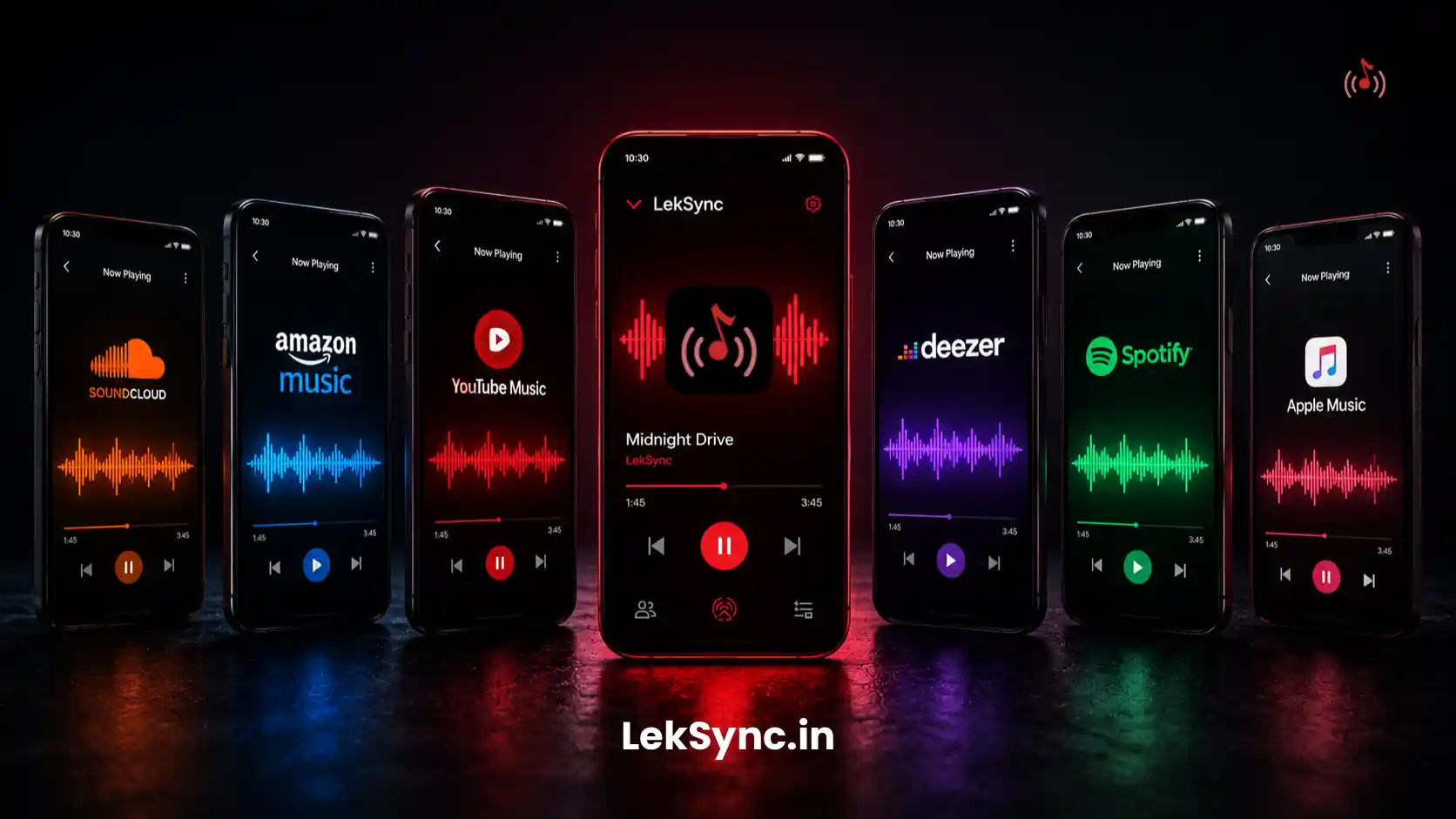
Cell signal on highways is unreliable. The biggest road trip mistake is depending on streaming. Spotify, YouTube Music, and Apple Music all let you mark songs for offline playback - do this on Wi-Fi at home before you leave, not at the gas station an hour in. (For the full offline-car setup, see how to stream music without internet on a road trip.)
Practical target: 6 hours of music for a 4-hour drive. People skip songs more than you think.
3. Designate a Music DJ Different From the Driver
If the driver also runs the music, they're either fighting with phone controls while driving (dangerous) or letting the playlist autoplay (boring). Pick one passenger as the DJ. They have permission to skip songs, take requests, and queue the next batch. The driver focuses on the road.
4. Curate the Mood Curve
A 6-hour drive isn't a constant energy level. Build your playlist like a setlist:
- Hour 1: high-energy bangers (everyone's excited, departure vibes).
- Hour 2–3: familiar singalongs (people warm up, start participating).
- Hour 4: mellower mid-trip lull (everyone's a bit tired).
- Hour 5: a "second wind" set - re-energize for the home stretch.
- Hour 6: nostalgia closer (arrival vibes).
You don't have to script it minute-by-minute, but loosely planning the arc keeps the energy alive.
5. Bring a Multi-Port Car Charger
A 40W+ USB-C charger with two or three ports is the cheapest road trip upgrade you'll ever make. Without it, the driver's phone (which is also hosting + navigating) hits 20% by lunchtime and the music dies.
Priority: driver's phone plugged in at all times, then any phone playing through a louder speaker, then everyone else.
6. Use Each Phone's Speaker for Different Audio
One overlooked trick: with synced playback, everyone can hear the same music. But you can also DESYNC selectively - let the back seat listen to a podcast while the front seat sings along to music, all from the same phones, by having different phones leave the room temporarily.
Even better: kids with headphones can stay on the same shared playlist while the adults drop out for a phone call.
7. The Backup Bluetooth Speaker Trick
Bring a small portable Bluetooth speaker for stops. When you pull over at a viewpoint or rest area, pair the speaker to ONE phone (say the driver's), then everyone else's phone stays joined to the LekSync room. You get external speaker sound when stopped without unpairing/re-pairing the whole car.
8. Mic Mode for Tour Guide Moments
Driving past something interesting? The driver or front-seat passenger can enable the microphone in LekSync and their voice plays through every phone - like an in-car tour guide system. Way better than yelling over the music, and the people in the back row actually hear you.
Hold the mic button for 3 seconds to turn it on. Tap it once to turn it off.
9. Plan for Dead Zones
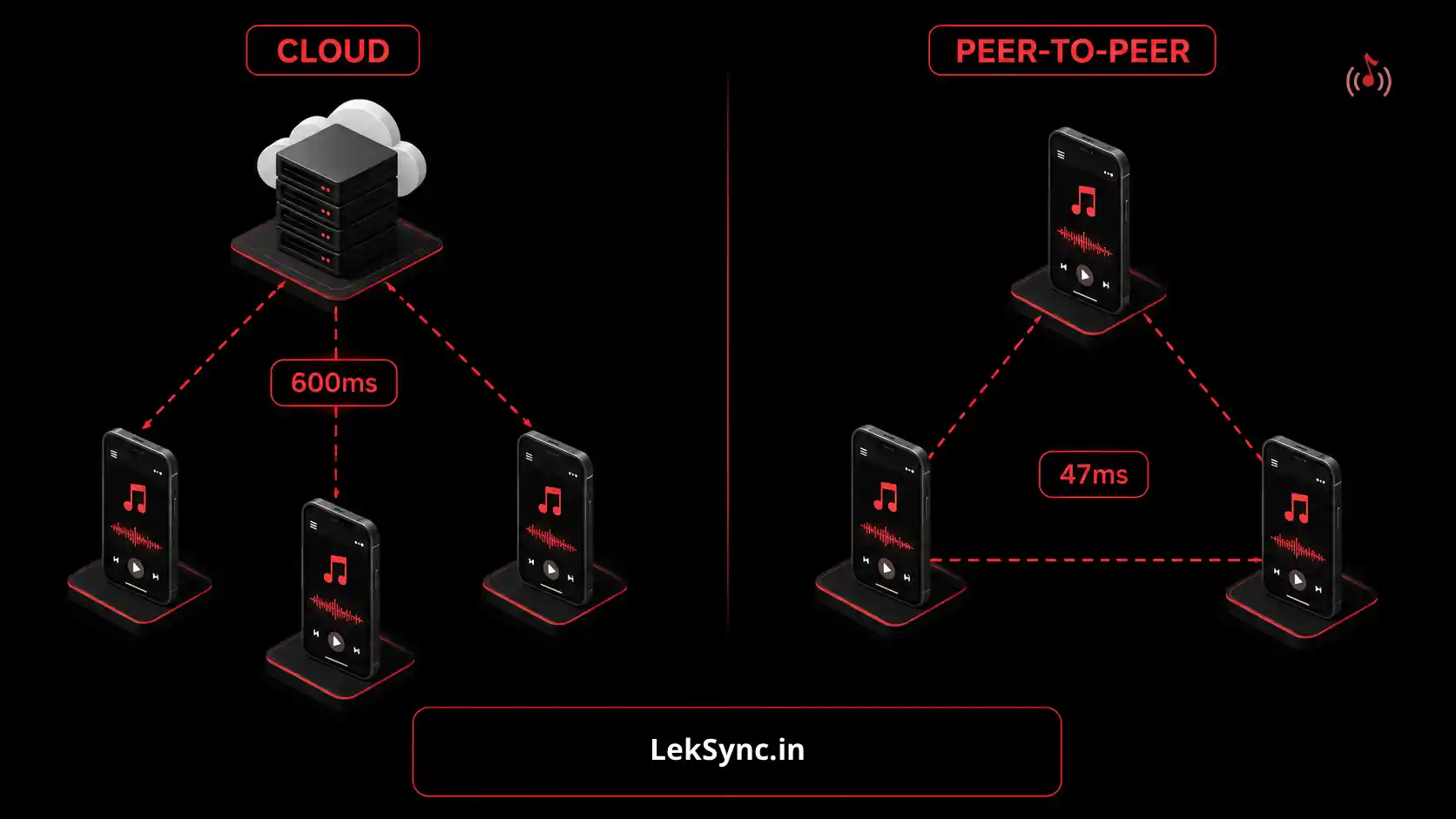
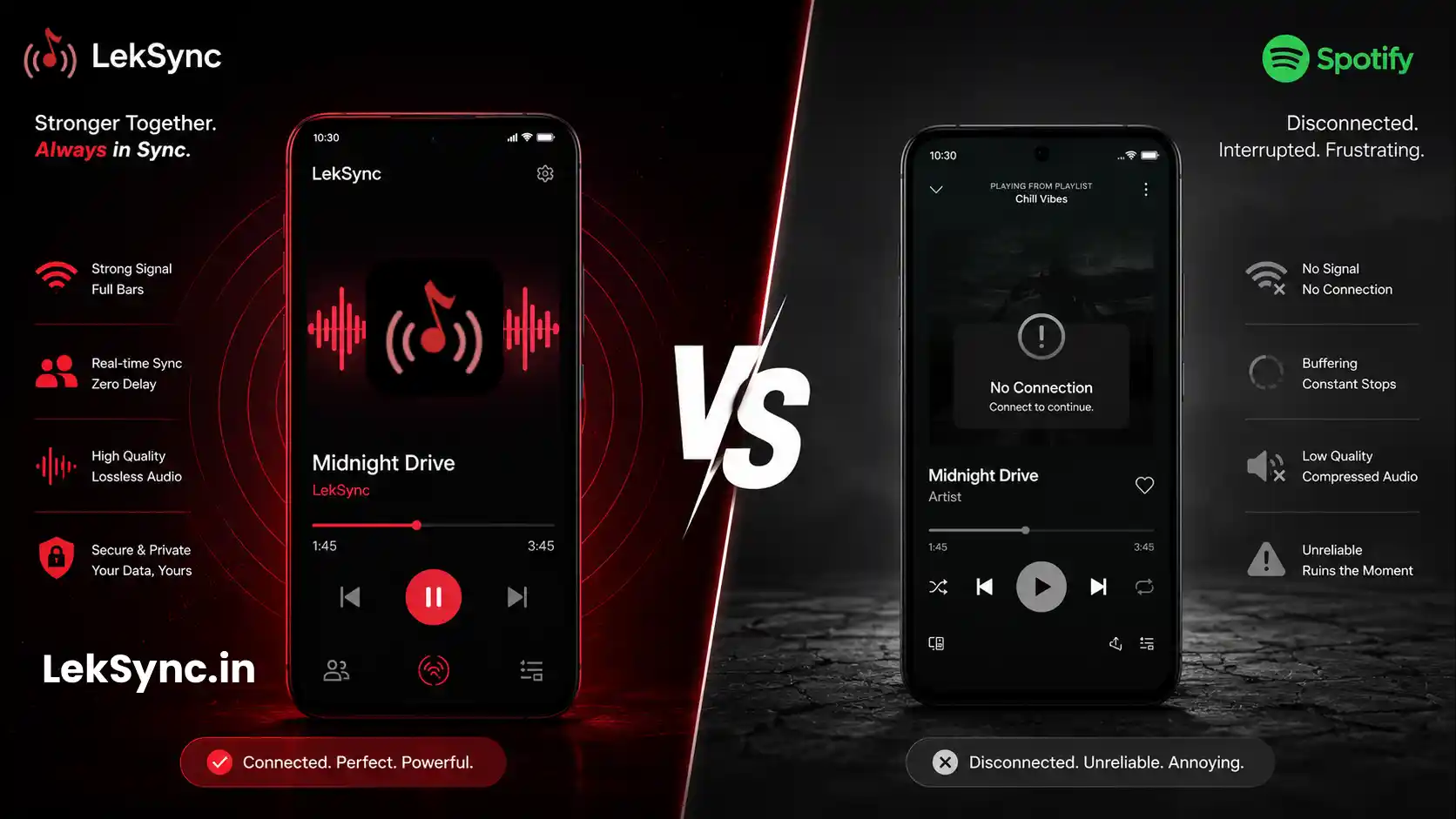
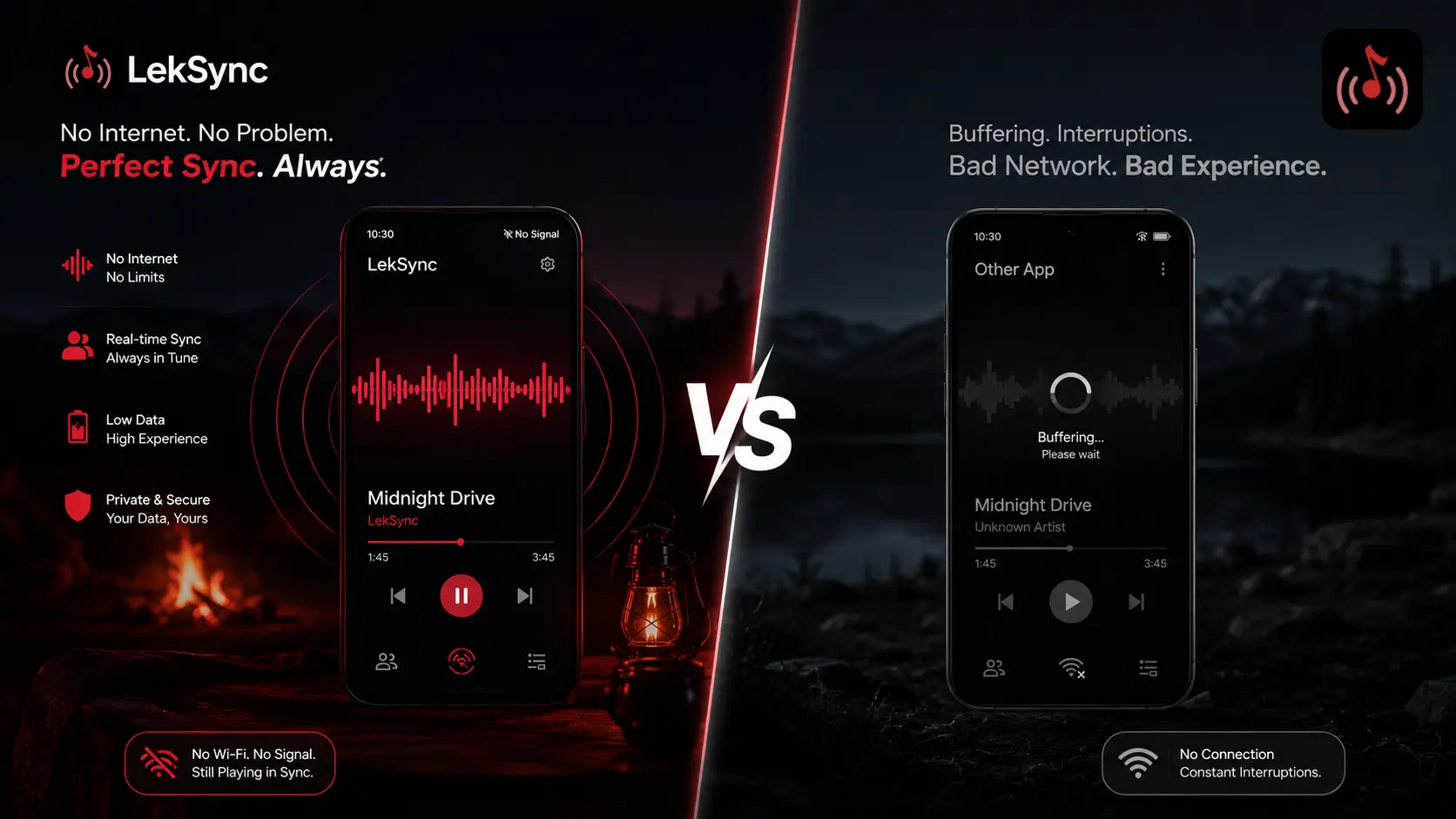
Cell signal disappears in mountains, deserts, and stretches of highway. Real-time streaming apps die in those zones. But a local Wi-Fi hotspot between phones doesn't need cell signal - it just needs the phones to be close to each other.
This is the killer feature of hotspot-based music sharing: you can drive through a complete dead zone for hours and the music keeps playing in sync because the data never leaves the car.
10. Make a Permanent "Road Trip" Account on One Person's Phone
If your friend group road trips often, designate one friend as the music keeper. They store the master road trip playlist on their phone, keep it updated, and the playlist becomes a tradition. The same songs become inside jokes. The arrival song becomes a ritual. The music makes the trip memorable years later.
Putting It All Together
A practical road trip music setup looks like this:
- Driver's phone: hosting the LekSync room. Plugged into a car charger. Music downloaded for offline play.
- Passenger phones: receivers in the room. Each person has their own earphones, plus the car speaker plays the driver's output via Bluetooth.
- Backup speaker: in the trunk for rest stops.
- Music DJ: a passenger (not the driver) handling skips and queue.
- Multi-port charger: keeping critical phones alive.
That setup costs almost nothing (LekSync is free, the charger is one-time) and turns a long drive into a shared experience instead of five people staring at five different screens.
Get LekSync: Free on Google Play - host on Android, receivers can join from any browser.