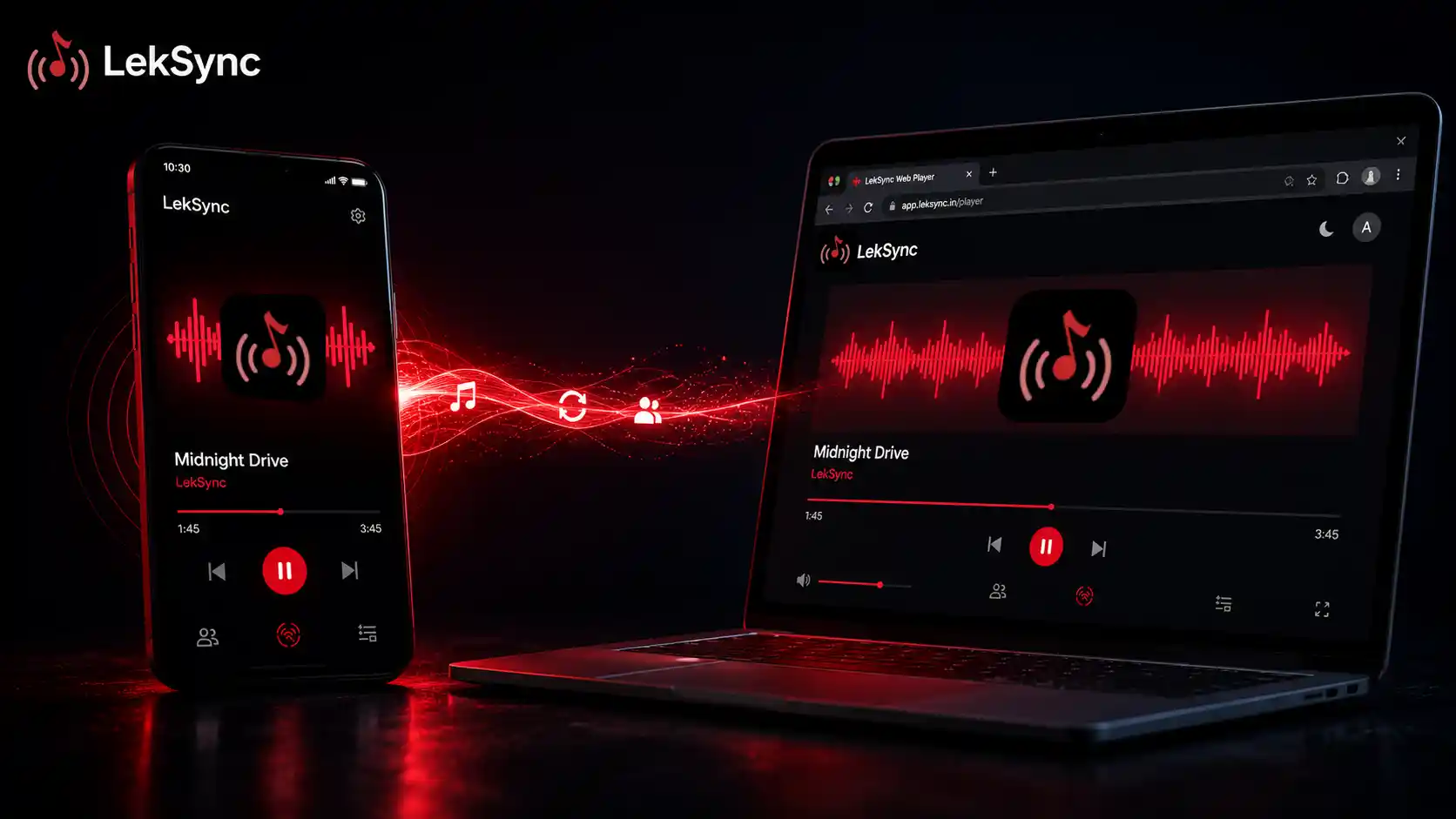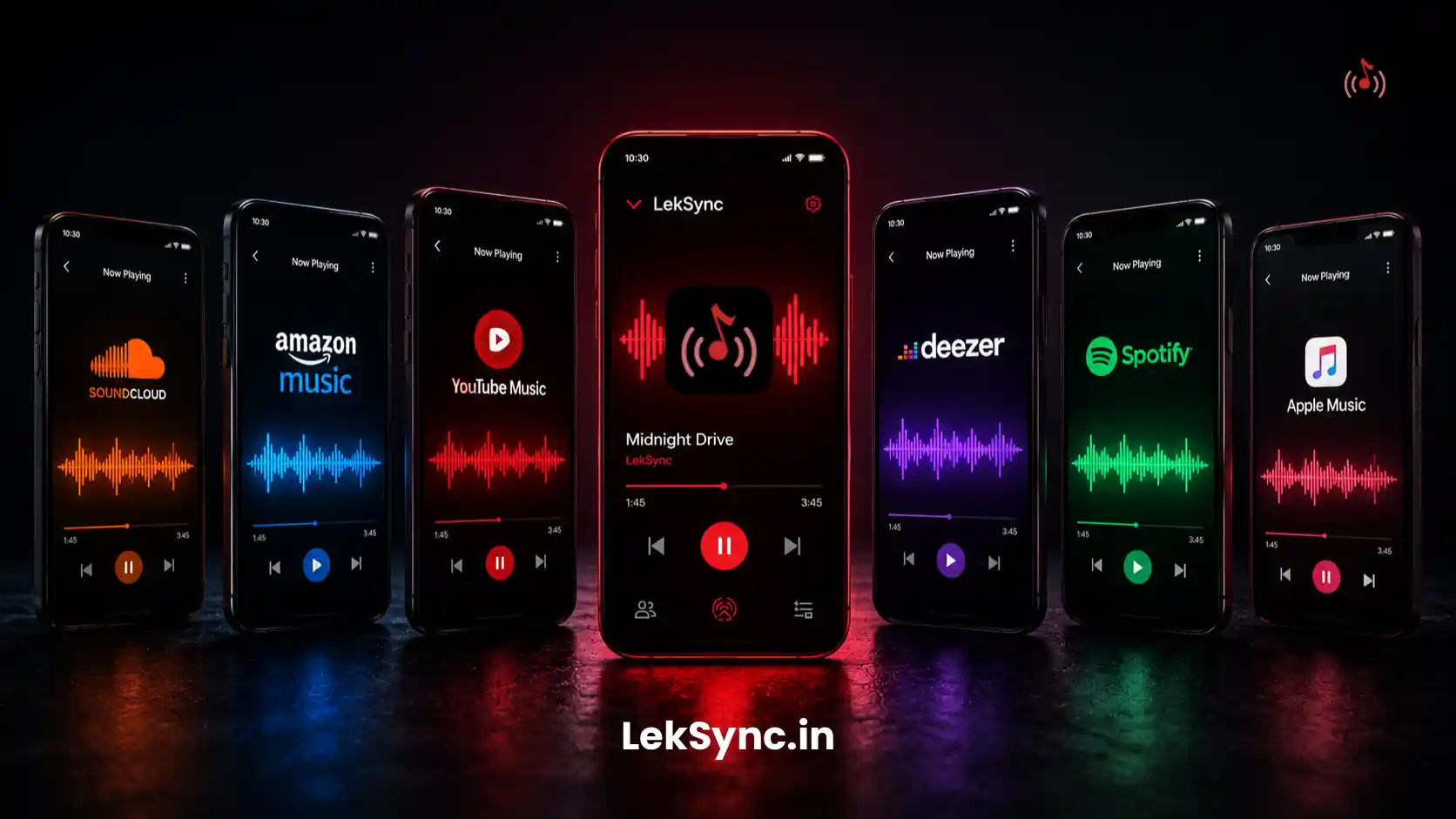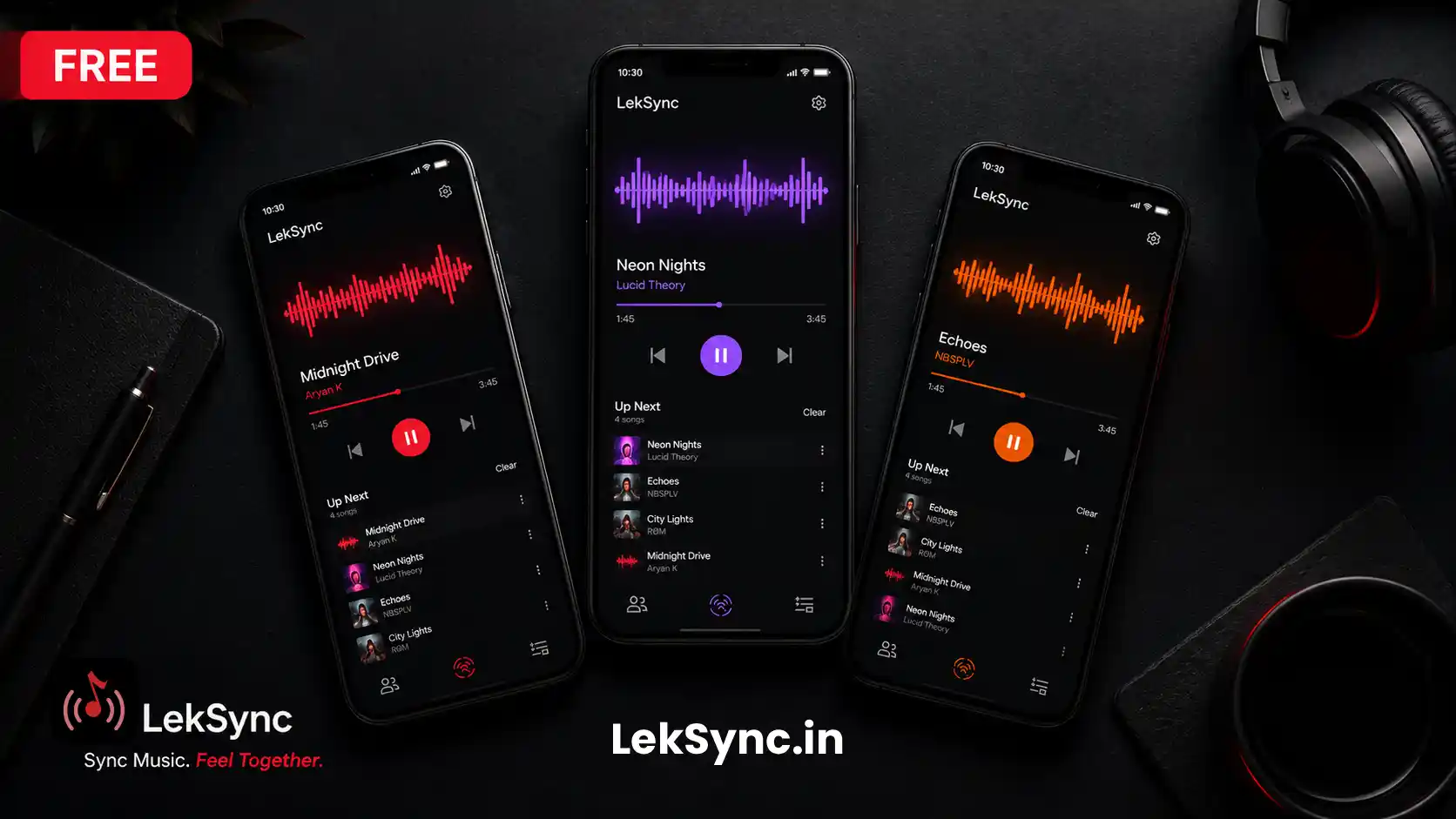
Your friend is on their iPhone. Another is on a laptop. One hasn't updated their phone in two years and won't install anything. You want all of them to hear the music you're playing — right now, from your Android phone.
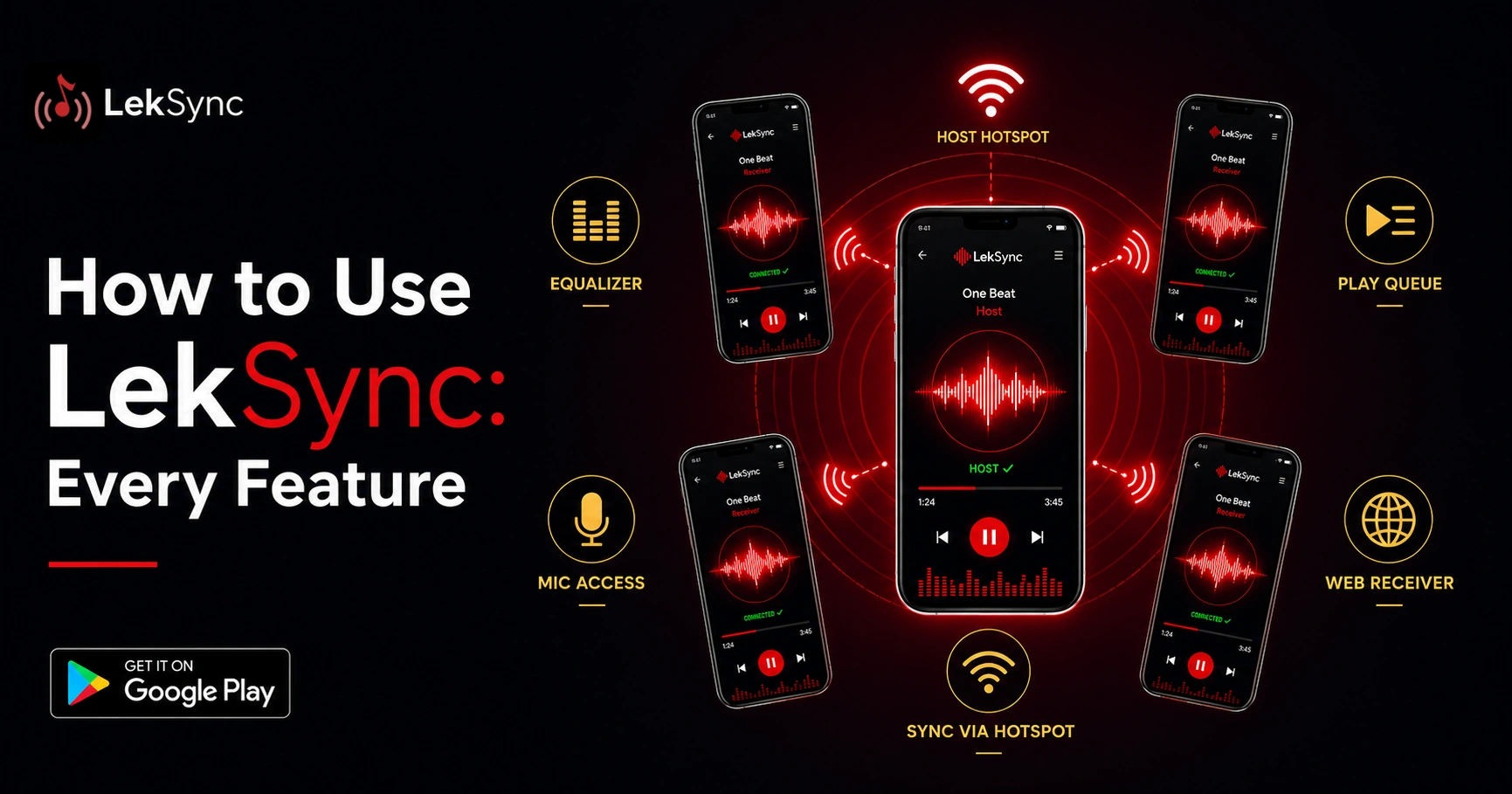
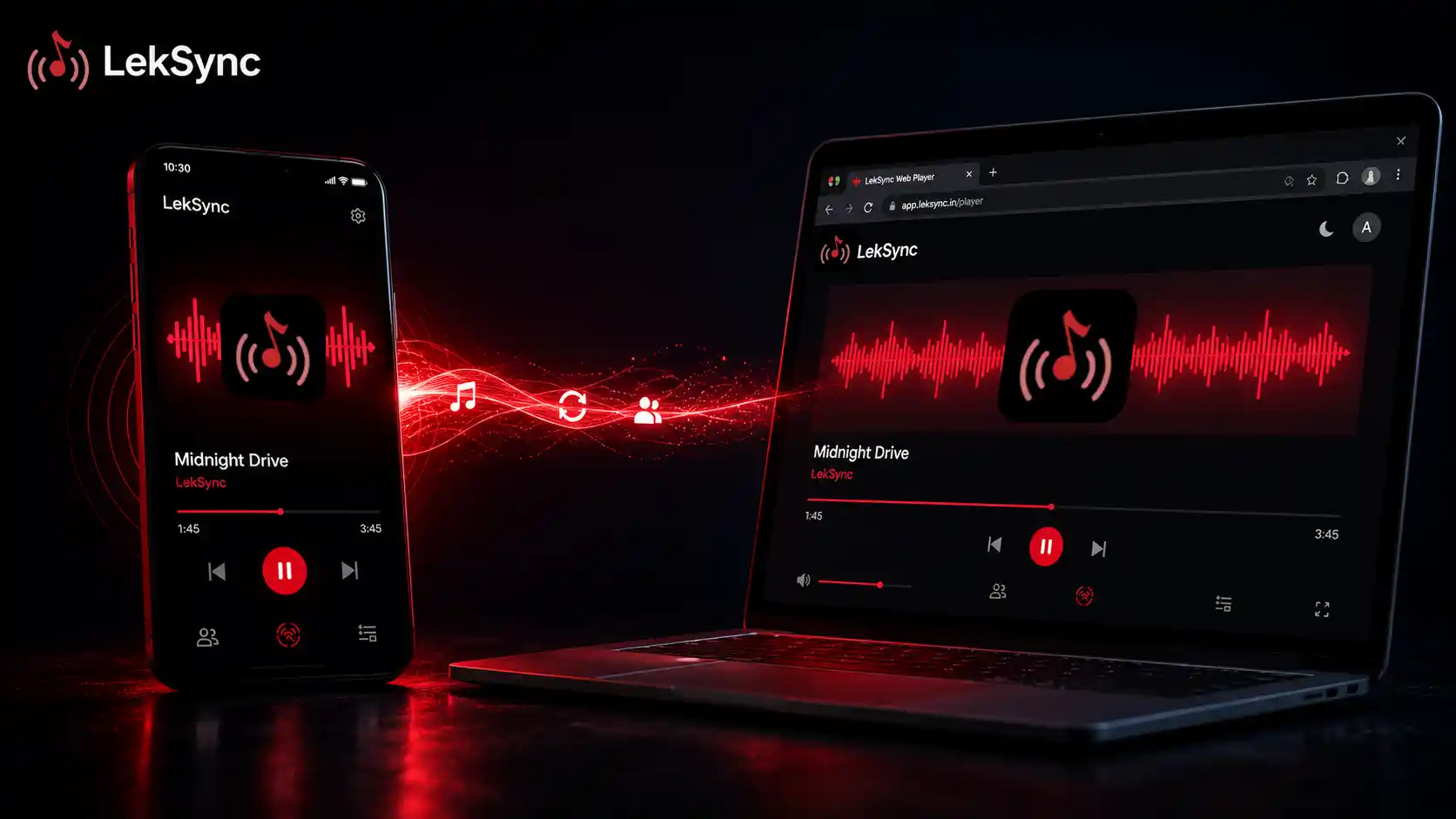
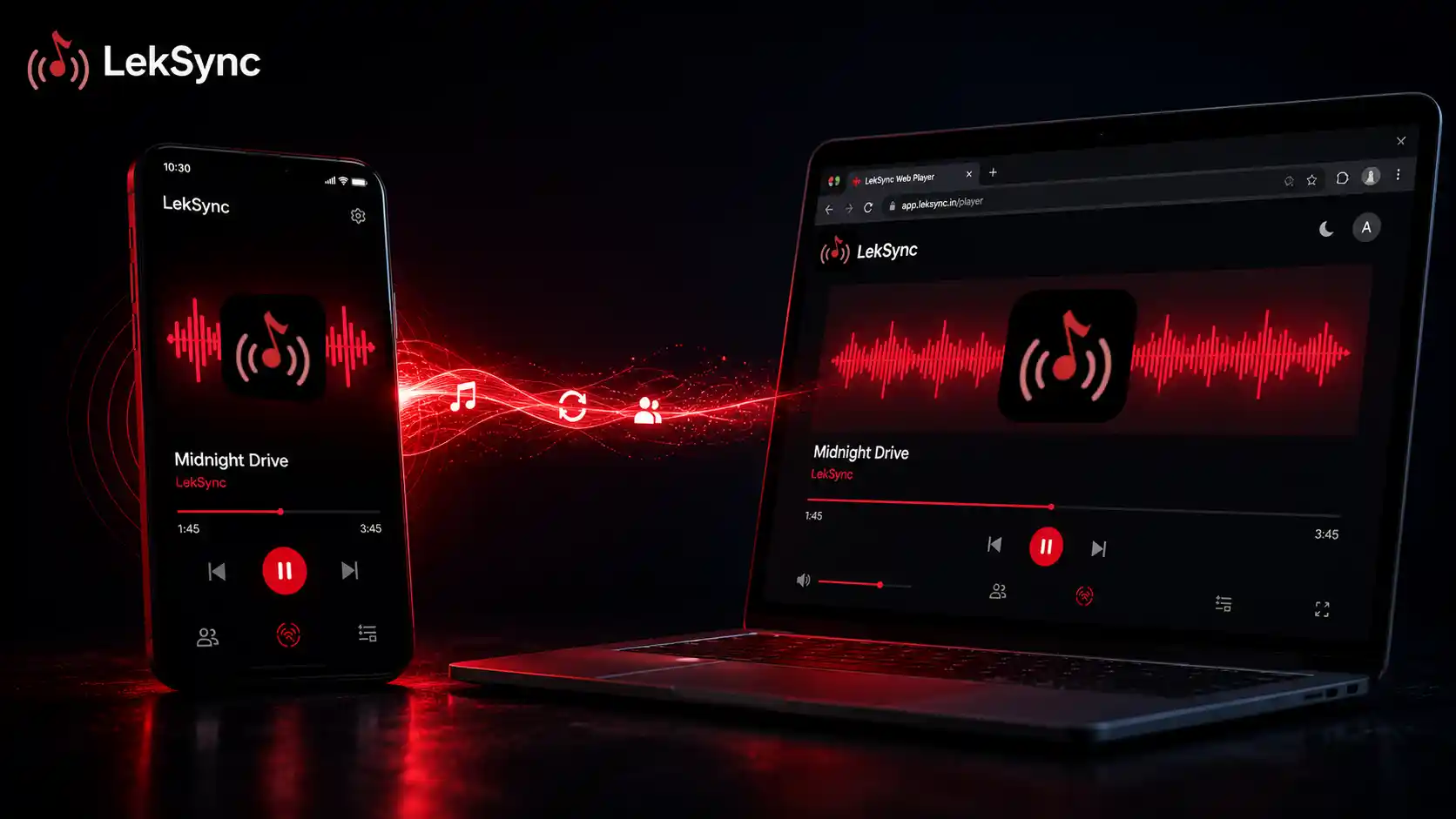
LekSync's web receiver solves exactly this. The host plays music on Android; everyone else listens from any browser. No app, no account, no friction.
How It Works
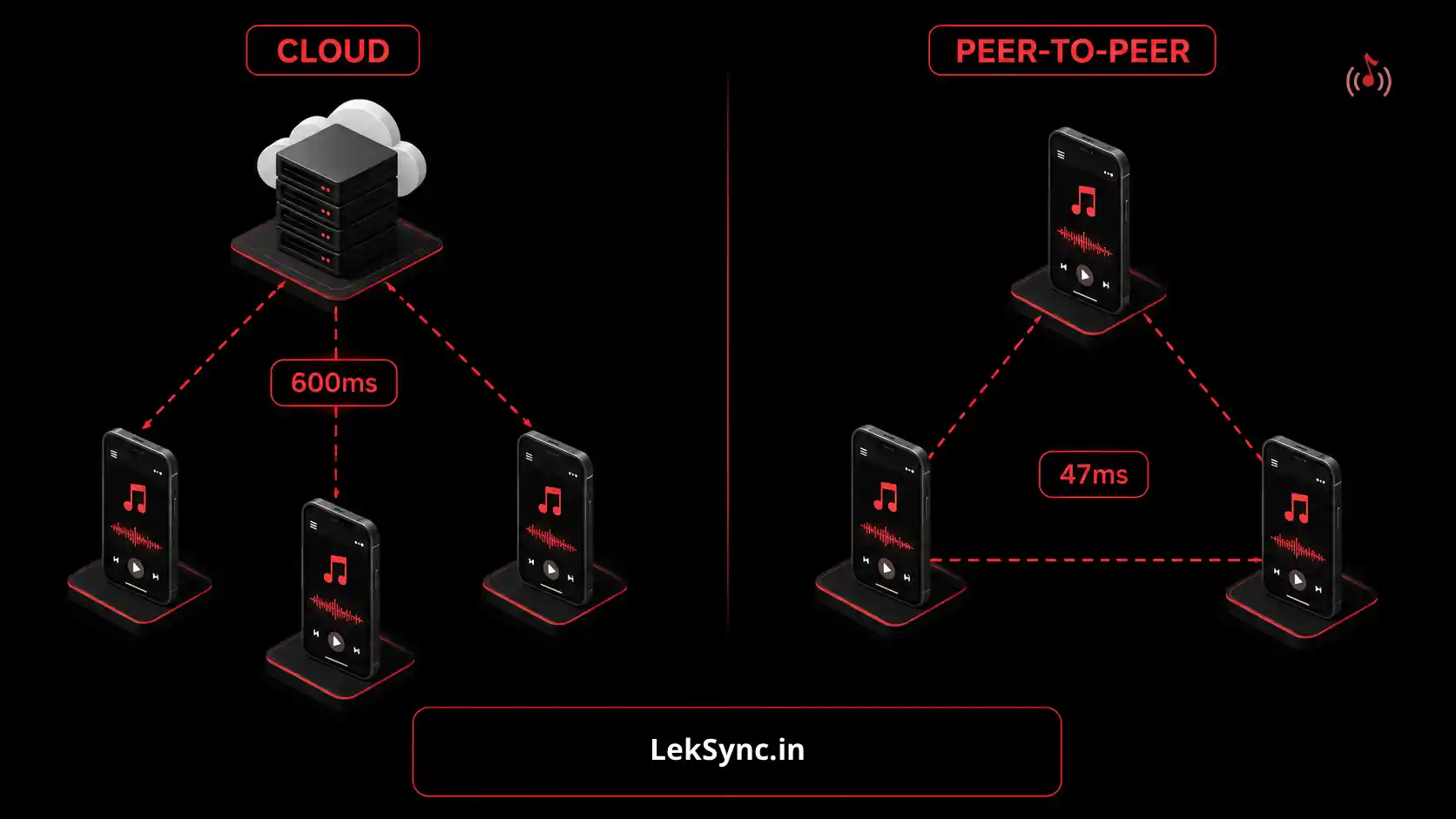
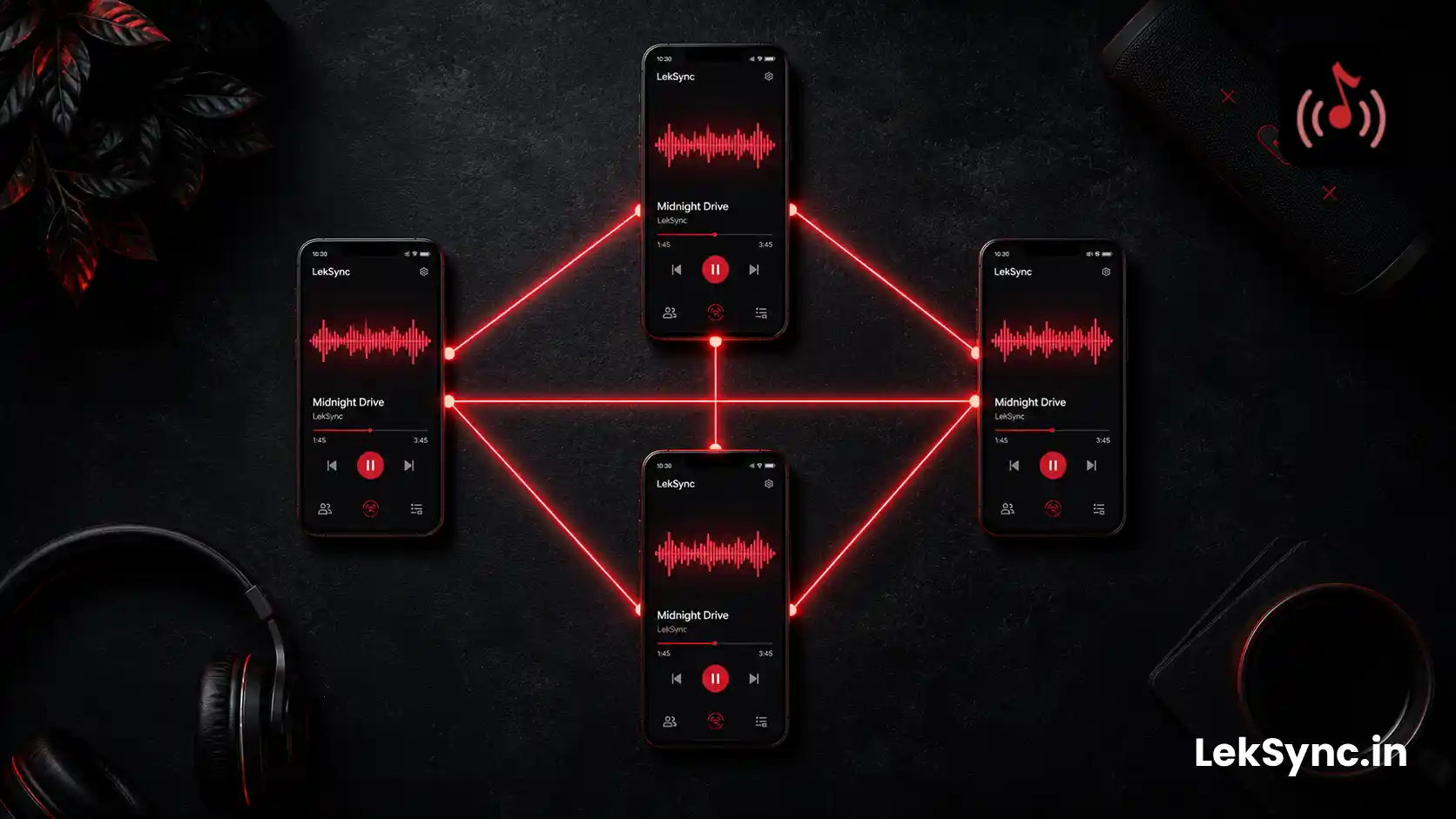
When you start an online session in LekSync, the app creates a room with a unique code. Anyone who opens leksync.in/receiver in their browser and enters that code becomes a listener. The audio streams from your phone directly to their browser over encrypted WebRTC — the same technology that powers video calls.
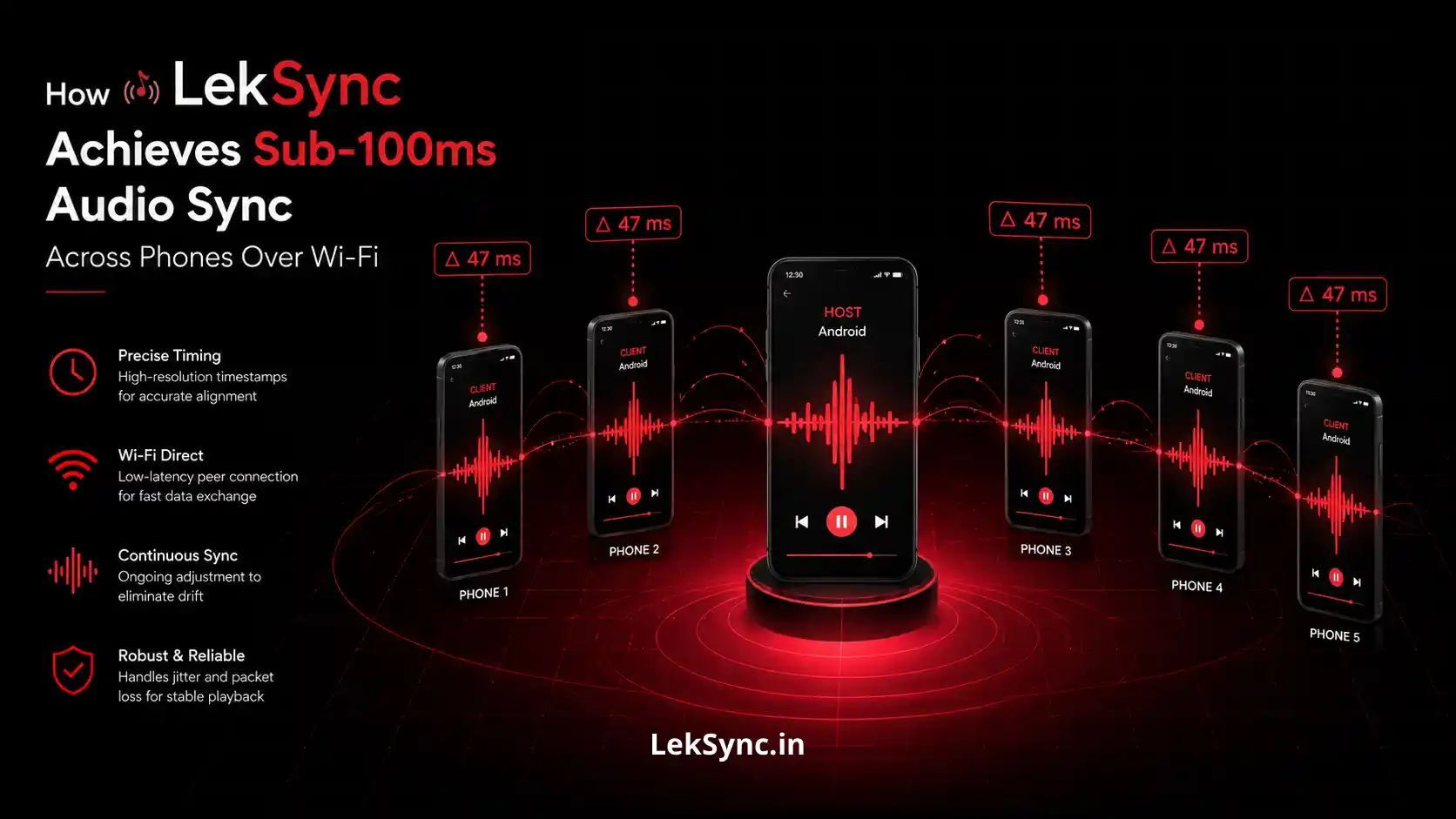
The web receiver decodes audio in the browser using the Opus codec and plays it through the Web Audio API, keeping listeners in sync with app-based receivers within roughly 100 milliseconds.
What You Need
- Android phone with LekSync installed (host) — free on Google Play
- Music files downloaded on the host phone
- An internet connection for the host
- Listeners: any device with a modern browser (Chrome, Safari, Firefox, Edge)
Step-by-Step: Stream to a Browser
Step 1: Open LekSync and switch to Online mode
On your Android phone, open LekSync and tap Host. On the host screen, tap the Online button (globe icon) to enable internet streaming mode.
Step 2: Create a room
Tap Create Room. LekSync generates a 10-character room code immediately.
Step 3: Share the room code with your listeners
Send the code over WhatsApp, text, email, or say it out loud on a call. Your listeners don't need the app.
Step 4: Listeners open the web receiver
On their phone, laptop, or any other device, they open a browser and go to:
They enter their name and the room code, then tap Join. That's it — they're now live receivers. (For a deeper walkthrough of the browser-only flow, see how to use the LekSync web receiver without installing anything.)
Step 5: Press play on your Android phone
Tap any song on the host phone. Browser listeners start hearing it within a second — synced with any app-based listeners in the same room.
Who Can Listen From a Browser
The web receiver works on any device with a modern browser:
- iPhone / iPad — Safari works out of the box
- Android phone — Chrome or any Chromium browser
- Laptop / desktop — Chrome, Firefox, Edge, Safari
- Chromebook — Chrome browser
The only requirement is WebRTC support, which every major browser has had since 2020.
Browser Listener vs App Listener: What's Different?
| Feature | Browser Receiver | App Receiver |
|---|---|---|
| Install required | ✗ | ✓ |
| Works on iPhone | ✓ | ✗ (Android only) |
| Works on laptop | ✓ | ✗ |
| Audio sync quality | ~150ms jitter buffer | ~100ms |
| Hotspot mode (offline) | ✗ | ✓ |
| Background audio (screen off) | Browser-dependent | ✓ |
Tips for Browser Listeners
- Use Chrome for best compatibility. Chrome has the most reliable WebRTC and Web Audio support across all platforms.
- Don't lock the screen immediately. Some browsers pause background audio when the screen locks. Keep the browser tab active during the session, or use an app receiver for uninterrupted background play.
- Plug in earphones. Browser audio plays through whatever output is active — earphones, laptop speakers, or Bluetooth headphones all work.
- Stable Wi-Fi helps. Online mode uses ~100–200 KB/s per listener. A stable connection keeps the audio clean.
Start Streaming Now
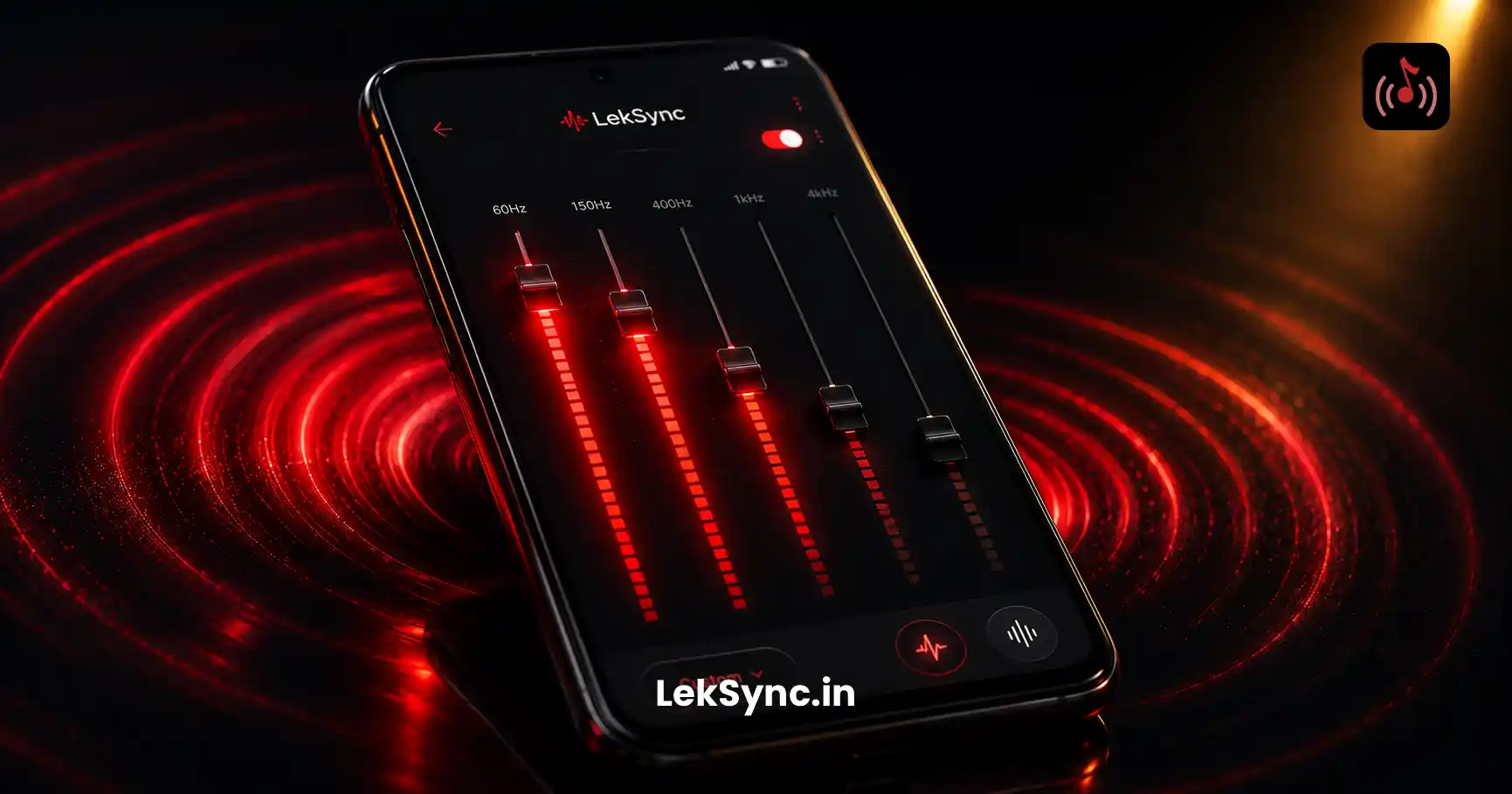
Download LekSync free on Google Play. Your listeners open leksync.in/receiver — that's all they need to do. The web receiver landed in LekSync 2.1 alongside online rooms and a redesigned equalizer.