Spotify Jam and LekSync both let a group of people listen to music together — but they solve very different problems. If you're looking for alternatives to Spotify Jam, this comparison will help you decide which tool best fits your situation.
What Is Spotify Jam?
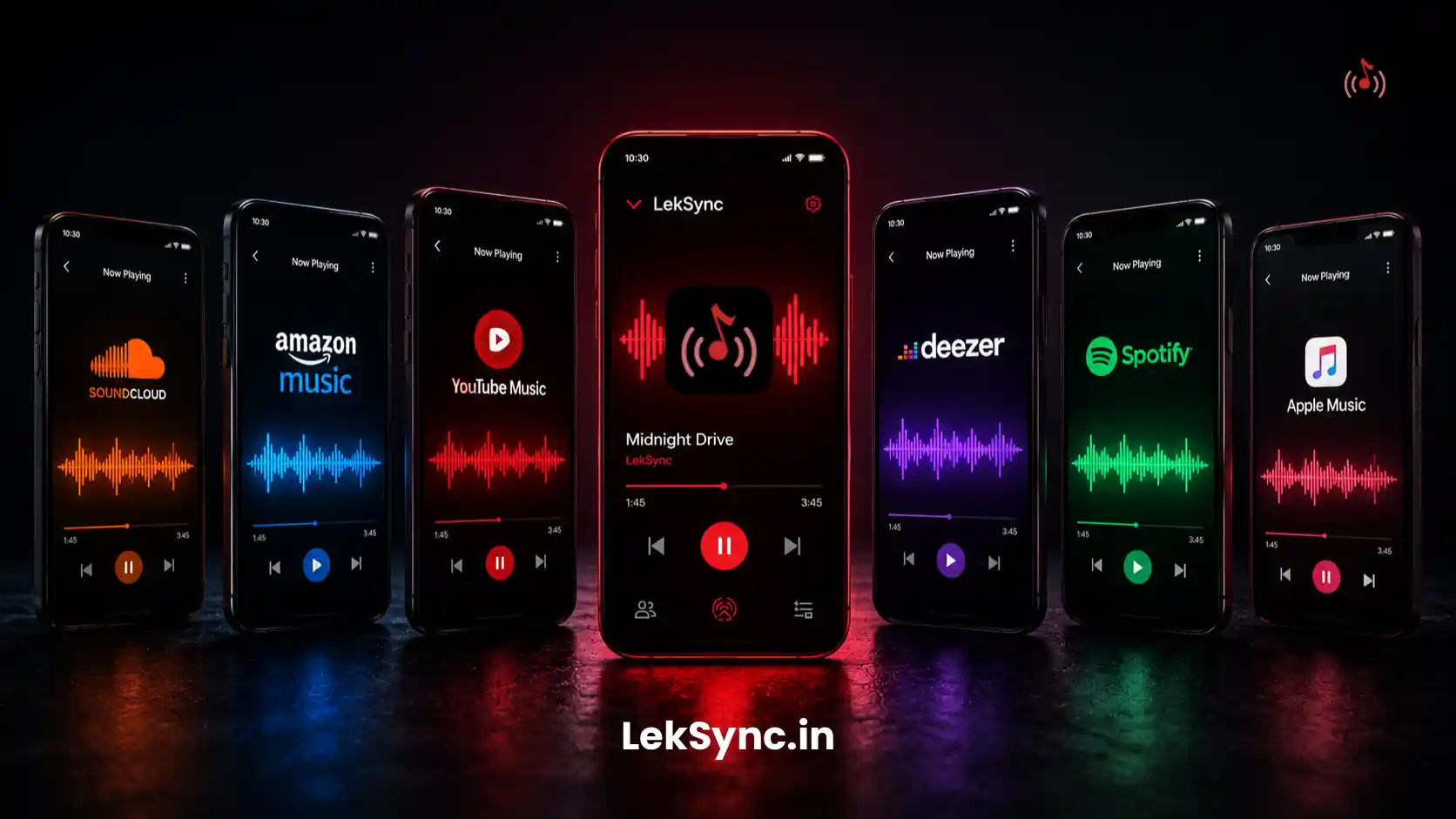
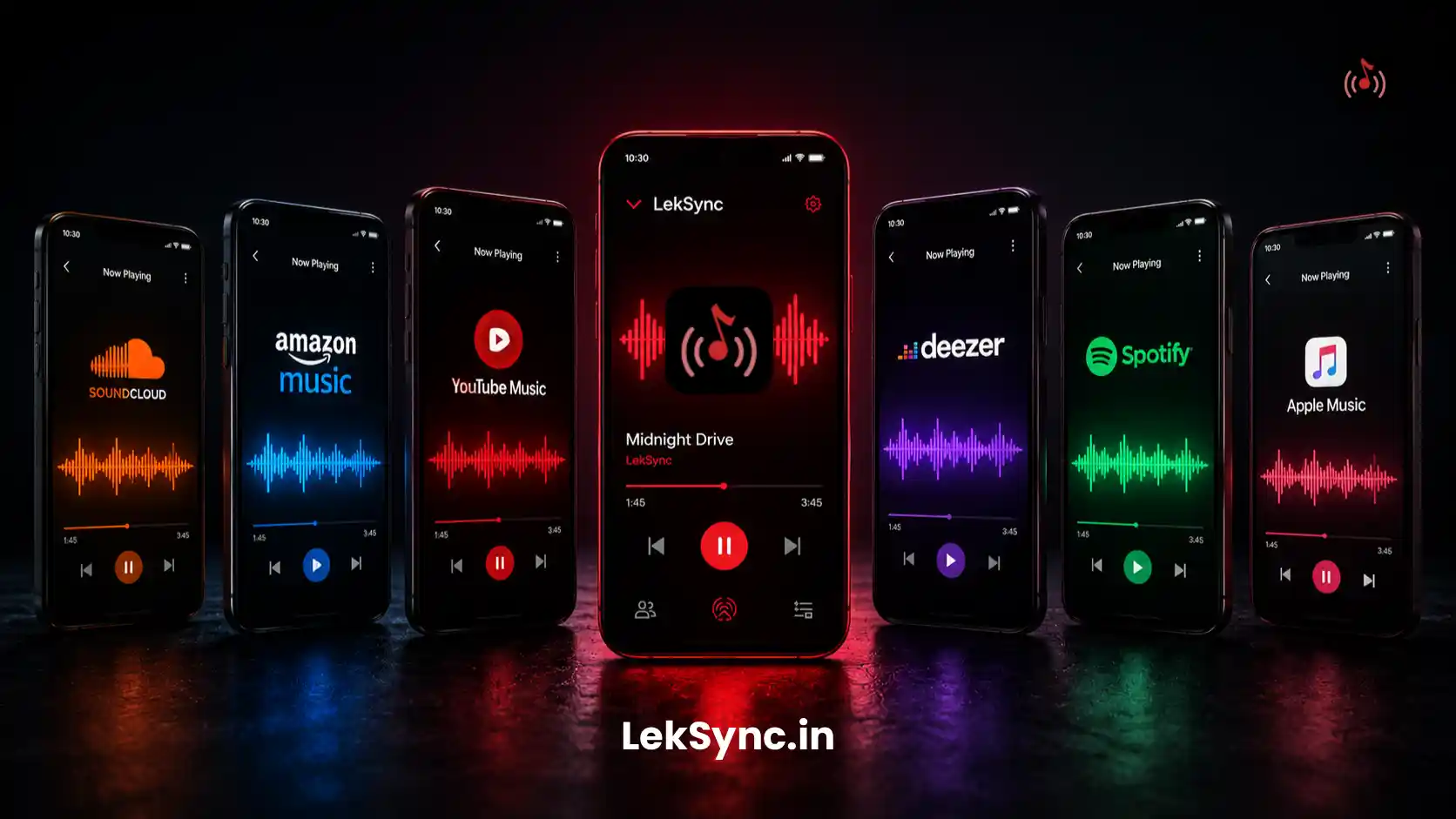
Spotify Jam is a feature inside the Spotify app that lets multiple people control the same playback queue. When the host starts a Jam, friends can join and add songs, skip tracks, and play/pause — everyone influences what plays next. The music itself is streamed individually to each device from Spotify's servers.
Key point: everyone controls the queue, but they each stream the music independently to their own device. It's a shared remote control, not a shared audio stream.
What Is LekSync?
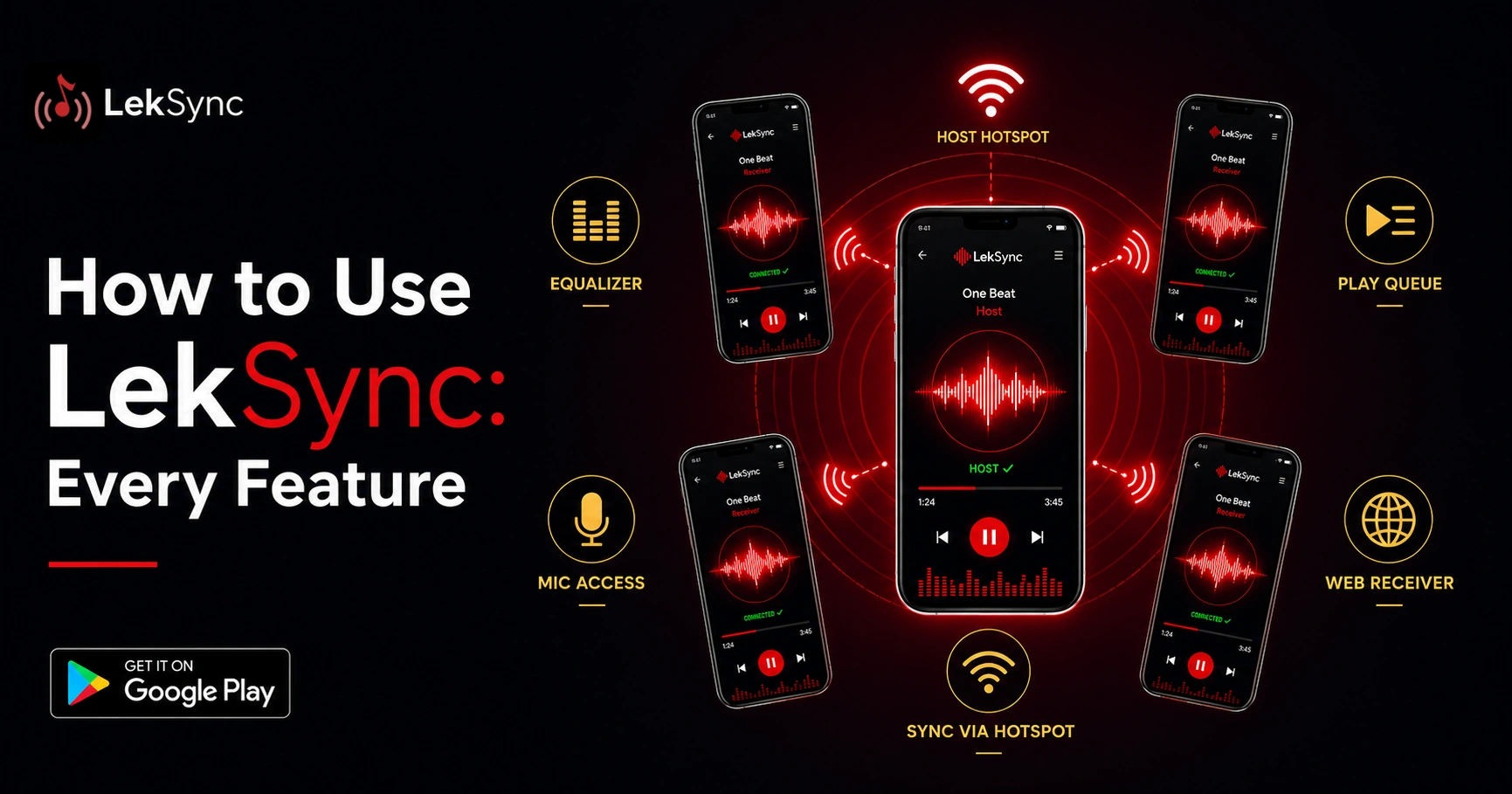
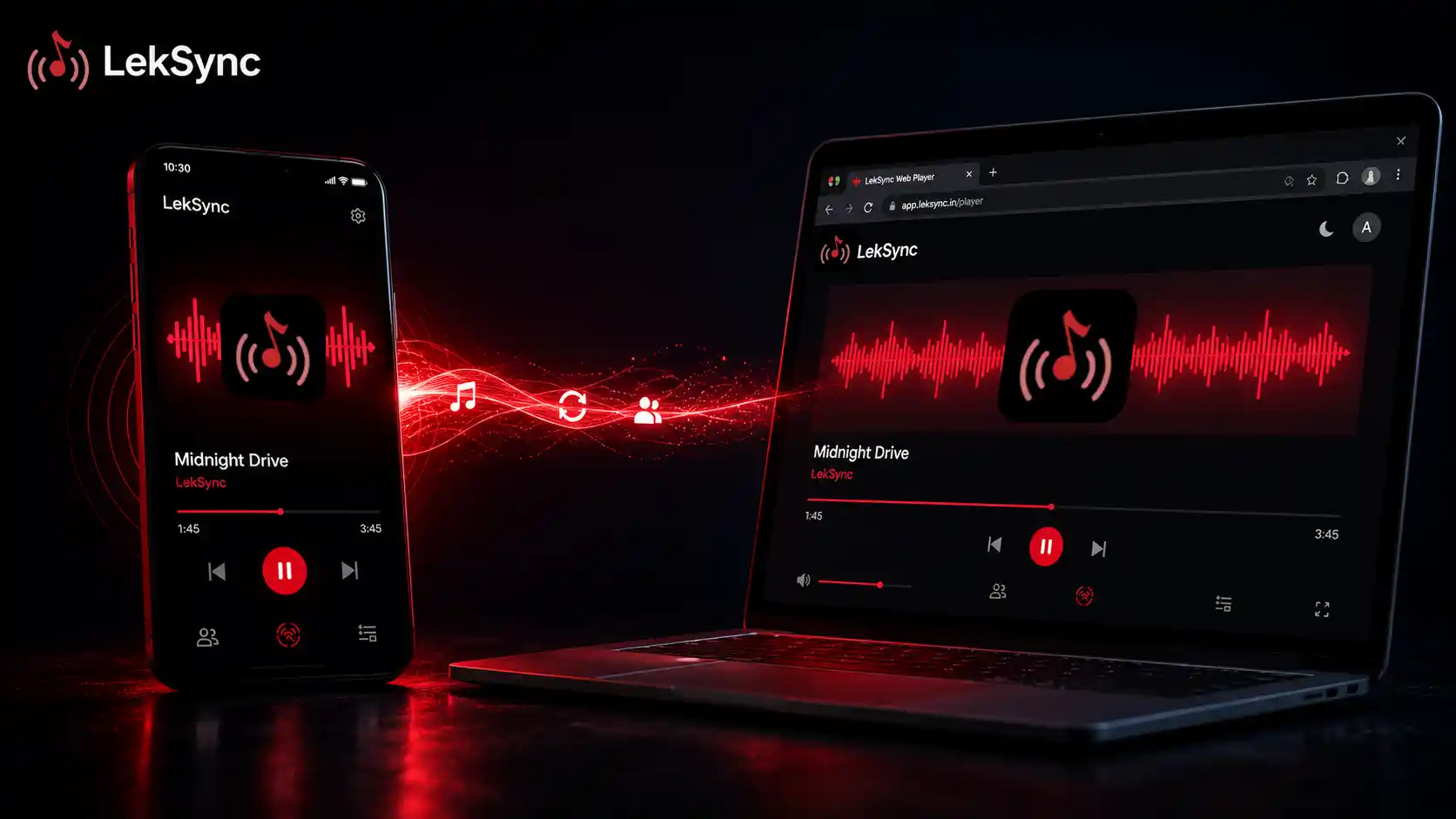
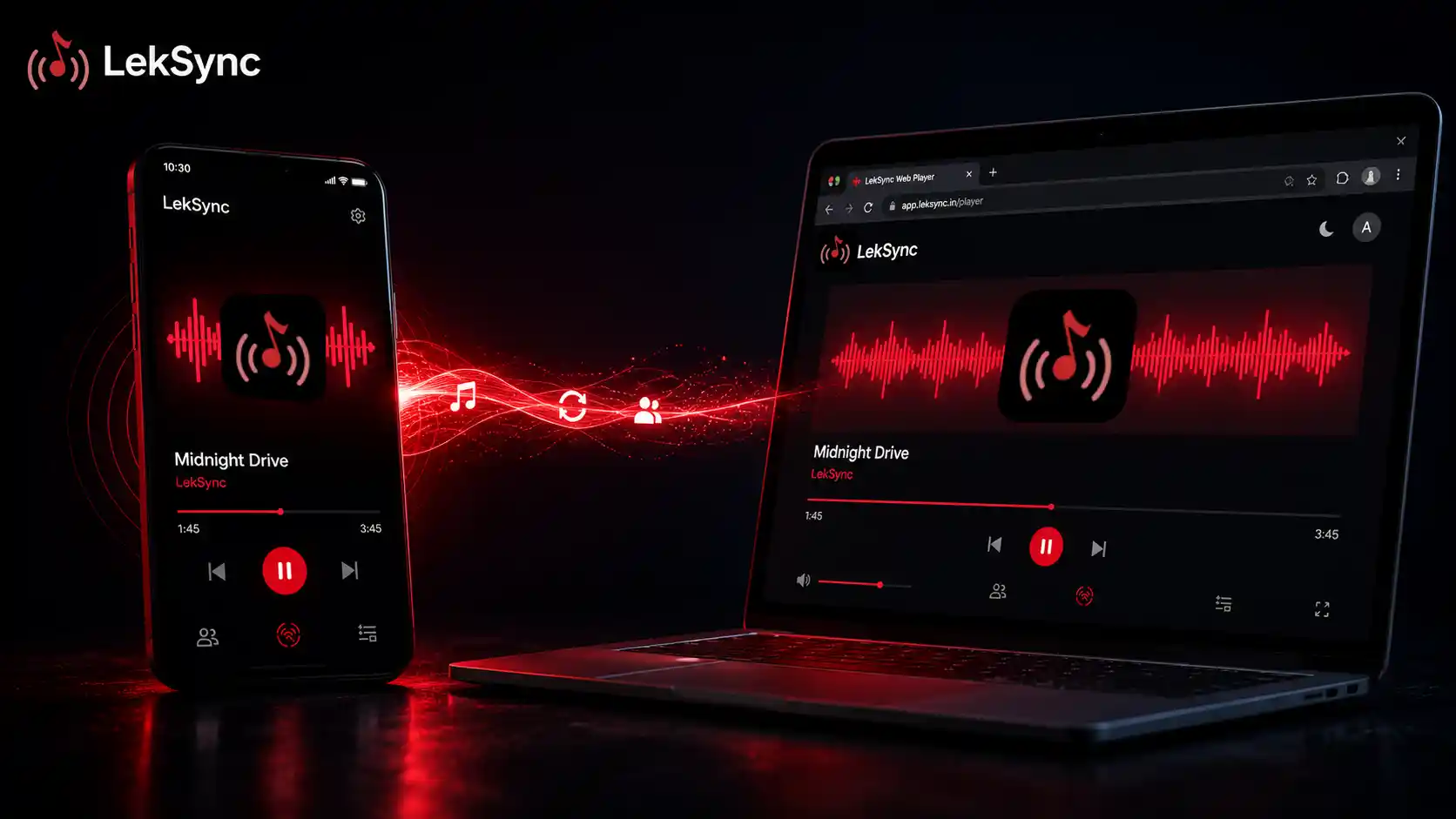
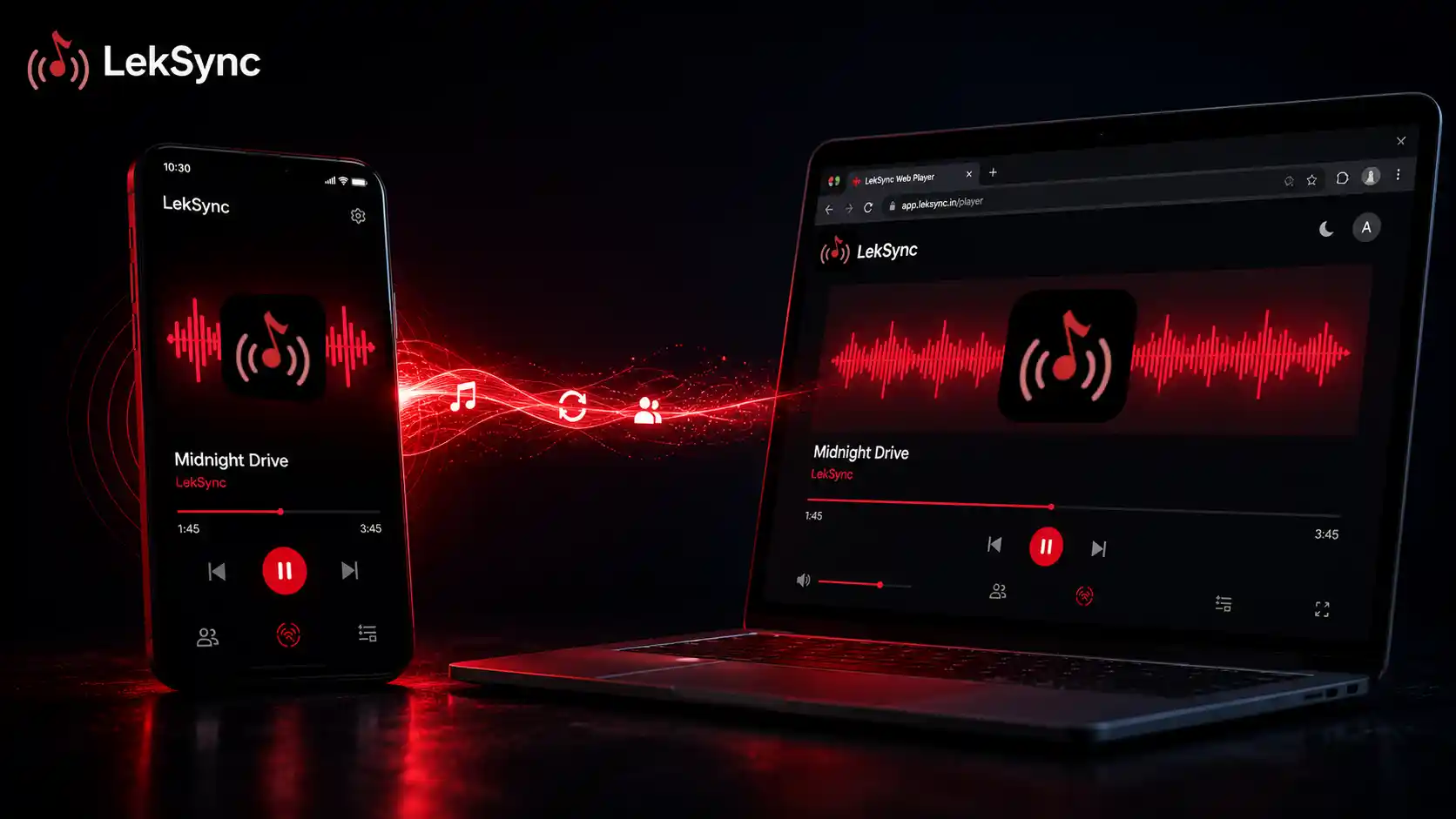
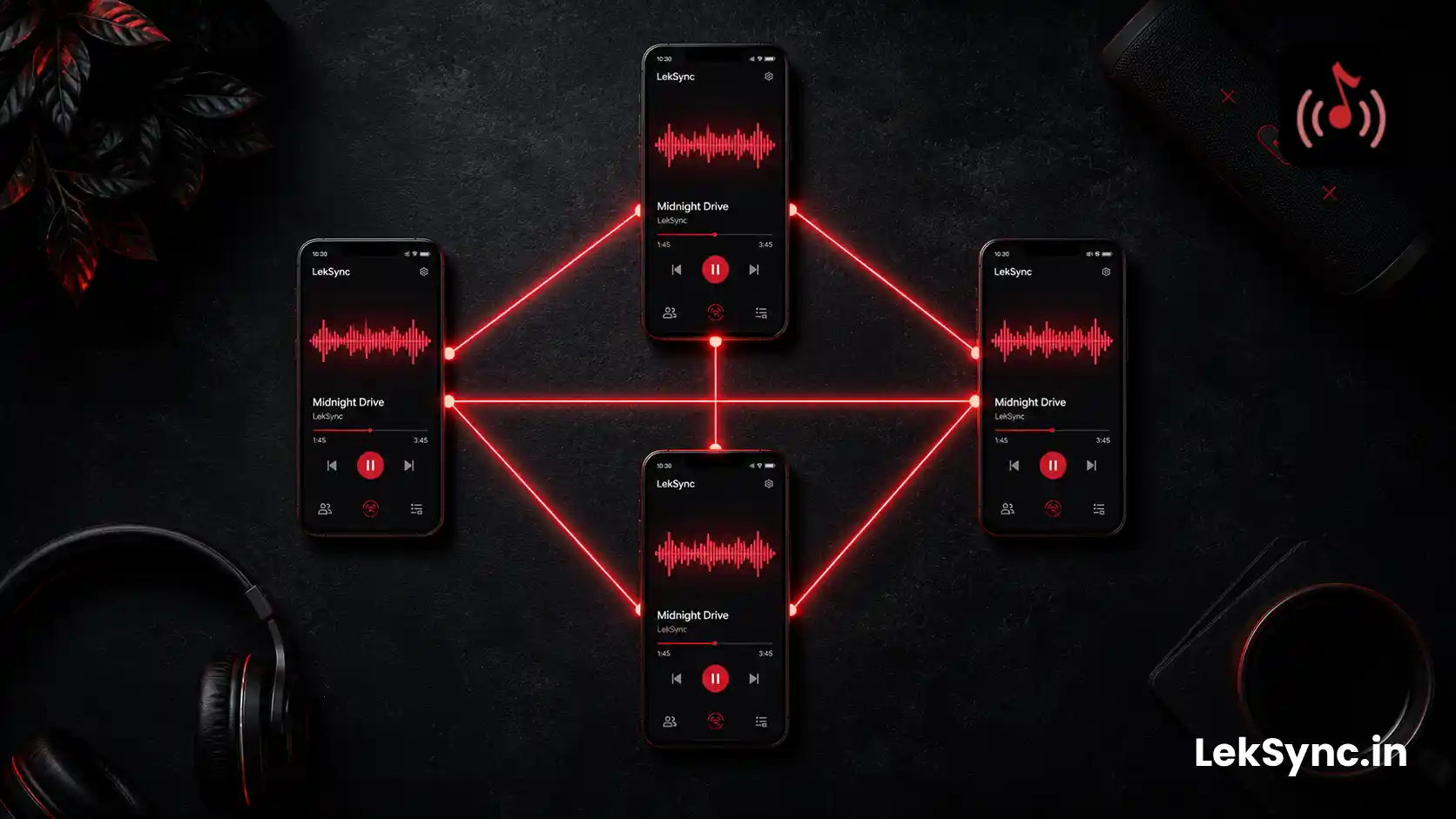
LekSync streams audio directly from the host phone to all connected receiver devices in real time. The host plays a local music file, and that exact audio, decoded and transmitted, is heard simultaneously on every connected phone or browser. It's a true shared audio stream, not a shared queue for individual streams.
The Core Difference
This is the most important distinction:
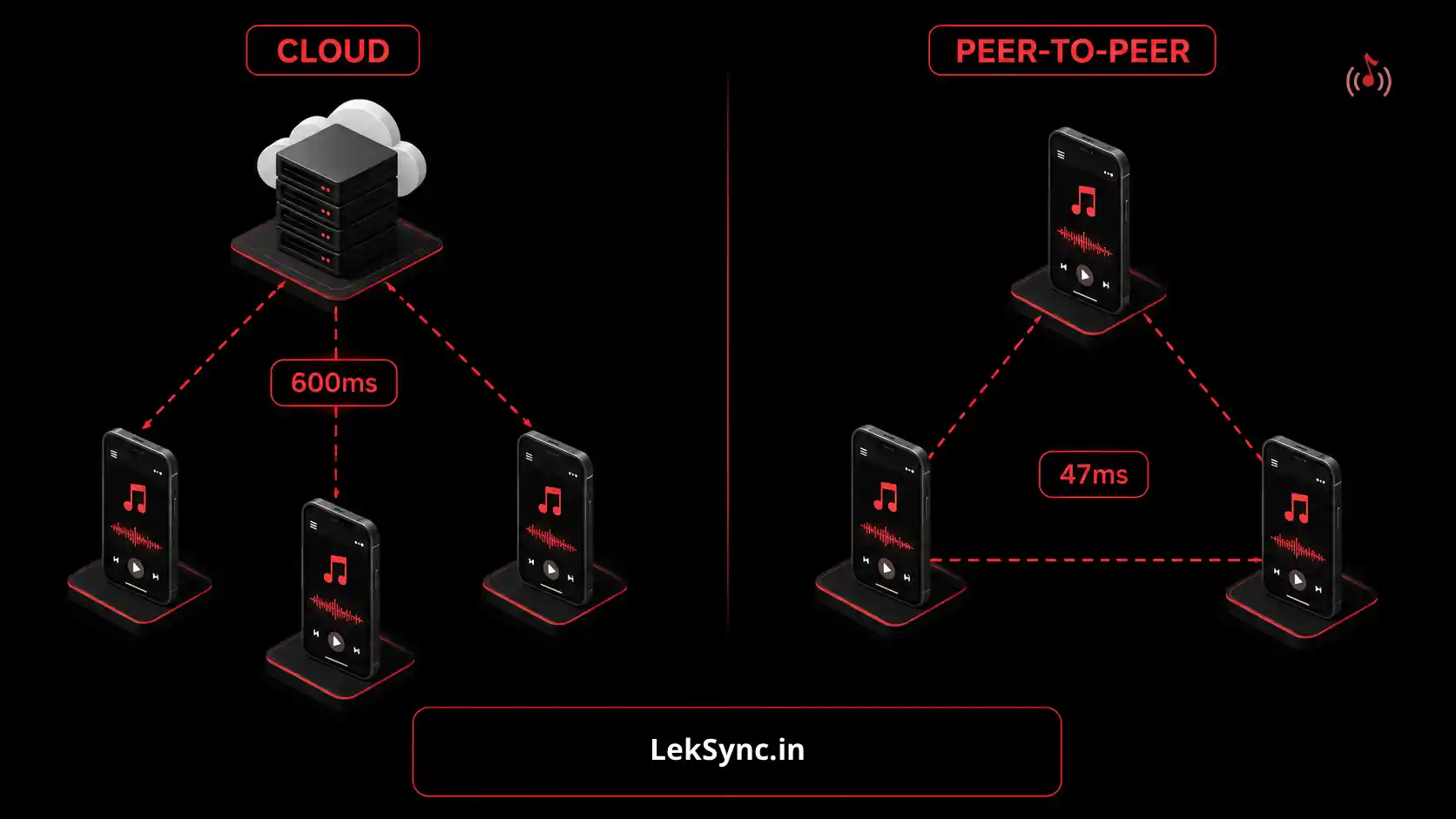
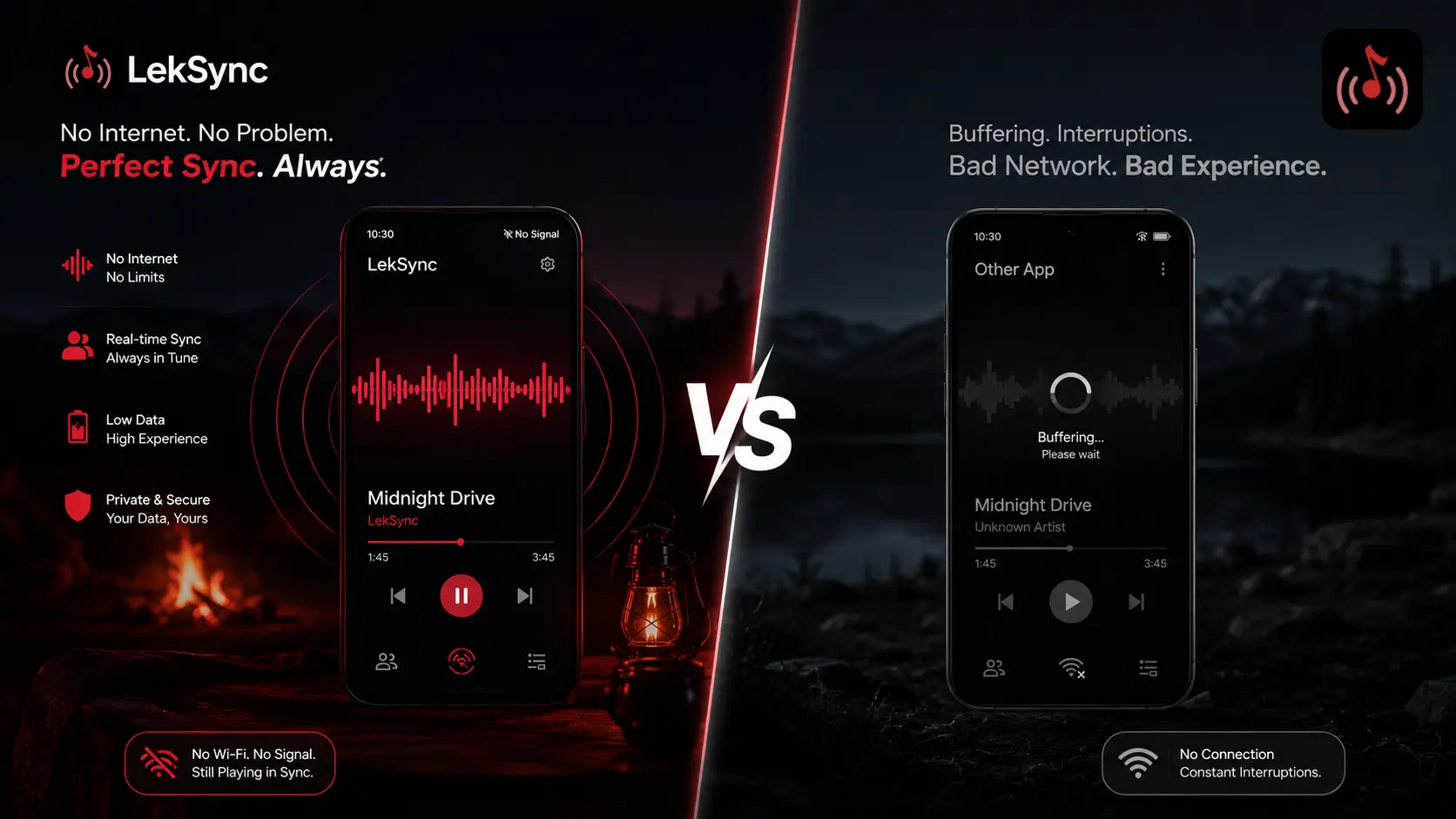
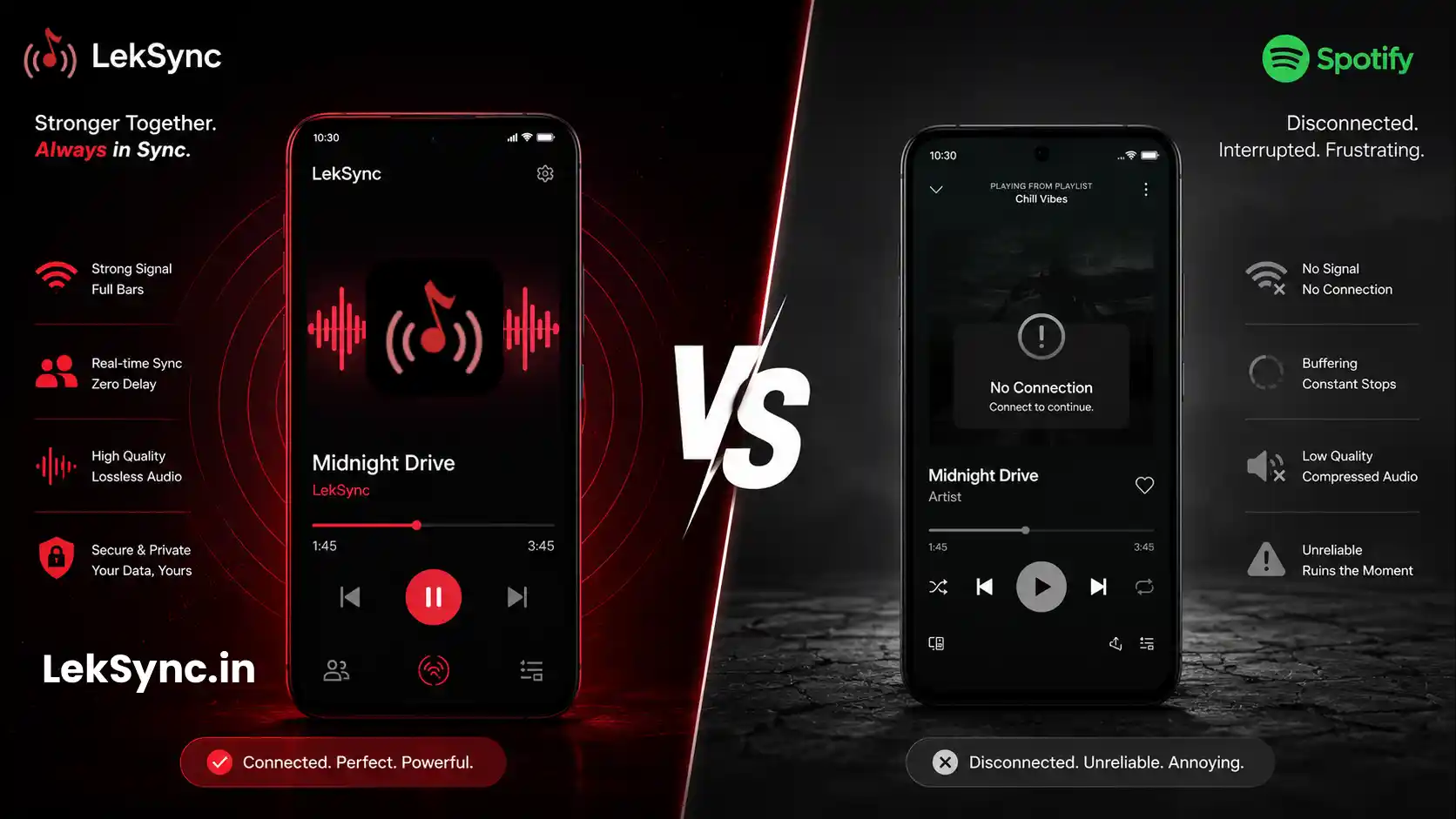
- Spotify Jam - Everyone plays their own copy of the song from Spotify's servers. If one person's connection is slow, they hear it late. The "sync" is approximate.
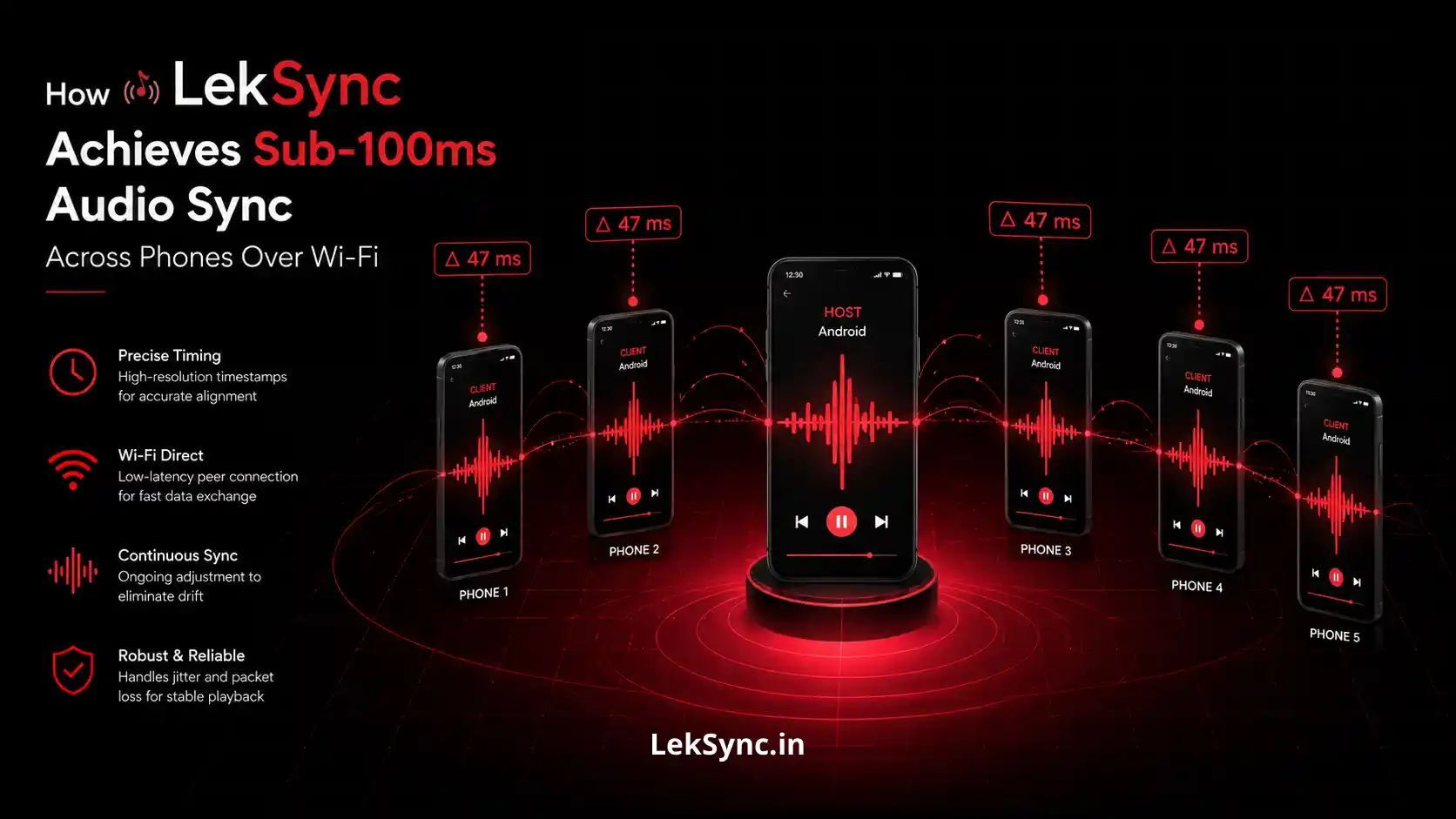
- LekSync - One phone streams the actual audio data to everyone. Sync is tight (~100ms) because it's one source, not many independent streams.
Feature Comparison: Alternatives to Spotify Jam
| Feature | A Spotify Jam | LekSync |
|---|---|---|
| Works without internet | ✗ | ✓ (hotspot mode) |
| Streams local files | ✗ | ✓ |
| Requires Spotify account | ✓ (all users, Premium for Jam) | ✗ |
| Join from browser (no app) | ✗ | ✓ |
| Collaborative queue control | ✓ | Host only |
| True audio sync (same stream) | ✗ | ✓ |
| Live mic audio | ✗ | ✓ |
| Use phones as room speakers | ✗ | ✓ |
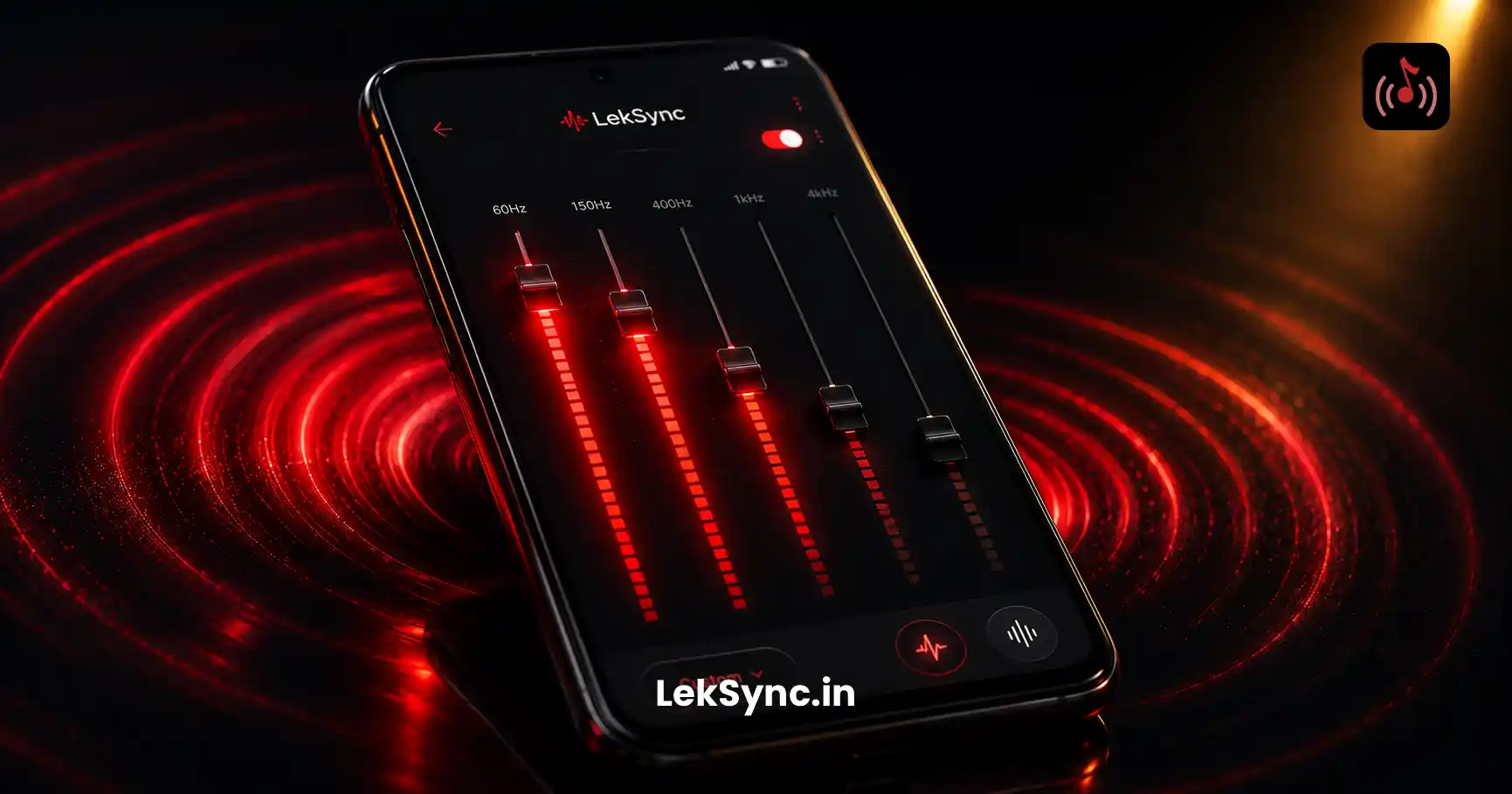
| Built-in equalizer | ✗ | ✓ |
| Free to use | Spotify Premium required for Jam | ✓ |
Where Spotify Jam Wins
Collaborative queue
Everyone in a Spotify Jam can add songs, vote, and skip — it's democratic. LekSync is host-controlled. If you want everyone to have a say in the playlist, Spotify Jam is built for that.
Spotify's catalog
Jam taps into Spotify's 100M+ song library. LekSync only plays what's already downloaded on the host's phone. If the song isn't on the device, it can't be played.
iOS support
Spotify works on both iPhone and Android. LekSync is currently Android-only, so mixed-device groups need Spotify if iPhone users are in the group.
Where LekSync Wins (Why It's a Better Alternative)
Offline use
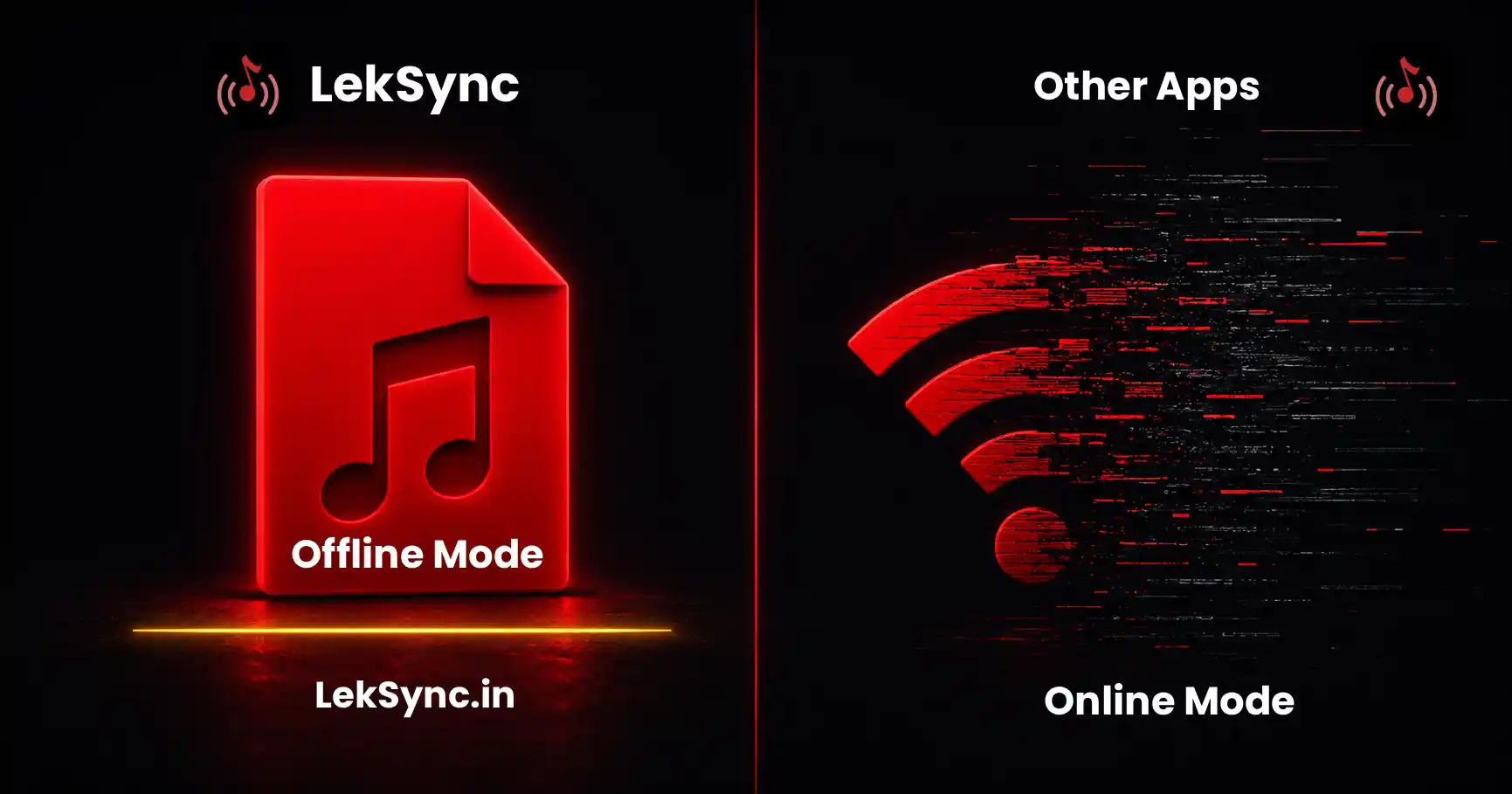
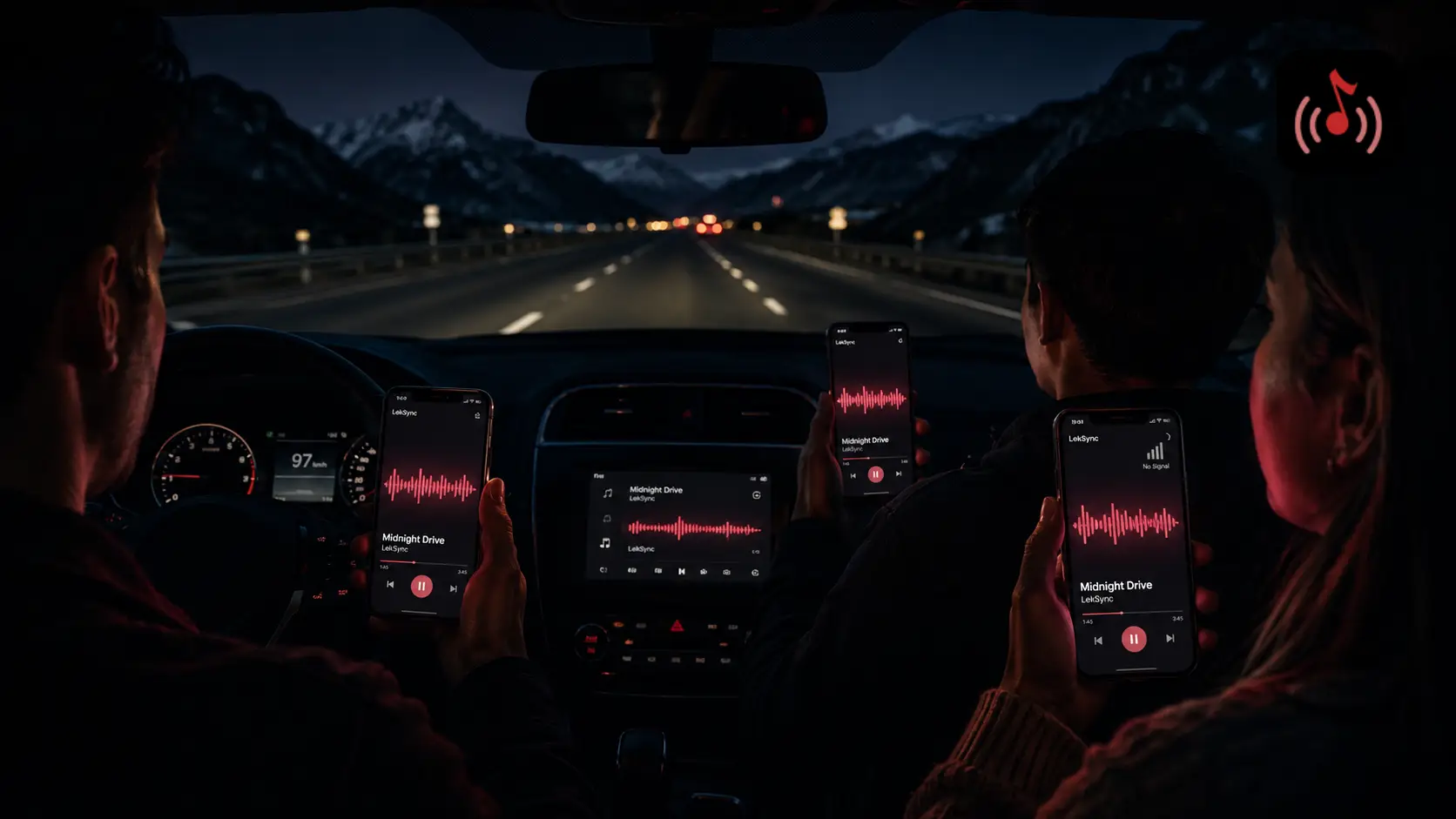
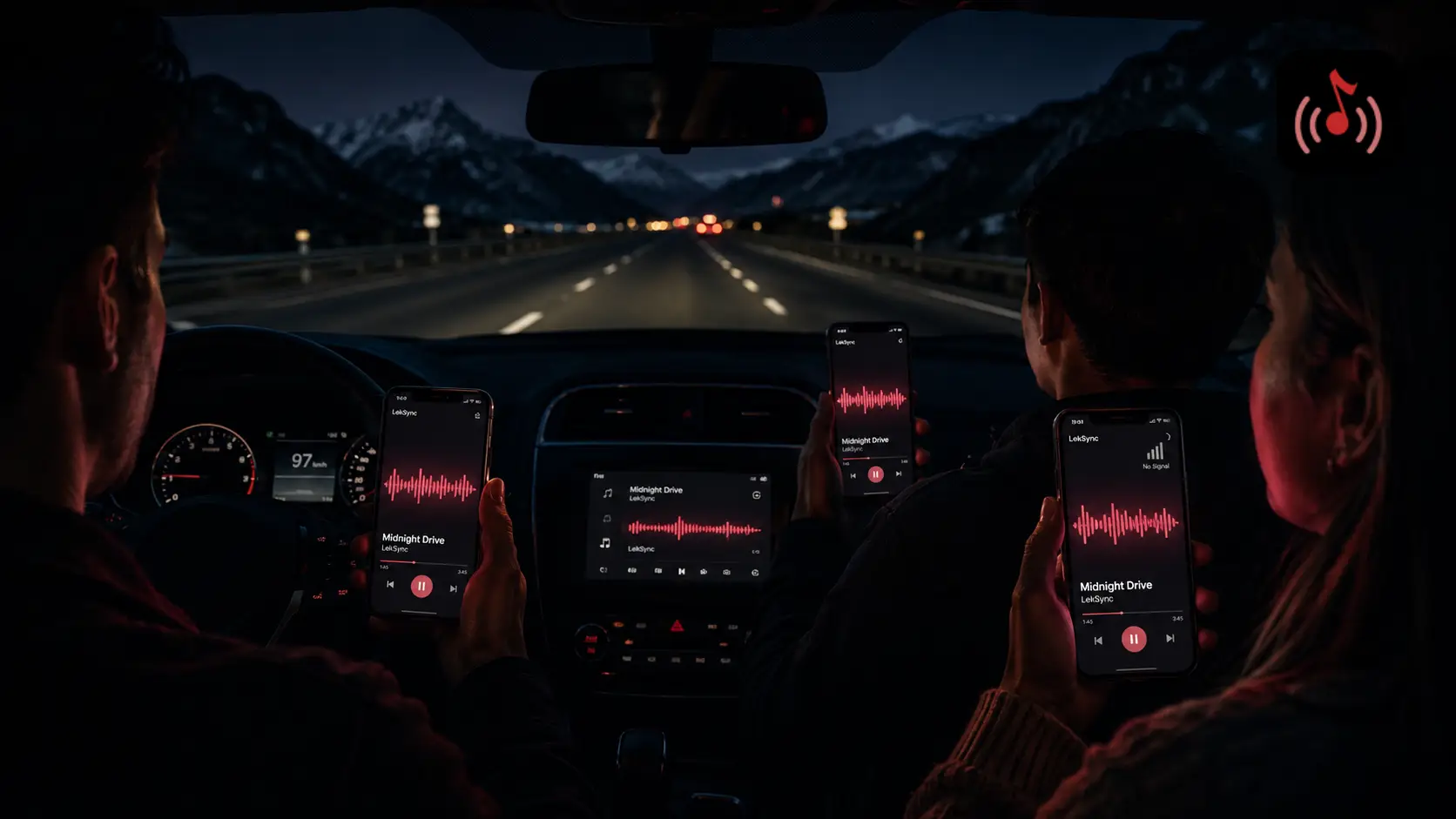
LekSync's hotspot mode works with zero internet — on a road trip, at a campsite, in a remote venue, or anywhere data is unreliable. Spotify Jam breaks completely without a connection.
True audio sync
Because LekSync streams the actual audio data from a single source, sync is tighter and more consistent than Spotify's model (where each device streams from its own servers). The difference is audible when phones are in the same room.
Room speaker mode
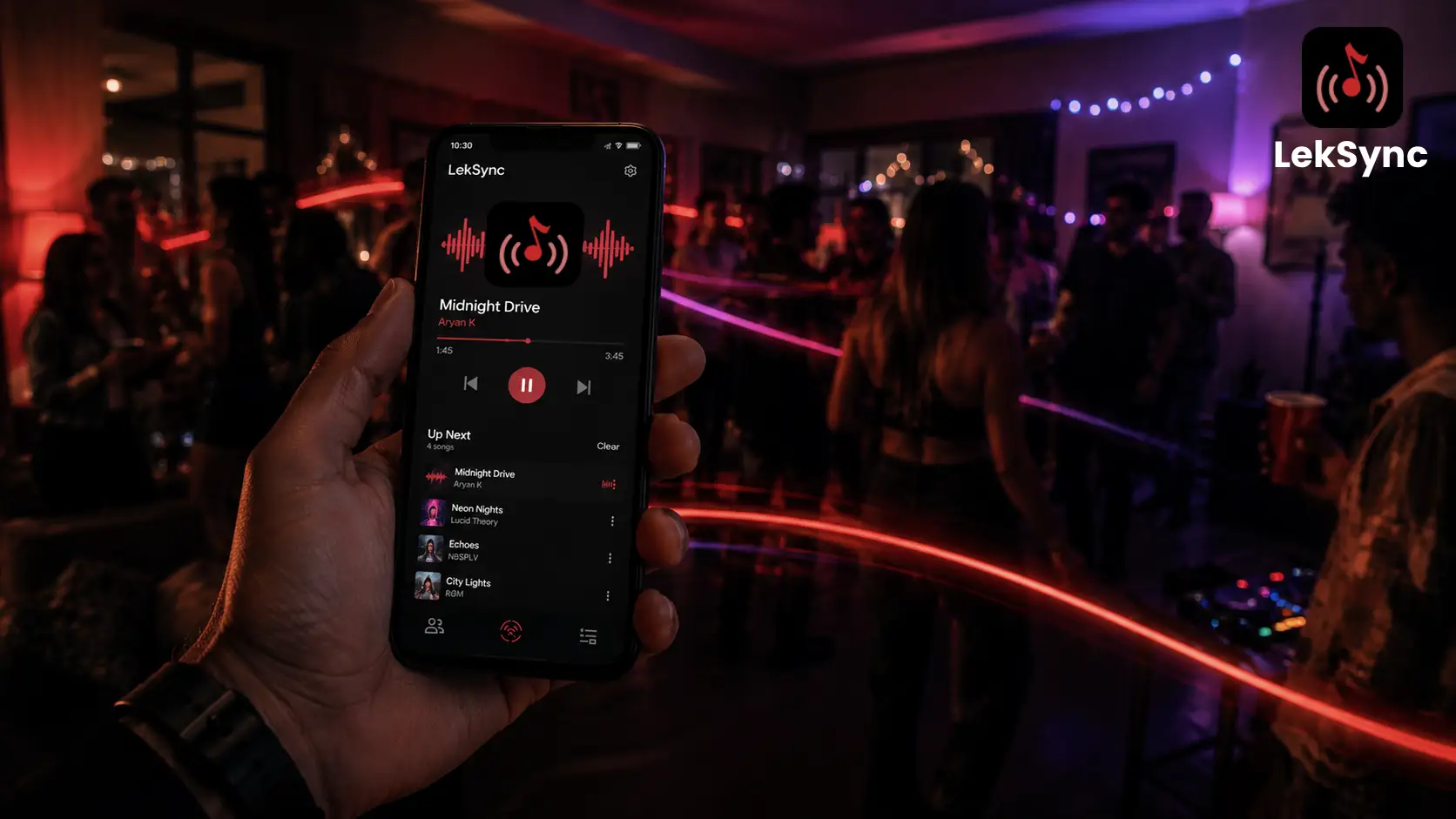
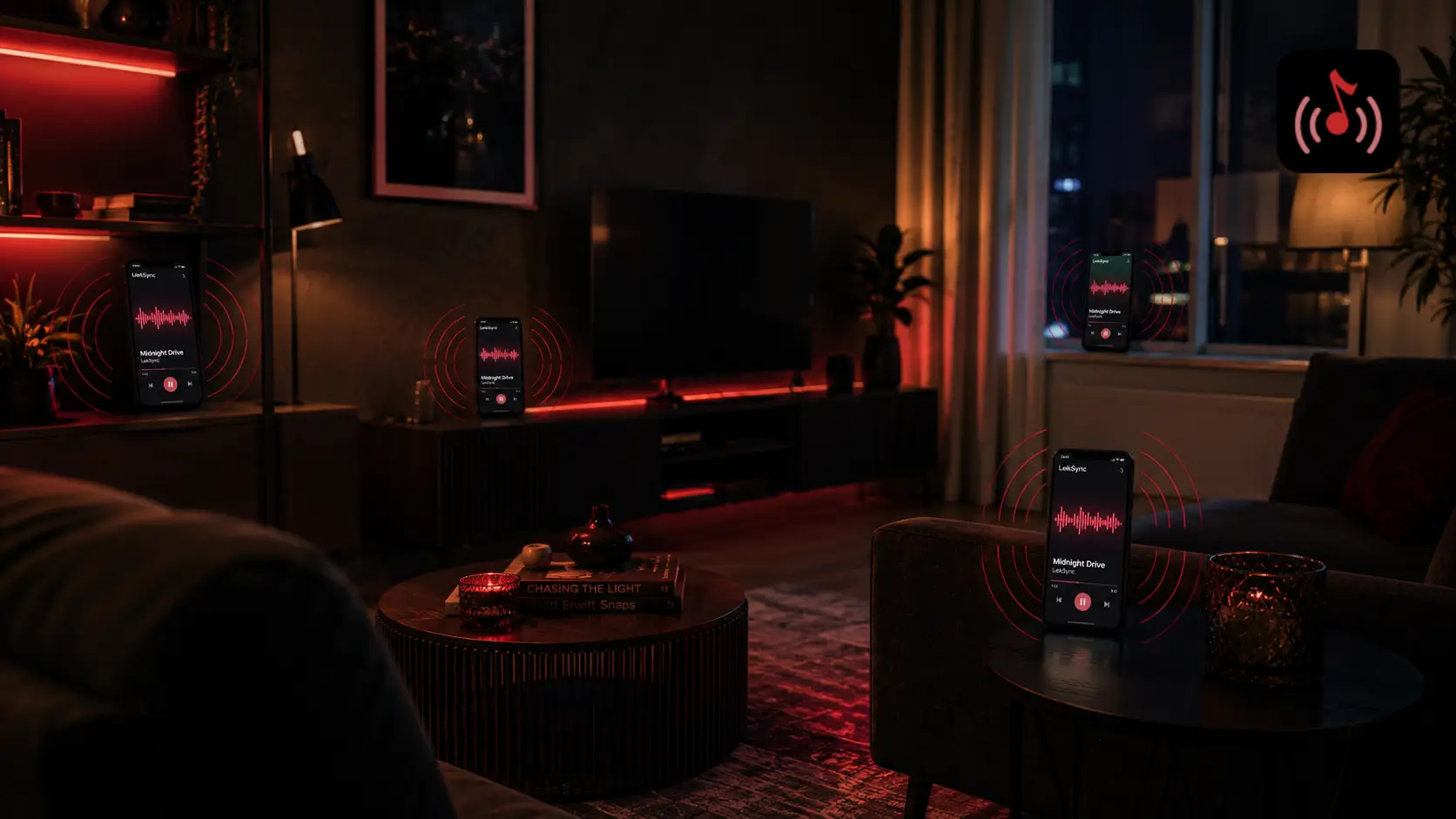
Receiver phones in LekSync act as audio output devices — place them around a room for distributed sound. Spotify Jam plays on each person's own device but wasn't designed for room coverage.
No account needed for listeners
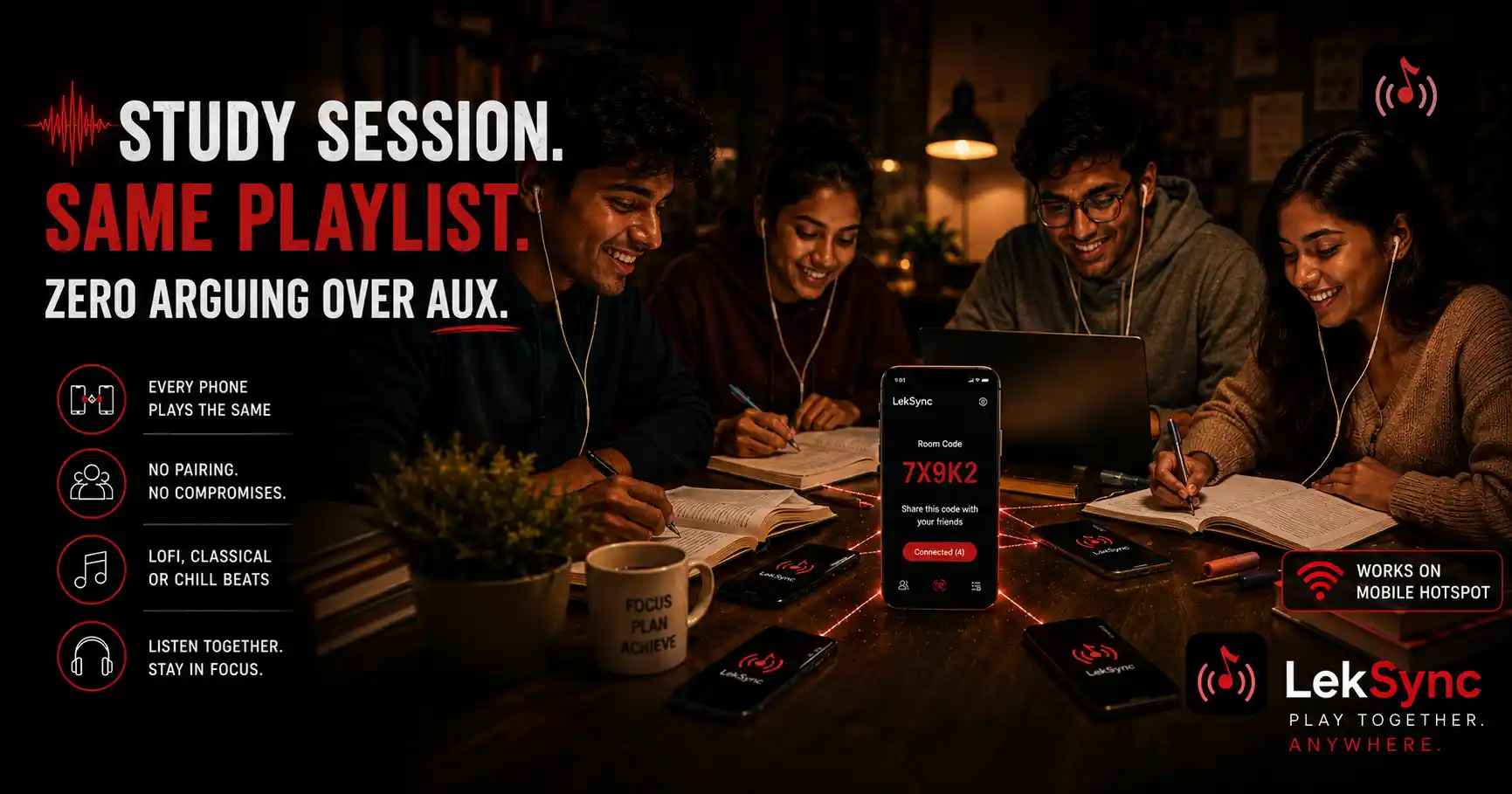
Anyone can join a LekSync session from a browser. No app, no sign-up, no Spotify account. Just a room code. (See also why local music still beats streaming at parties.)
No subscription required
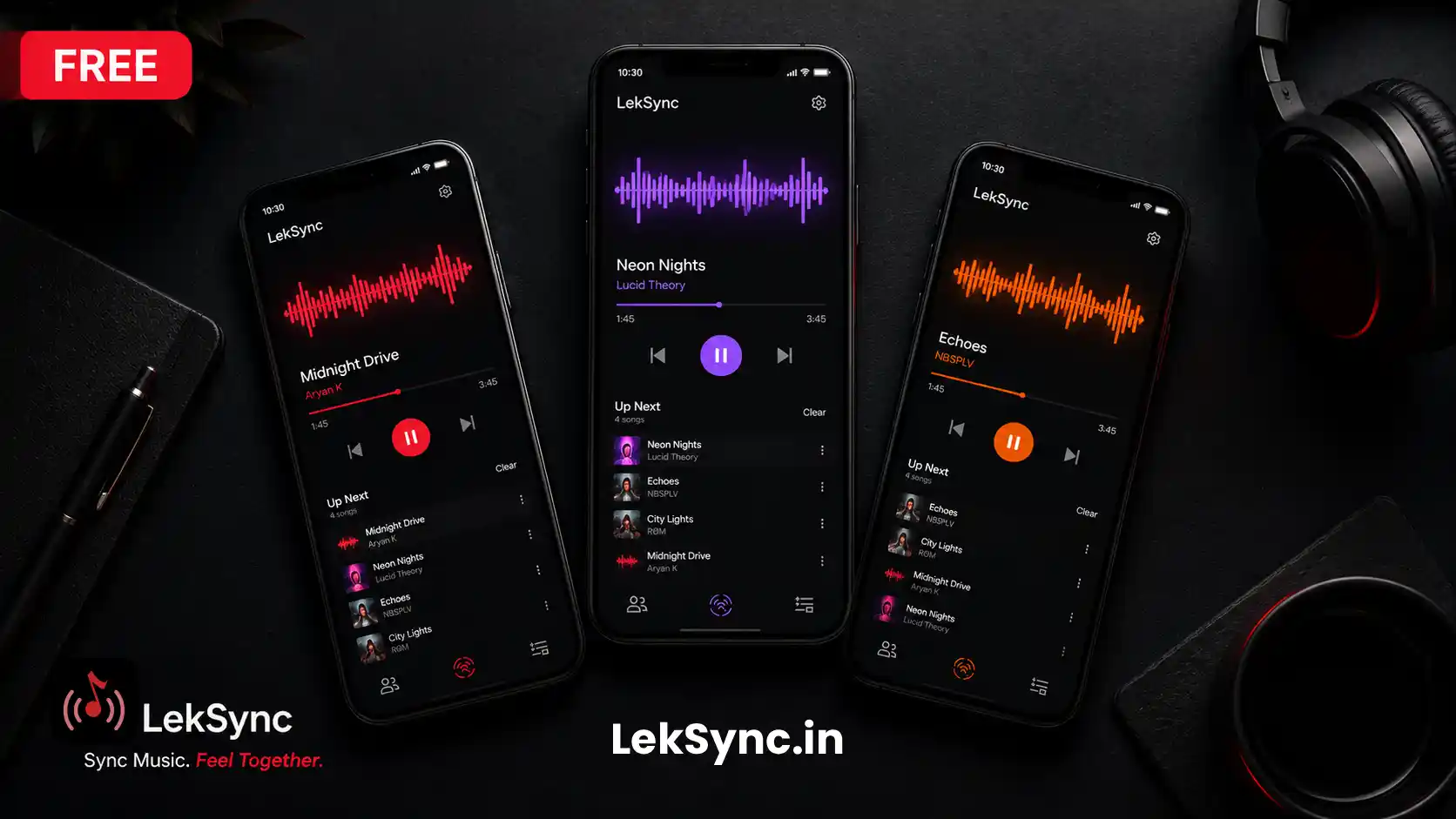
LekSync is free for up to 2 receivers. Spotify Jam requires Spotify Premium, which costs money every month. LekSync Premium unlocks up to 5 receivers at a one-time cost.
Which Should You Use?
Use Spotify Jam if:
- Your group includes iPhone users.
- You want everyone to control the queue.
- You're streaming from Spotify's catalogue.
- You have reliable internet for everyone.
- You already have Spotify Premium.
Use LekSync as your Spotify Jam alternative if:
- You're offline or in a low-signal area
- You play music from local files
- You want to use phones as room speakers
- You want tight, real-time audio sync
- Your listeners shouldn't need accounts or the app installed
- You don't want to pay for Spotify Premium
Bottom Line
Spotify Jam is a shared remote control for streaming. LekSync is a shared audio stream for local files. They're complementary tools for different situations — but if you need an offline, subscription-free alternative to Spotify Jam, LekSync is the better choice.
Download LekSync free on Google Play and host your first session in under two minutes.