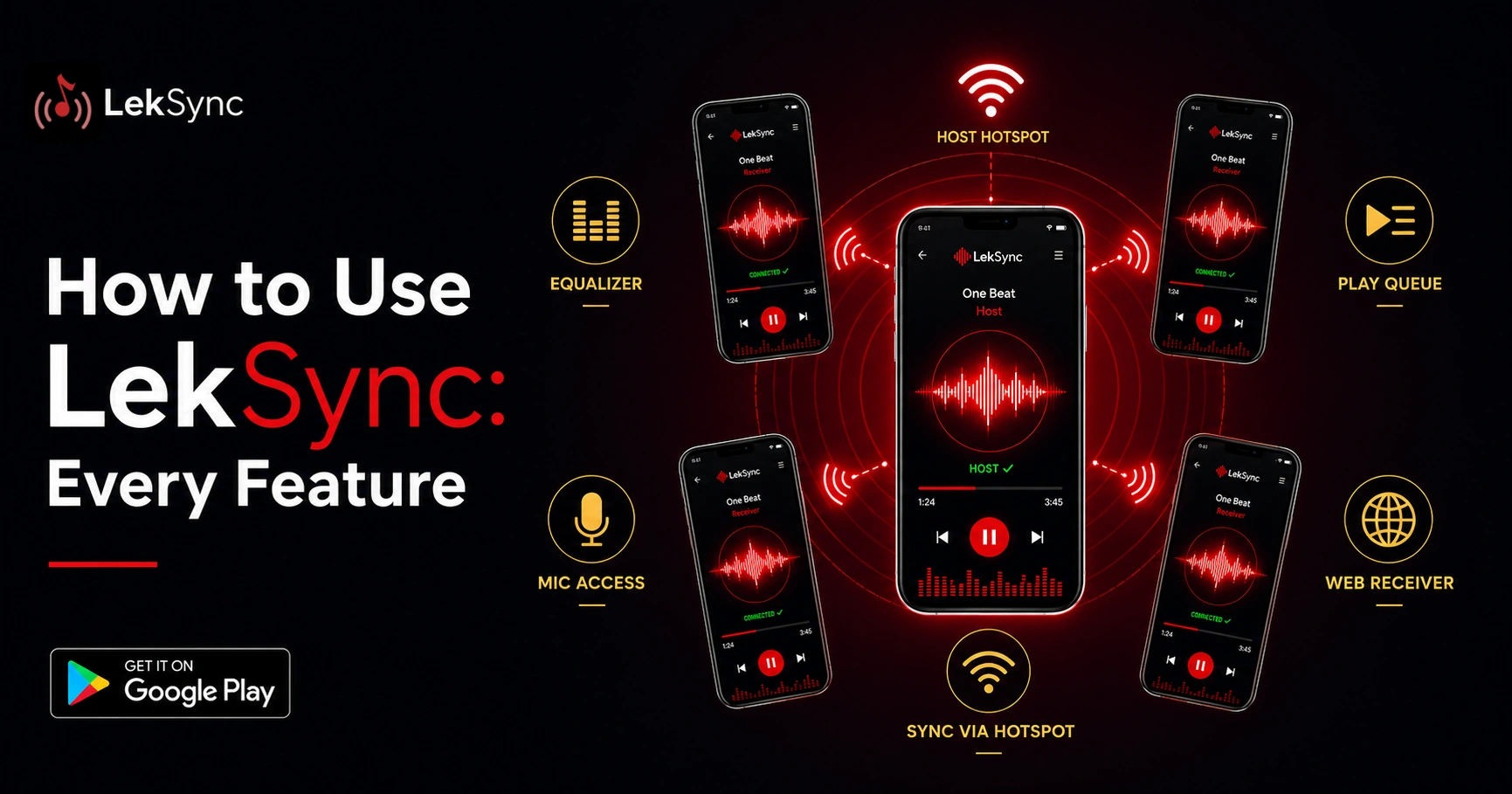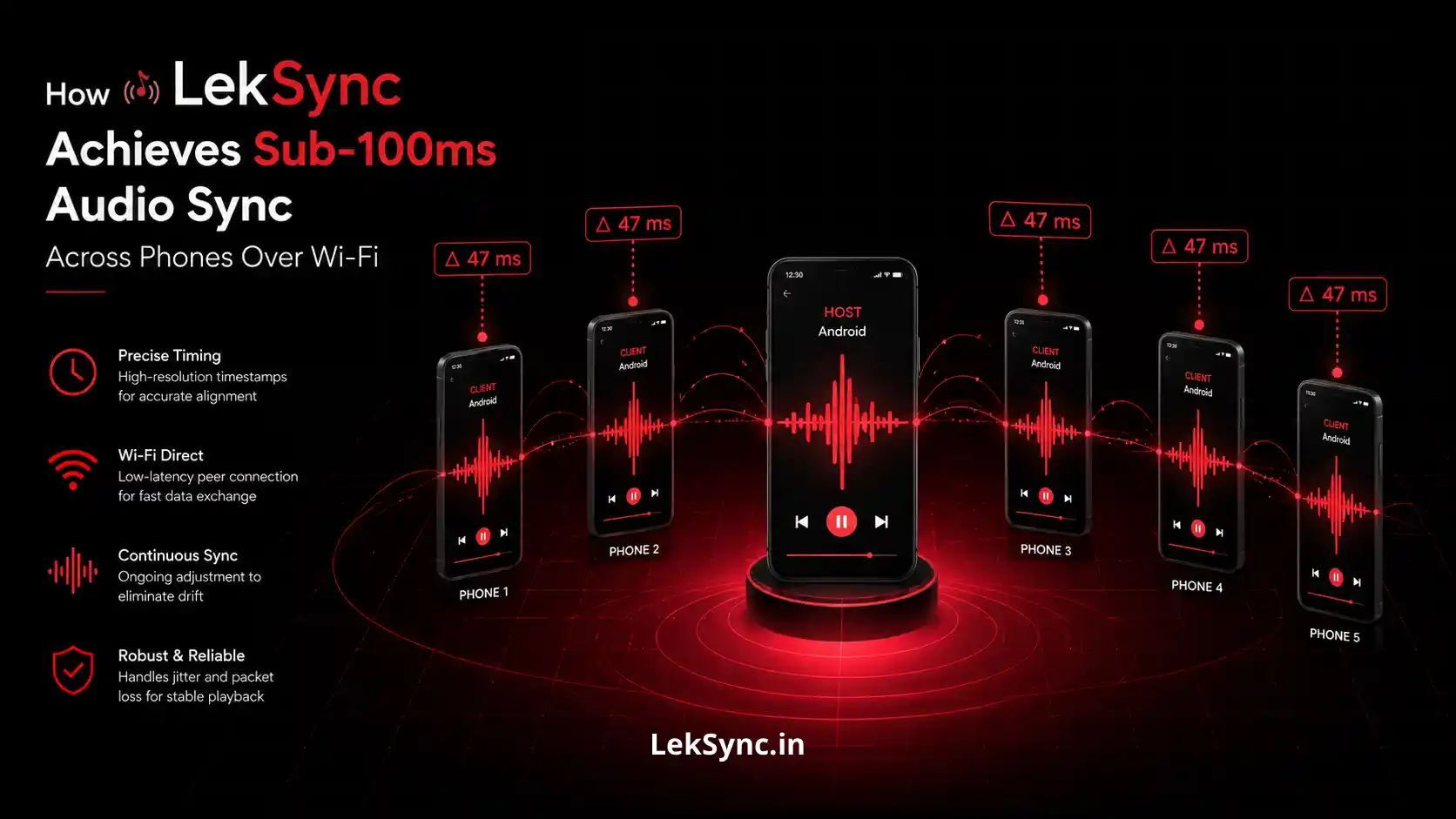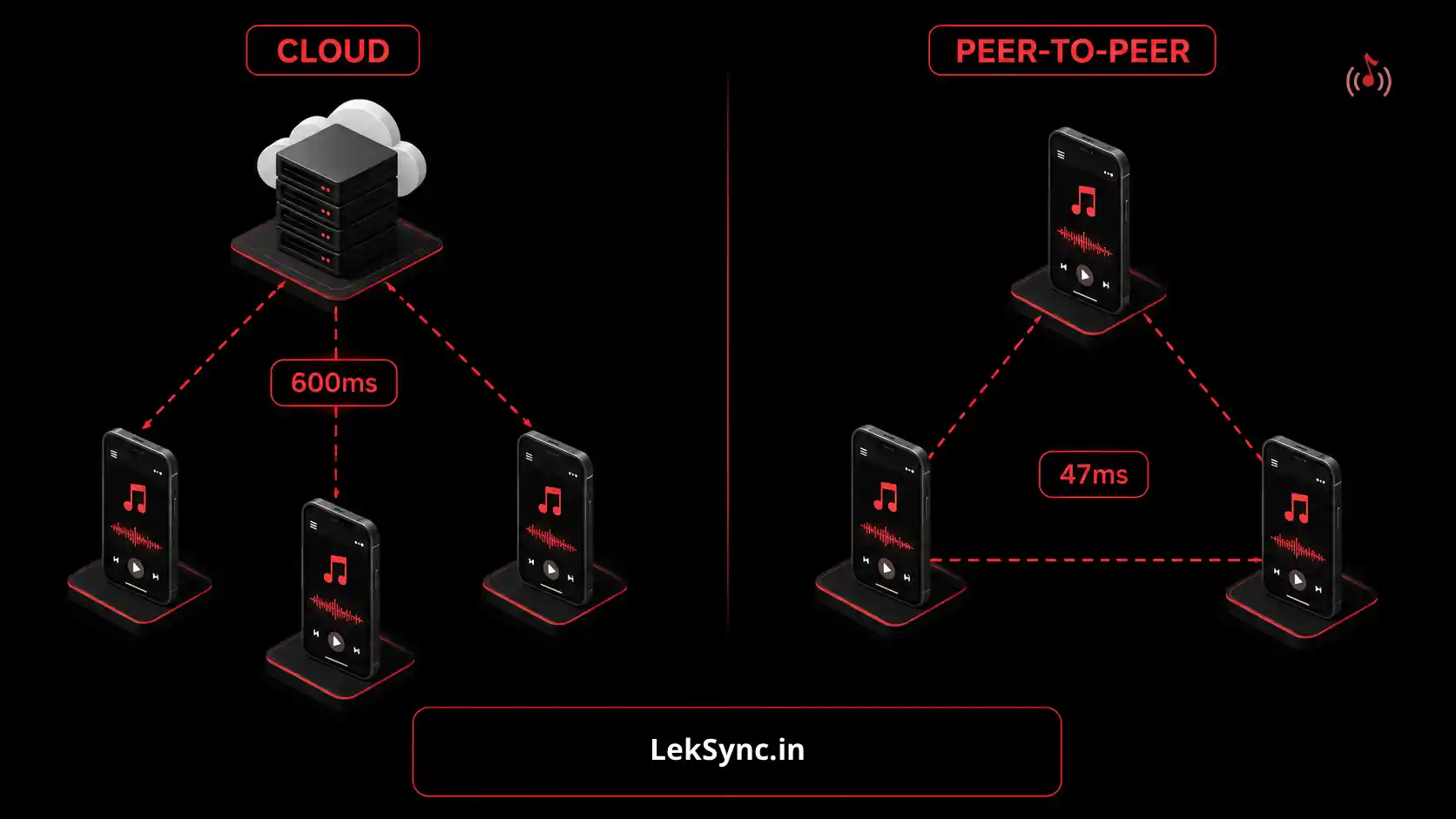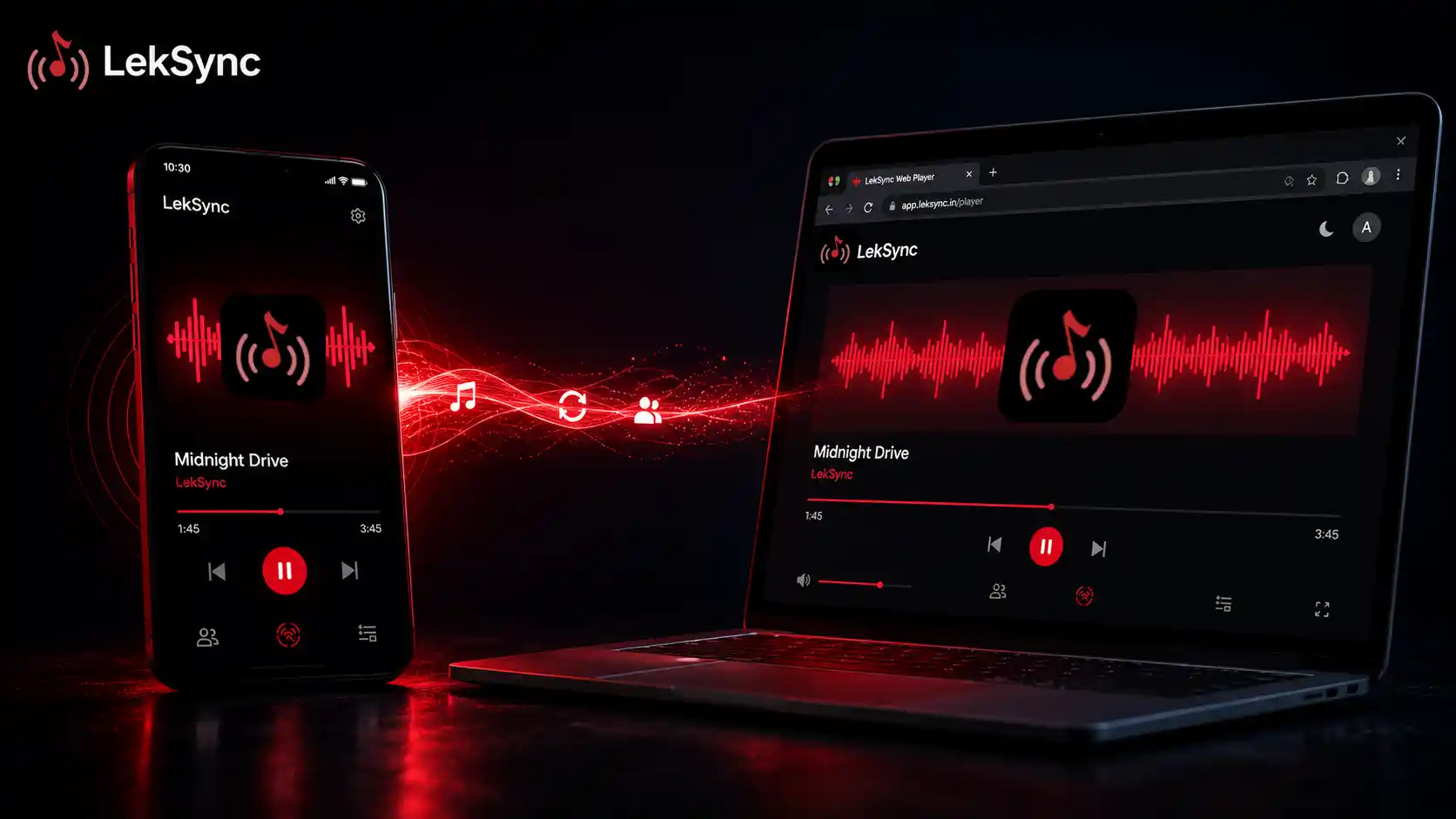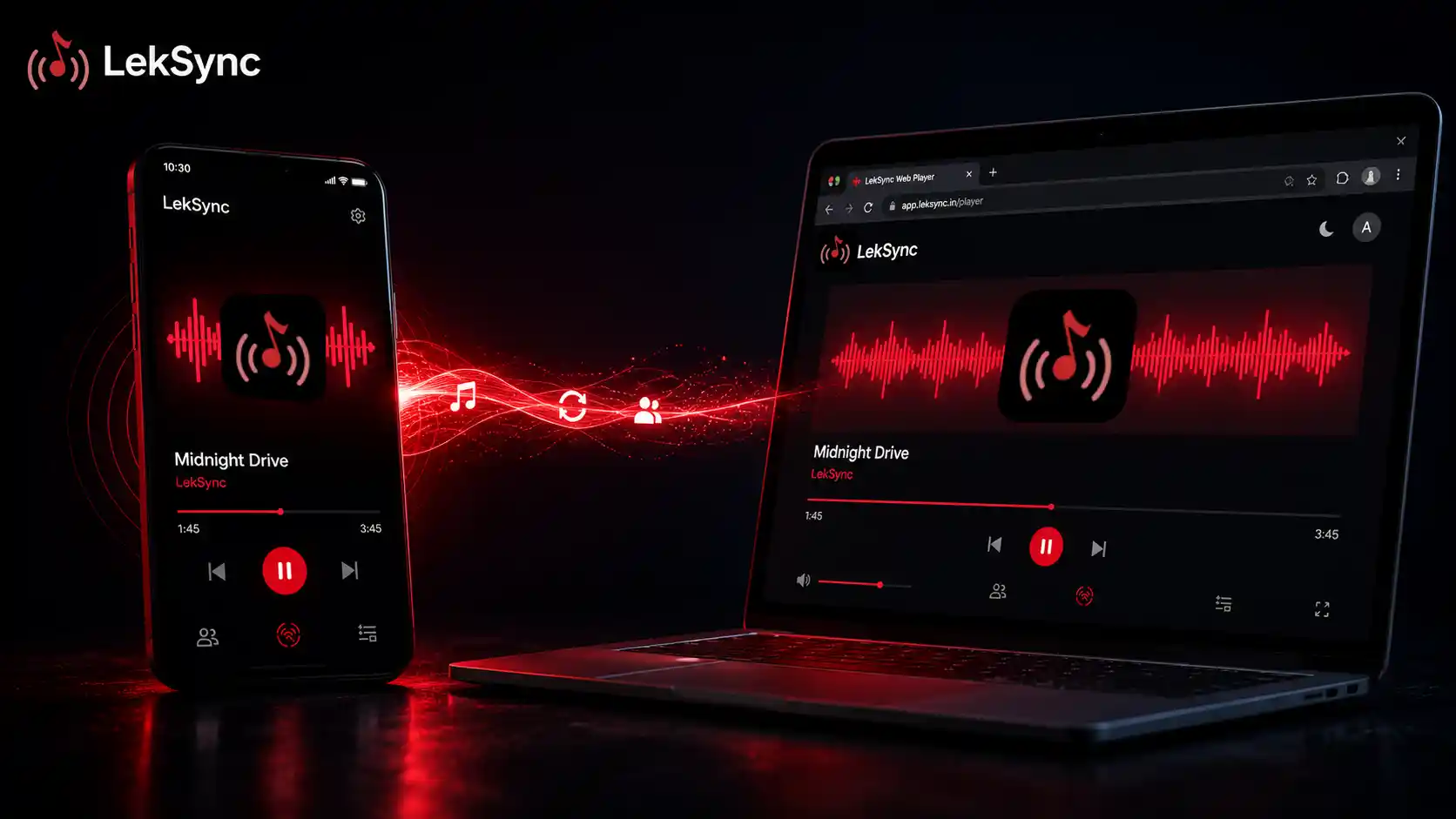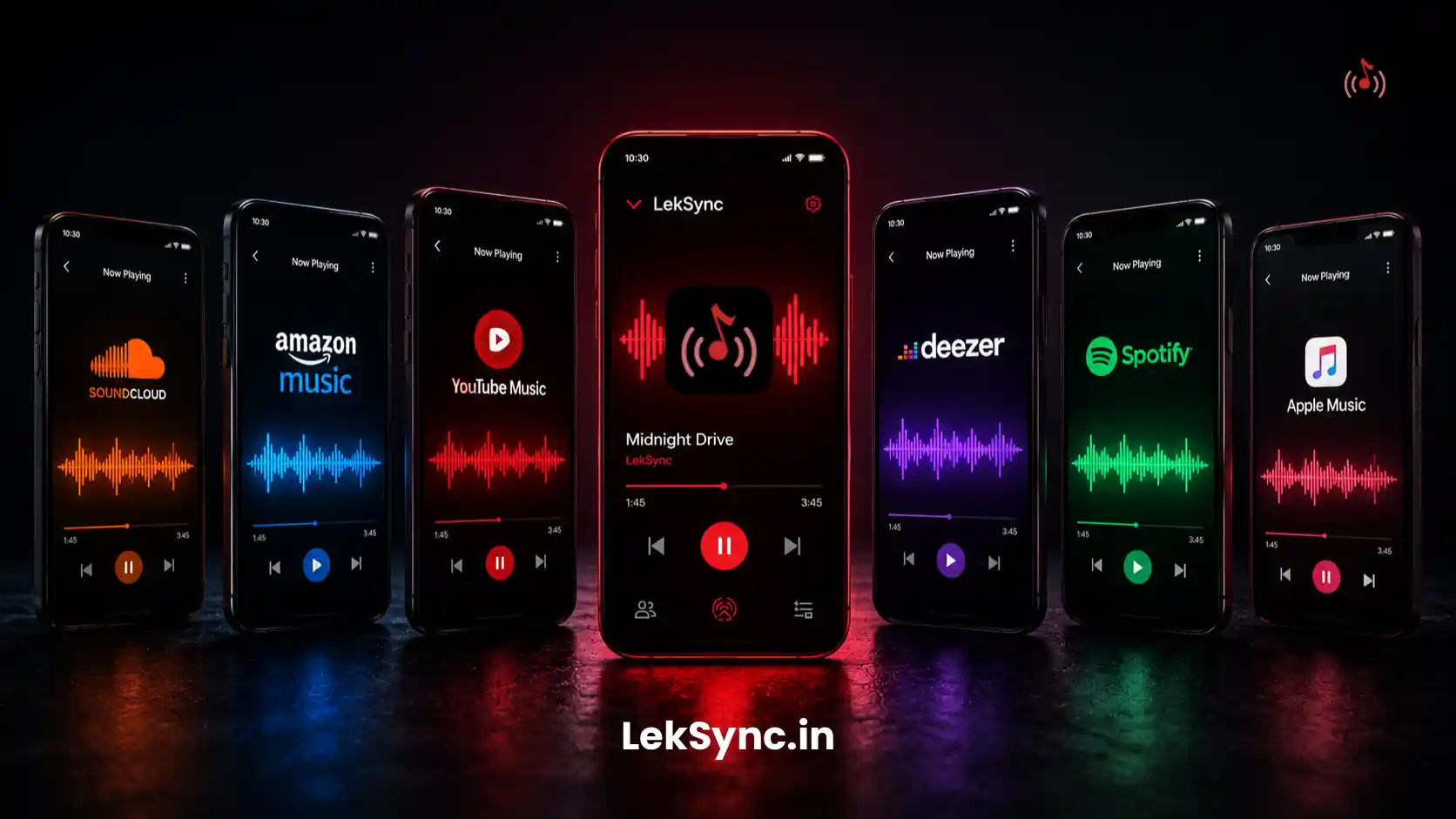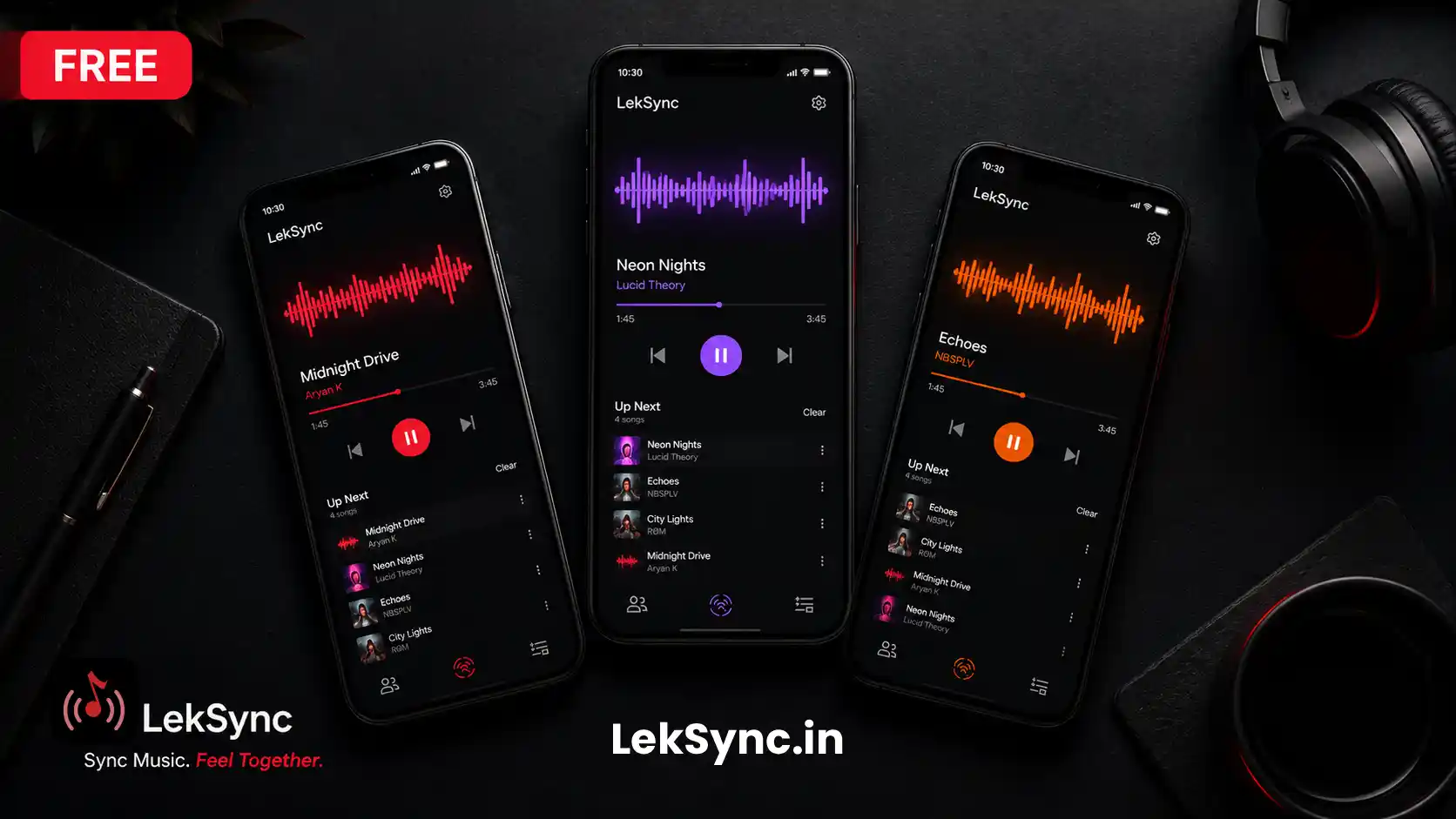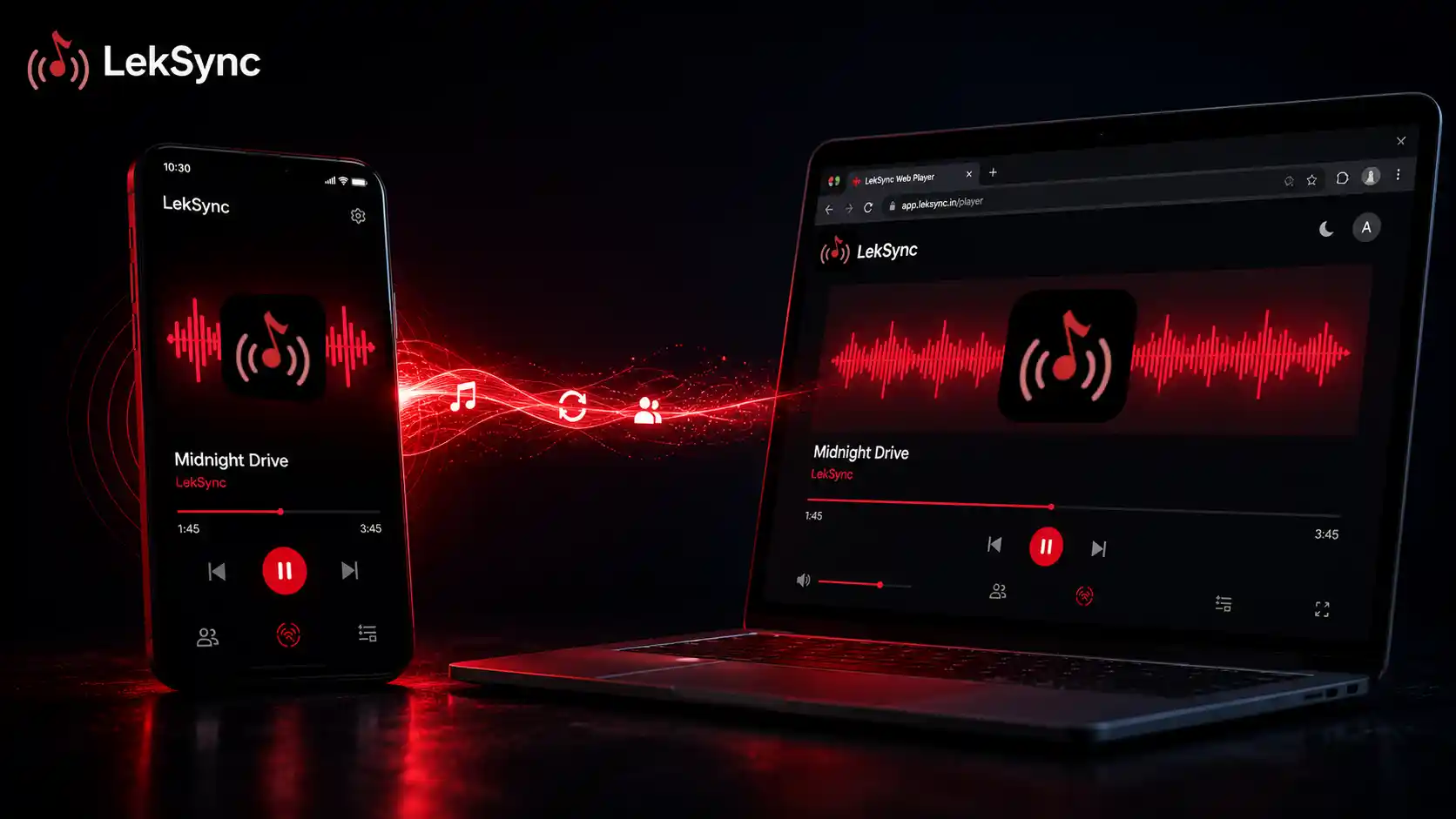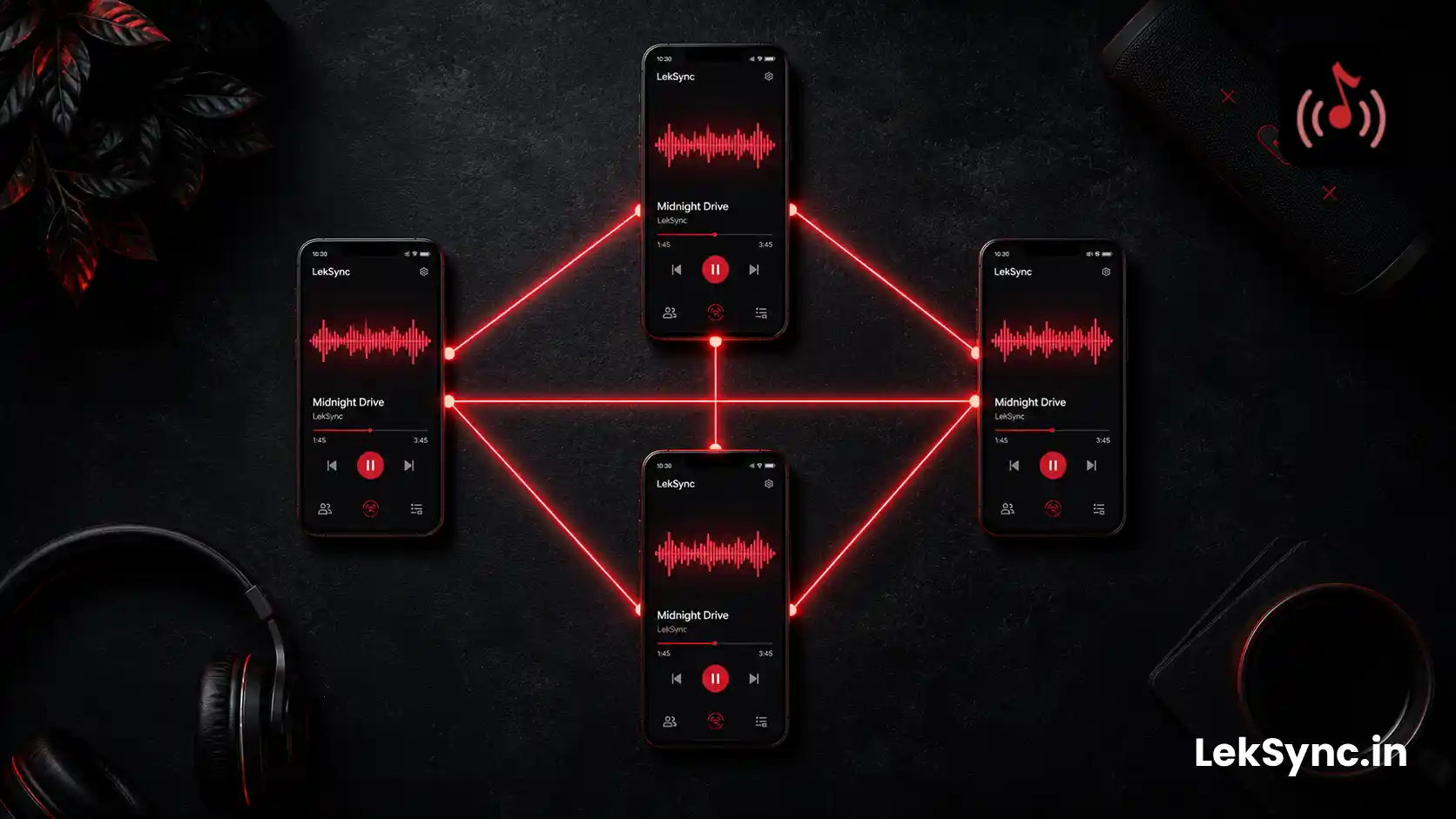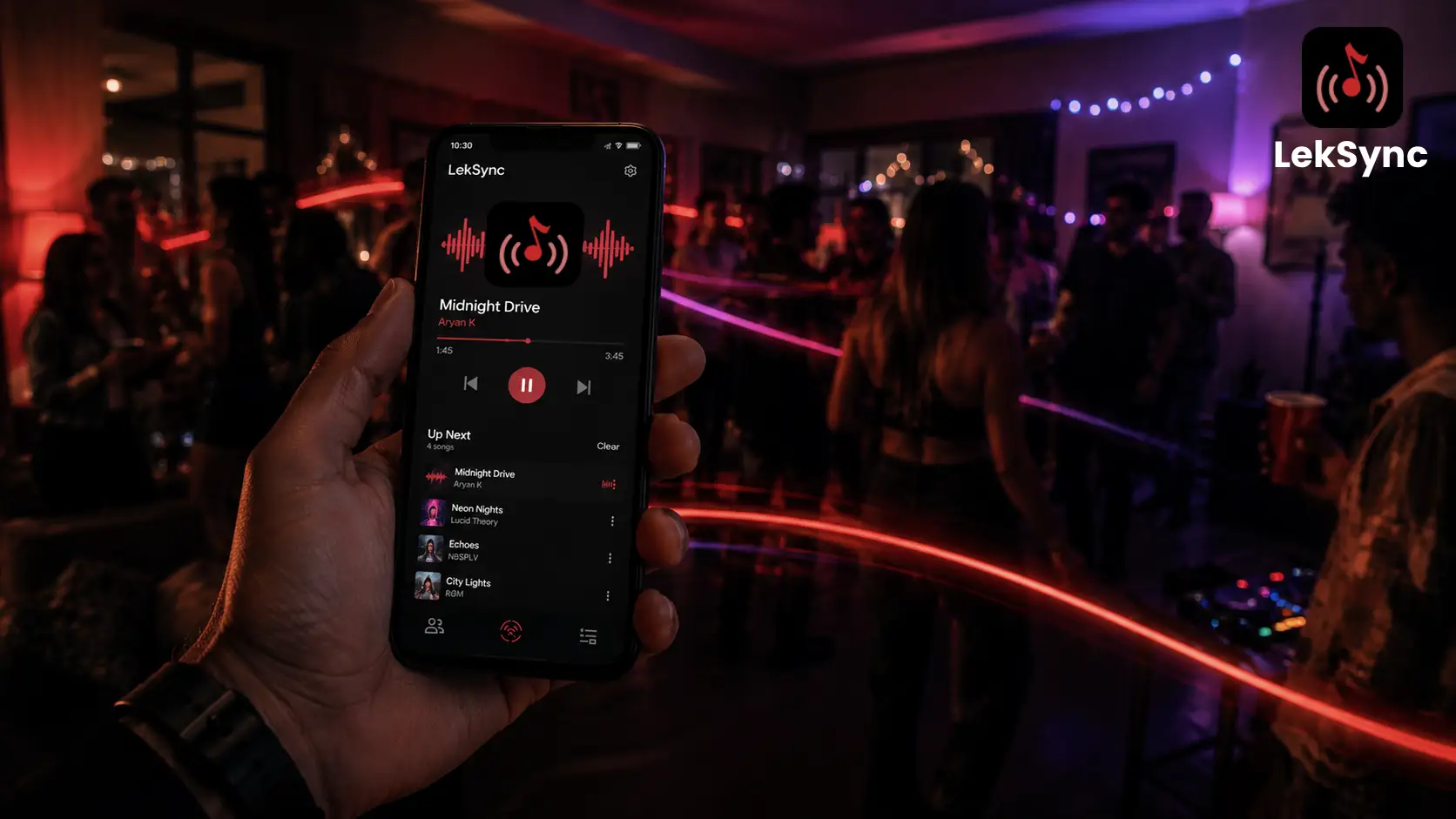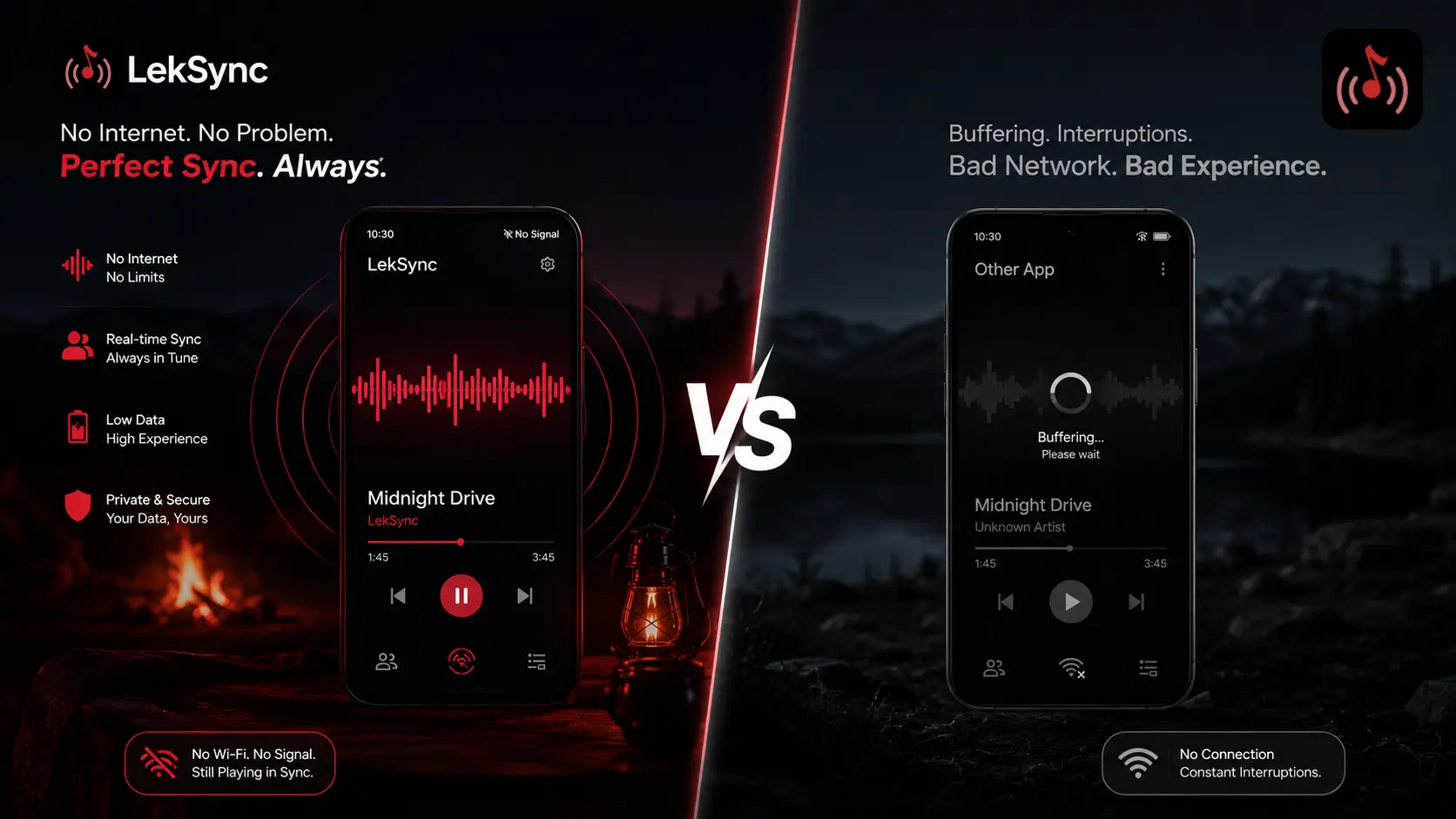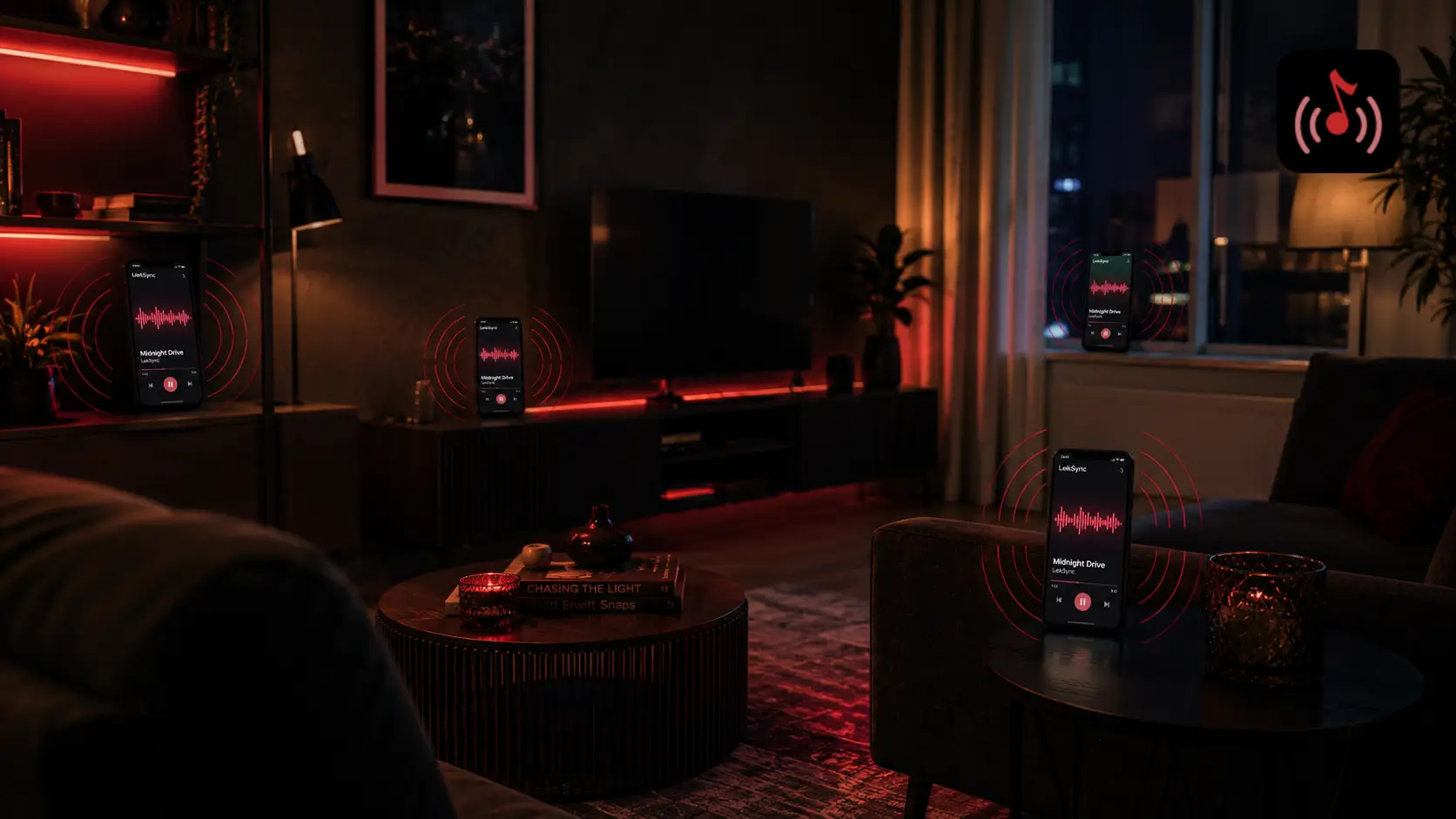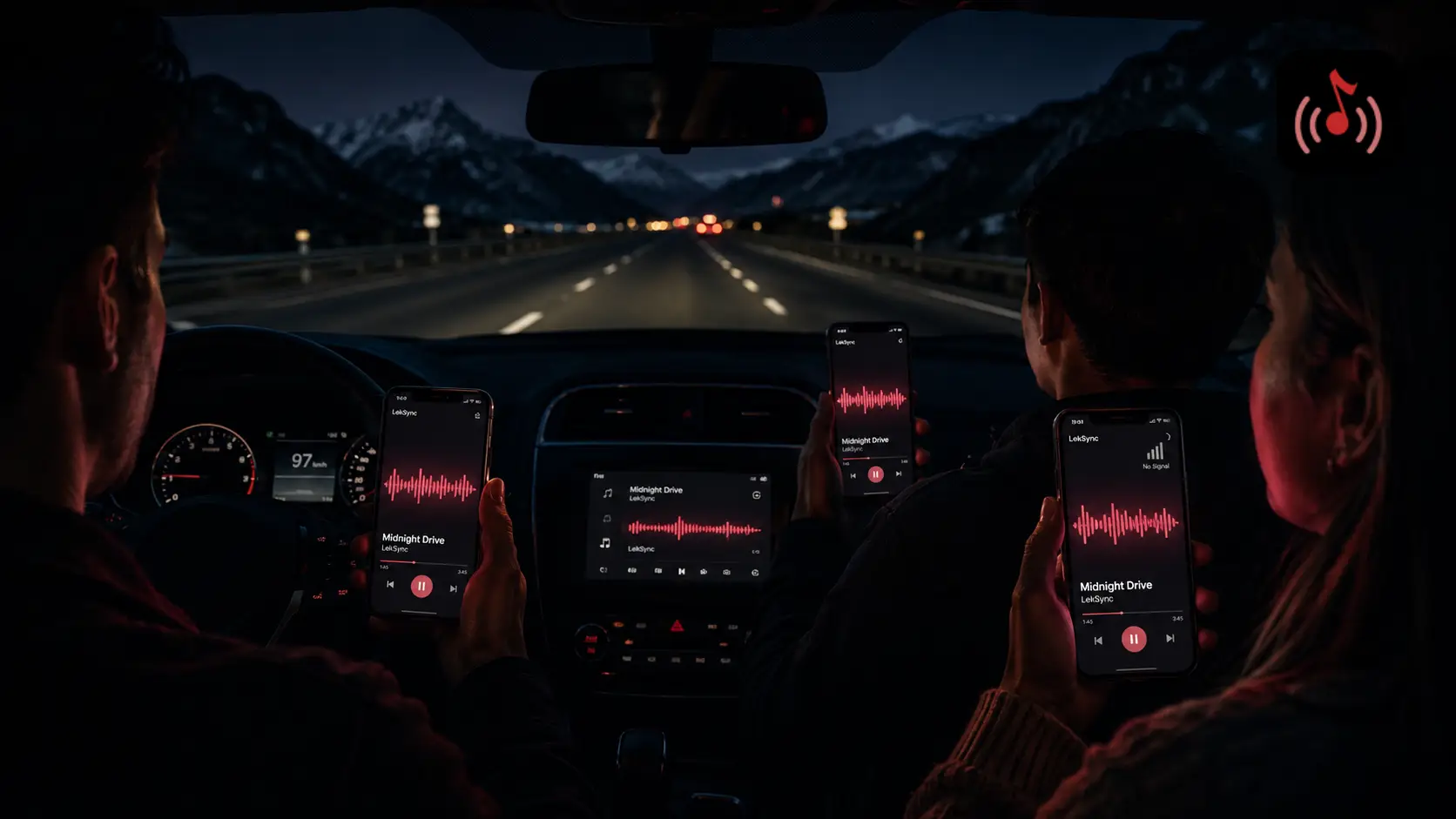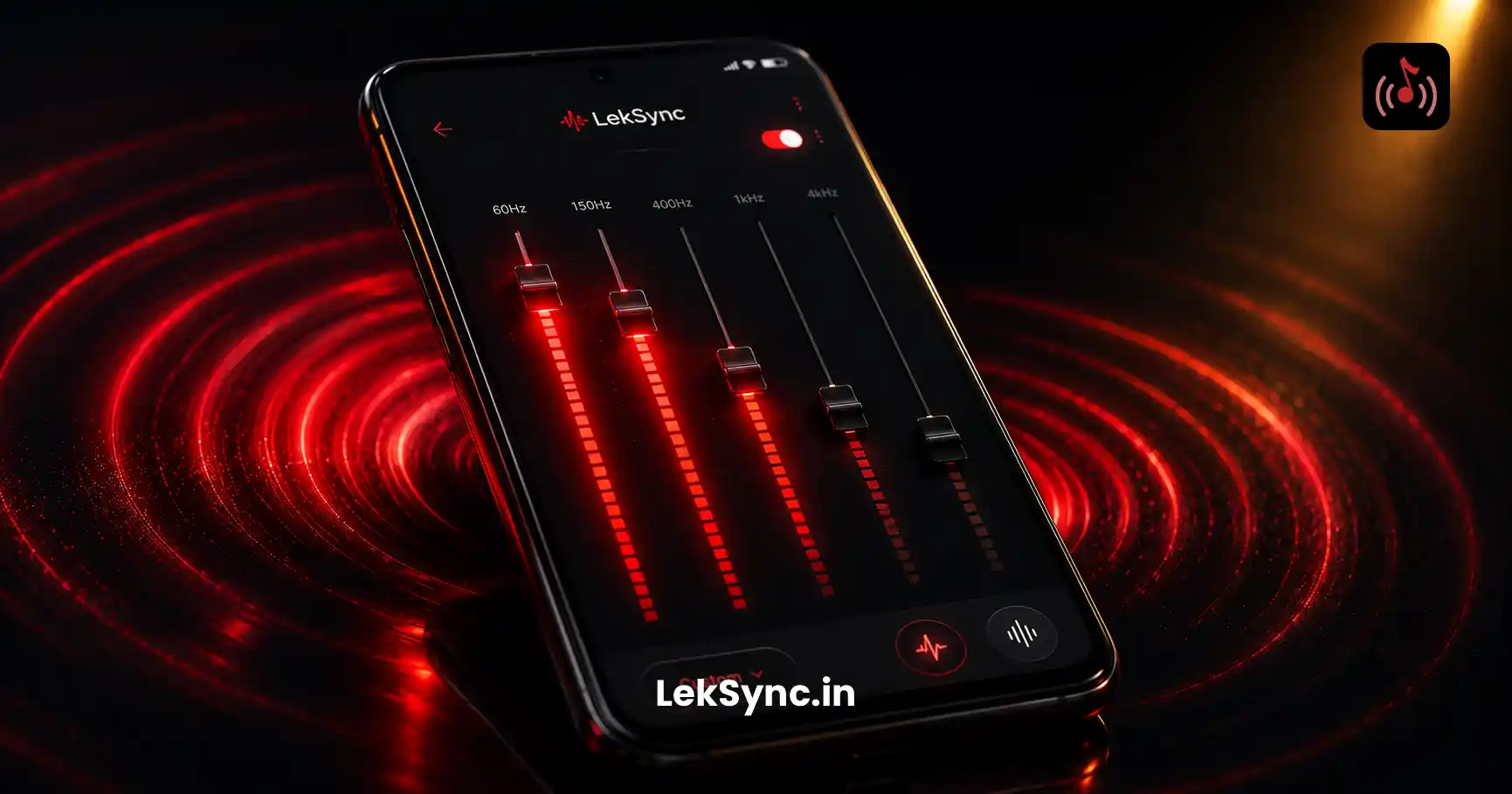
Phone speakers are physically tiny — most are smaller than a postage stamp. But with the right equalizer settings, even a mid-range Android can sound like a small Bluetooth speaker. With LekSync's built-in 5-band EQ, you can shape the master sound that streams to every connected phone in the room — and each receiver can fine-tune it for their own speaker.
Here's how to use it to get deep bass without distortion, clearer vocals, and a club-ready low end.
Where to Find the Equalizer
- Open LekSync and start hosting (or join as a receiver).
- Tap the settings gear on the now-playing screen.
- Pick Equalizer. You'll see five frequency bands: 60 Hz, 150 Hz, 400 Hz, 1 kHz, 3.5 kHz, and 10 kHz.
Each band has a slider from −12 dB to +12 dB. The center value (0 dB) leaves the original sound untouched.
The Bass Boost Recipe
For most party tracks, this is the sweet spot:
- 60 Hz: +4 dB — adds sub-bass weight (kick drum thump).
- 150 Hz: +3 dB — fills out the body of bass guitars and 808s.
- 400 Hz: 0 dB — leave alone. Boosting here muddies vocals.
- 1 kHz: 0 dB — leave alone.
- 3.5 kHz: +2 dB — adds clarity and "bite" to vocals.
- 10 kHz: +3 dB — adds shimmer to cymbals and hi-hats.
This is essentially a smile curve — boosted at the extremes, neutral in the middle. It's the classic shape for hip-hop, electronic, and pop because it makes the music feel "bigger" without losing intelligibility.
Why You Shouldn't Just Crank the Bass
Boosting 60 Hz to +12 dB feels great for two seconds, then your phone speaker starts buzzing and the music distorts. Tiny speakers physically can't move enough air to reproduce huge bass at high volume. When you push too hard, three things happen:
- The speaker cone flaps and produces a buzz on every kick drum.
- The amplifier clips, which sounds like fuzzy static on the loudest peaks.
- Other frequencies (vocals, snares) get masked because all the headroom is being eaten by bass.
- Battery drains faster from the speaker working harder.
The fix: keep bass boost moderate (+3 to +6 dB) and cut a tiny bit at 400 Hz if things sound muddy.
Different Presets for Different Vibes
LekSync ships with seven built-in presets you can switch between with one tap:
- Flat — no EQ, the original mix as the artist intended.
- Bass Boost — the recipe above. Best for parties and road trips.
- Vocal — emphasizes 1–3 kHz so podcasts and acoustic tracks have presence.
- Acoustic — gentle warmth on the low-mids, airy highs. Great for chill sessions.
- Club — heavy 60 Hz, scooped mids, sharp highs. For dance/electronic.
- Rock — punchy mid-bass, present mids, smooth highs.
- Custom — your saved curve.
Switch presets while a song is playing to A/B compare. The EQ applies in real time — no skip, no glitch.
The Host's EQ vs Receiver EQ
This is where LekSync is different from streaming apps. There are two equalizers in the signal path:
- Host EQ — the host phone applies this before streaming. Every receiver gets the EQ'd audio. Use this to set the overall vibe (e.g. Bass Boost for a road trip).
- Receiver EQ — each receiver phone can apply its own EQ on top. Use this to compensate for a smaller or larger speaker.
Example: your friend's phone has a particularly weak speaker. They can crank the receiver bass to +6 dB while everyone else stays at +3 dB — only their phone gets the extra boost. The host doesn't have to change anything.
Speaker Pairing Tips
If you're plugging a receiver phone into a Bluetooth speaker or aux input, drop the receiver EQ to flat and let the speaker do the heavy lifting. Adding phone-side bass boost on top of speaker-side bass boost usually causes muddy distortion.
If you're using just the built-in phone speakers, keep the bass boost moderate (+3 to +5 dB). Going higher makes the speaker buzz.
If you're using wired earphones or earbuds, the Bass Boost preset is usually too heavy — try Acoustic or Flat, since earphones already reproduce bass well.
Save Your Own Custom Preset
Found a curve that works for your music? Save it:
- Adjust the five bands until it sounds right.
- Tap Save preset in the EQ menu.
- Give it a name (e.g. "Wedding Set", "Workout Bass", "Acoustic Coffee").
Custom presets show up alongside the built-in ones, and they're synced to your LekSync account so they're available on any phone you log into.
Bottom Line
Phone speakers will never replace a proper PA, but with a thoughtful EQ curve you can squeeze remarkable sound out of even a budget Android. Start with the Bass Boost preset, A/B against Flat, and tweak from there. The equalizer is free for every LekSync user — host or receiver, free plan or premium — so there's no reason not to use it.
Free download: Get LekSync on Google Play and try the equalizer yourself.