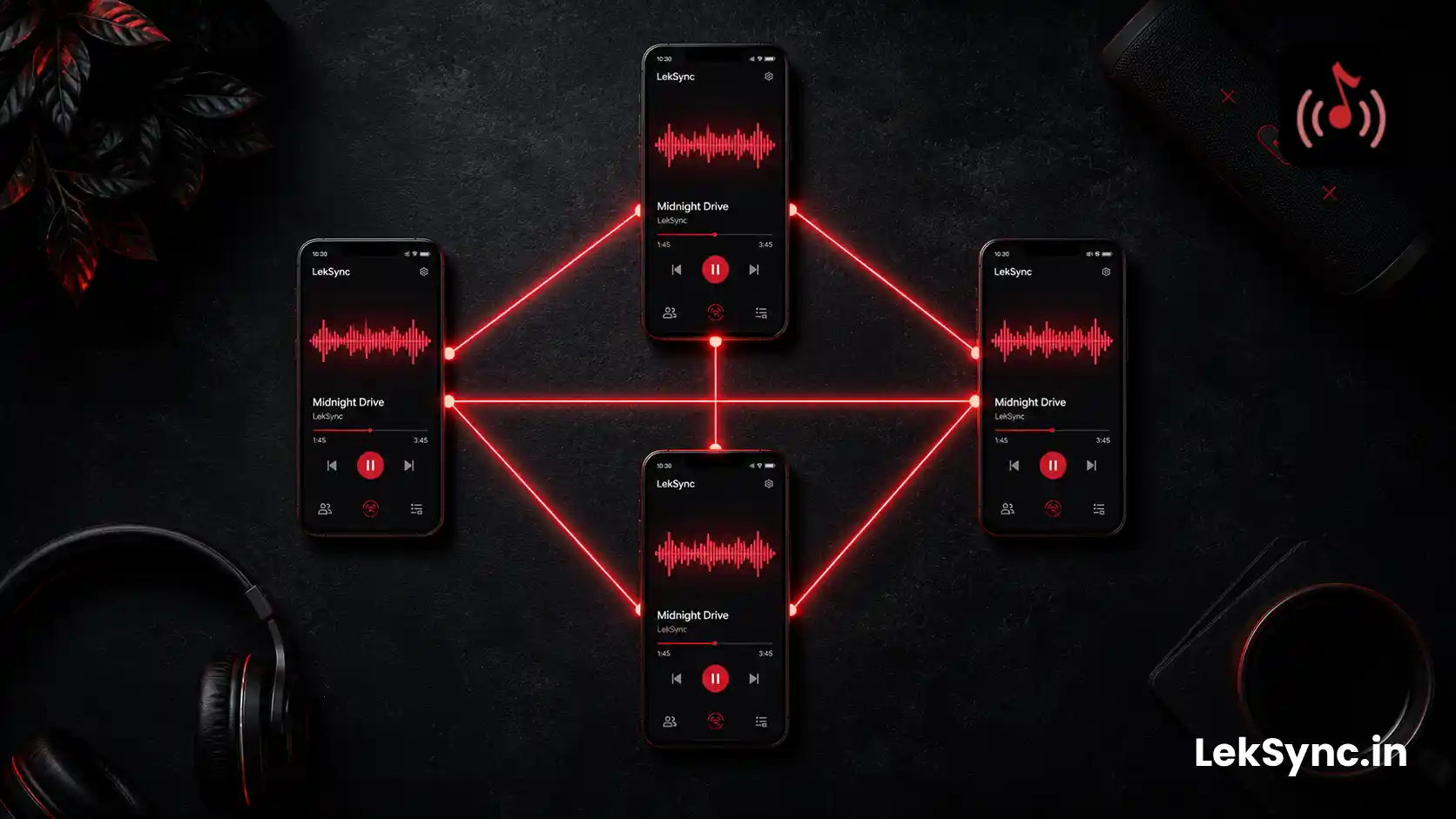
Synchronizing audio across multiple devices sounds simpler than it is. Play the same file on two phones and they'll drift — each phone's clock ticks at a slightly different rate, network packets arrive at slightly different times, and audio output buffers add variable latency. Without active correction, two phones playing the same track will be seconds apart within minutes.
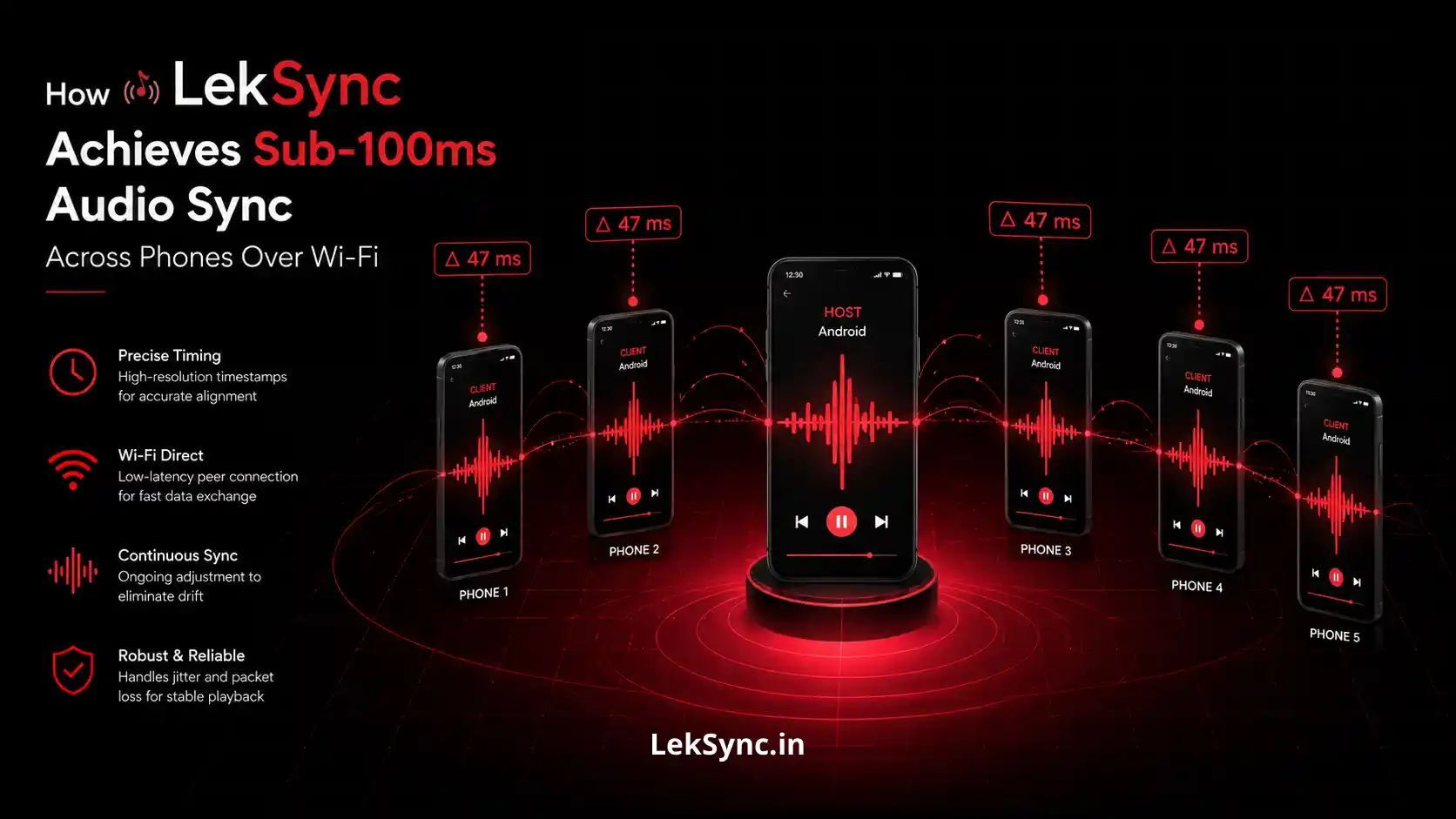
LekSync keeps all receivers within 100 milliseconds of each other continuously. Here's the technical implementation that makes this possible.
Step 1: Decoding Source Audio to PCM
When the host selects a track, LekSync doesn't stream the compressed audio file (MP3, AAC, FLAC) directly to receivers. Instead, it decodes the source file to raw PCM (Pulse-Code Modulation) — the uncompressed digital audio representation — using Android's MediaCodec API.
PCM is the format that audio hardware actually plays. Decoding at the source rather than at each receiver means:
- Every receiver gets identical audio data, not slightly differently-decoded versions of a compressed file.
- The host controls the decode quality — receivers don't need to handle codec-specific decoding.
- Timing is consistent — PCM samples have a fixed, known playback duration, which makes synchronization math precise.
Step 2: Framing the PCM Stream
Raw PCM is then divided into fixed-size frames by LekSync's framing layer. Each frame contains:
- A sequence number (so receivers can detect and handle packet gaps)
- A timestamp indicating when these samples should play (relative to session start)
- The raw PCM sample data
Framing serves two purposes: it gives each chunk of audio a precise playback target time, and it allows the receiver to detect when a frame is missing (sequence gap) and handle it gracefully — typically by playing silence for that window rather than stalling the stream.
Step 3: UDP Transmission Over the Local Network
Framed PCM packets are sent over UDP on port 5000. UDP is a connectionless, fire-and-forget protocol — it sends packets without waiting for acknowledgment or retransmitting dropped ones.
For real-time audio this is the correct choice. The alternative — TCP — guarantees delivery by retransmitting dropped packets. But retransmission introduces variable latency: the stream stalls while waiting for the missing packet to be resent and received. For a human listening to music, a 50ms stream stall is far more disruptive than a 4ms gap of silence (one dropped UDP packet).
On a reliable local Wi-Fi network (which a phone hotspot provides), UDP packet loss is typically under 0.1%. The framing layer's gap-handling makes the occasional dropped packet inaudible.
Step 4: Receiver-Side Jitter Buffer
Even on a local Wi-Fi network, packets don't arrive at perfectly regular intervals. Network jitter — variation in packet arrival timing — can be 5–30ms depending on network load and the host phone's transmit scheduler.
Each receiver maintains a small jitter buffer: a queue of incoming audio frames held for a brief window before playback. The buffer smooths out arrival timing variations. If packets arrive slightly early, they wait in the buffer. If a packet arrives slightly late, it may miss its playback window — in which case the framing sequence number helps the buffer skip forward cleanly.
The jitter buffer introduces a small fixed latency (typically 50–80ms), but this is consistent across all receivers — so it doesn't create sync offset between devices.
Step 5: Position Sync Protocol
Even with precise framing and UDP transmission, devices drift over time because of slight clock differences between phones. Android's system clock is not perfectly synchronized across devices — one phone's millisecond timer may run slightly faster than another's.
LekSync's position sync protocol corrects for this continuously. The host periodically broadcasts the current playback position (in milliseconds from session start) to all receivers. Each receiver:
- Receives the position broadcast.
- Compares the host position to its own local playback position.
- If it is behind: accelerates audio playback slightly (imperceptibly, ~2–5% speed adjustment for a few hundred milliseconds) until it catches up.
- If it is ahead: pauses audio briefly (for a few tens of milliseconds) to let the host position catch up to it.
These micro-corrections happen continuously throughout the session. Because each correction is small (usually under 50ms), the adjustment is inaudible. The result is that drift never accumulates — receivers stay within a tight window of the host's position indefinitely.
When a receiver reconnects after a disconnection, a full position resync is triggered immediately rather than waiting for the next periodic broadcast — this snaps the device back into sync within one correction cycle.
Online Rooms: WebRTC + Opus
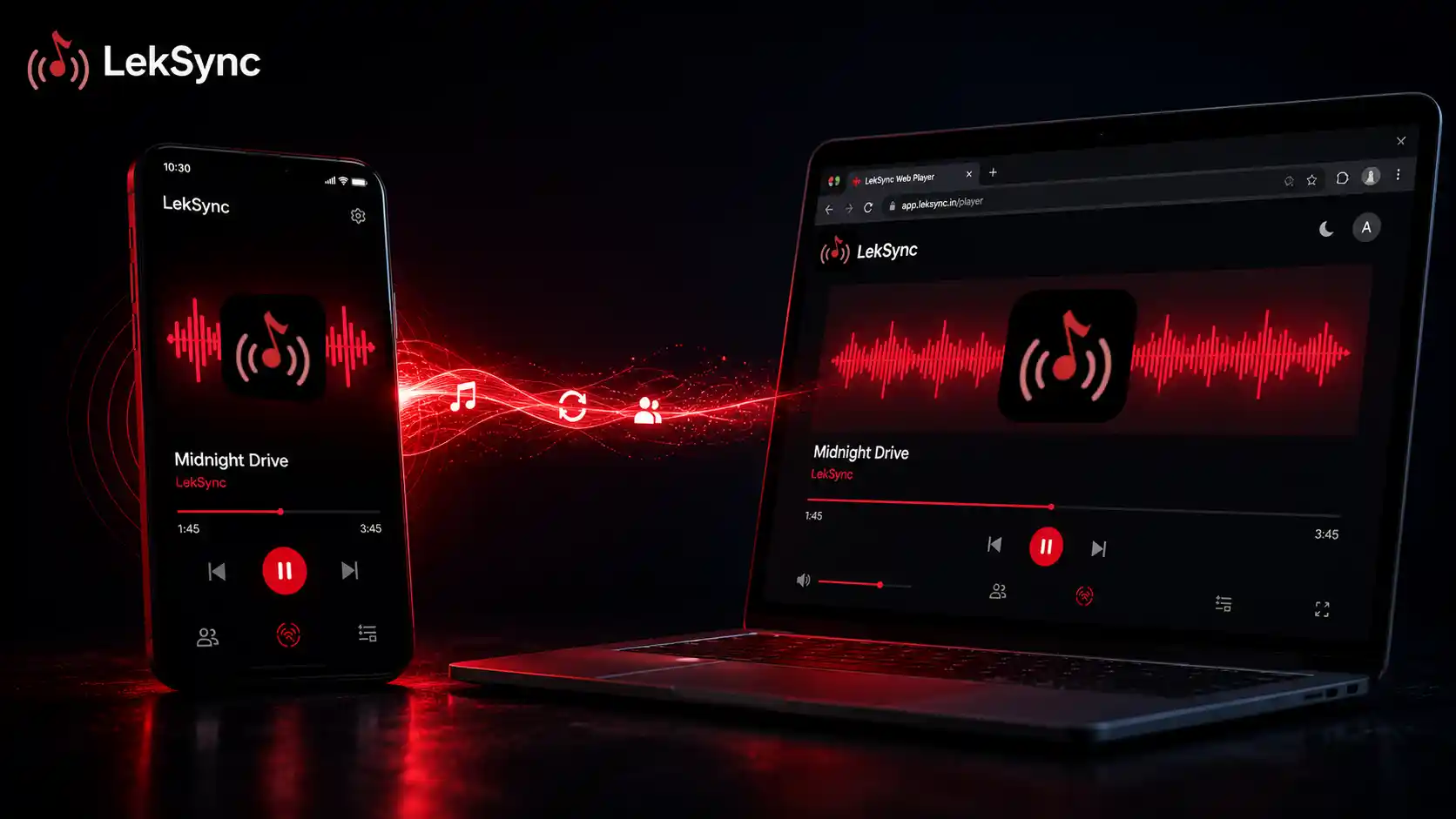
For sessions where participants aren't on the same local network (LekSync's Online Rooms feature), the architecture shifts to WebRTC with the Opus audio codec.
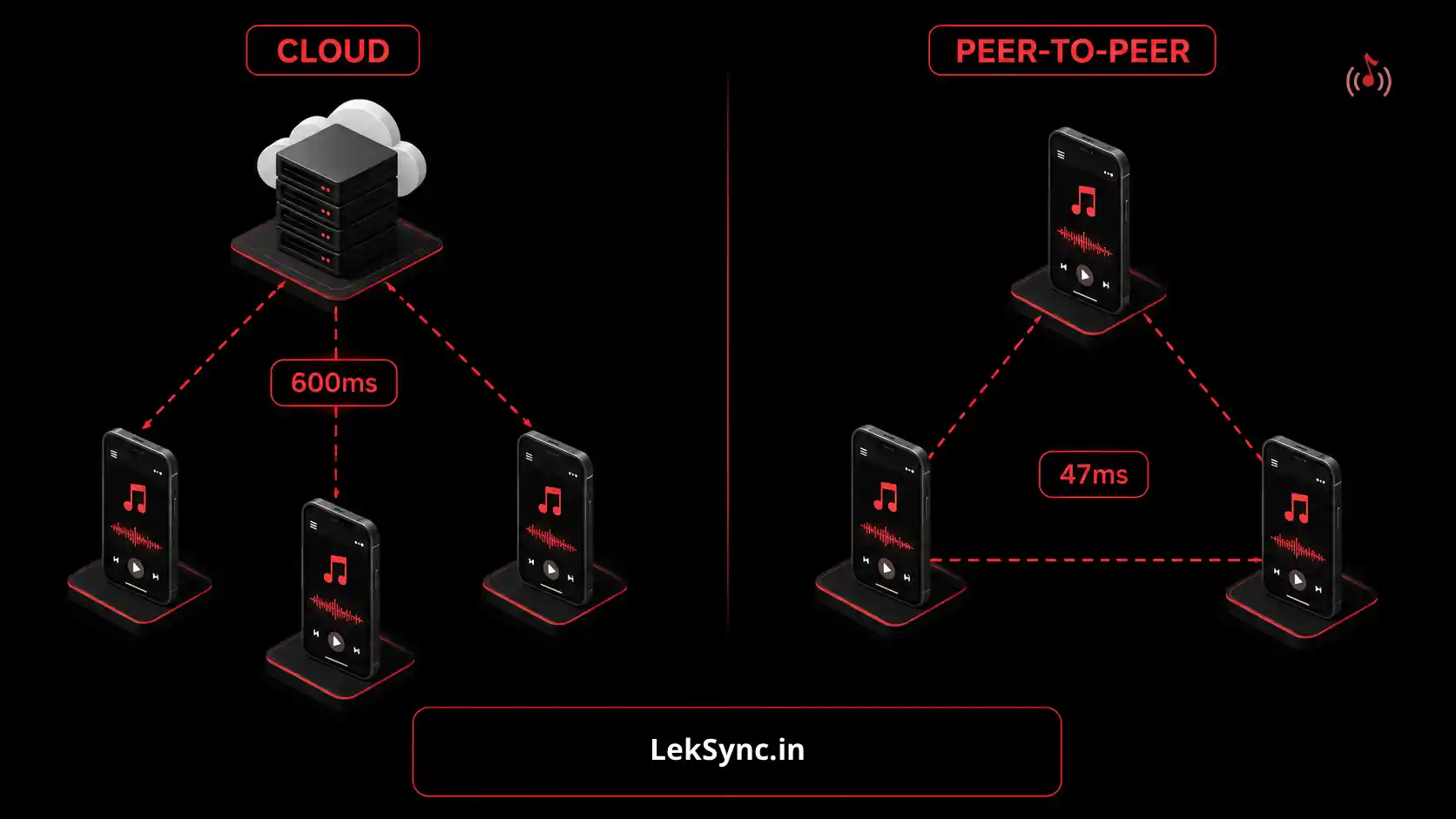
WebRTC is a peer-to-peer protocol: once the connection is established, audio travels directly from the host to each receiver without passing through a server. This keeps latency lower than cloud-relay architectures. The Opus codec is designed specifically for real-time audio — it has low algorithmic delay (typically 2.5–20ms) and graceful packet-loss handling built in.
Online rooms achieve slightly higher sync offset than local hotspot (typically 50–100ms across the session, vs. under 30ms locally) because internet routing adds variance that local networks don't have. But 50–100ms is still below the echo threshold for most music, and the position sync protocol continues to operate on the online path.
Why This Architecture Matters at Scale
LekSync's broadcast model — one host sending to all receivers simultaneously — means adding more receivers doesn't add per-receiver latency. The host sends one packet per frame, and the network delivers it to all receivers. Compare this to architectures where the host sends individual streams to each receiver: those systems add host-side CPU and bandwidth load linearly with receiver count, causing the system to degrade as the room grows.
On a modern 5 GHz Wi-Fi hotspot, the broadcast model handles 5 receivers comfortably within the latency budget. On a proper Wi-Fi access point (not a phone hotspot), this extends further.
The Result in Practice
Under typical hotspot conditions:
- All receivers using wired audio output: sync within 10–30ms of host (inaudible difference)
- Mixed wired/speaker output: sync within 20–50ms (inaudible for most music)
- Bluetooth output on some receivers: offset of 100–300ms relative to wired devices (Bluetooth codec latency — not LekSync's transmission latency — see our troubleshooting guide)
The 100ms headline target is a conservative, worst-case figure for the transmission side. Actual sync quality in a controlled environment (everyone on 5 GHz hotspot, wired audio output) is routinely under 30ms — well below the perceptible echo threshold.
For the comparison between peer-to-peer and cloud architectures and why P2P wins for this use case, see: Why Peer-to-Peer Beats Cloud for Real-Time Music Sharing.
Download LekSync free on Google Play and test the sync yourself — sub-100ms is audibly different from the cloud-based alternatives.