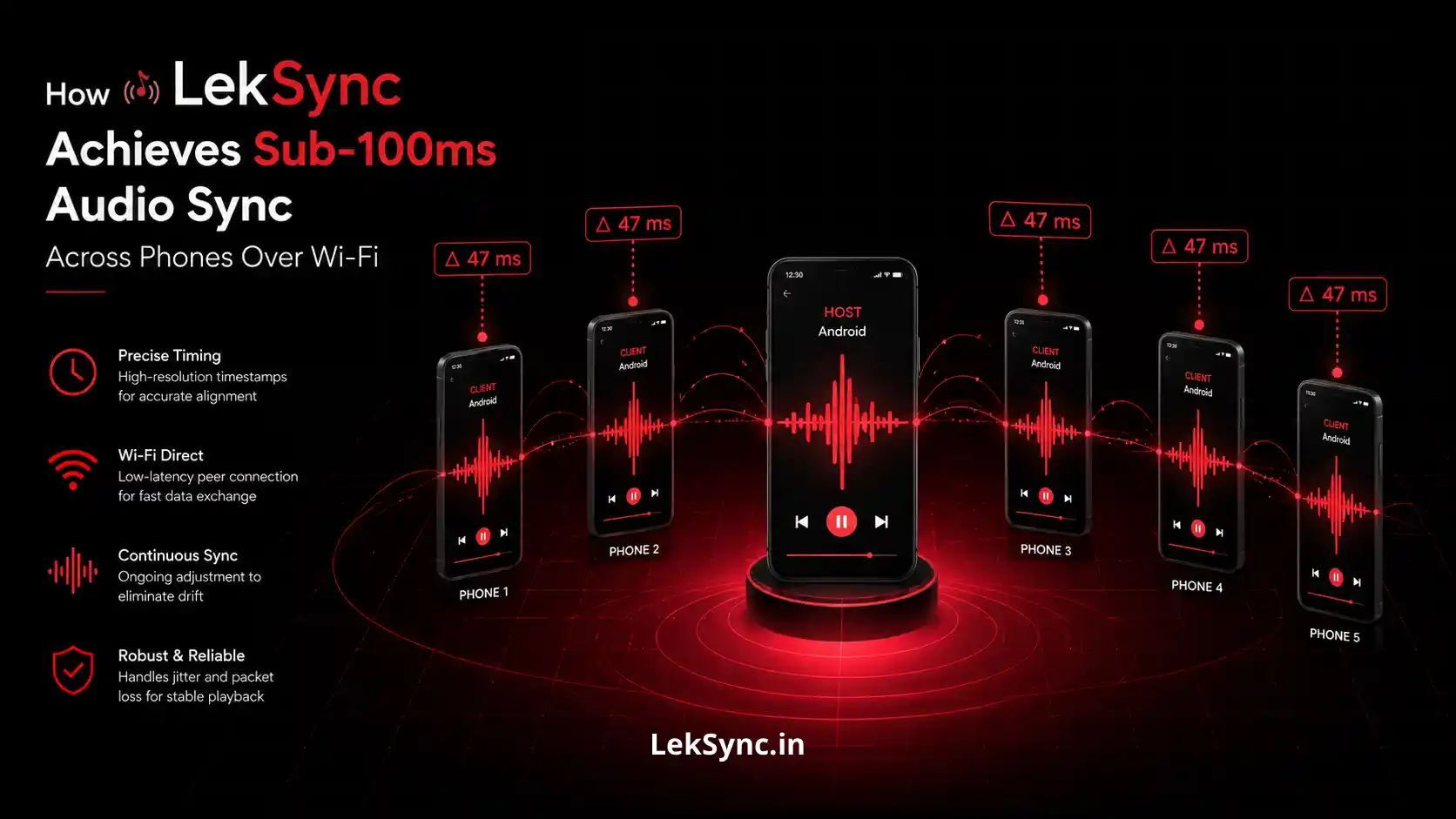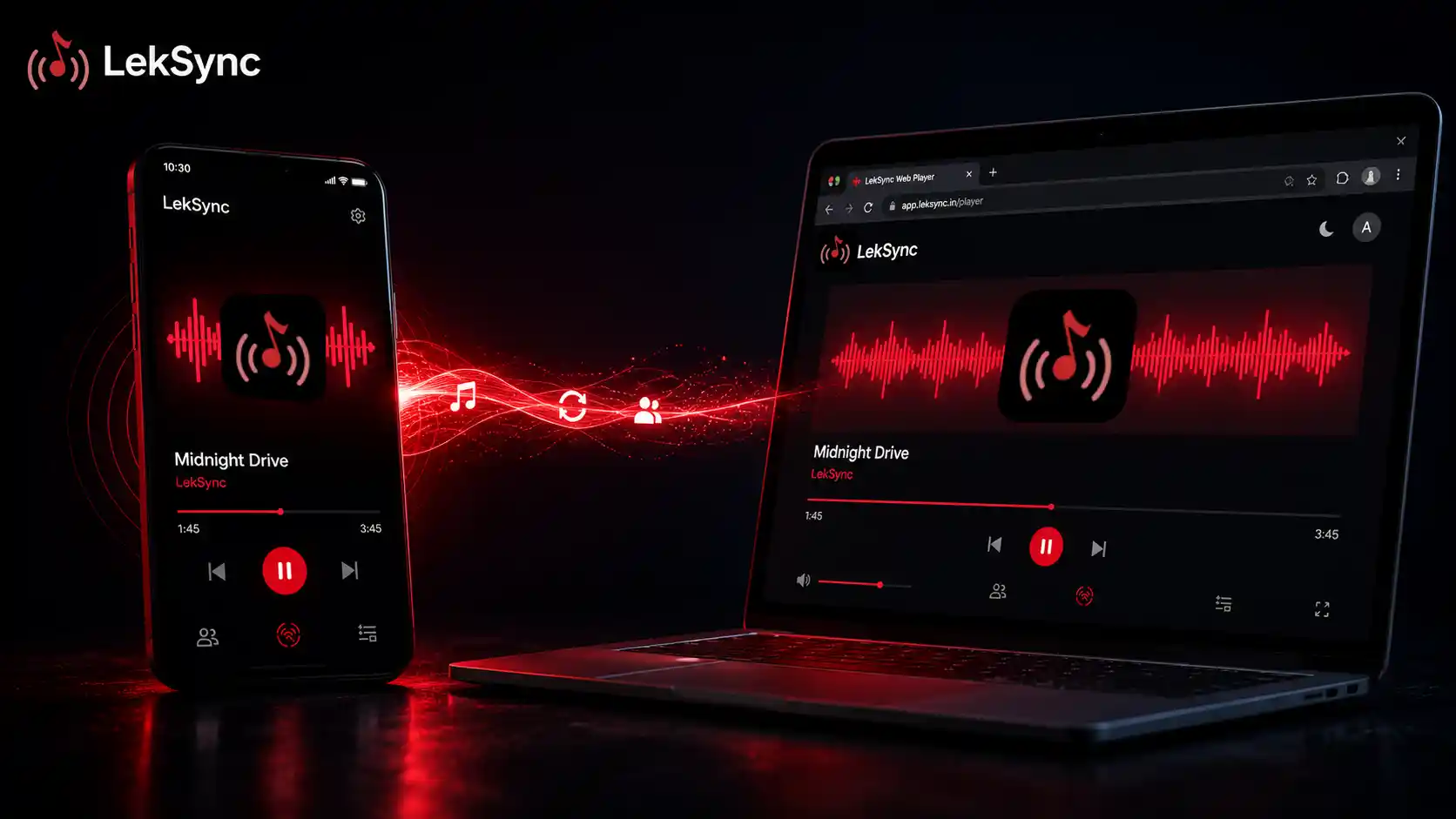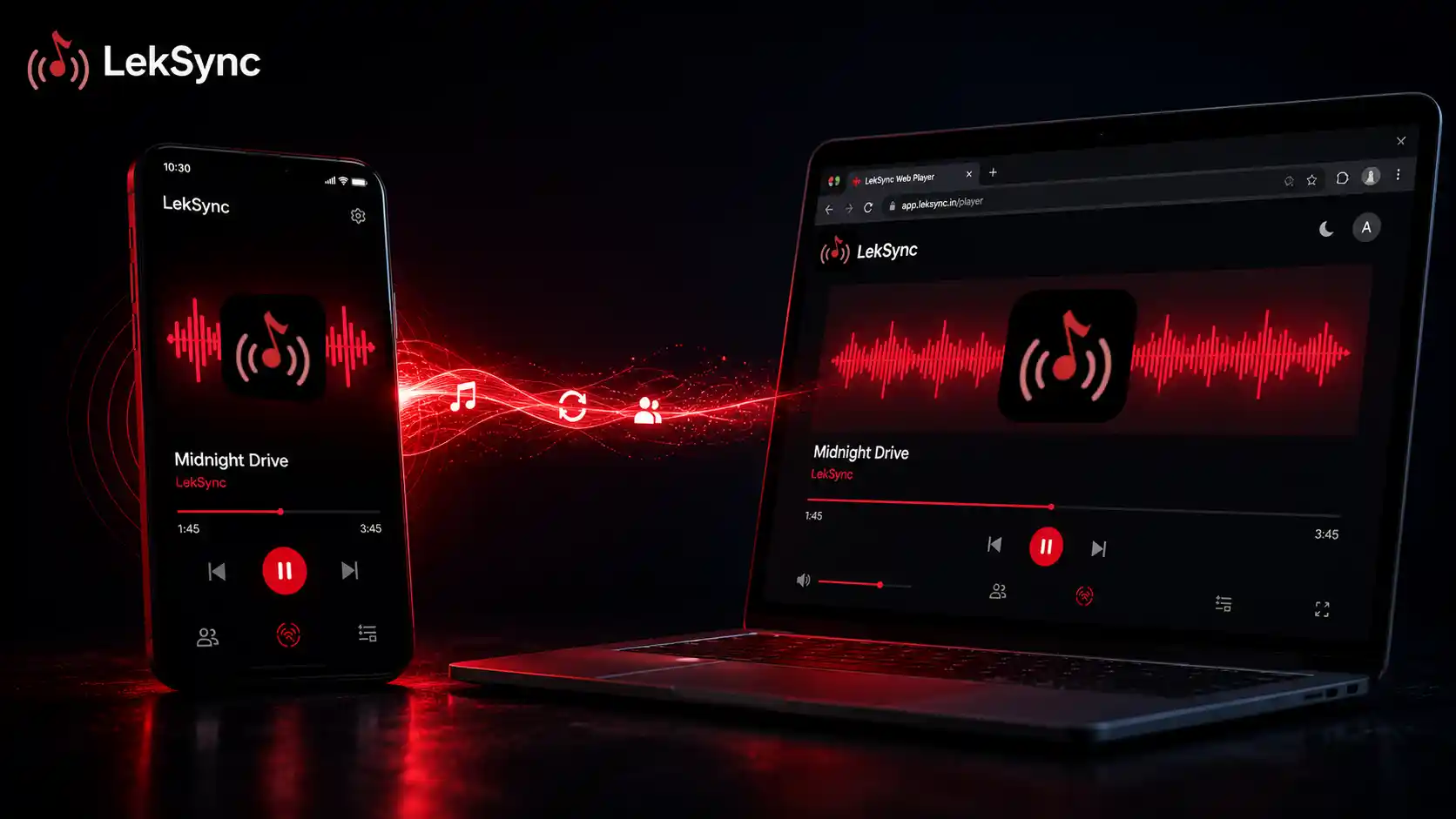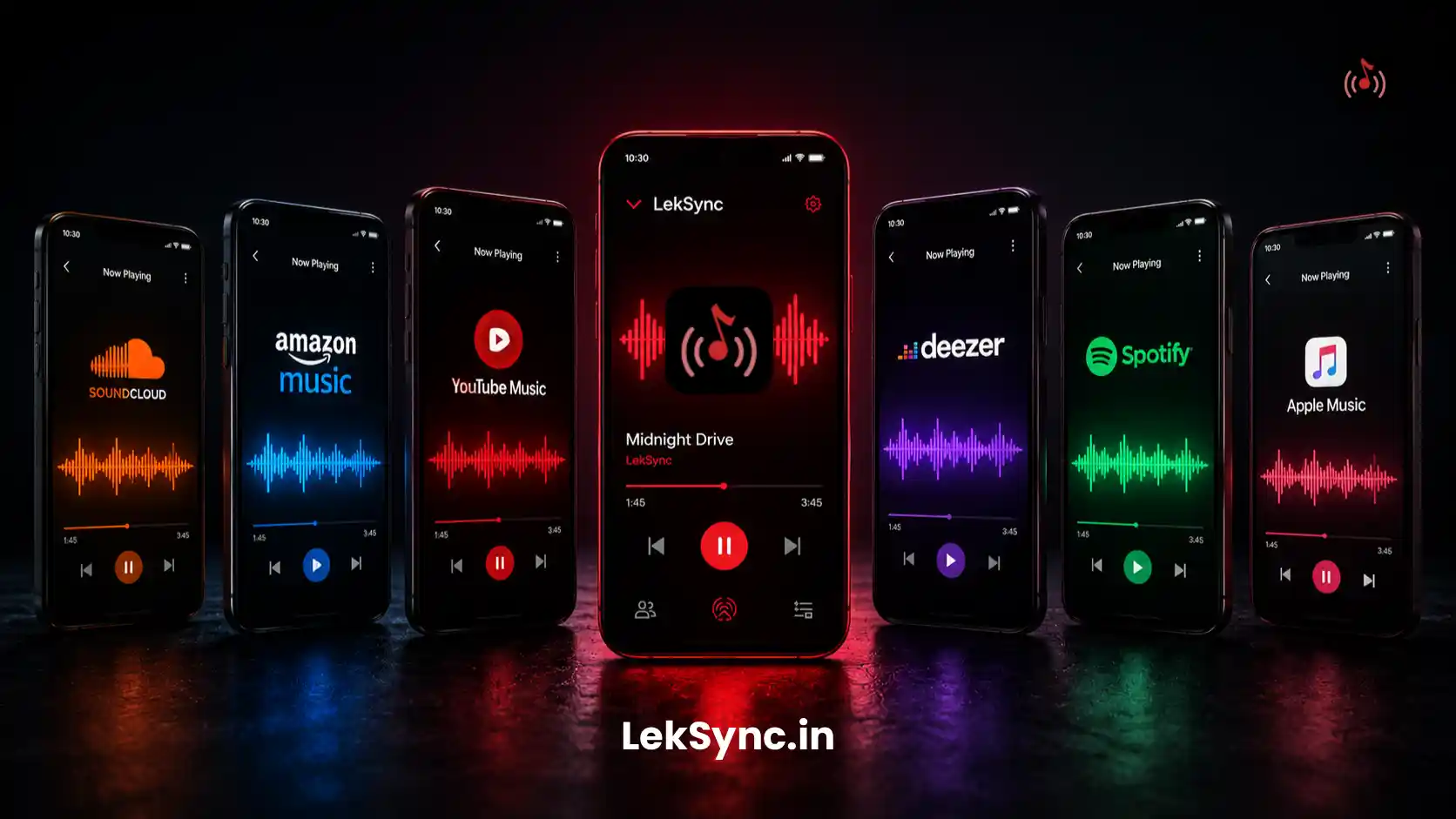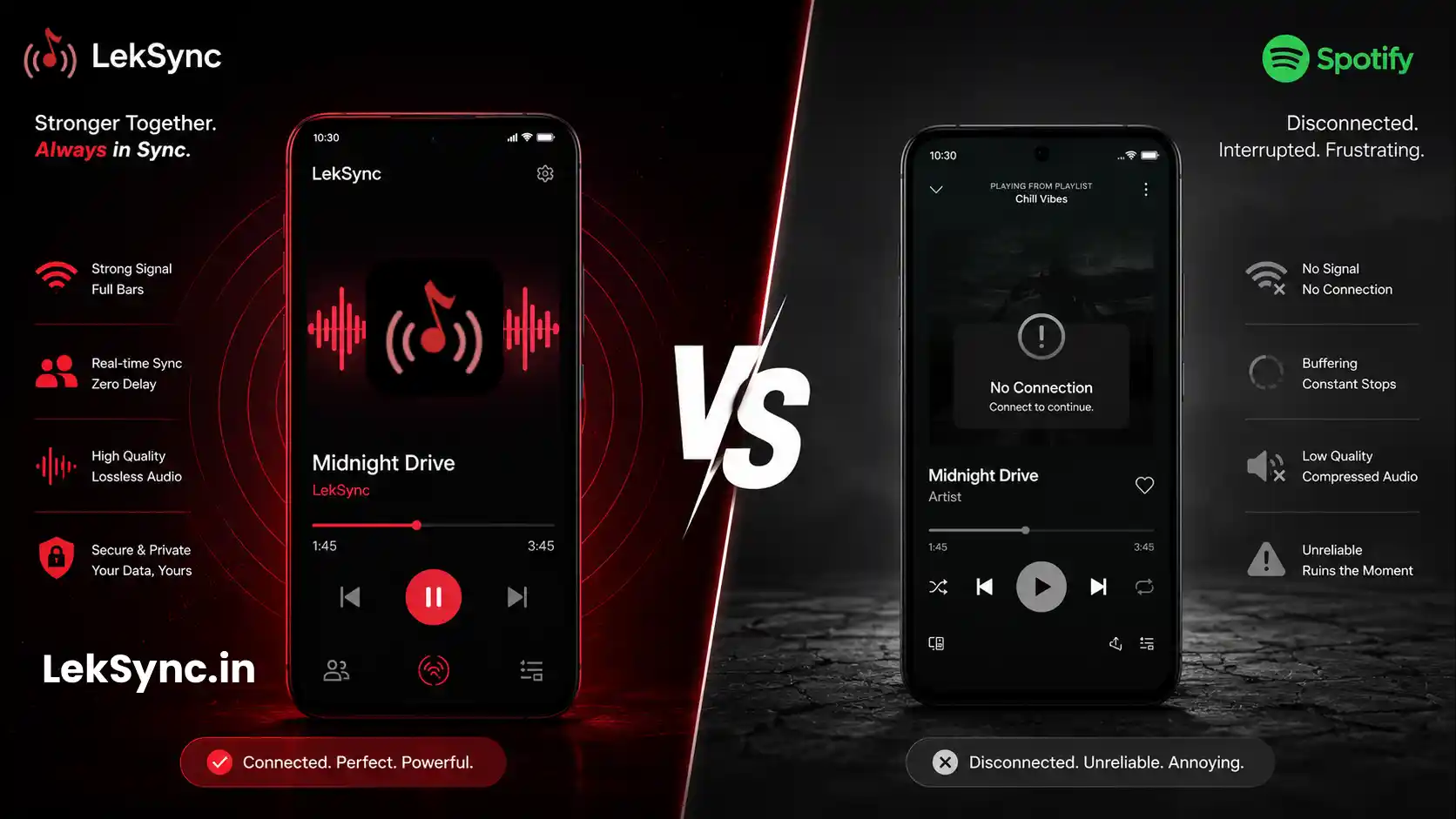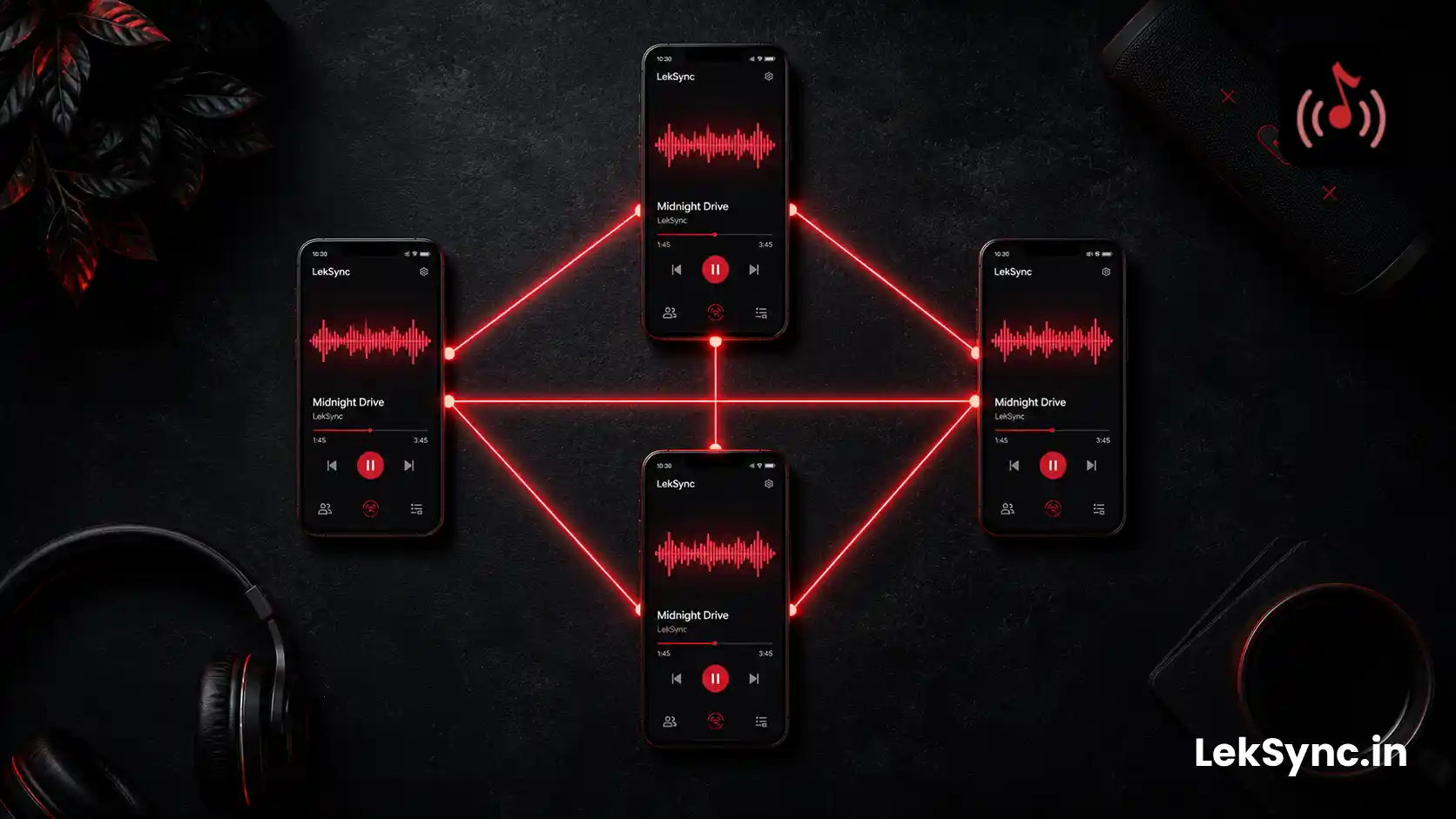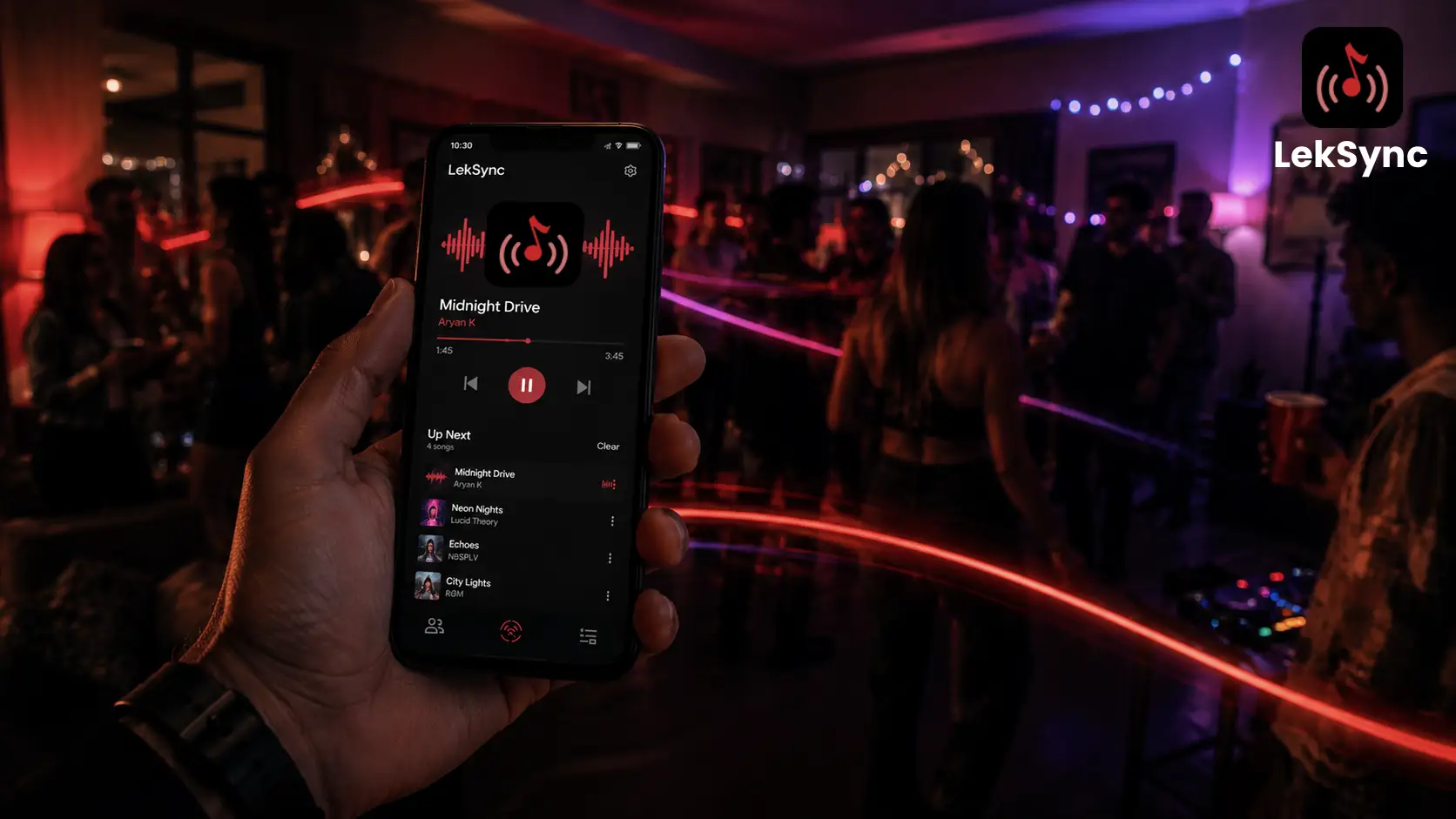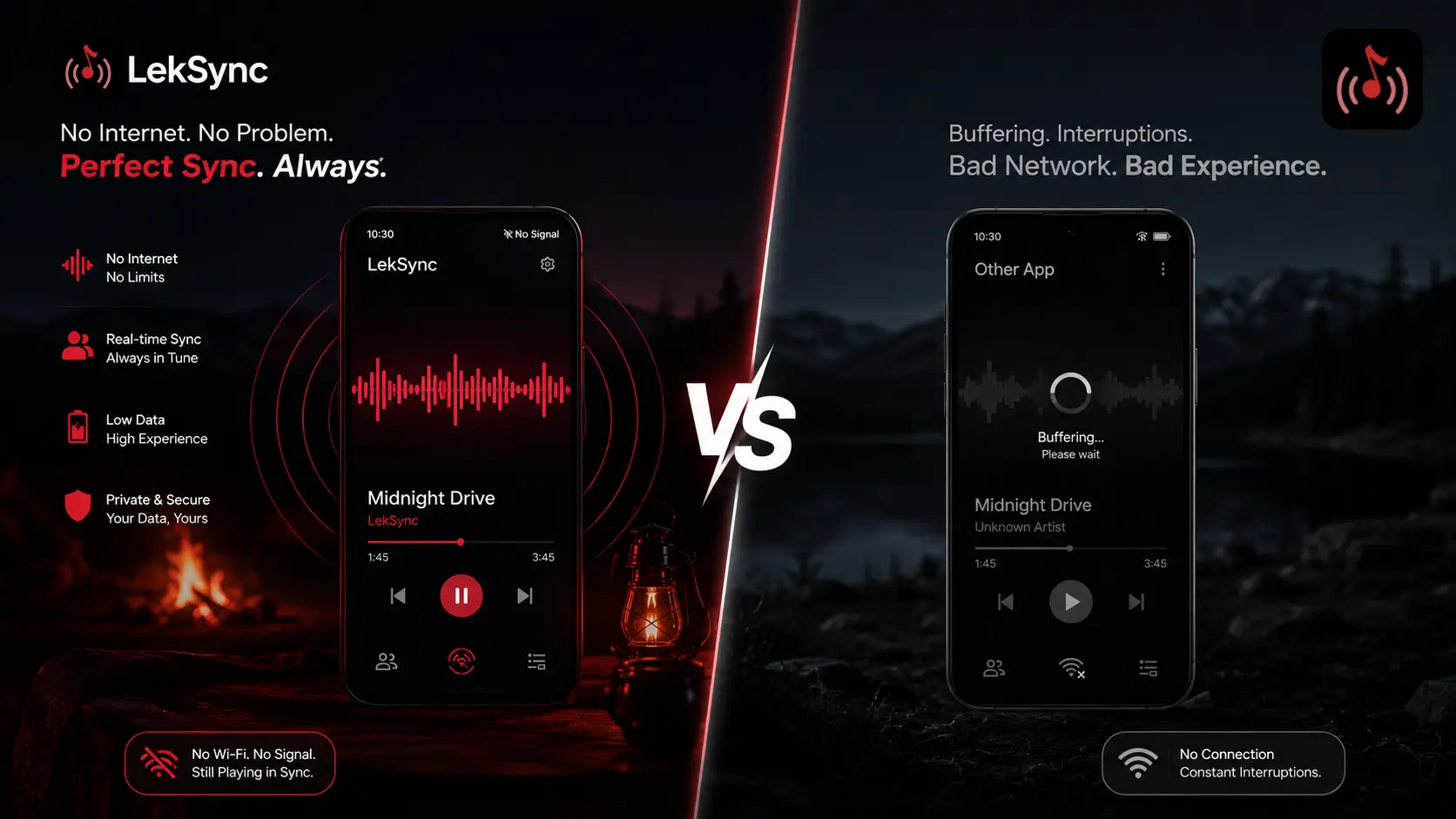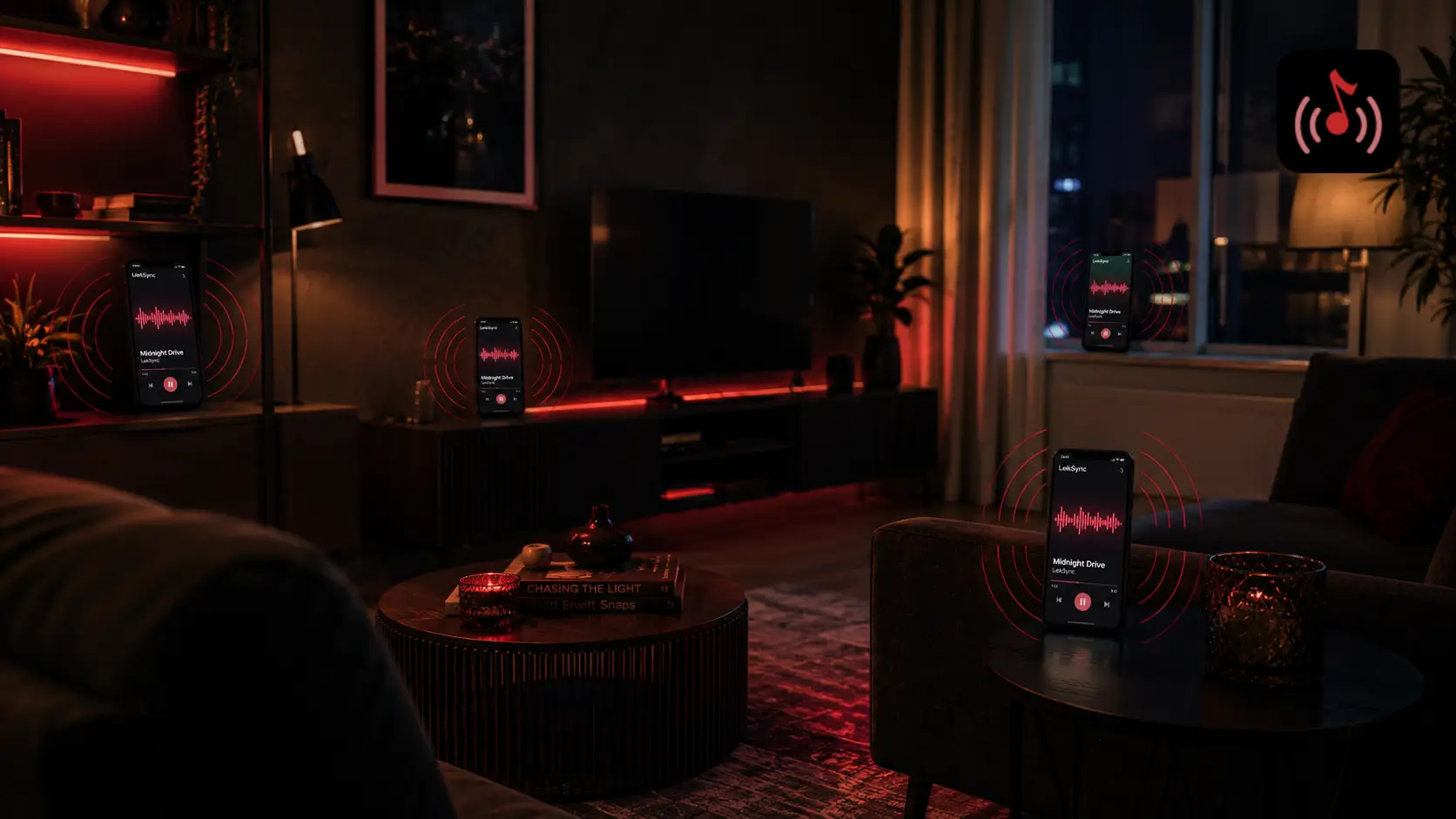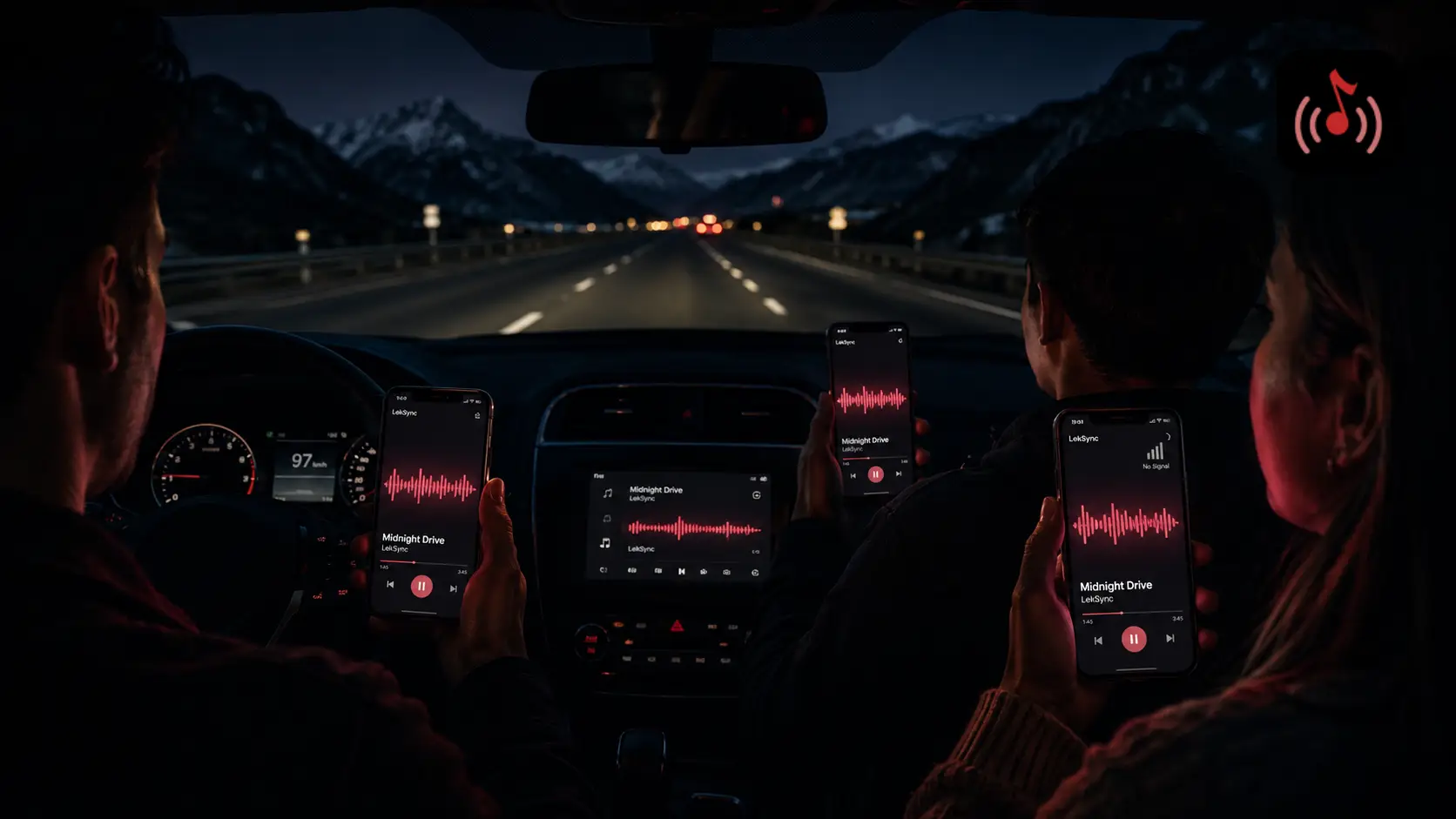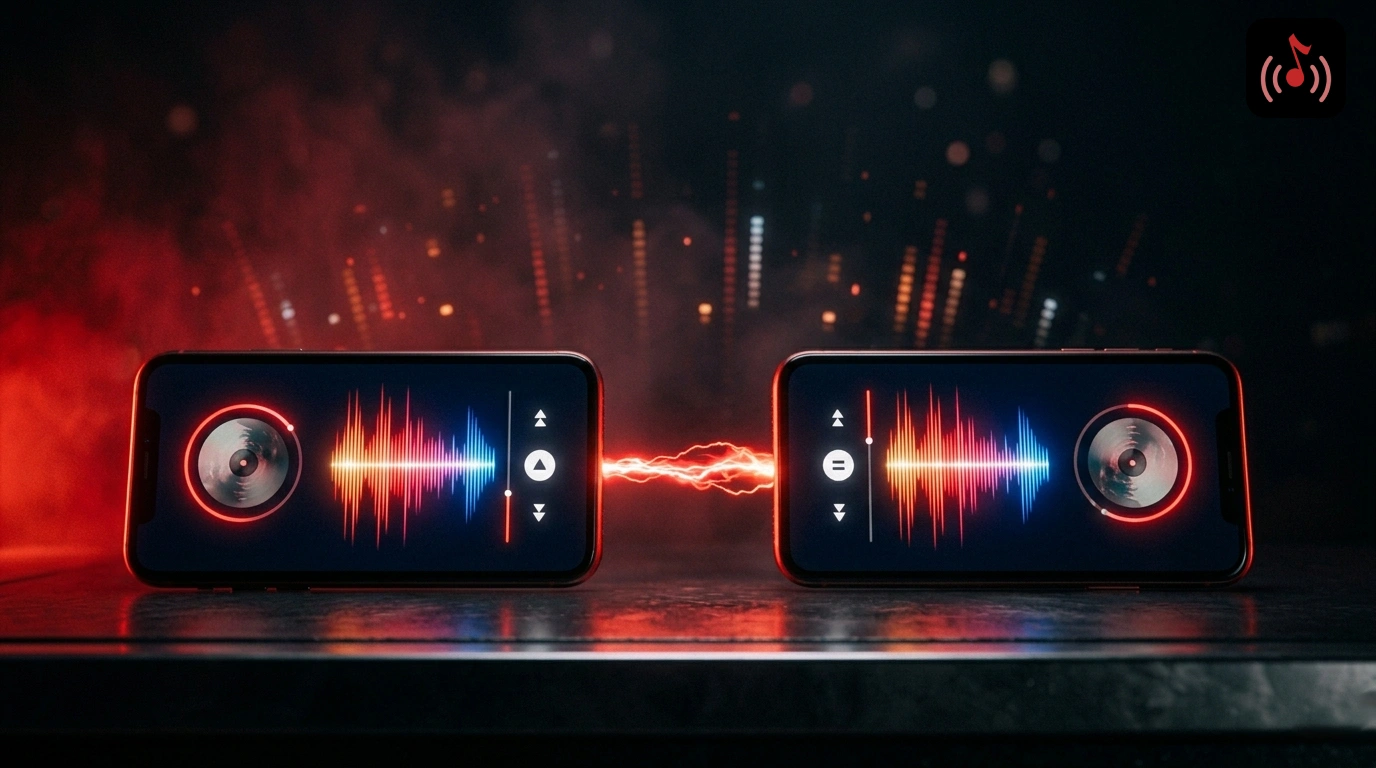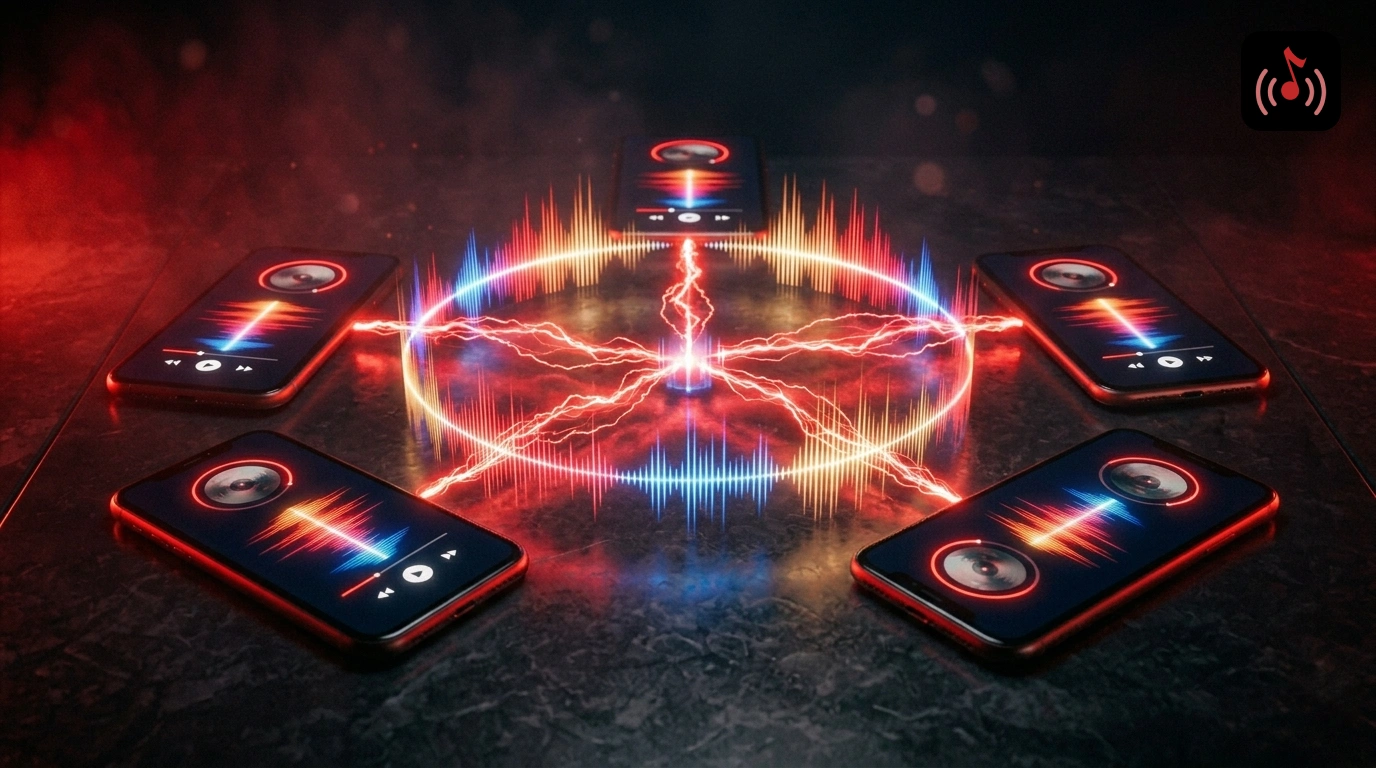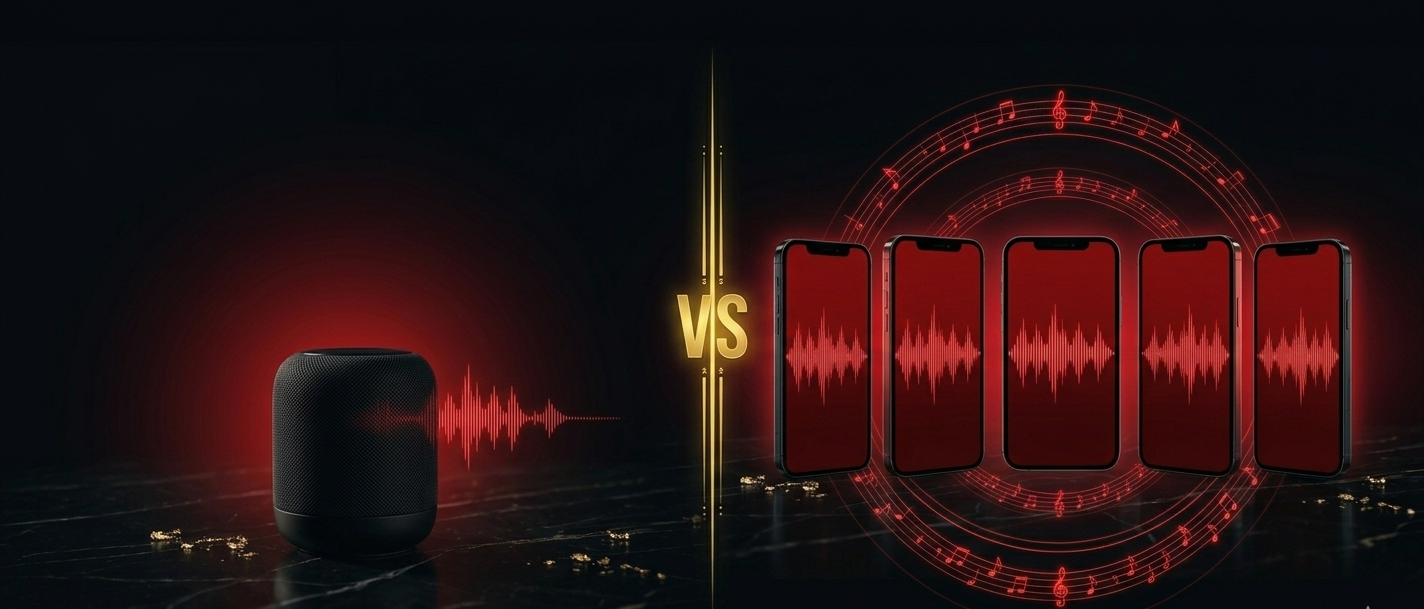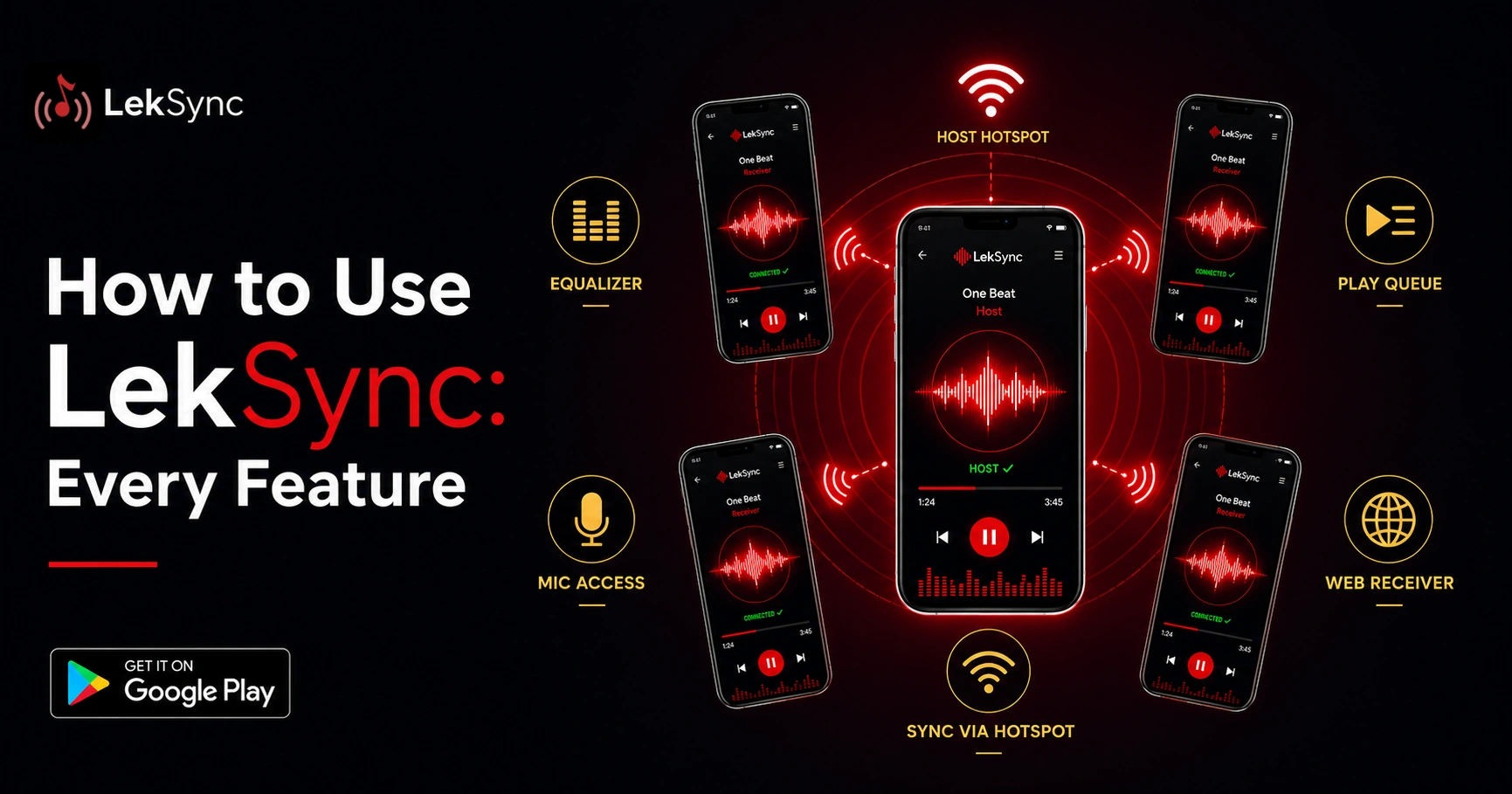
LekSync turns a group of phones into one synced sound system. One phone hosts the music, the rest listen, and everyone hears the same moment of the same track at the same time. That is the whole idea. But there is a lot more packed into the app than most people find on day one. This guide walks through every feature, start to finish, so you can get the most out of it.
The Two Roles: Host and Receiver
Every session has one host and one or more receivers. The host holds the music and controls playback. Receivers just listen. When you open LekSync, you pick one of these on the start screen. If you are running the party, you are the host. If you are joining a friend, you are a receiver. That is the only decision you have to make to get going.
Hotspot Mode: Sync With No Internet
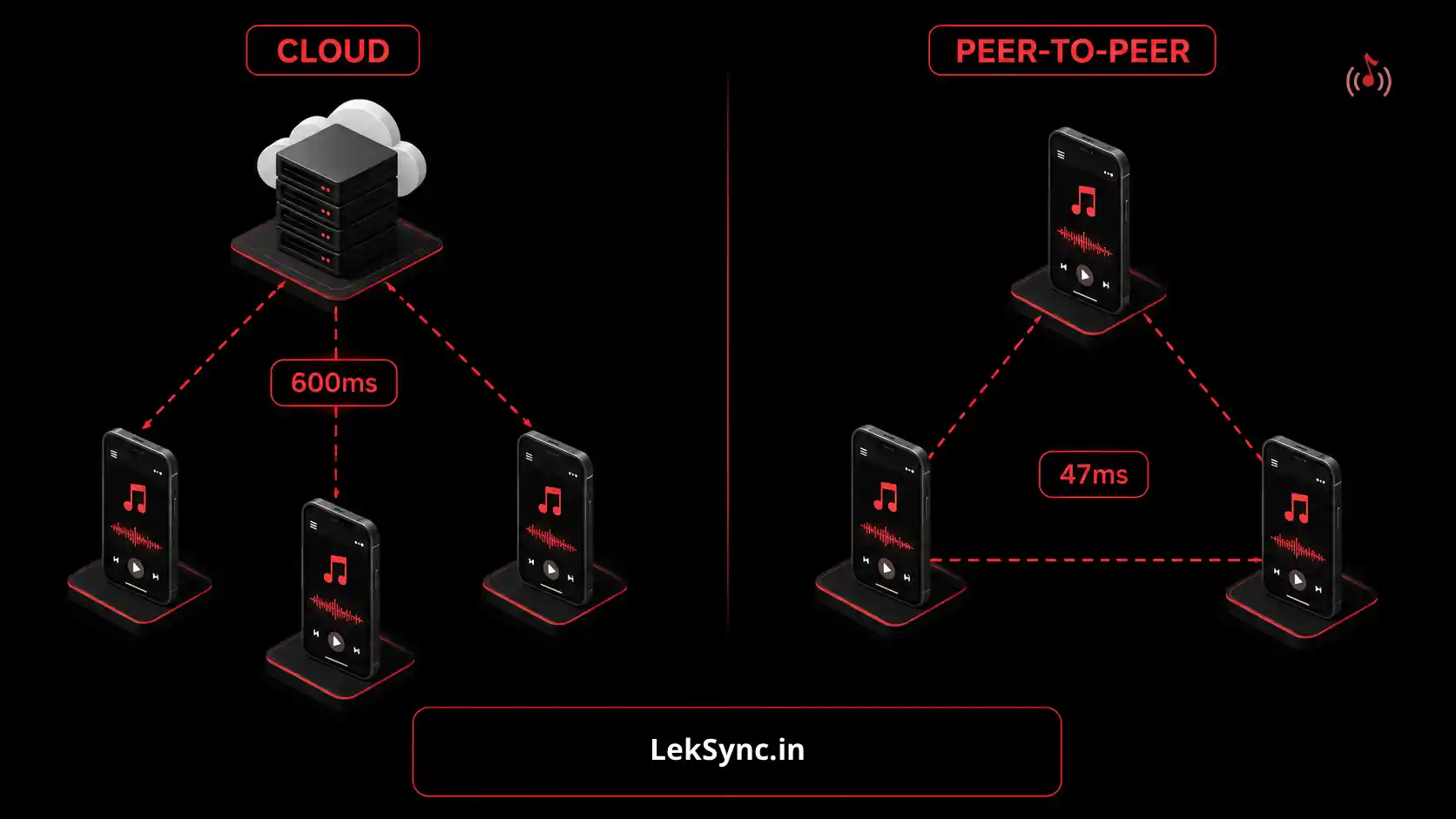
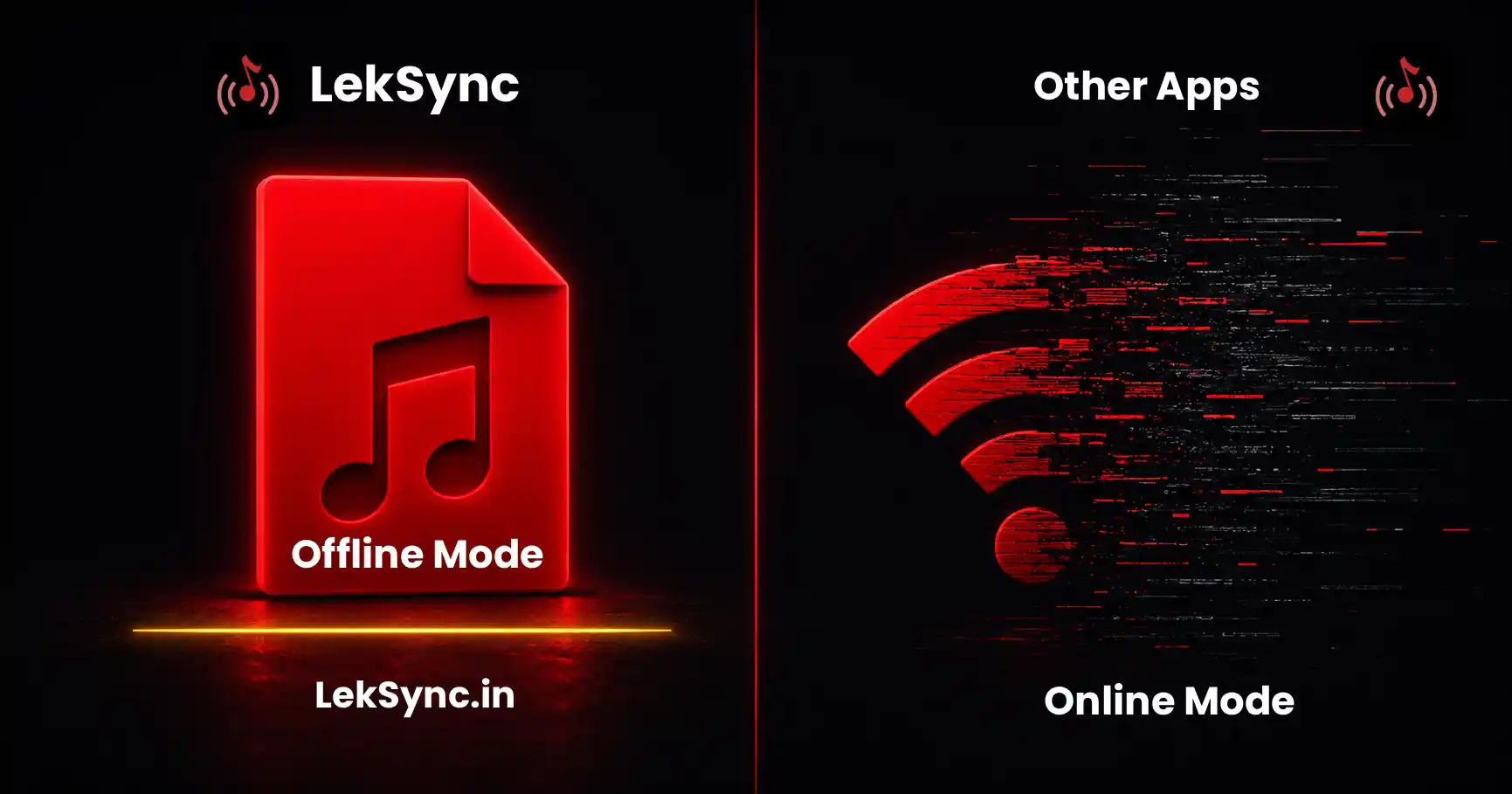
This is the fastest way to start. The host turns on their phone's Wi-Fi hotspot, everyone connects to it, and the music streams over that local network. No mobile data, no router, no internet at all. It works at the beach, in a car, on a rooftop, or anywhere with no signal.
The full walkthrough is here: how to sync music across multiple phones. If you want the exact steps for playing the same track on two, three, or more devices, how to play one song on multiple phones at once covers every combination.
Online Mode: Listen Together From Anywhere
Friends in a different city? Switch to Online mode. The host creates a room, shares a short code, and receivers type it in to join over the internet. Everyone stays in sync no matter the distance. Here is the step-by-step: how to set up a group listening session online.
Online rooms landed in a major release. If you want the backstory on what changed, read what's new in LekSync 2.1.
Web Receiver: Join From a Browser, No Install
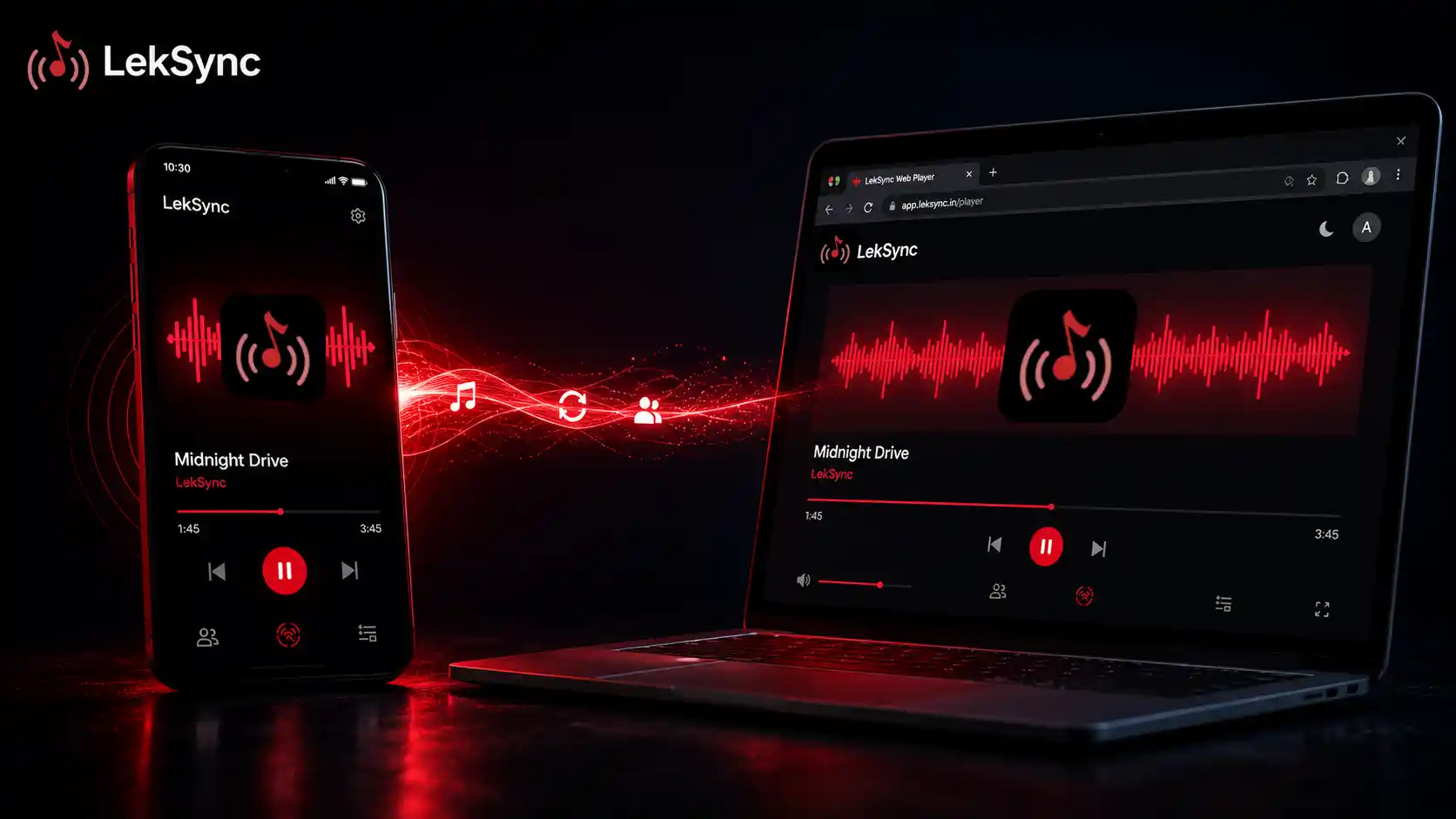
Not everyone wants to install an app, and iPhone users cannot run the Android app at all. That is exactly what the web receiver solves. Send friends the link at leksync.in/receiver, they enter the room code, and they are in, straight from Chrome, Safari, or any modern browser.
Here is the full guide: how to use the LekSync web receiver without installing anything. And if you are curious how audio actually gets from an Android host into a browser tab, how to stream music from Android to a web browser breaks it down.
Equalizer and Bass Boost
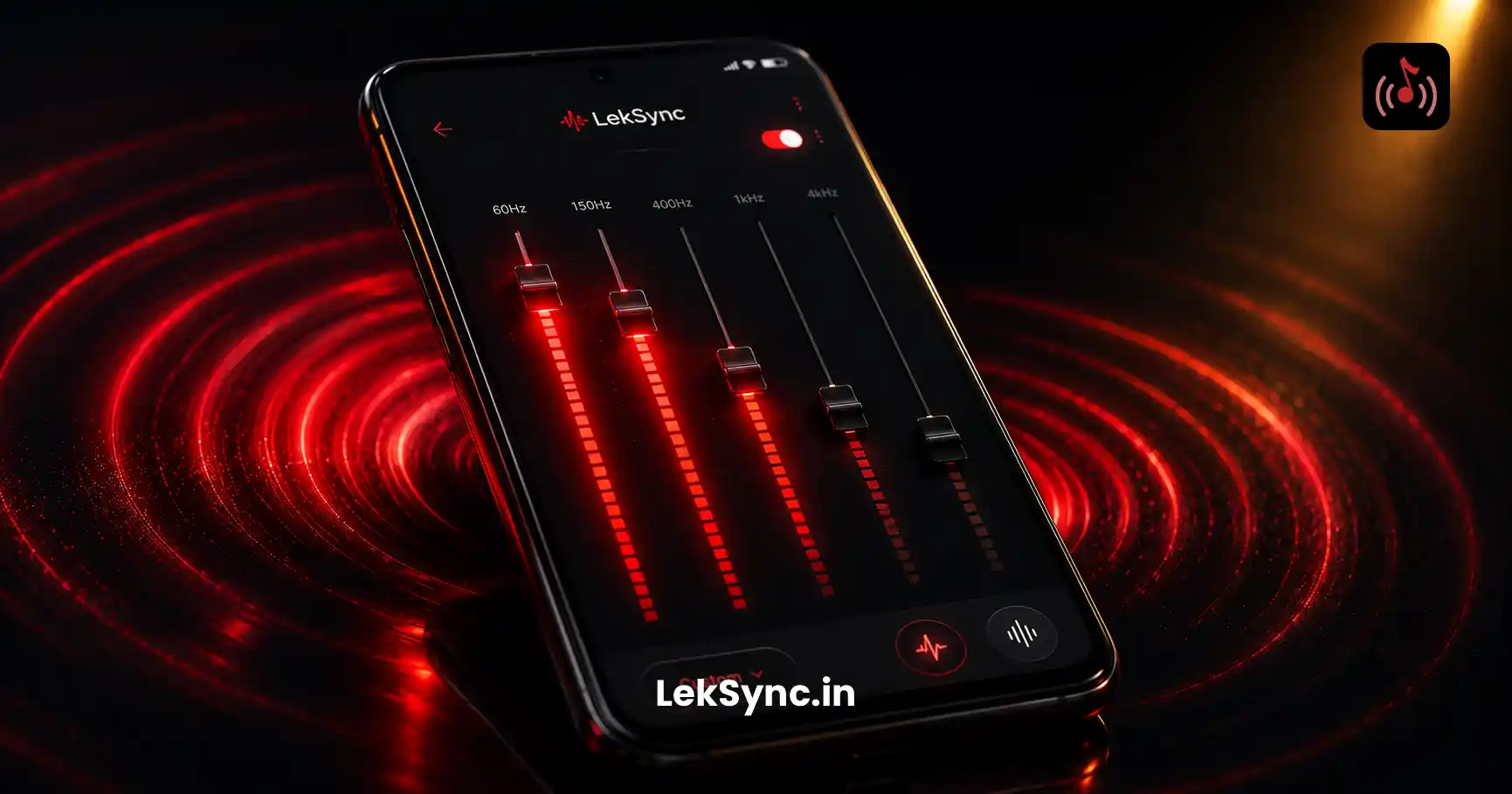
LekSync ships with a built-in 5-band equalizer. The host's EQ shapes the master sound sent to every receiver, and each receiver can still fine-tune the result for their own speaker. Boost the bass for dance tracks, flatten it for a podcast, or dial in something in between. The complete guide is here: how to use LekSync's equalizer to get perfect bass.
Live Mic
Tap the mic and your voice plays live over the music to every connected phone. Announce the next song, call people in for food, give a shoutout, or run an in-car tour-guide moment. It is the feature people do not expect and then end up using all night.
Queue Management
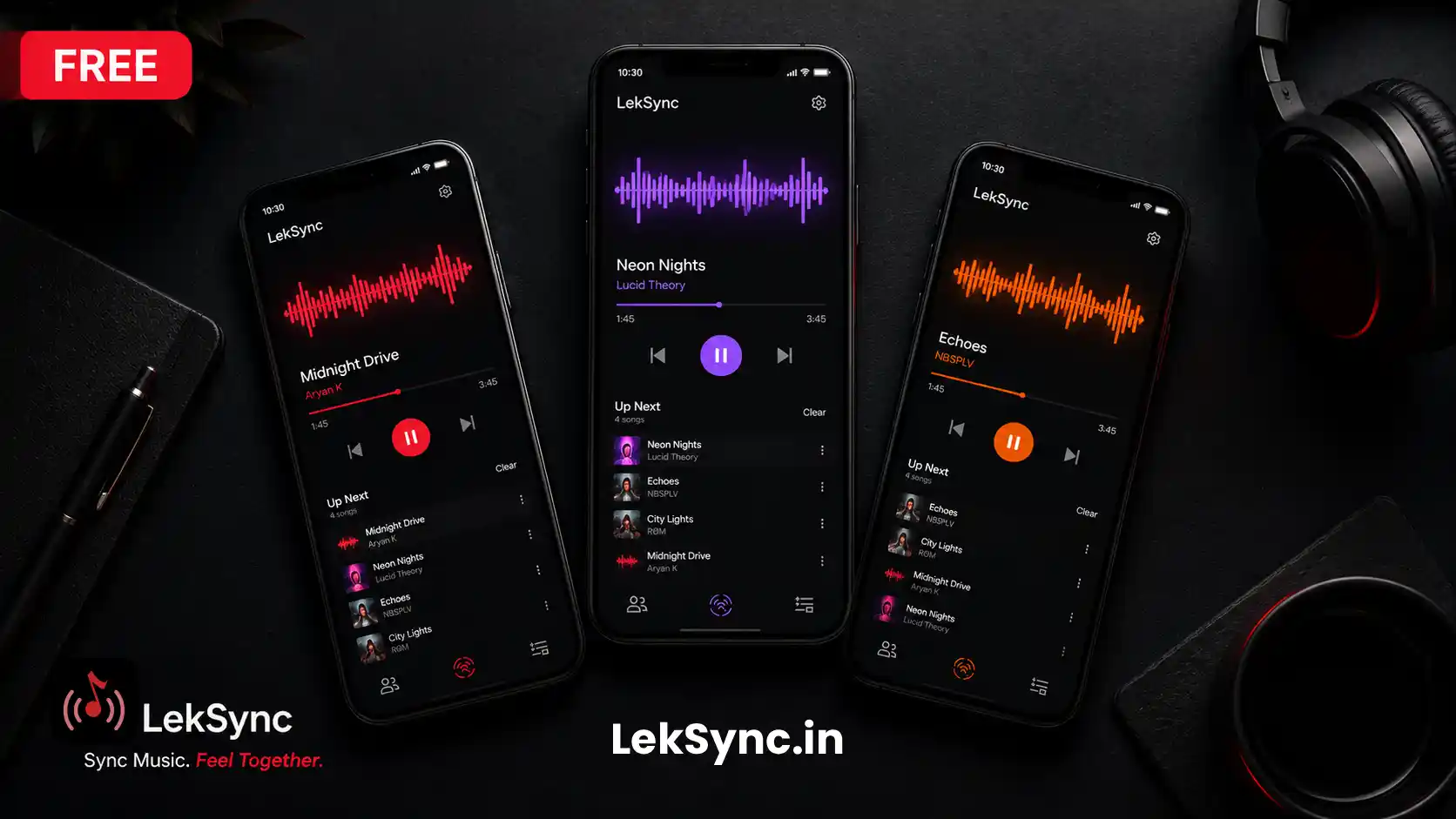
Tap any song while another is playing and it slots in next. Build a running queue before the party starts so the music never drops out, and you are never scrambling for the next track mid-song. The host stays in control of the order the whole time.
Play Local Files: Music and Video Audio
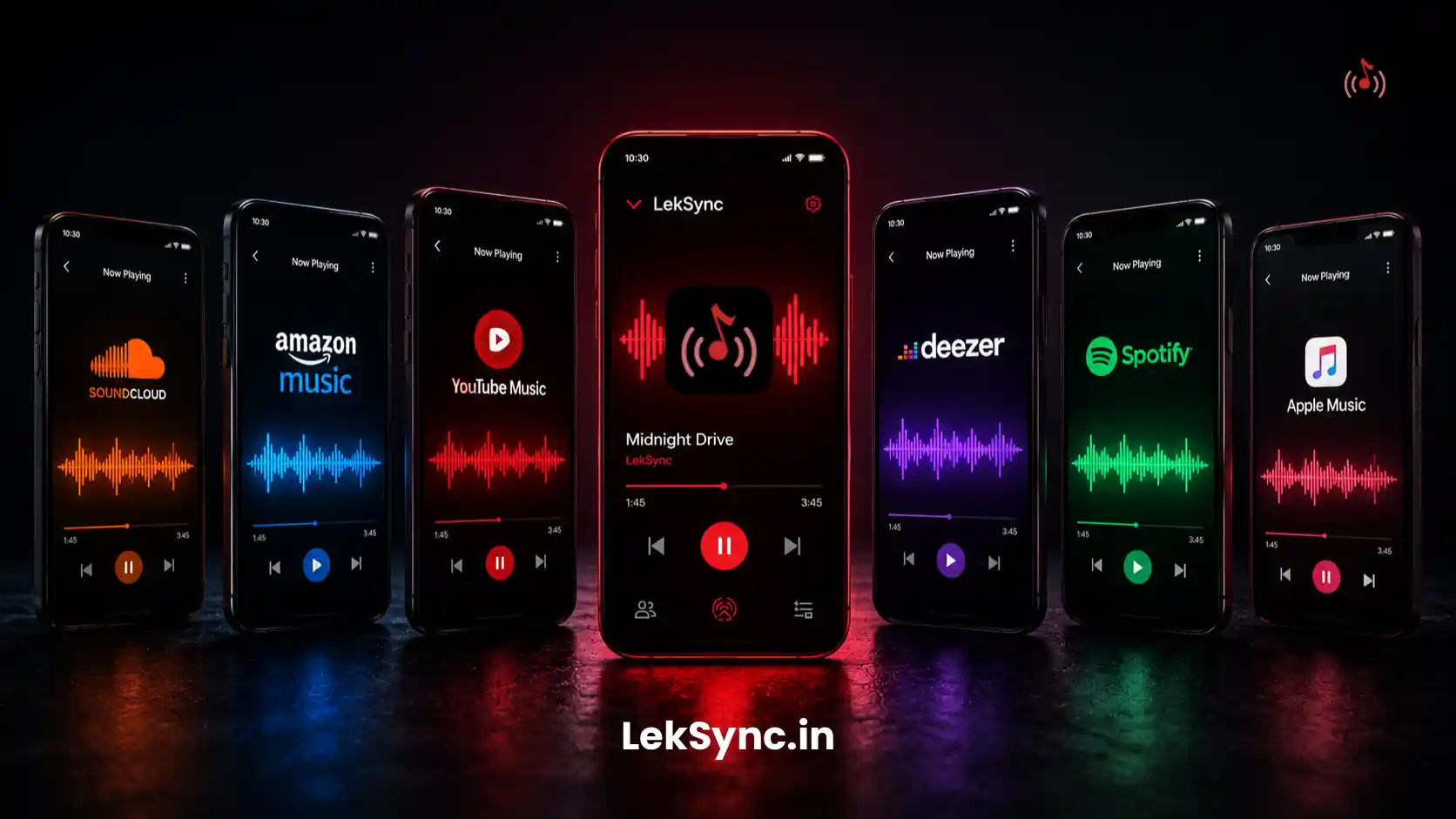
LekSync plays the audio from any file on your phone: MP3, FLAC, AAC, OGG, WAV, plus the audio track from video files like MP4 and MKV. No streaming service, no subscription, no accounts for your friends. That is the whole point of sharing music with friends without Spotify.
Receivers and Premium
The free plan streams to 2 receivers at once. Premium raises the limit to 5. Everything else, the equalizer, the live mic, the web receiver, and online mode, stays free on both plans. And you do not have to pay to upgrade: you can earn free Premium with referral codes by inviting friends who join.
Hidden Features Worth Knowing
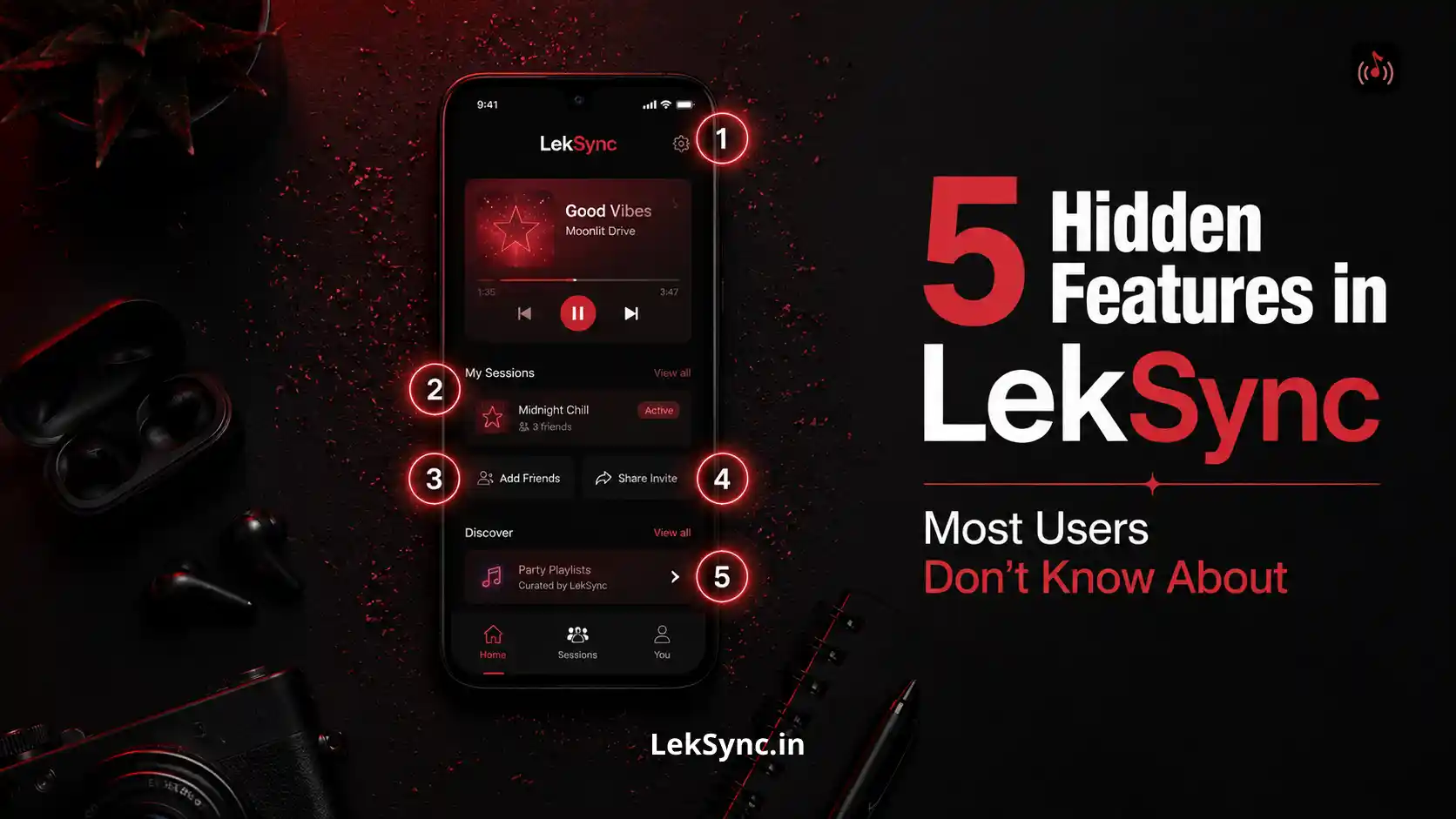
A few things live just below the surface and are easy to miss. We rounded up 5 hidden features most LekSync users do not know about. Worth a read once the basics feel natural.
What People Actually Use It For
Feature lists are one thing. Here is where LekSync really earns its place:
- DJ a house party with only your phone
- Host a silent disco with phones and earbuds
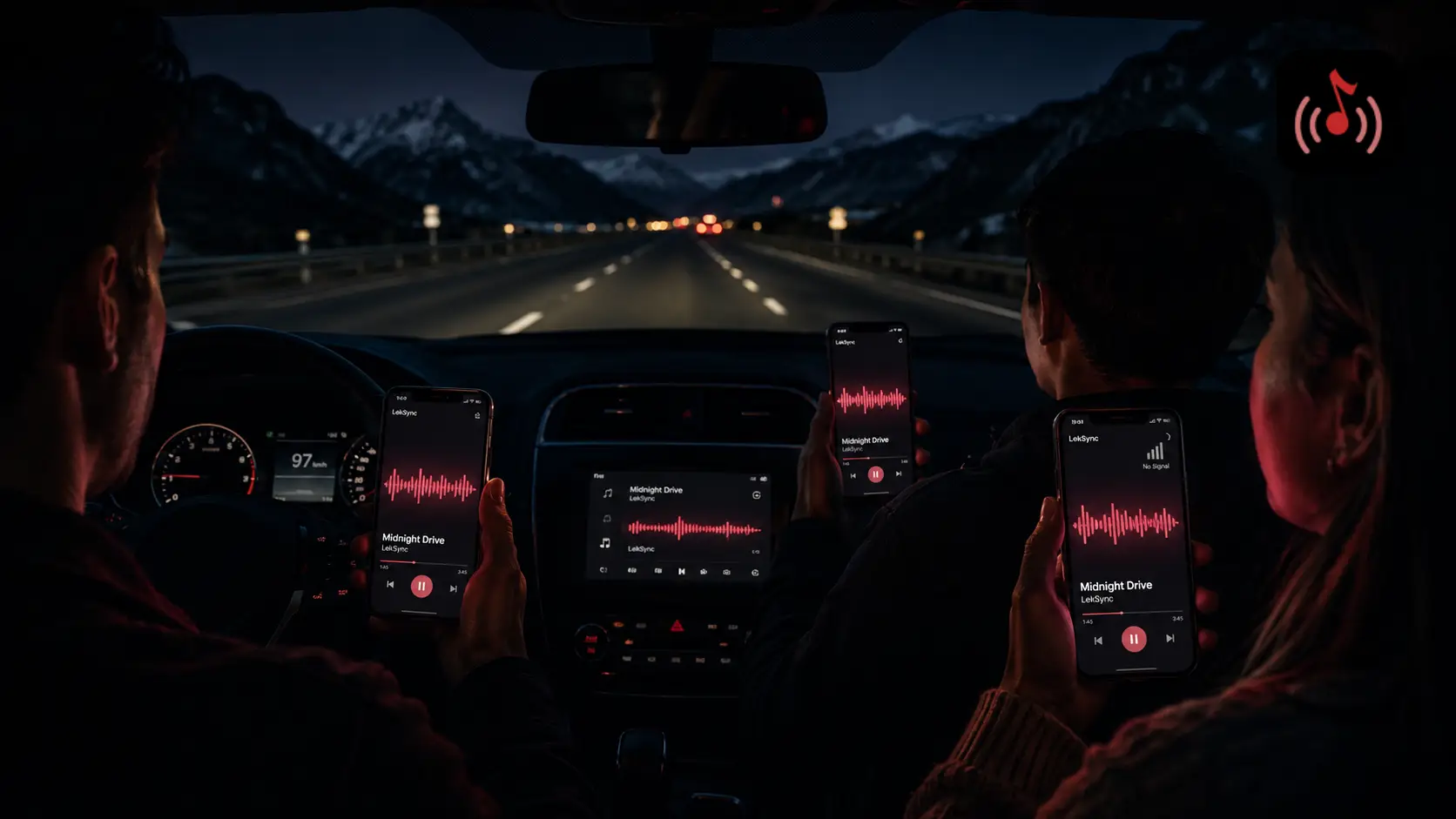
- Road trip music hacks for the whole car
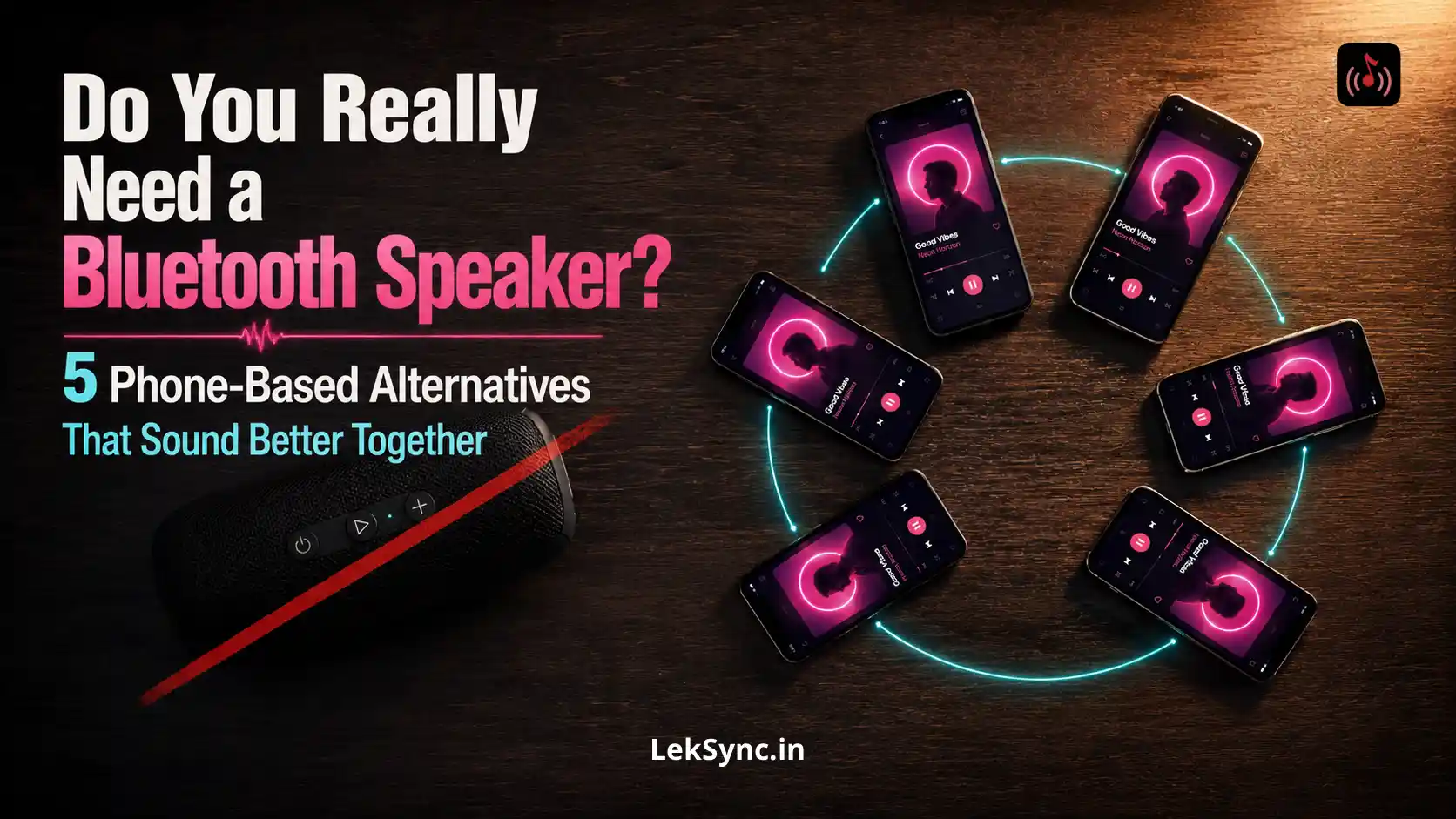
- Turn your phone into a wireless speaker
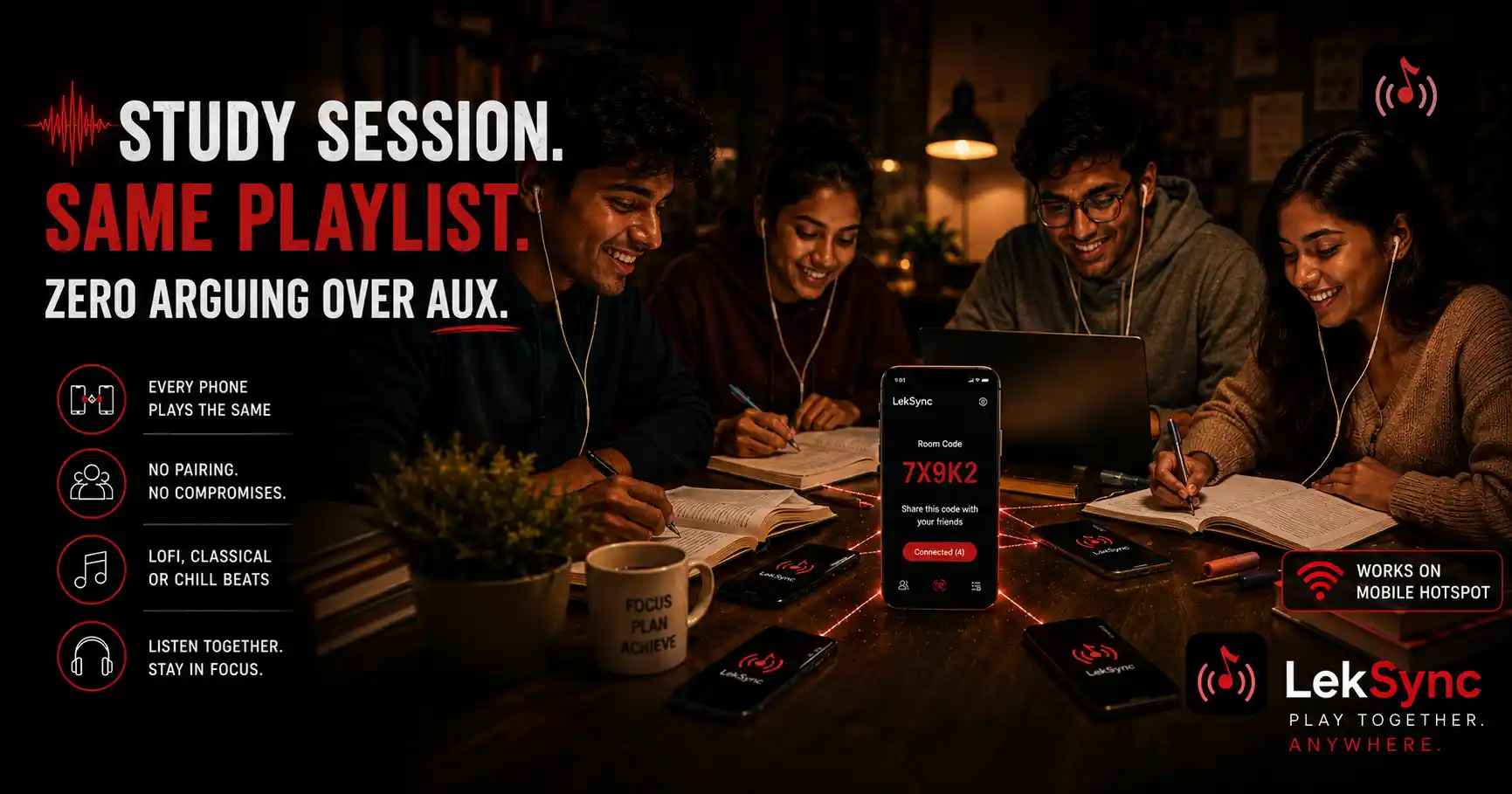
- Synced study sessions for college groups
If Something Is Not Syncing
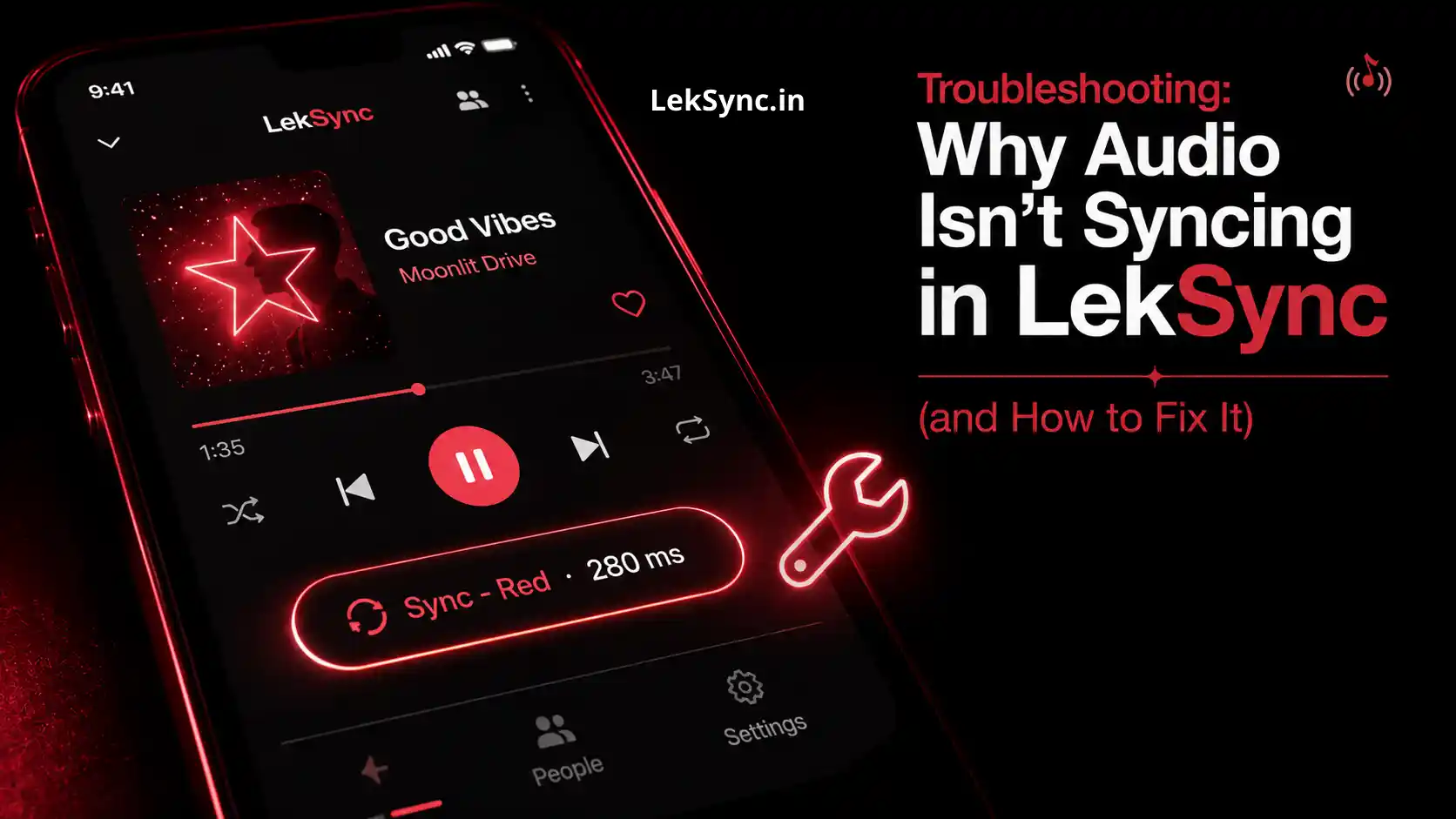
Once in a while a receiver lags or drops out. It is usually battery saver kicking in, a Bluetooth codec delay, or a weak hotspot signal. Our troubleshooting guide for audio that is not syncing walks through every fix, one by one.
Get Started
Download LekSync free, tap Host, and play your first synced track in under two minutes. Then hand a friend the web receiver link and watch it click into place.
Download LekSync free on Google Play and turn every phone in the room into one speaker.