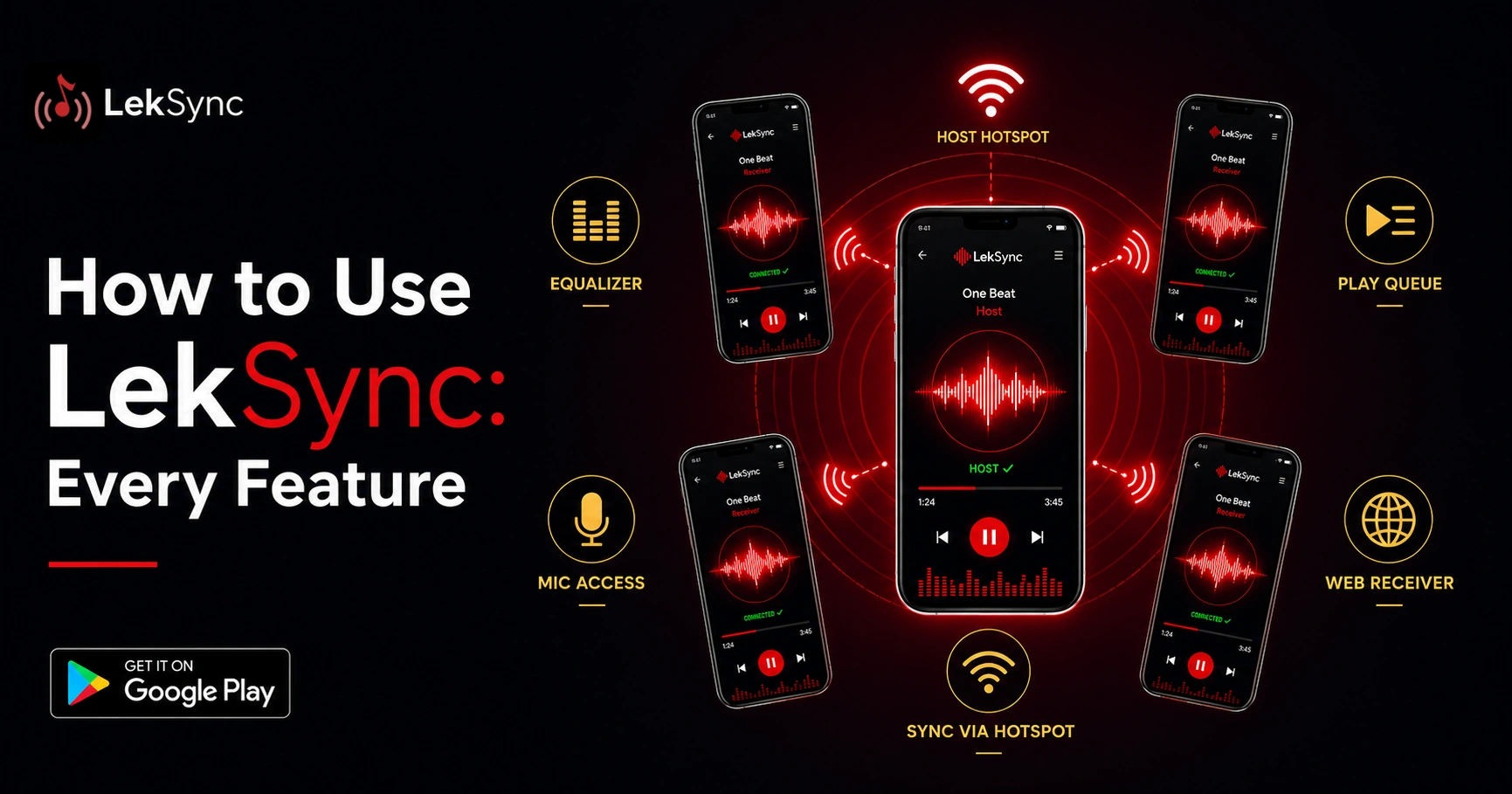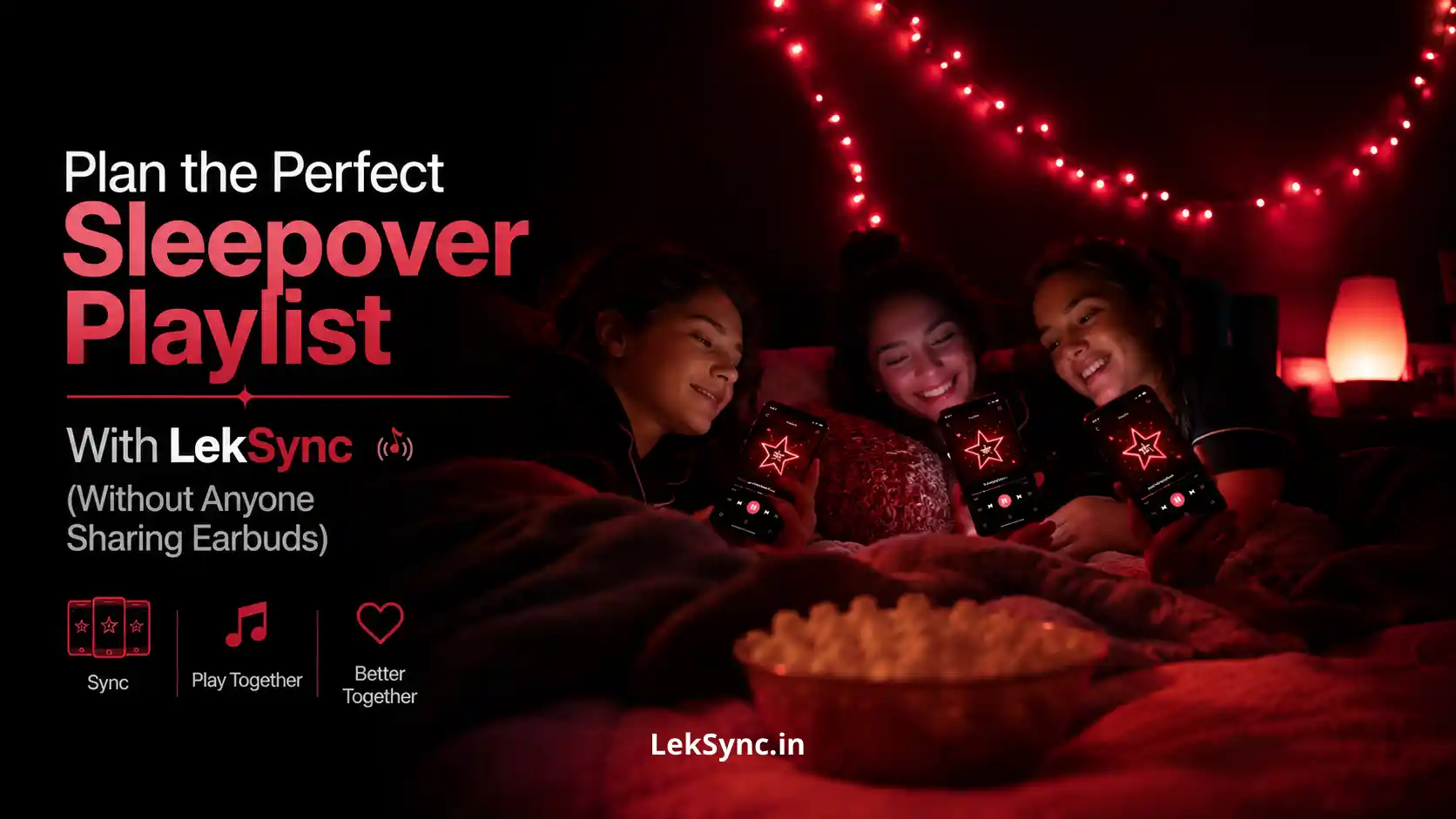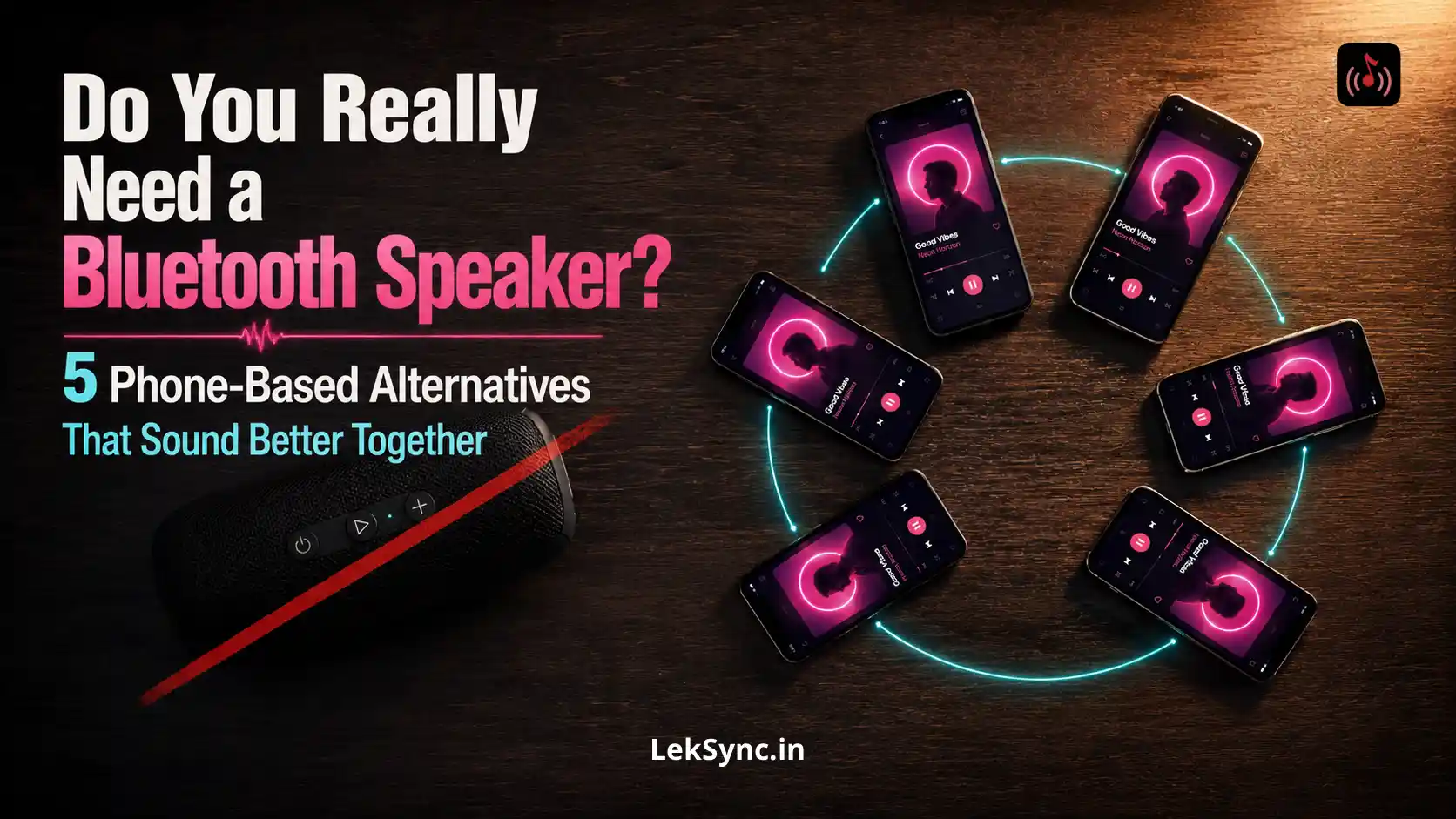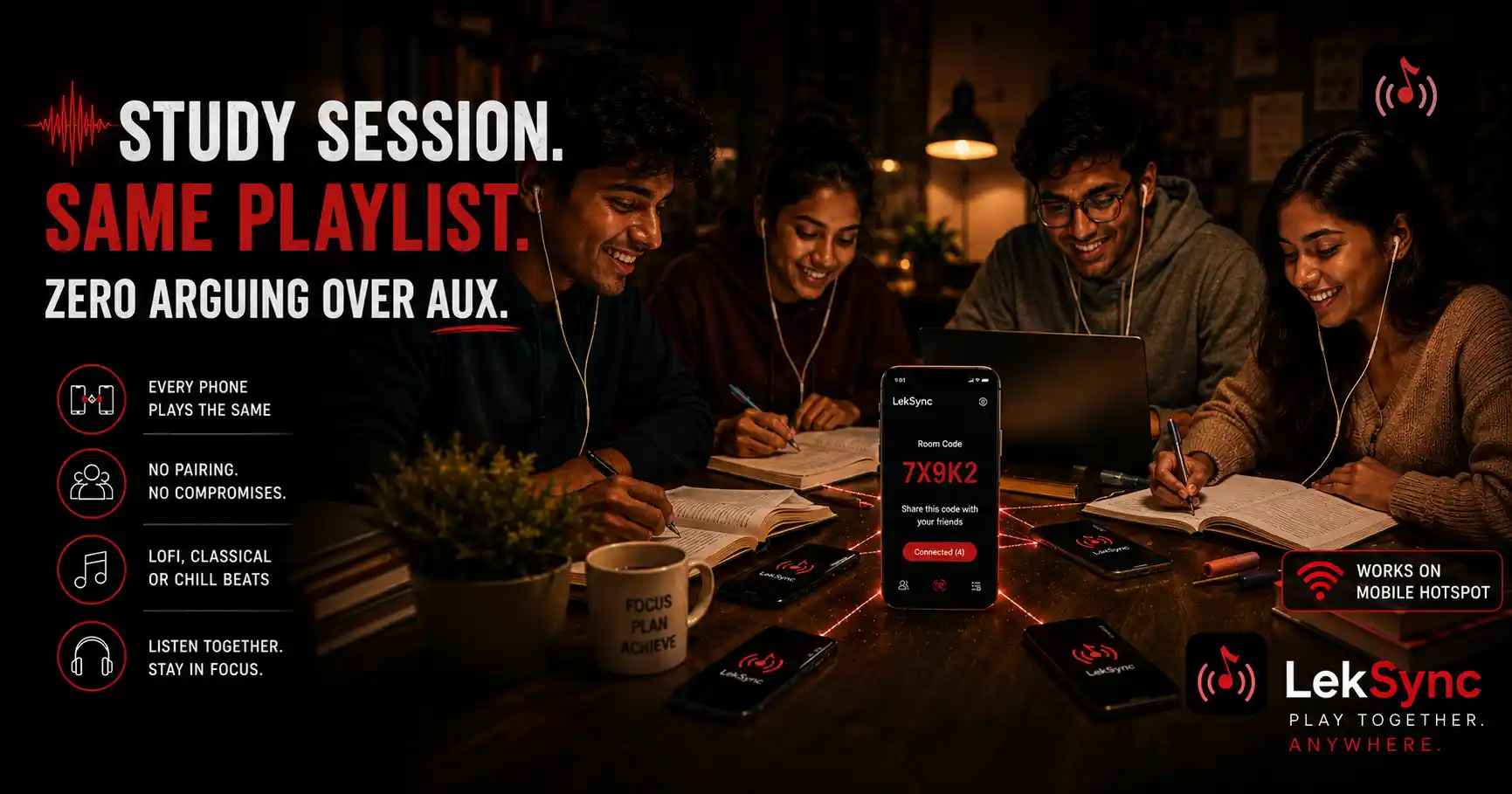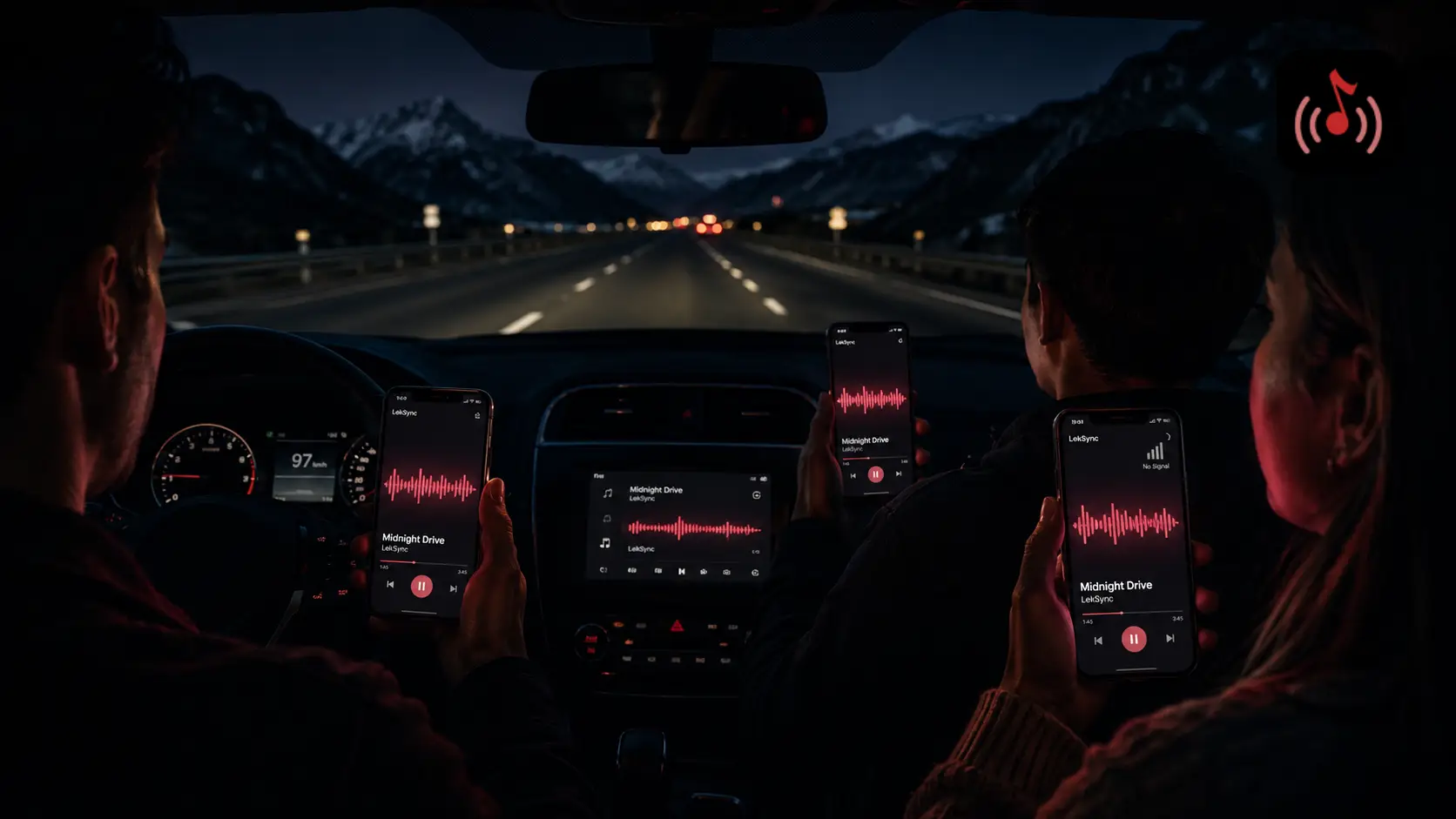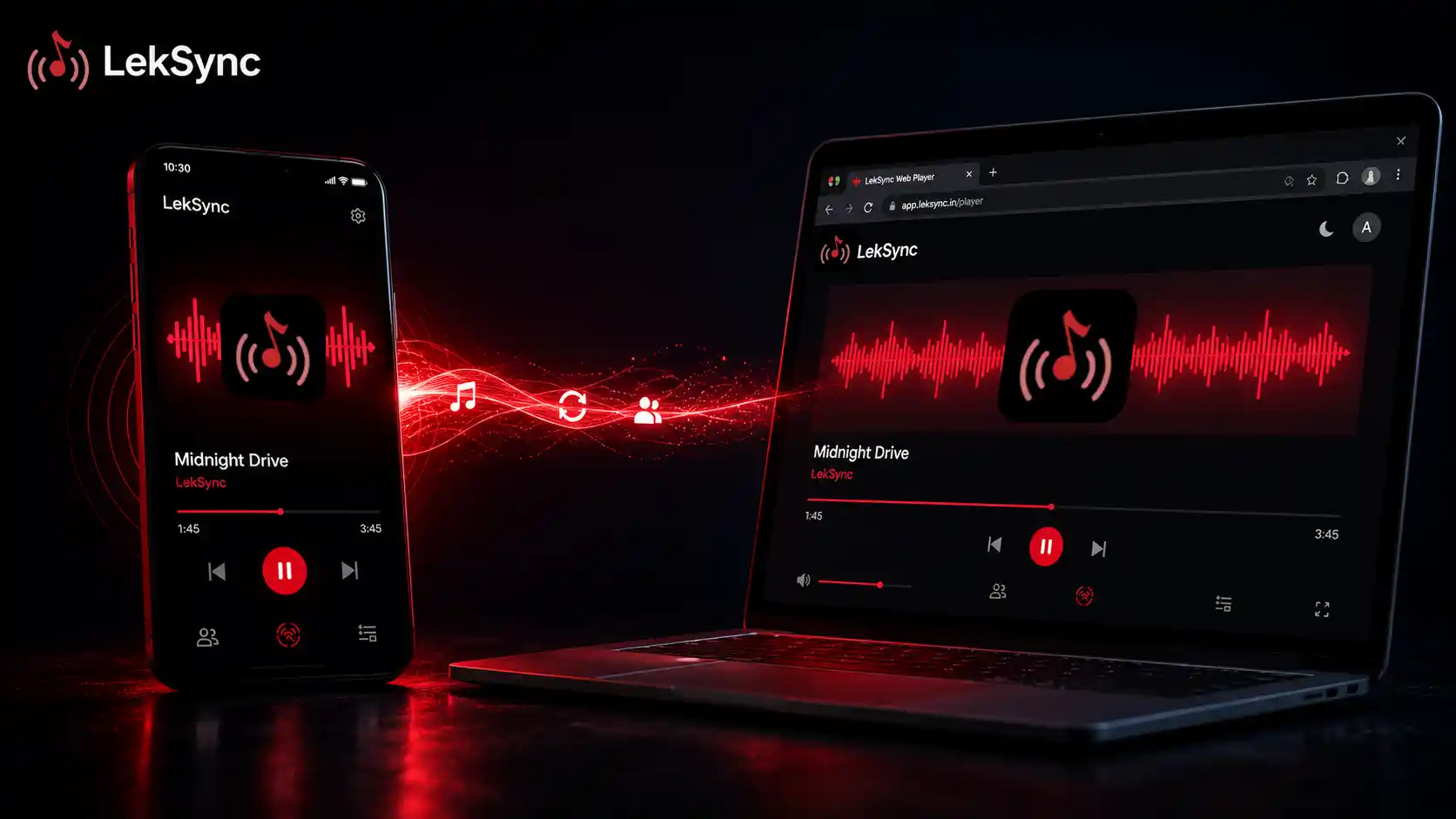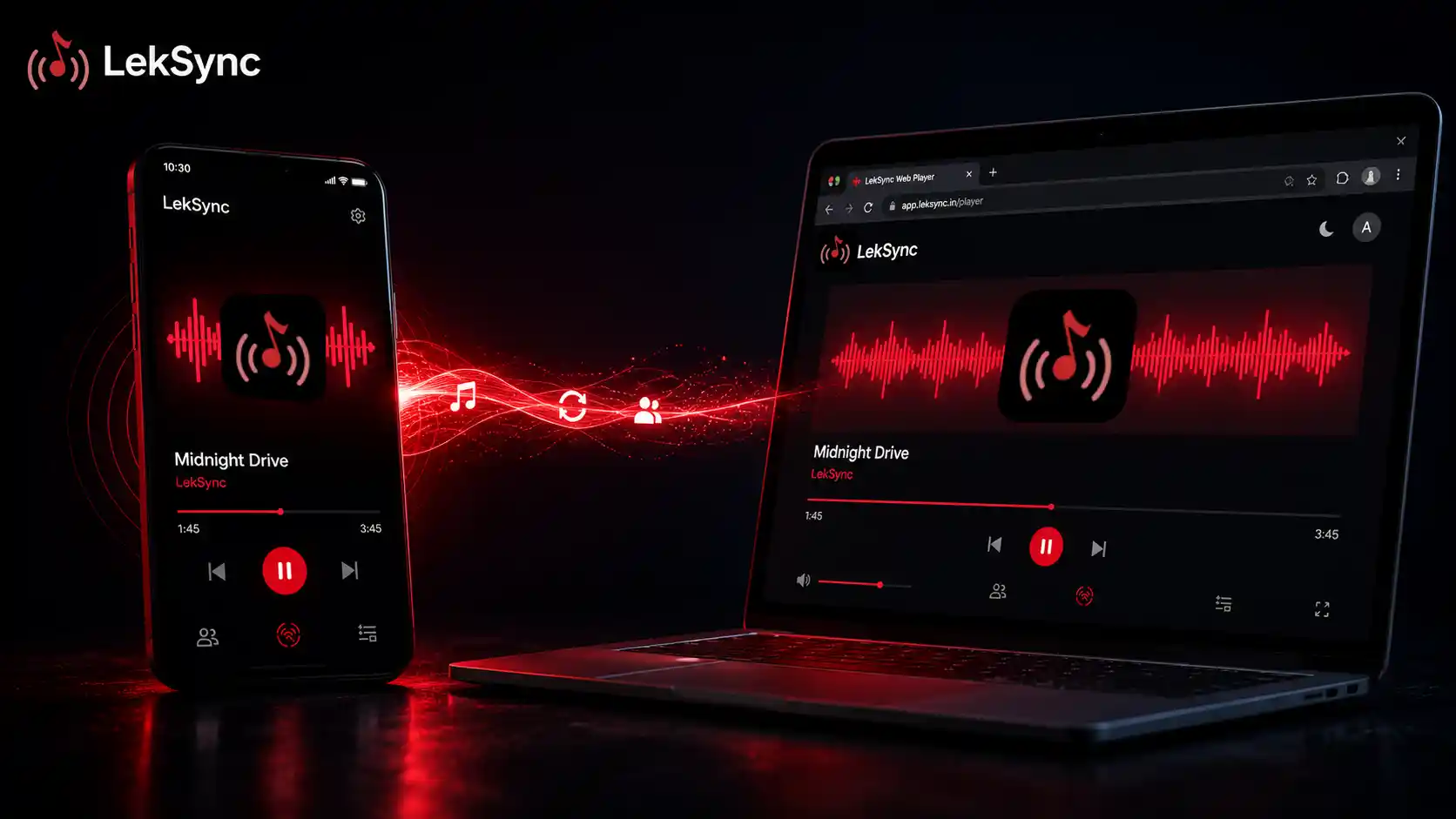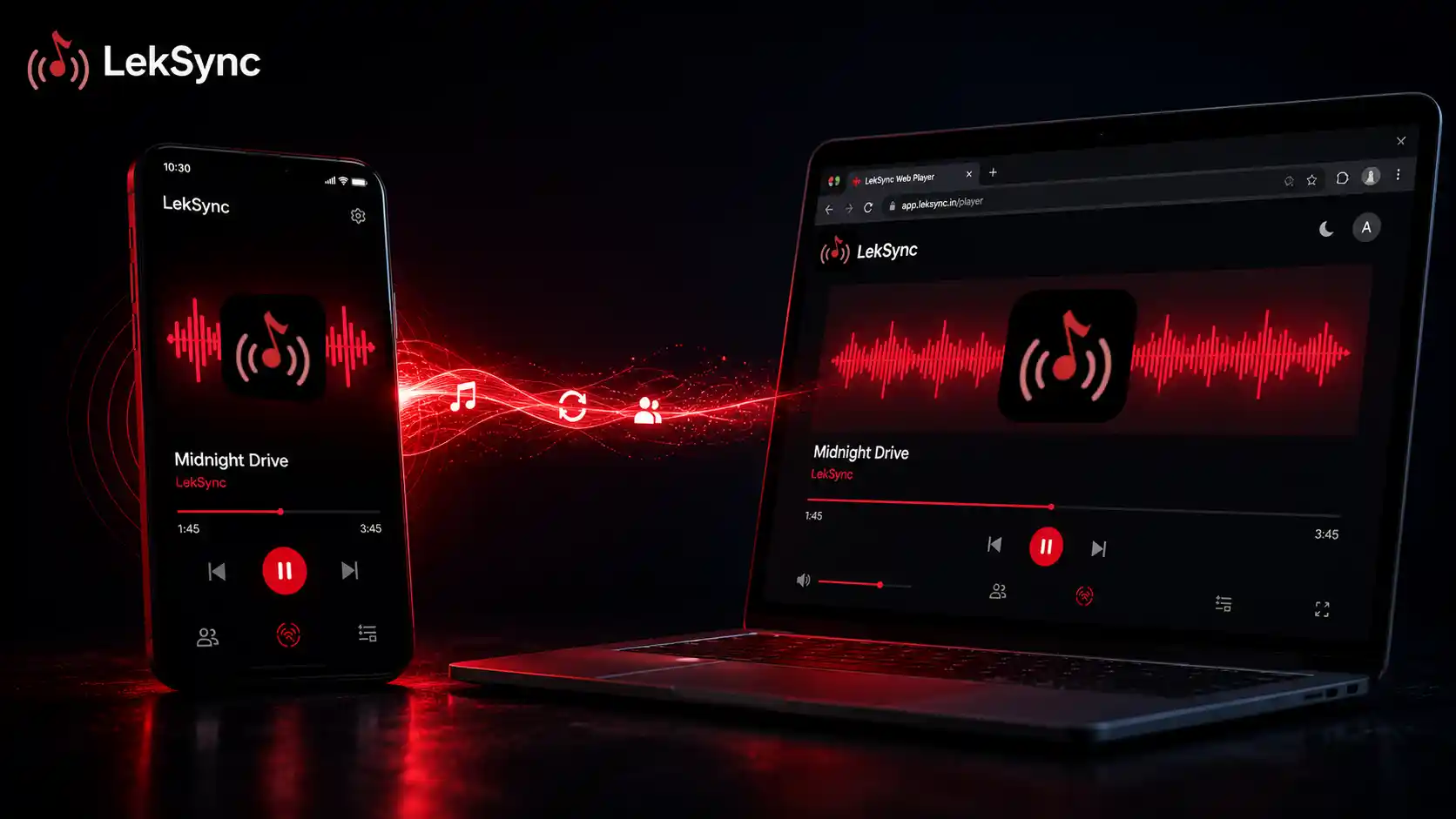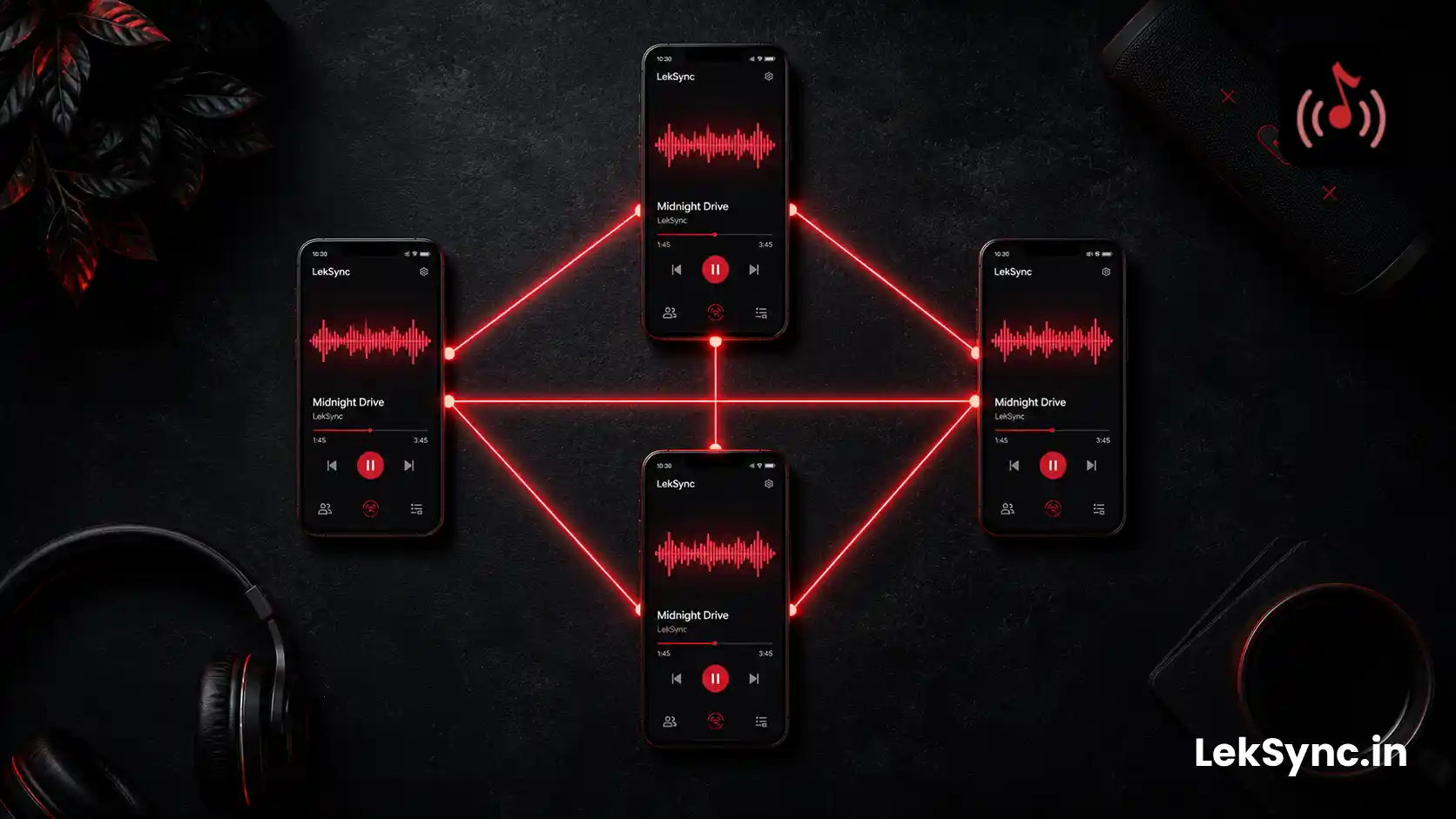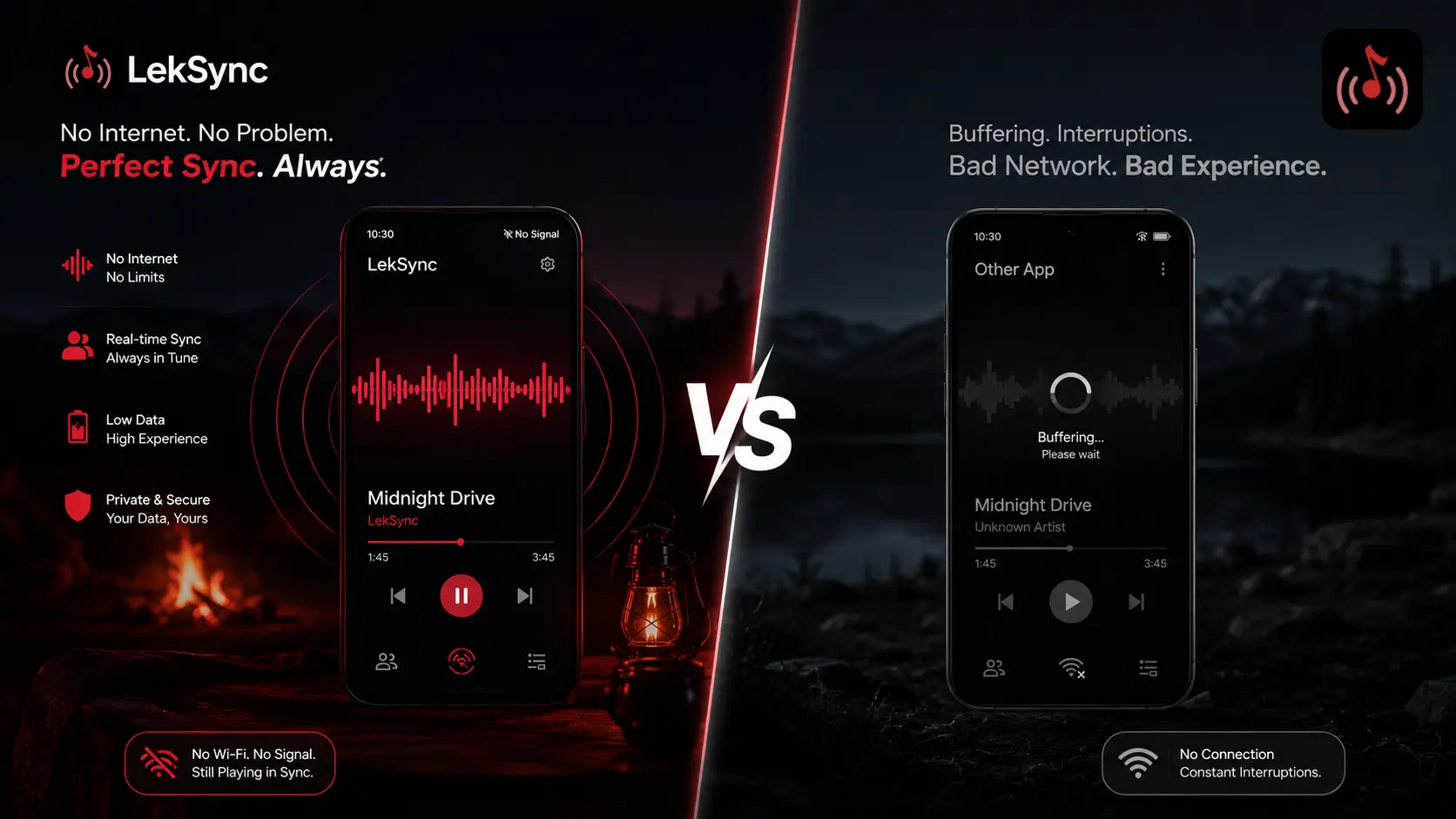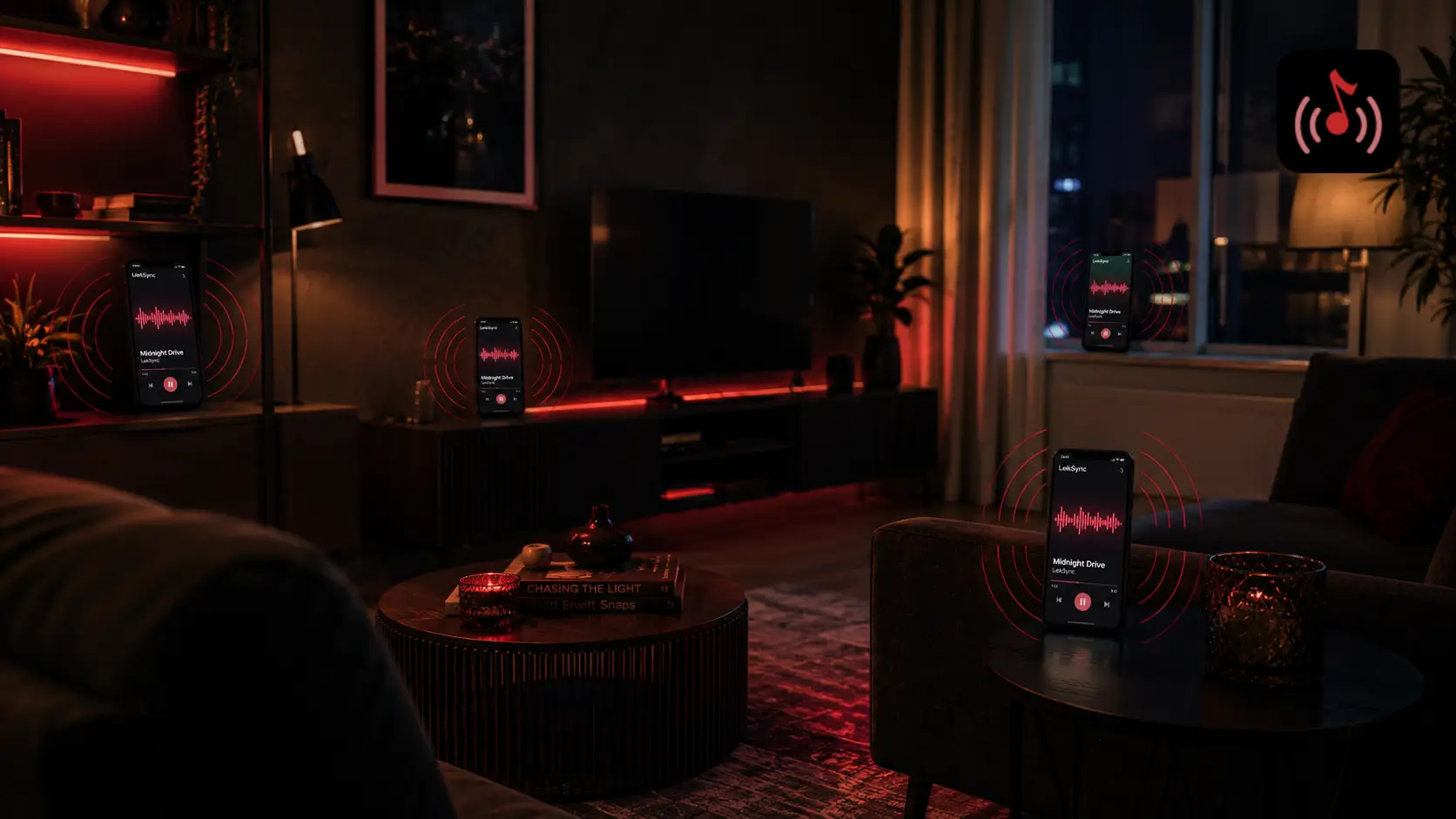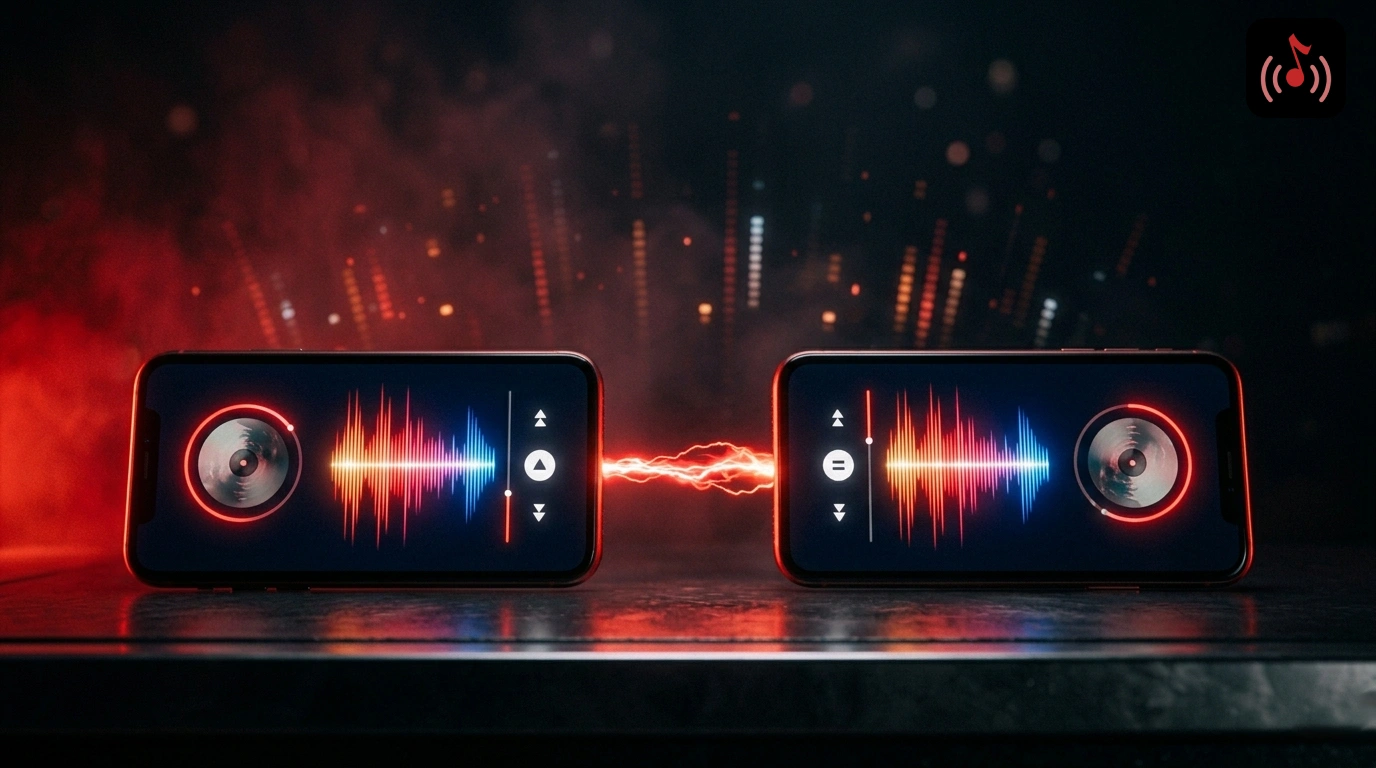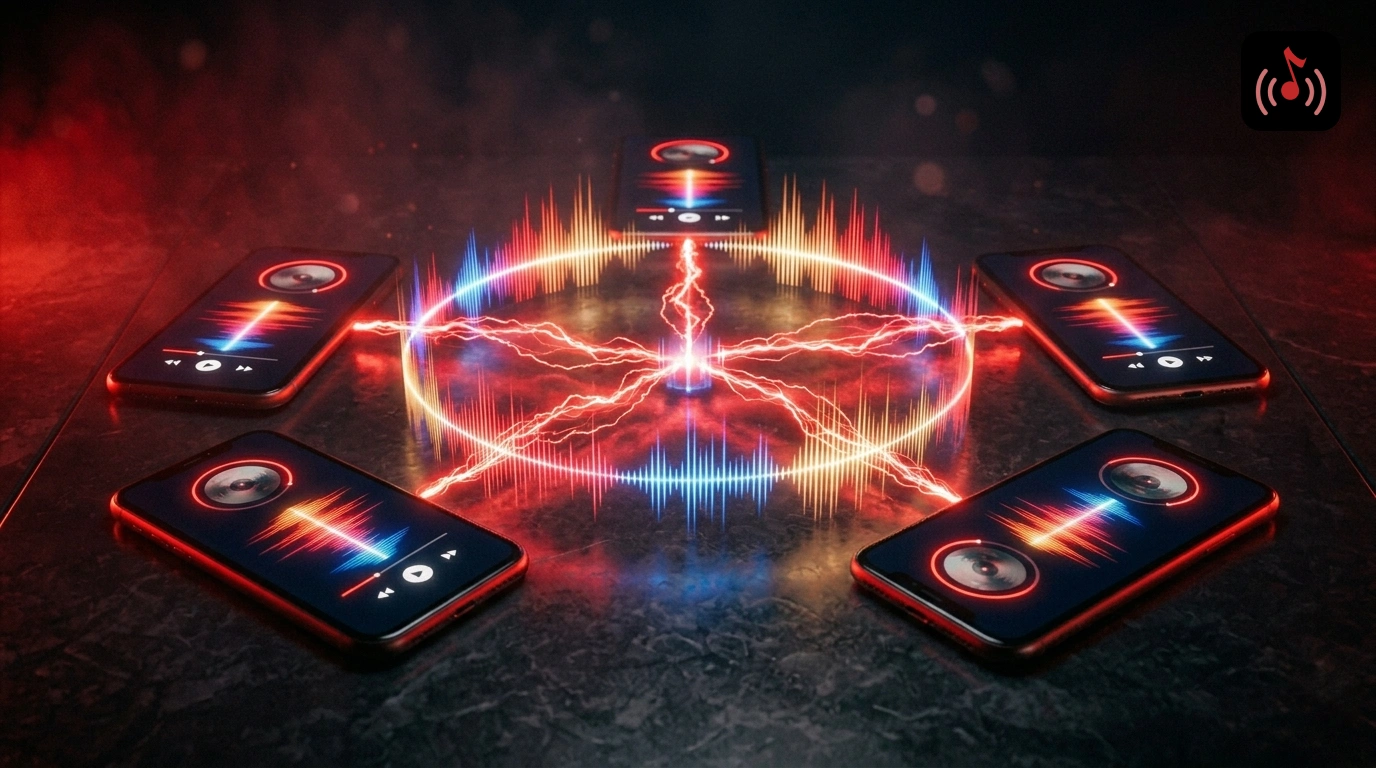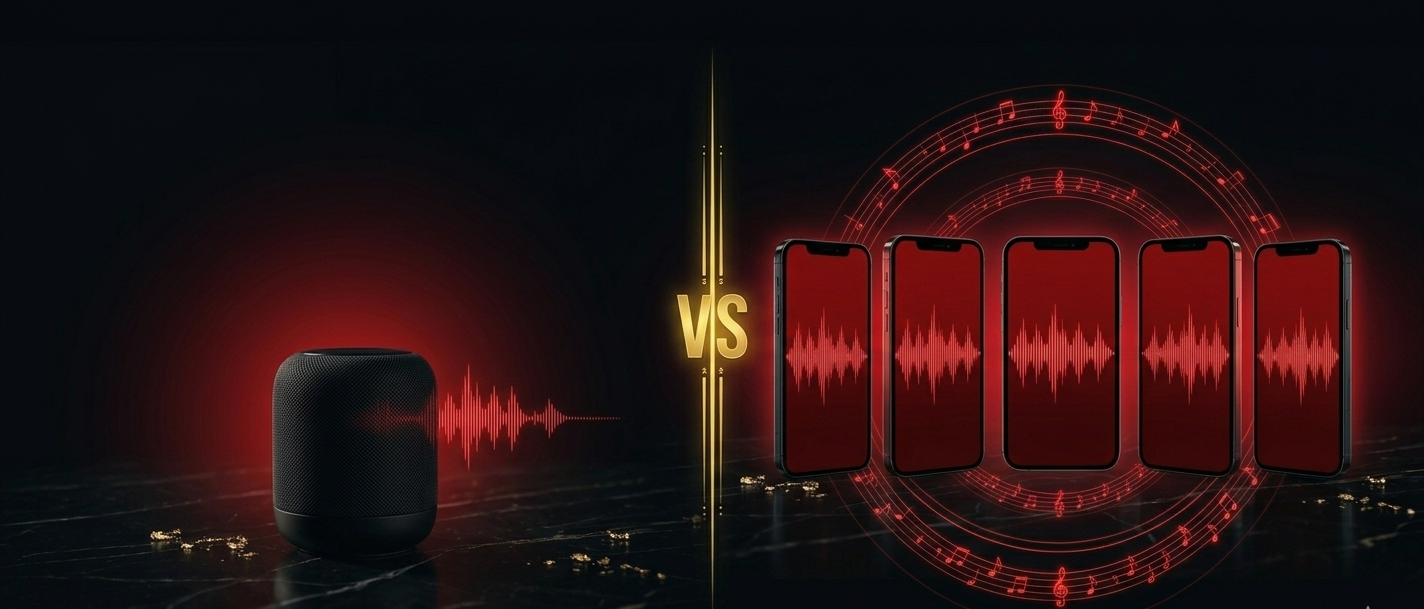
You don't need a ₹10,000 Bluetooth speaker, a DJ controller, or a rented sound system to run the music at a house party. If you have an Android phone and a group of friends, LekSync turns your phone into a DJ setup that covers the whole room.
Here's exactly how to do it.
What You Need
- One Android phone (the host / DJ phone) with music downloaded
- LekSync installed on the host phone - free on Google Play
- Friends with Android phones to act as receivers (speakers around the room)
- LekSync installed on each receiver phone
Step 1: Build Your Party Playlist Before the Party
LekSync plays local files - not streaming services. The night before, download your party playlist as MP3s or use any offline music app to save songs to the host device. Organize them in a folder so you can find them quickly during the party.
No downloads needed on receiver phones - they only receive audio, they don't need to have the music files.
Step 2: Set Up the Hotspot
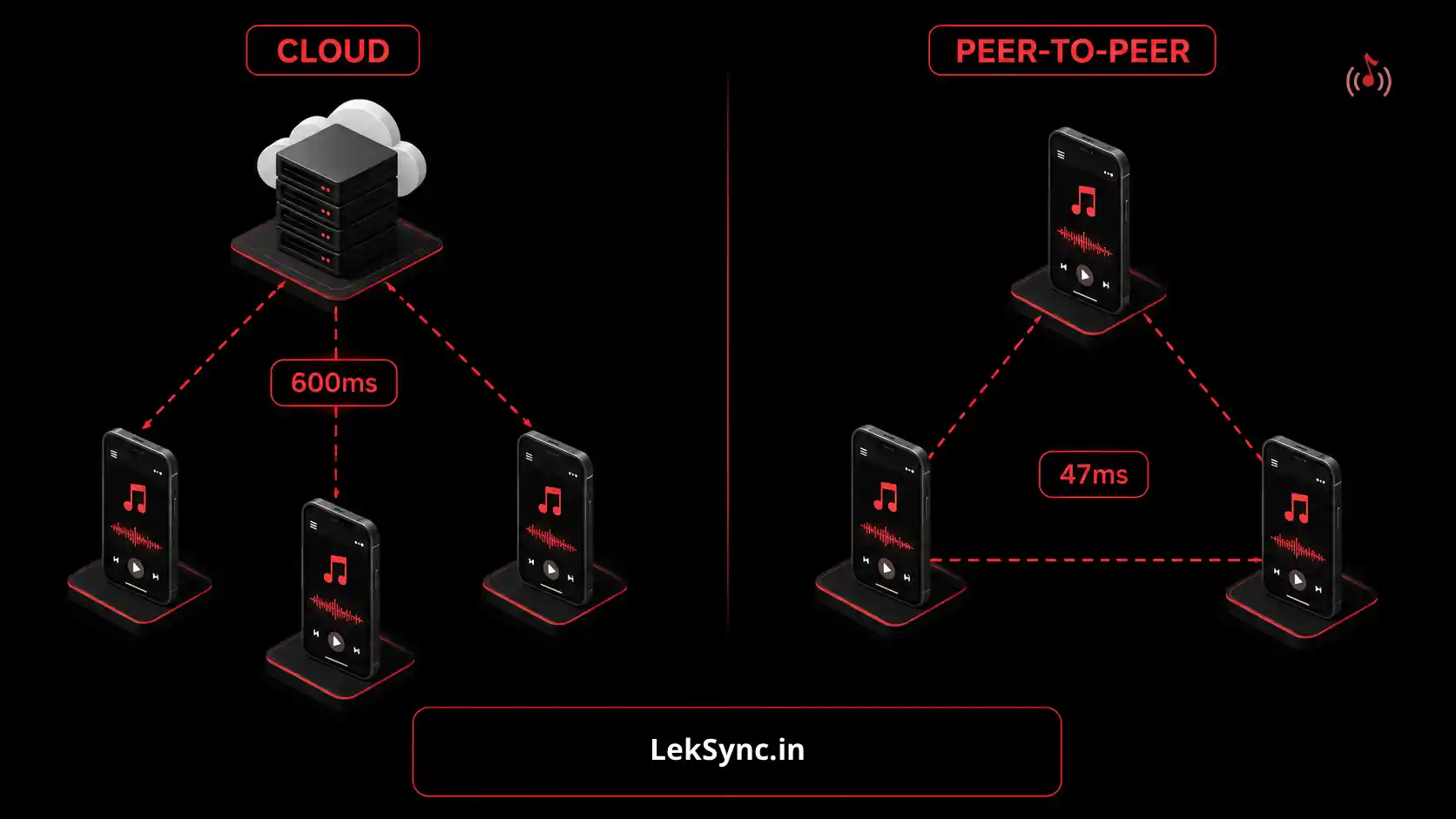
On the host phone, turn on your Wi-Fi hotspot via Settings → Hotspot & Tethering. Share the network name and password with guests whose phones will act as speakers. This takes 30 seconds and works indoors, outdoors, and anywhere in between - no internet required.
Step 3: Open LekSync as Host
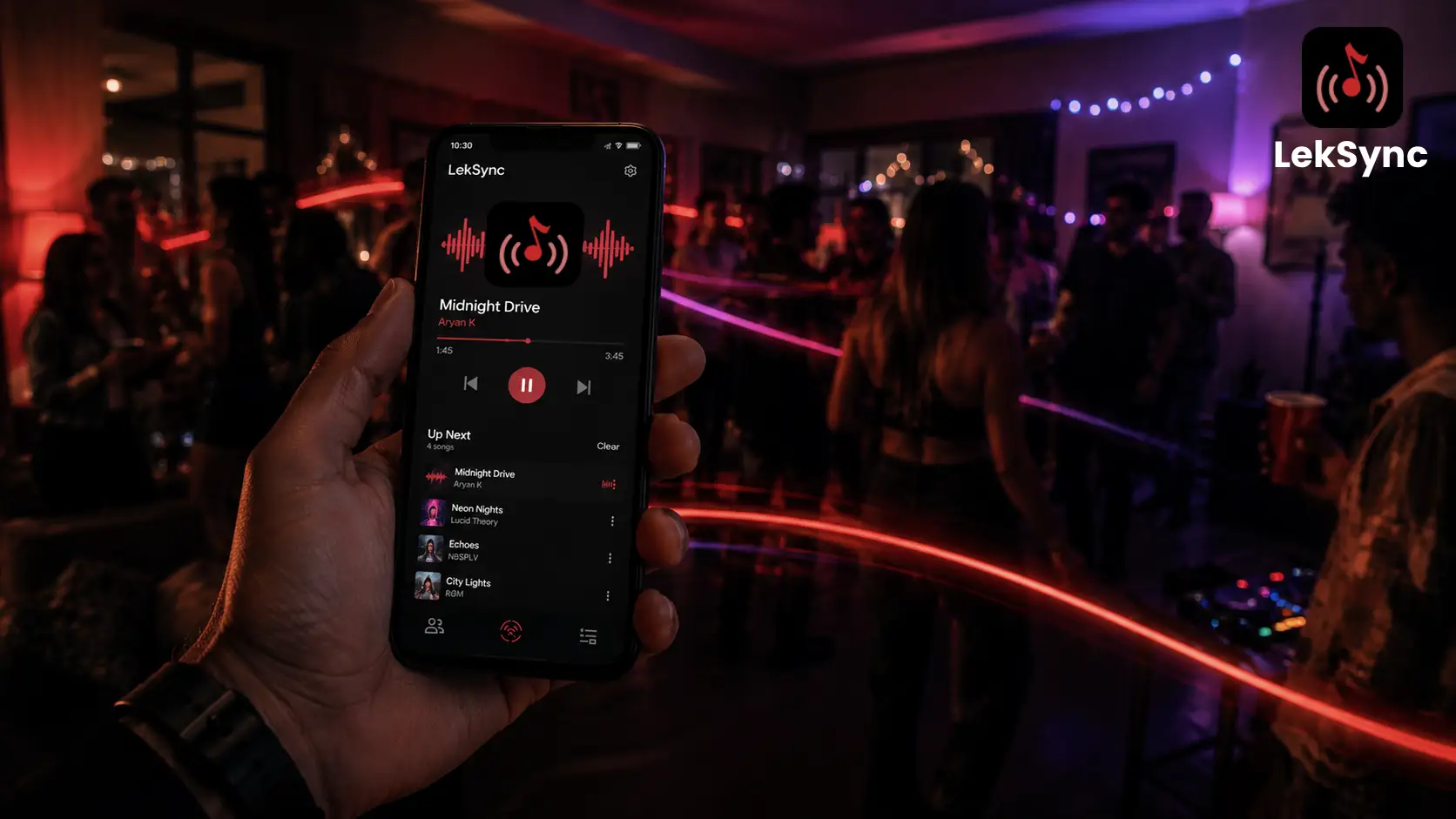
Open LekSync on the host phone and tap Host. Your local music library loads. You're now live - any song you play streams instantly to every connected phone.
Step 4: Scatter Receiver Phones Around the Room
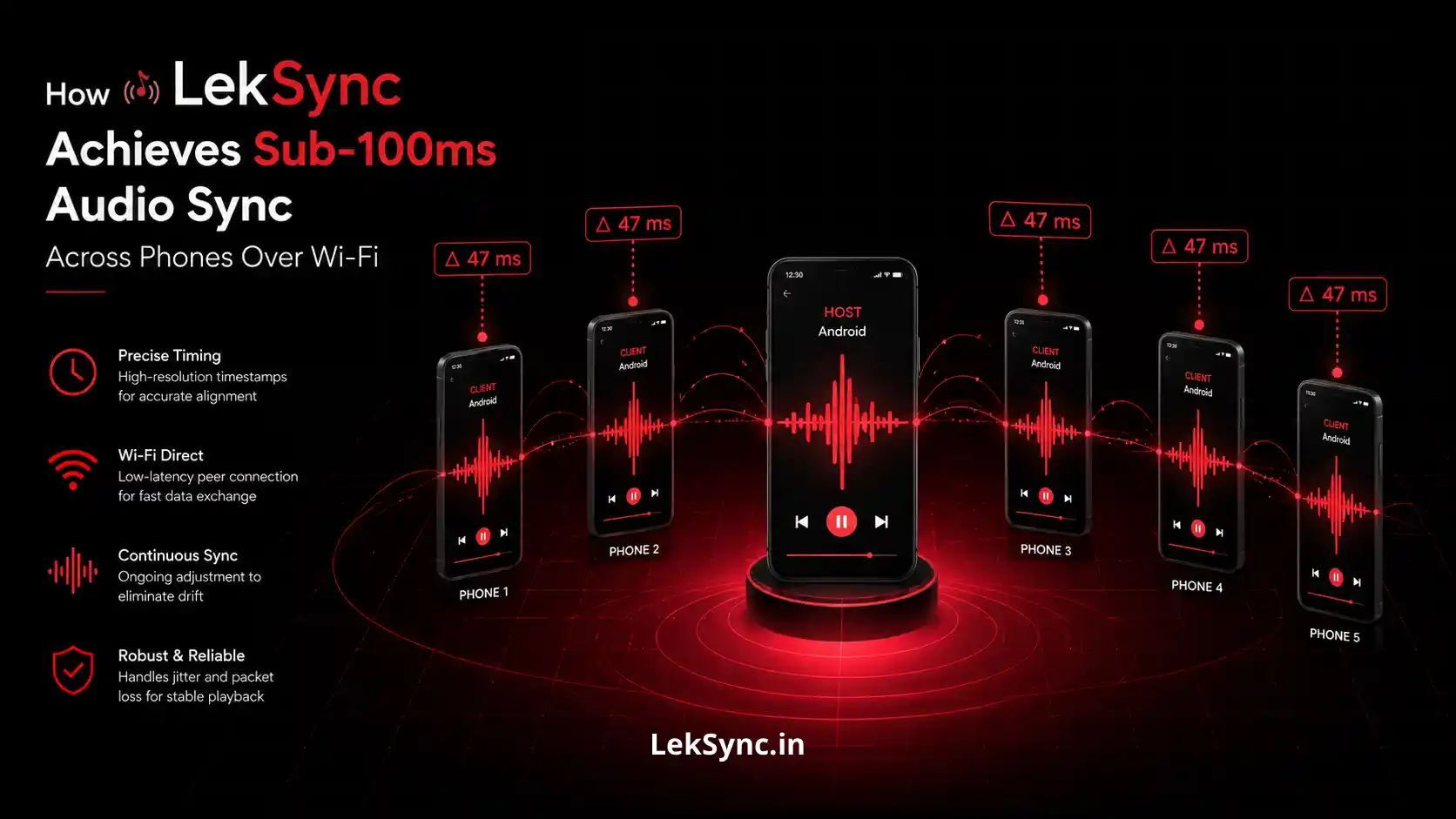
On each phone acting as a speaker, open LekSync, tap Receiver, and connect to the host's hotspot. Place them wherever you need sound - on shelves, window ledges, tables across the room. Each one plays the audio in perfect sync.
Prop them up face-out so the speaker grills project sound into the room. Max the volume on each receiver phone for best coverage.
Step 5: Queue Up the Night
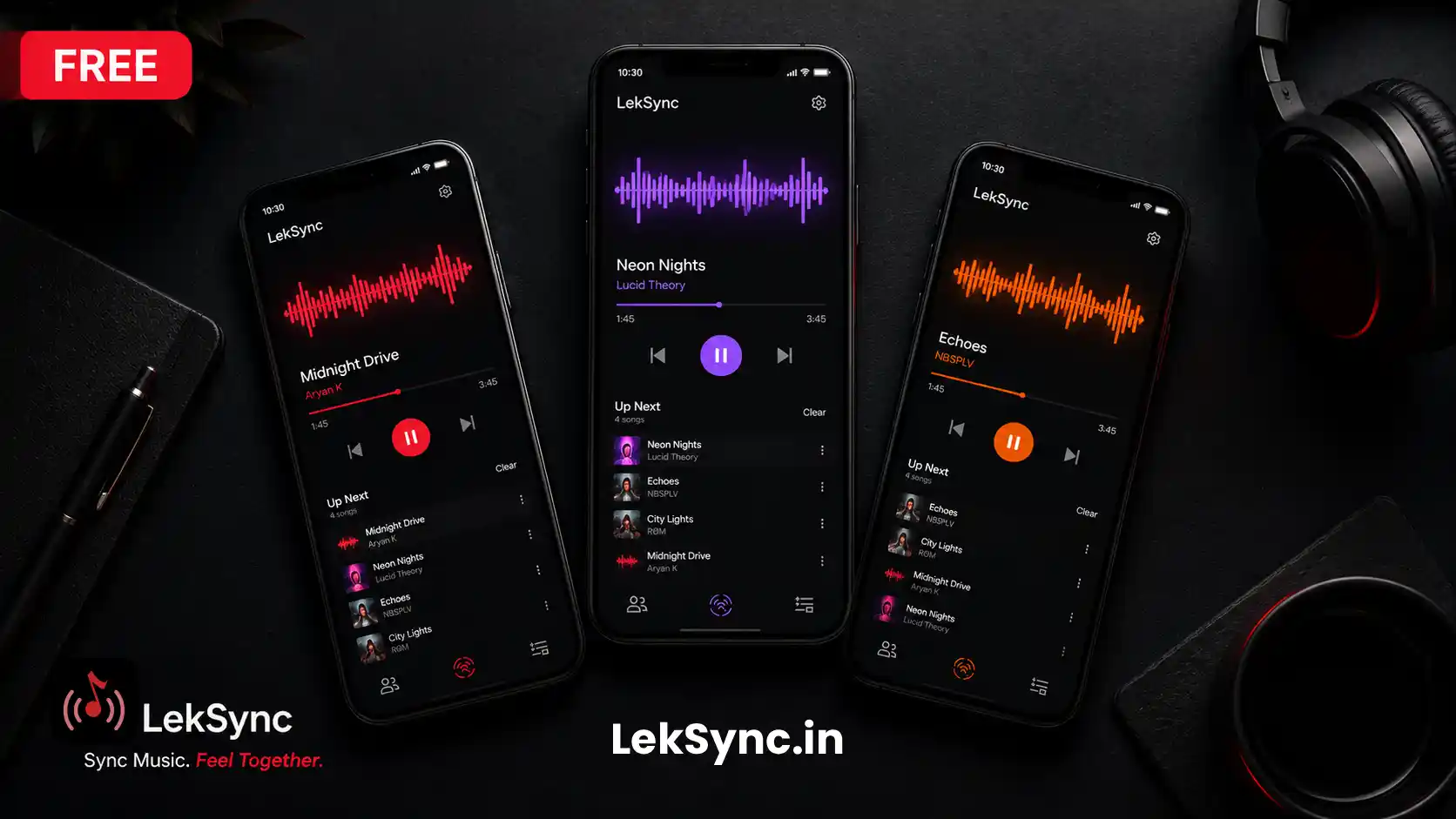
On the host phone, browse your library and tap the first song. To queue the next track, tap it while the current one is still playing - it slots in automatically. Build a running queue so there's never a gap in the music.
DJ Tricks With LekSync
Control the crowd with the equalizer
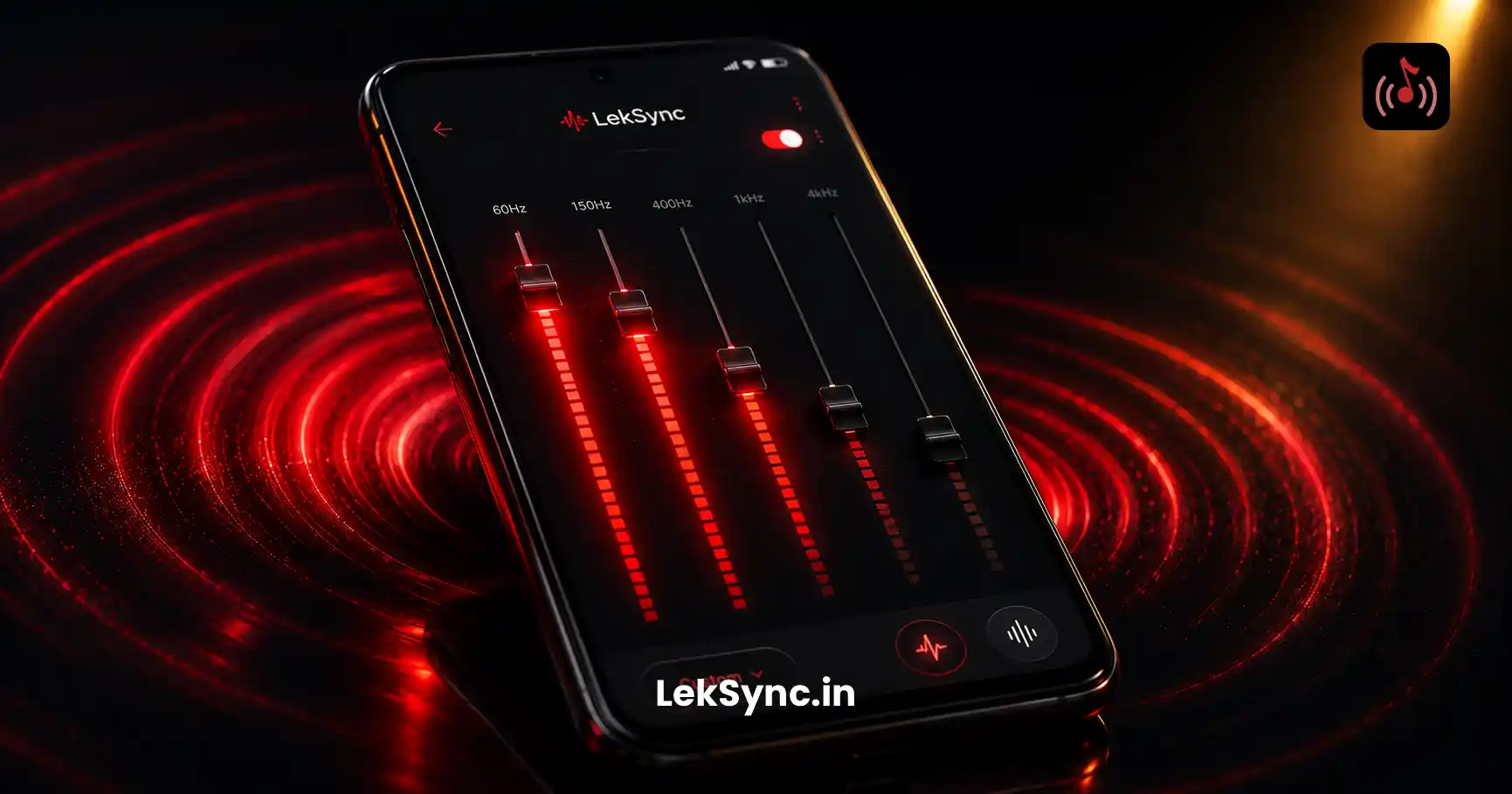
Open the EQ on the host phone and tune the sound to the room. Boost the bass for a bigger feel. The EQ applies to every receiver simultaneously - one adjustment, whole-room effect.
Make announcements without shouting
Tap the mic icon on the host phone to speak live to every receiver. Call people for food, announce the next song, or make a toast - your voice goes to every phone in the room instantly.
Let guests join without the app
Guests who don't want to install the app can join from their browser at leksync.in/receiver. They enter the room code and start hearing the music immediately - no install, no account.
Switch to online mode for multi-location parties
If some friends are joining remotely, switch to LekSync's Online mode. They enter the room code from anywhere and stay in sync over the internet - same experience, different location.
The Setup vs What You'd Pay Otherwise
| Traditional Setup | LekSync Setup | |
|---|---|---|
| Cost | ₹2,000–₹15,000 (speakers) | Free |
| Setup time | 15–30 minutes | 2–3 minutes |
| Coverage | One speaker | Every room, every corner |
| Mic support | Extra equipment | Built-in |
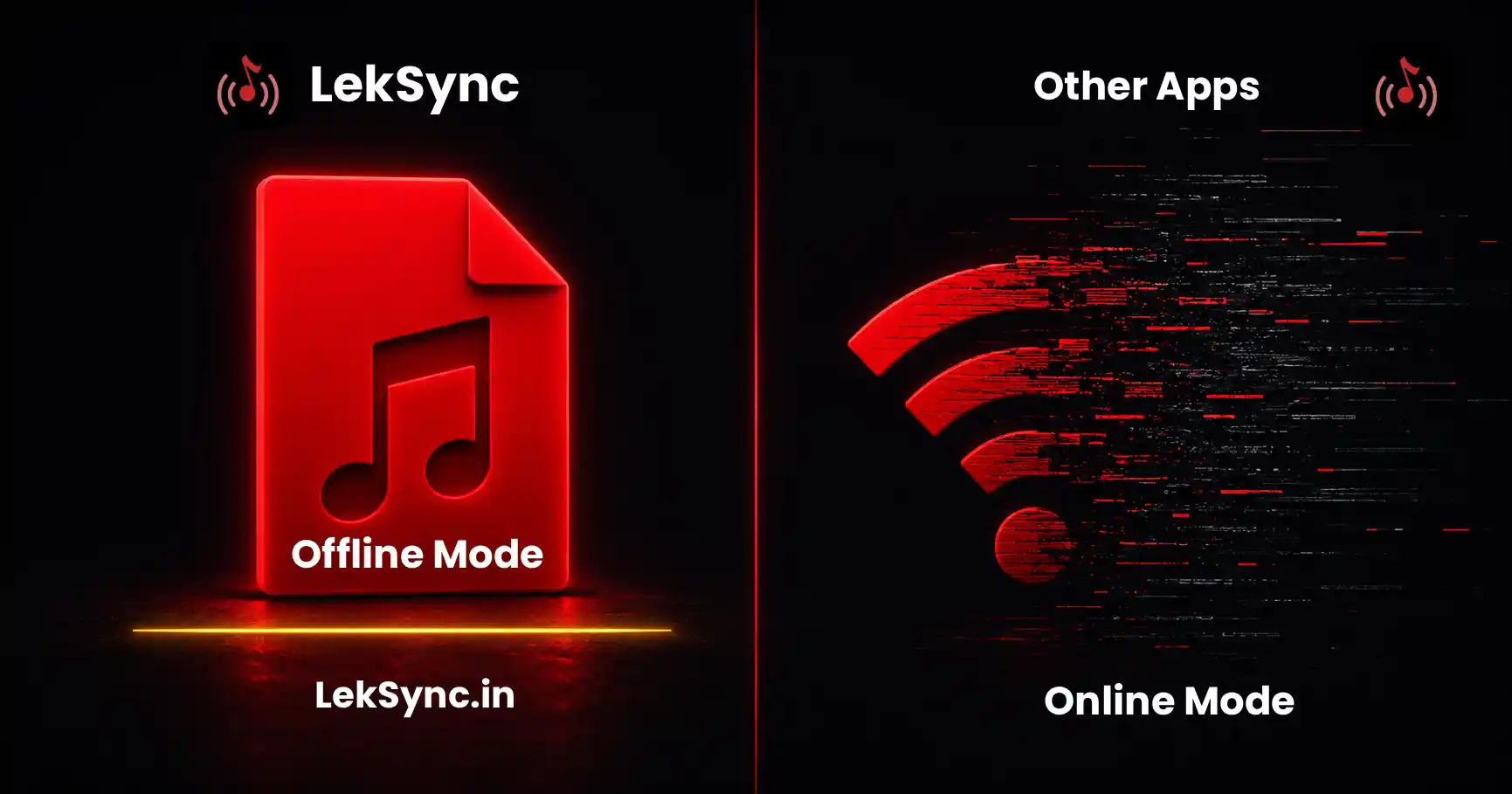
| Works without internet | Yes | Yes |
Ready to Run the Party?
Download LekSync free on Google Play and set up the whole room before your guests arrive. For more party setups, see our roundup of the best free apps for house parties in 2026 and our guide to hosting a silent disco with just phones.