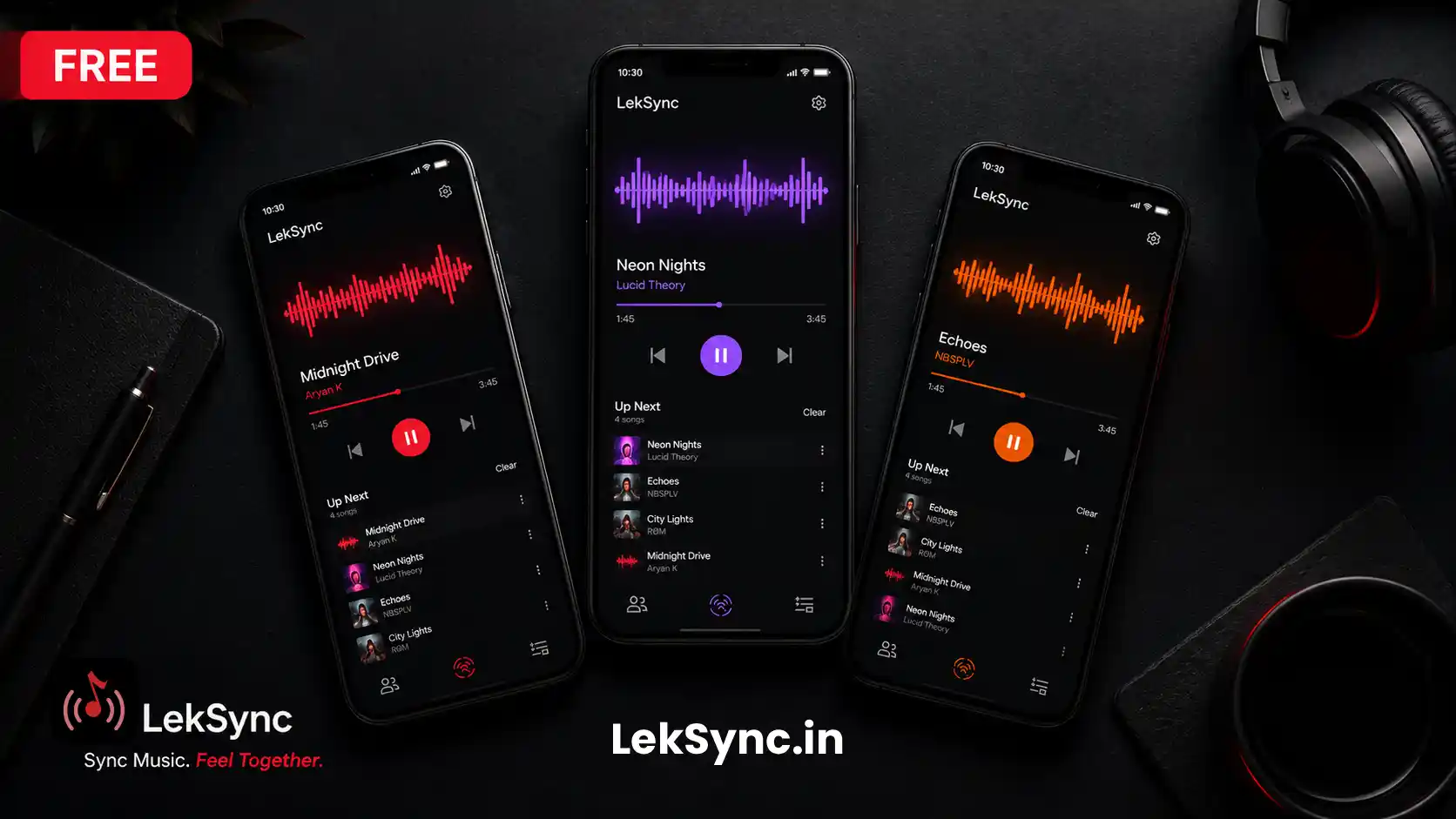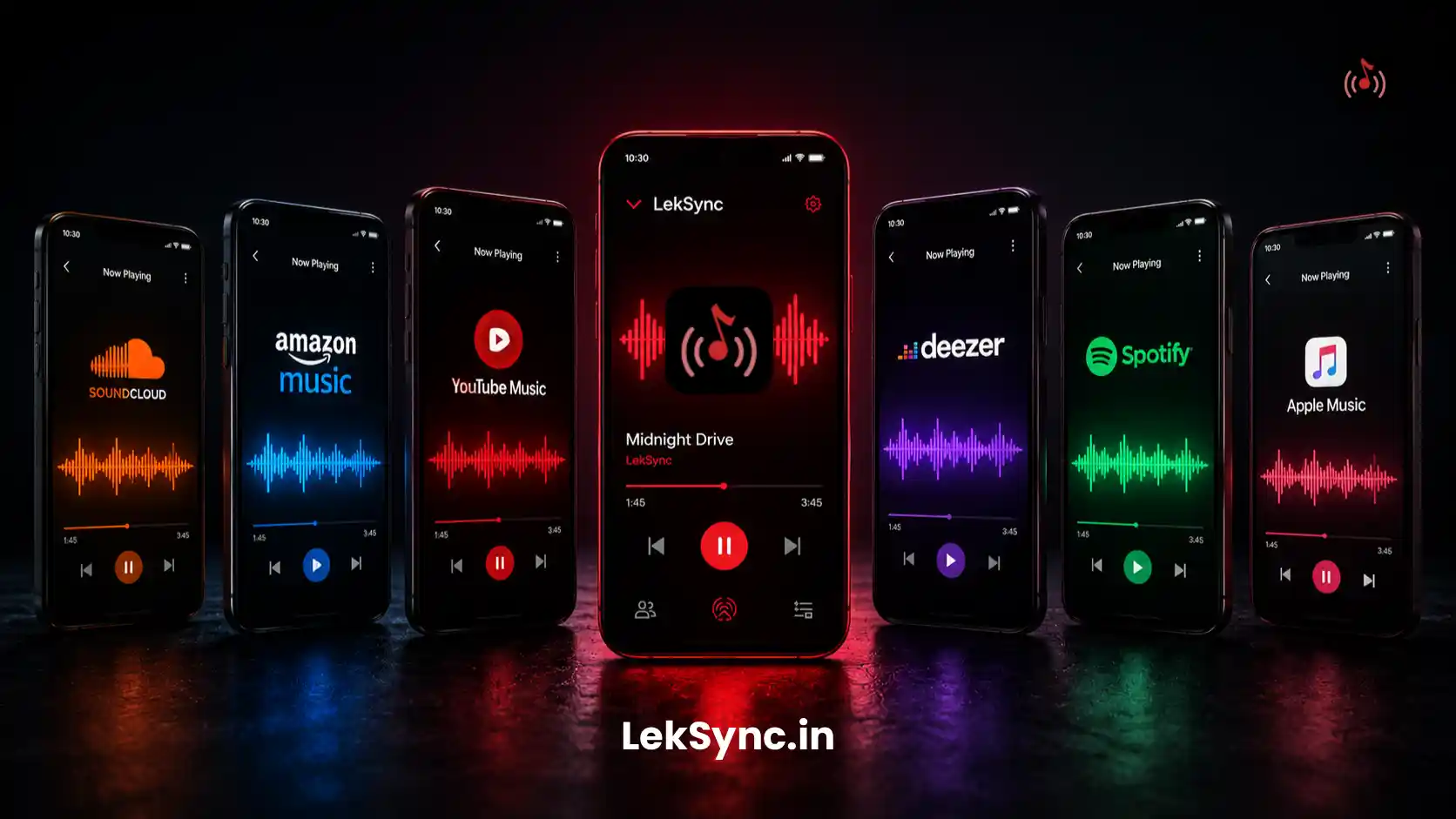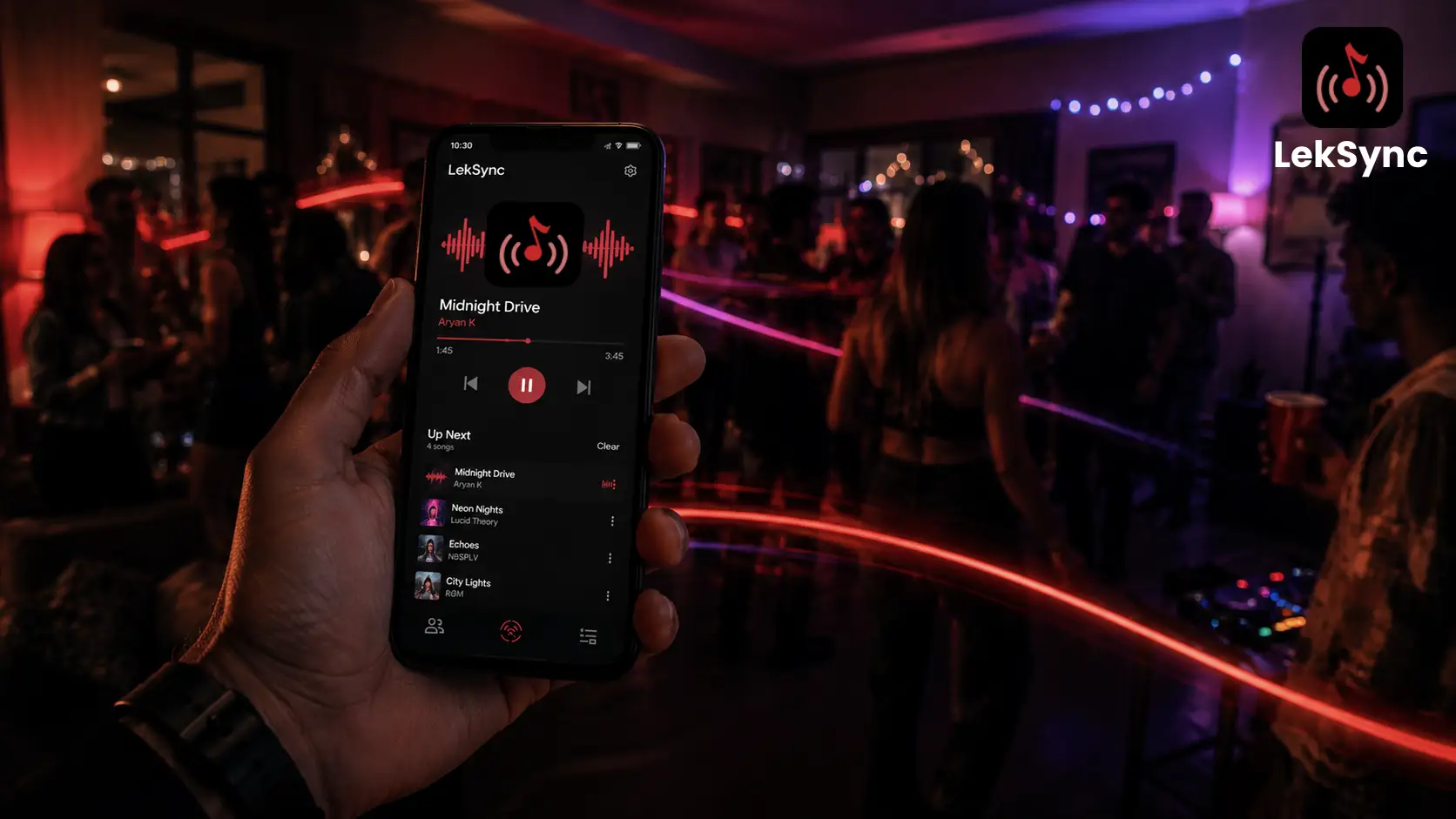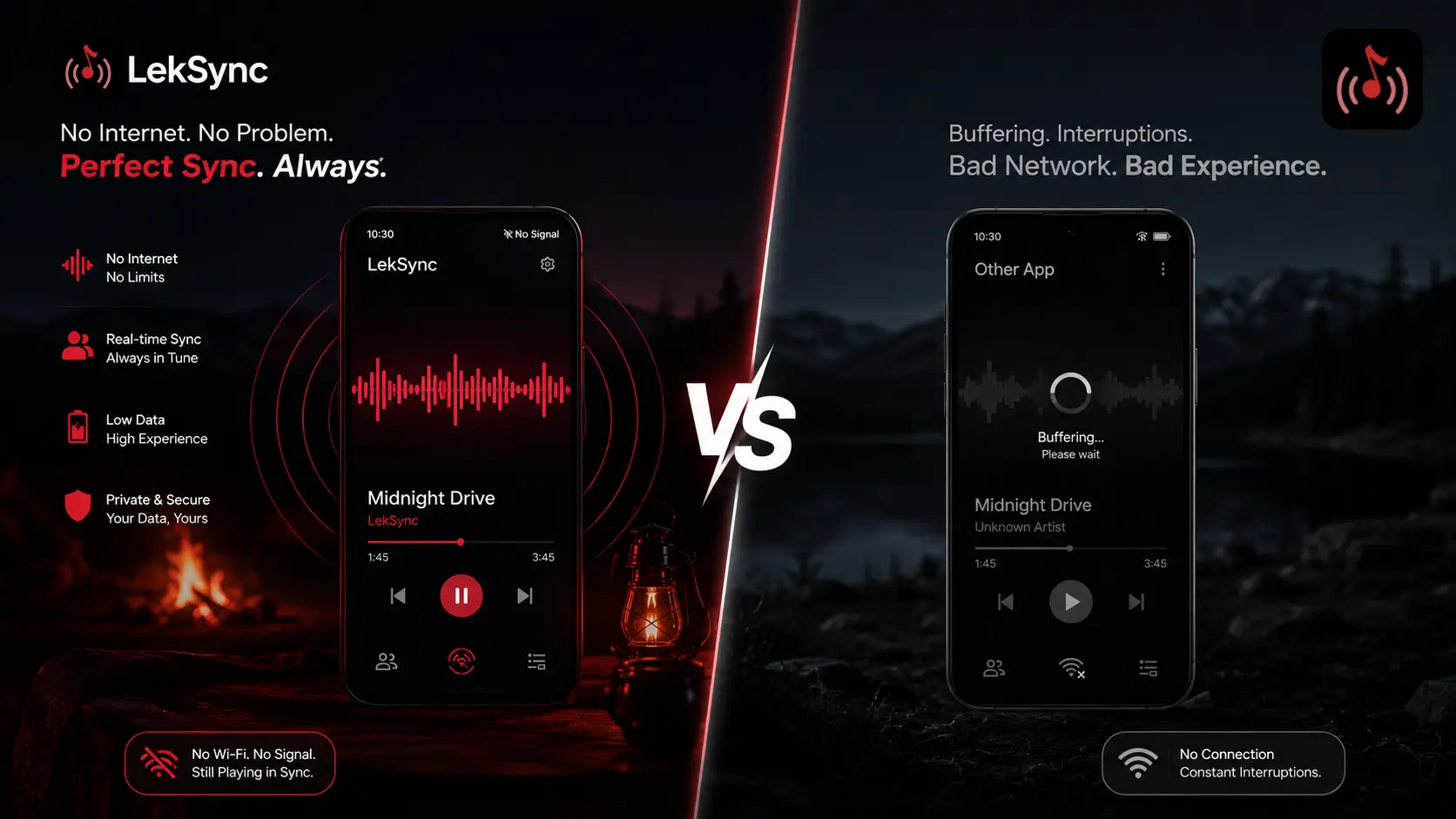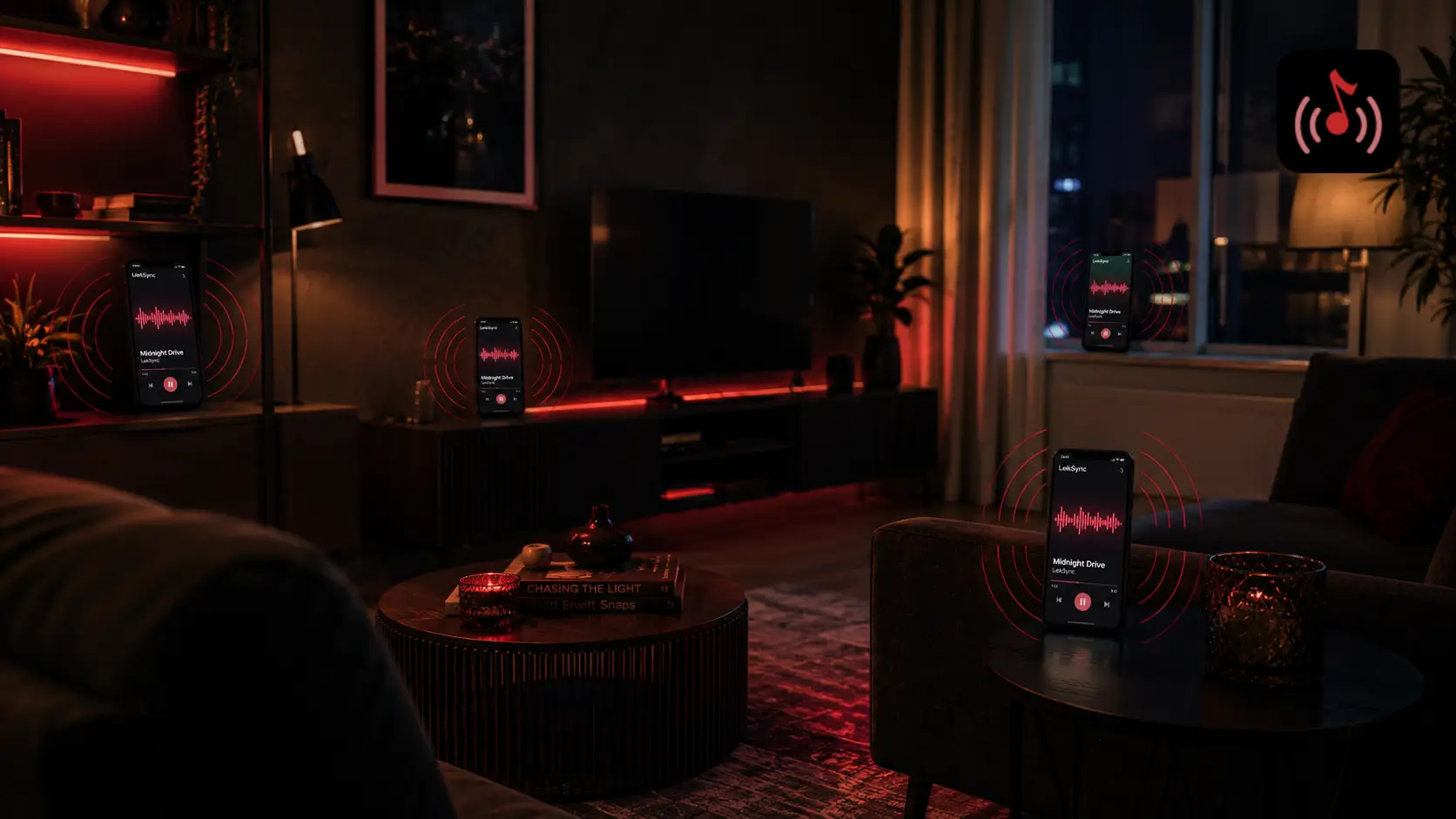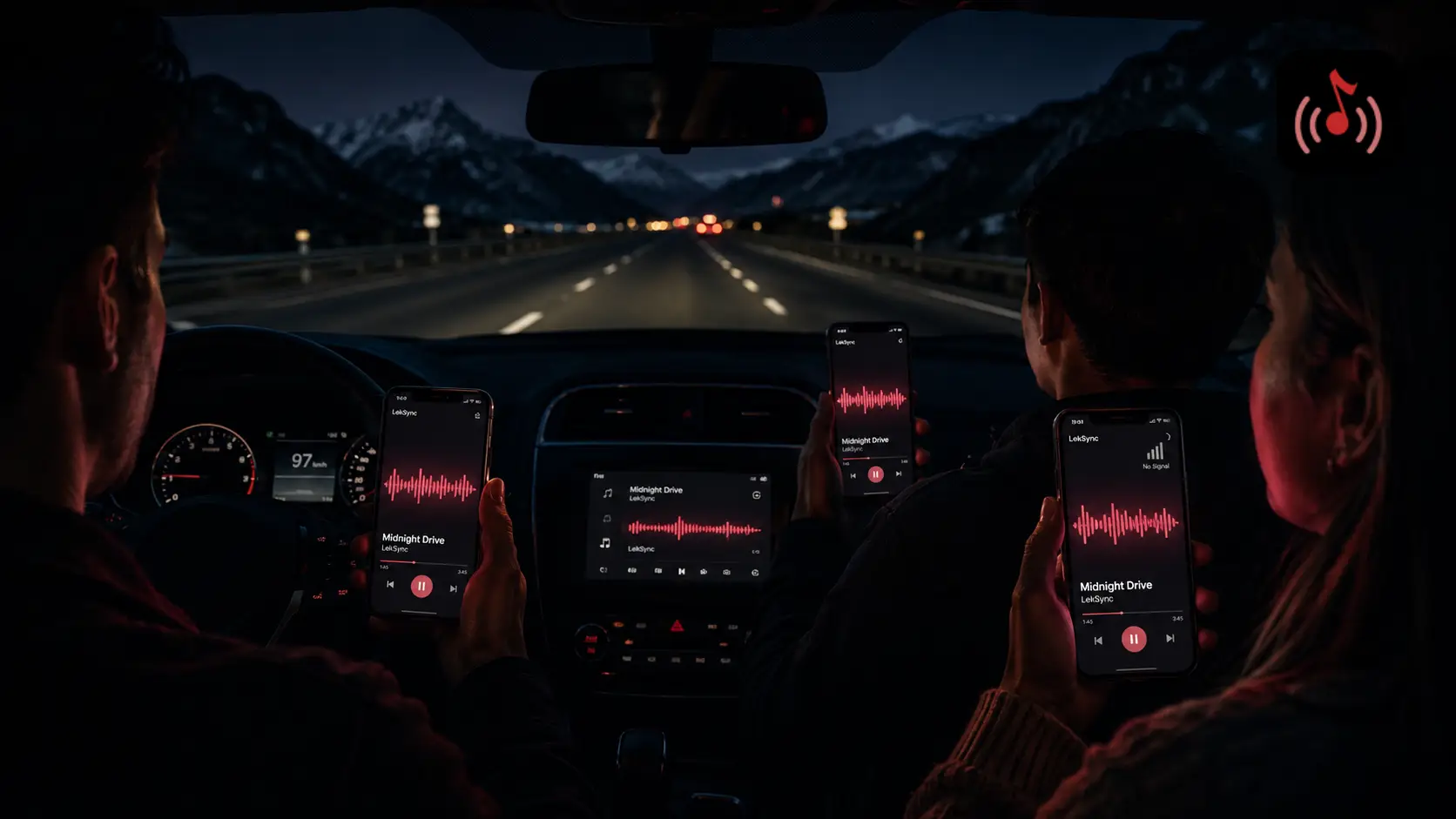
You found a song you need everyone to hear right now. Your friends are scattered — different rooms, different cities, different time zones. Group chats don't do it justice. What you need is a real-time group listening session where everyone hears the exact same thing at the exact same moment.
LekSync's Online mode makes that possible. Here's how to set one up in under two minutes.
What Is a Group Listening Session?
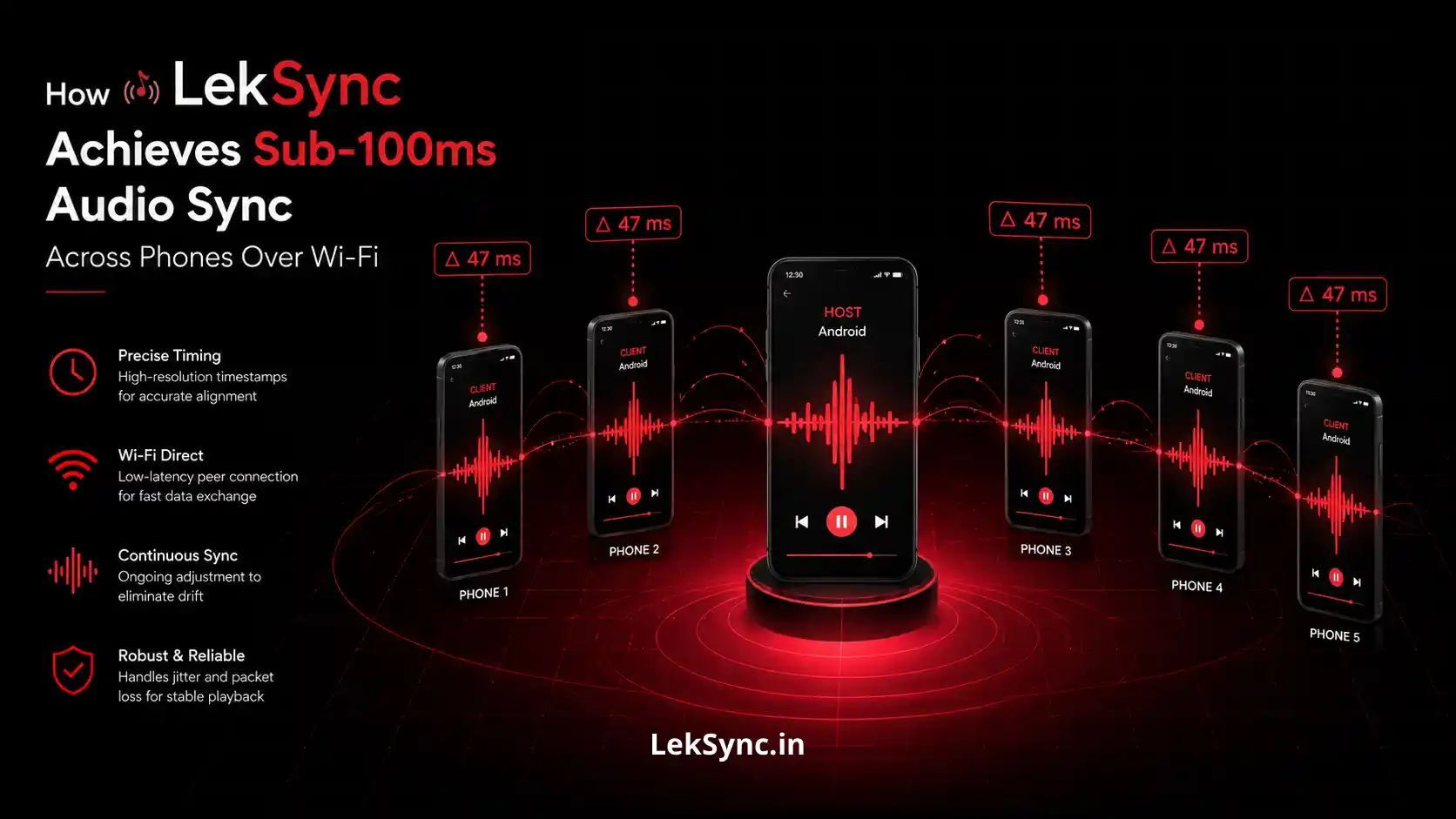
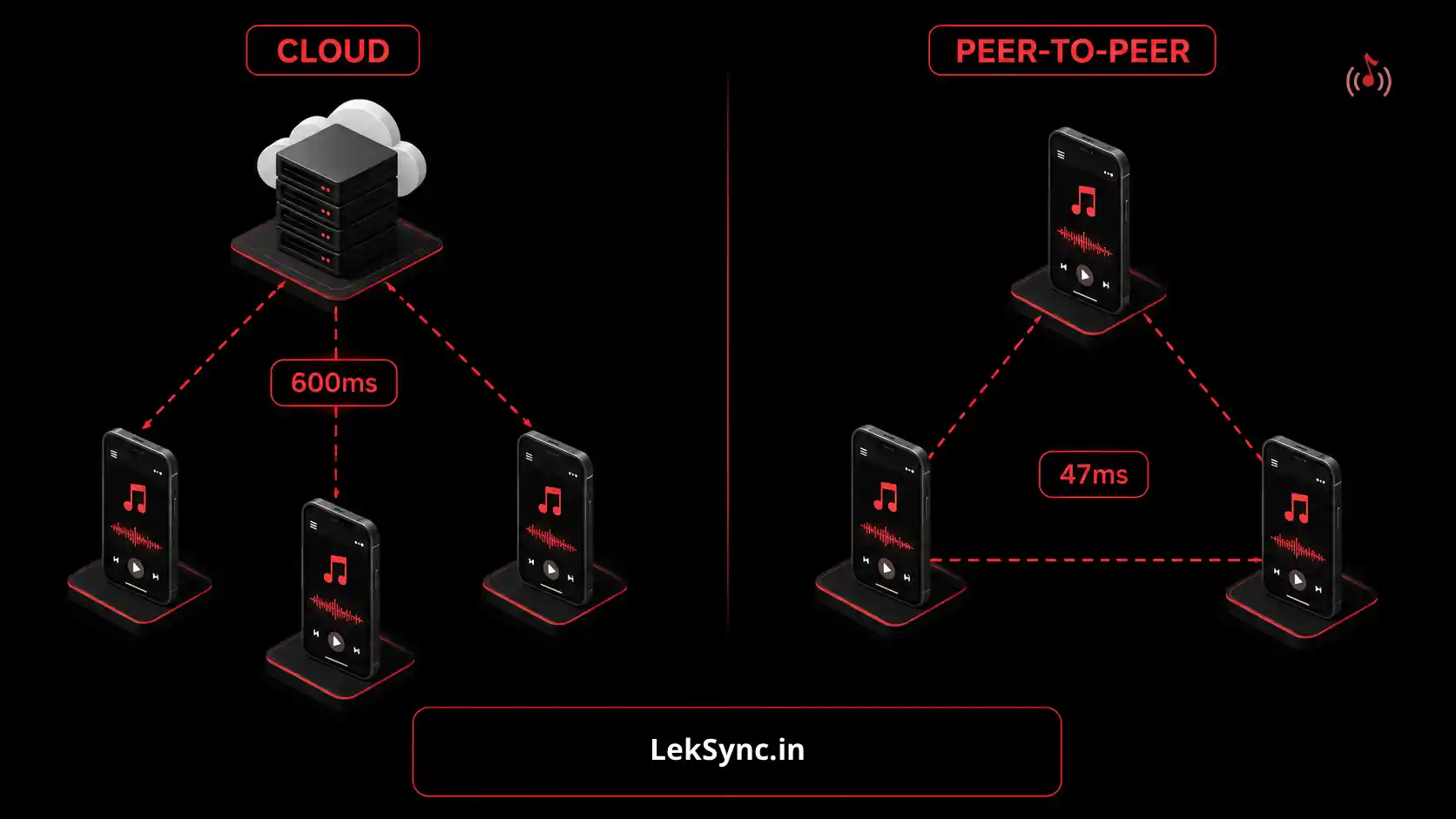
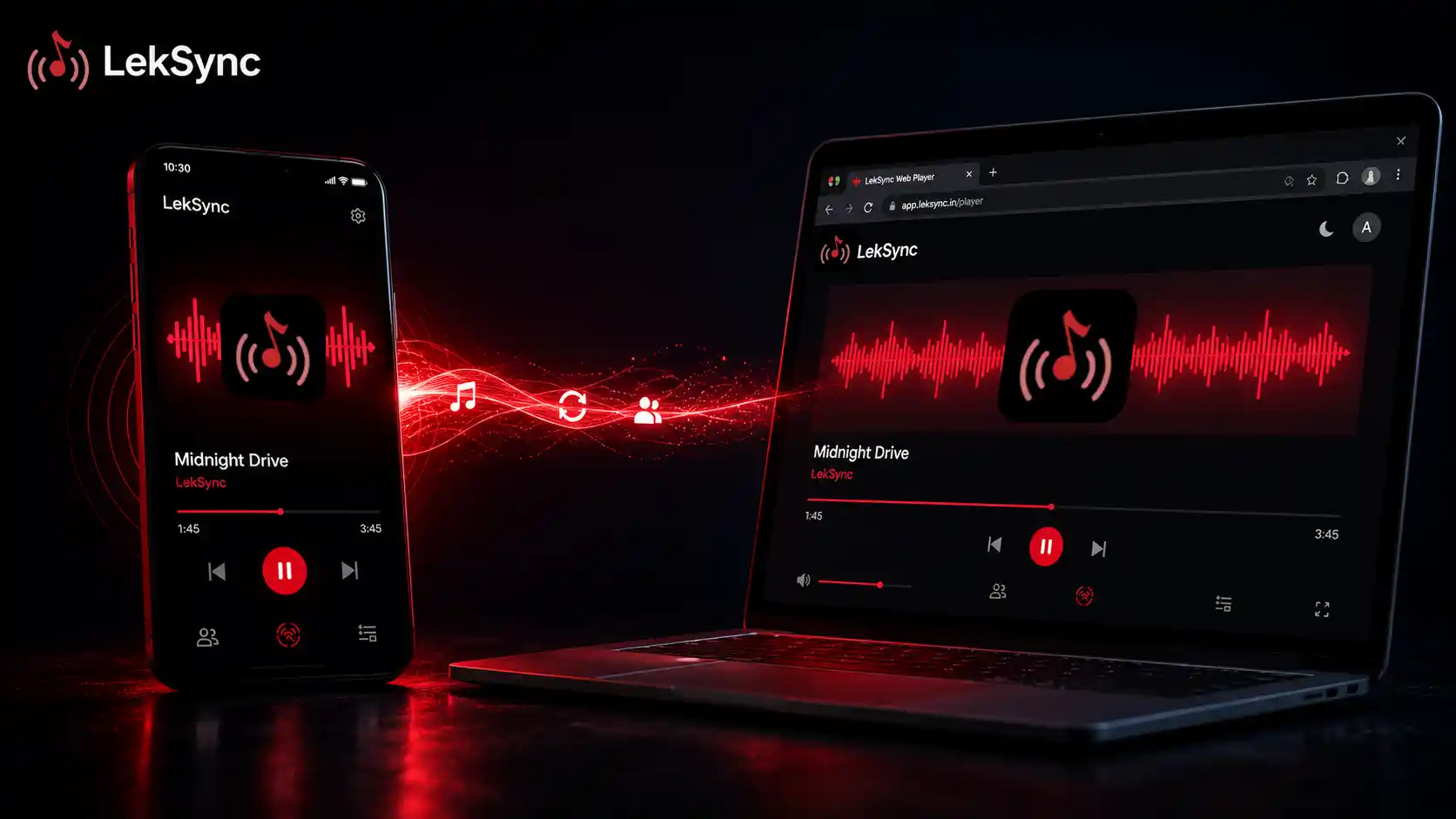
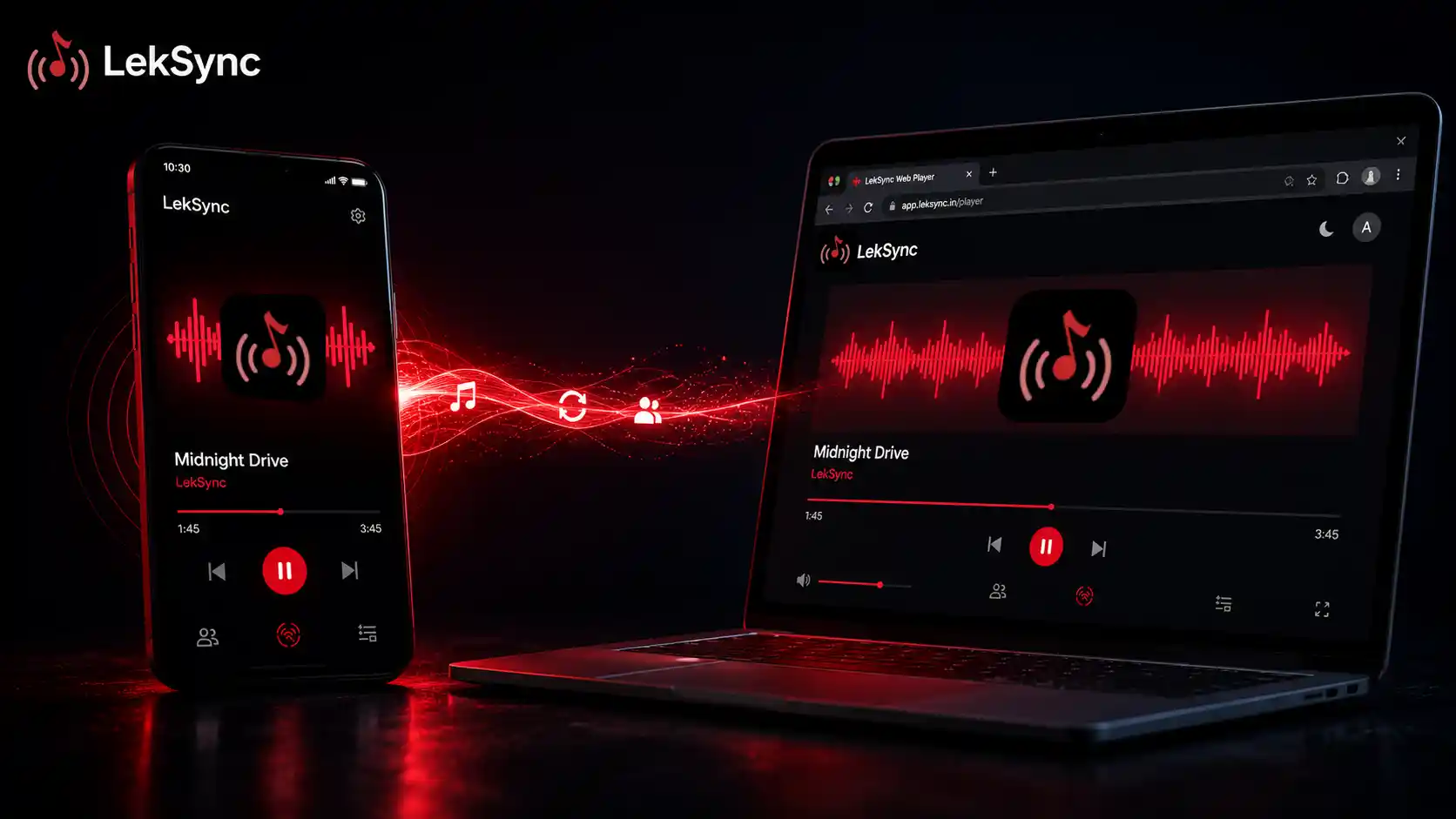
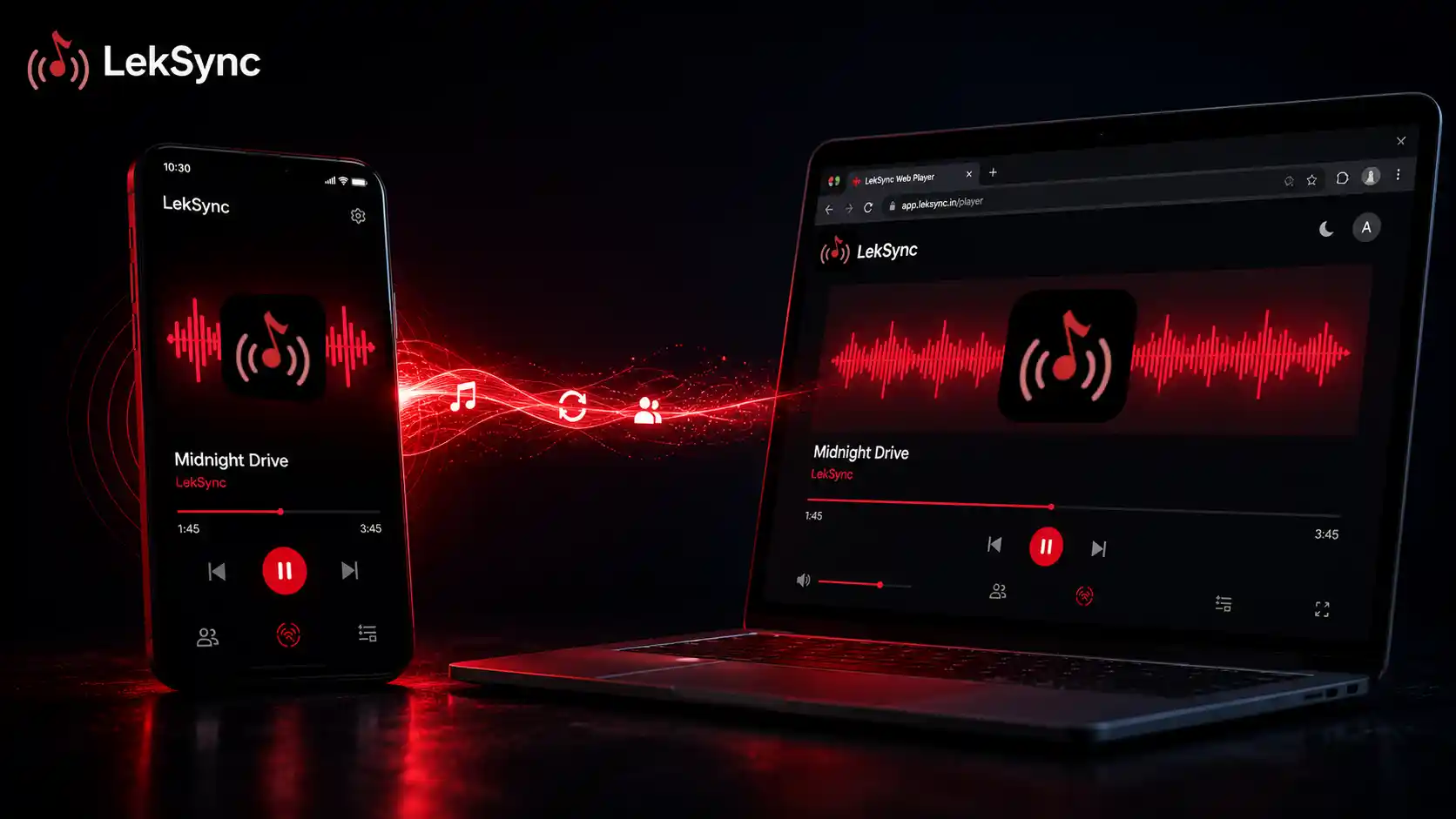
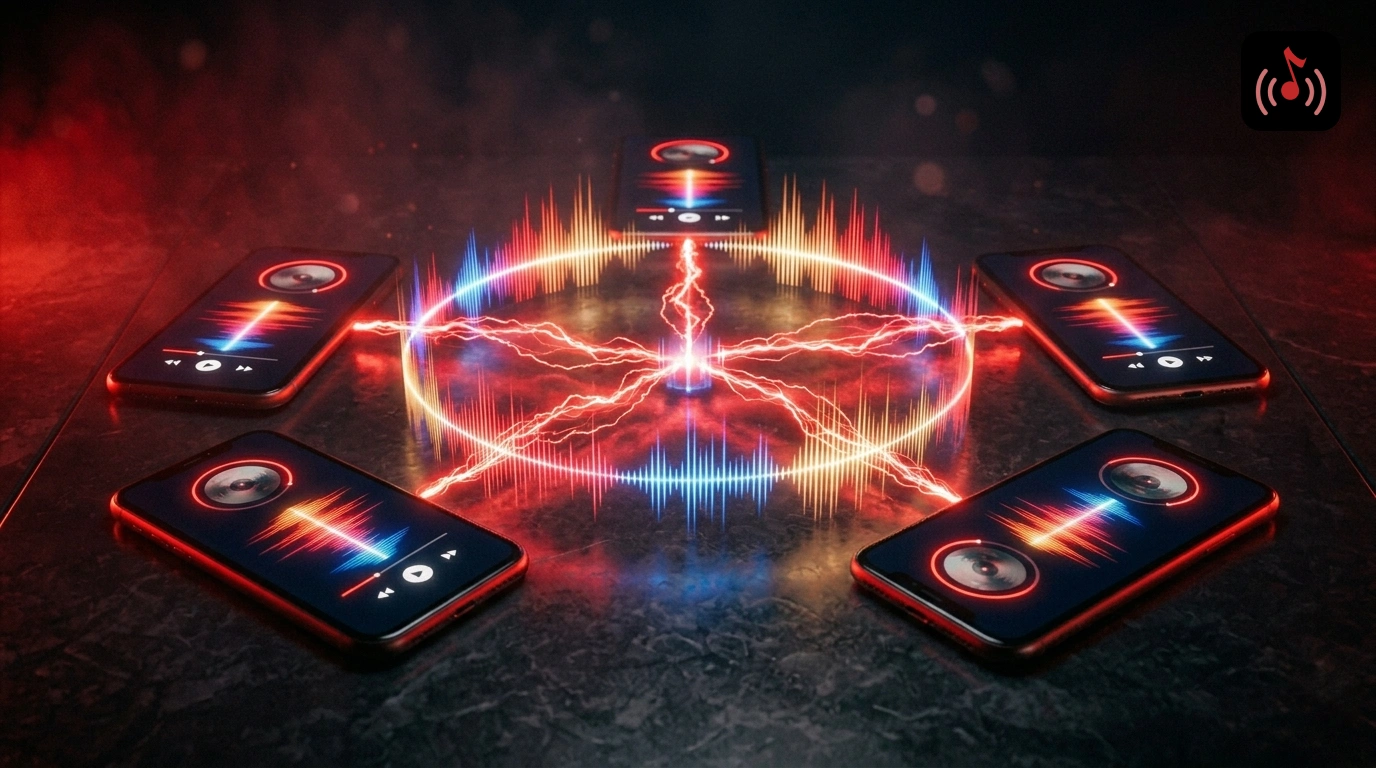
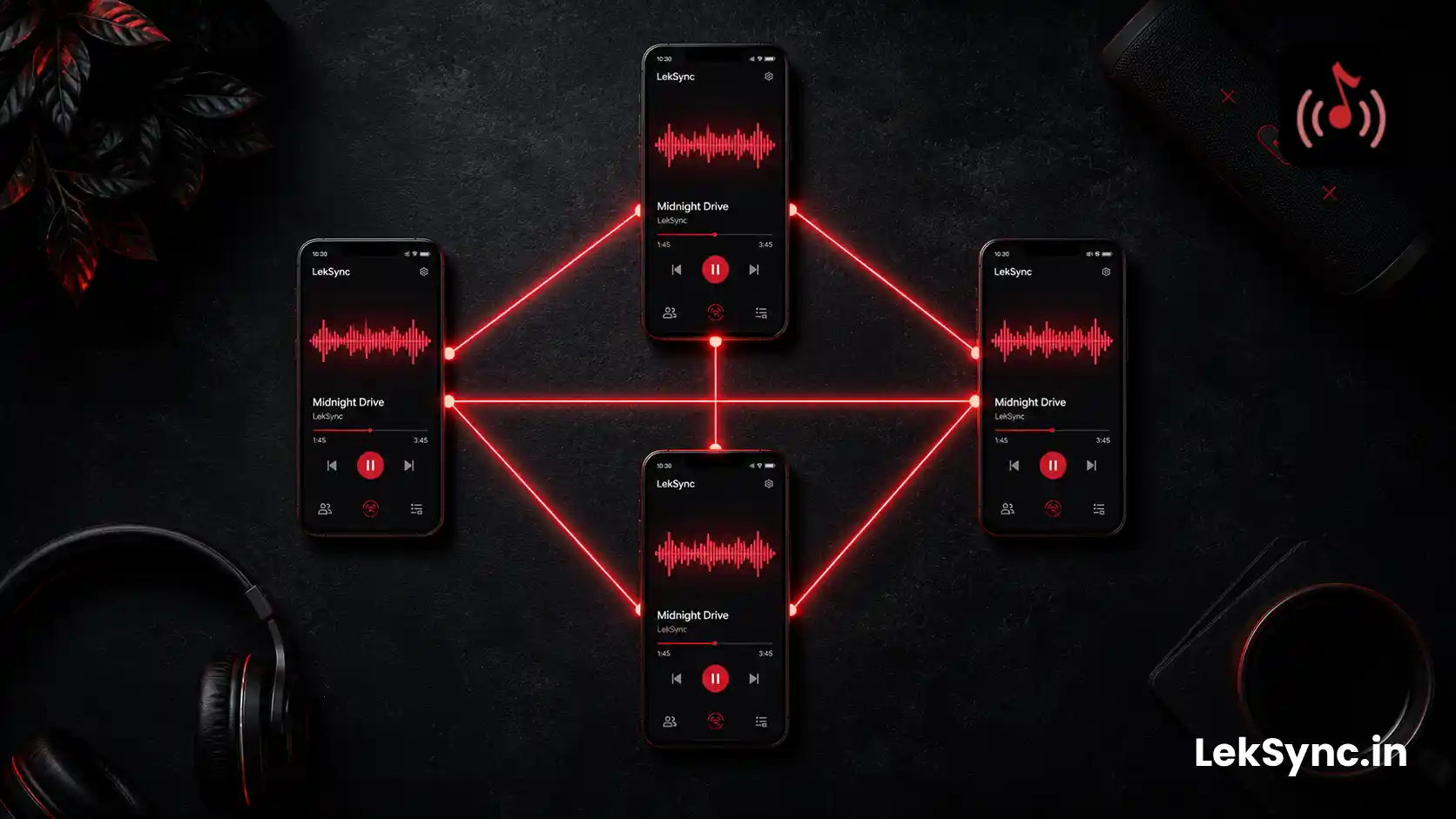
A group listening session is when multiple people play the same audio in sync — not just recommending a song, but actually hearing it together simultaneously. LekSync streams audio from the host's phone directly to every listener's device in real time, keeping everyone within 100 milliseconds of each other regardless of location.
What You Need
- An Android phone with LekSync installed (host)
- Music downloaded on the host phone
- An internet connection for everyone
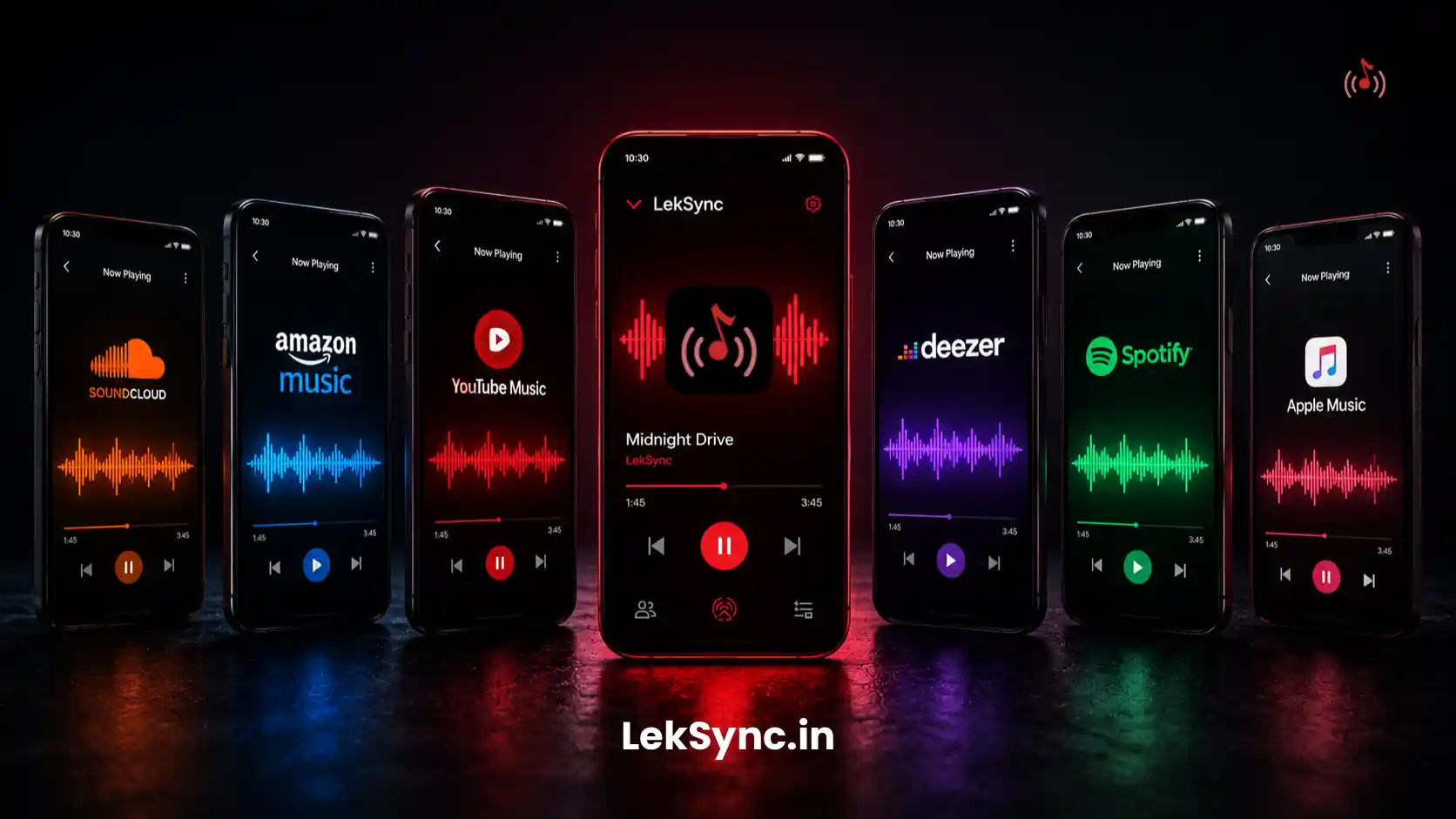
- Friends with any device — Android, iPhone, or a laptop browser all work
Setting It Up: Step by Step
Step 1: Open LekSync and go to Online mode
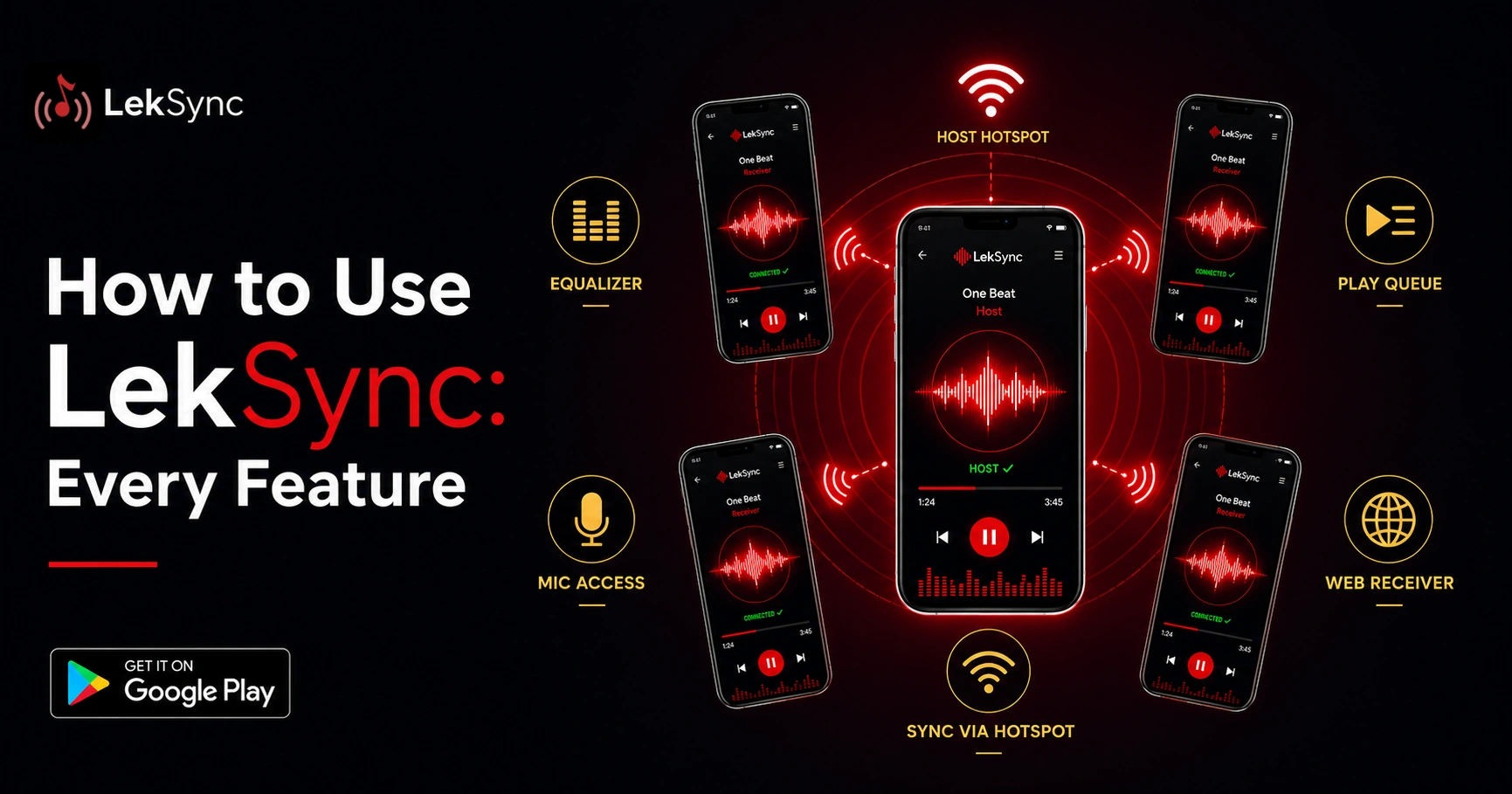
On your phone (the host), open LekSync and tap Host. On the next screen, tap the Online button (globe icon) to switch from hotspot mode to internet mode.
Step 2: Create a room
Tap Create Room. LekSync generates a unique 10-character room code instantly. This code is what your friends use to join.
Step 3: Share the room code
Send the code to your friends — over WhatsApp, a text, a voice note, or just say it out loud if you're on a call together. They can join in two ways:
- LekSync app: Tap Receiver → Online → enter the code
- Any browser: Visit leksync.in/receiver and type the code — no install, no account
Step 4: Press play
Once your friends are in the room, browse your library and tap a song. Everyone hears it at the same moment — perfectly synchronized, directly from your phone to theirs.
Making It Feel Like You're Together
Enable the mic
Tap the mic icon to speak live over the music. React to a drop, sing along together, or just talk while listening — your voice goes to every listener in real time. Listeners can enable their mic too for a full two-way conversation.
Queue songs in advance
Build a queue before the session so the music doesn't stop mid-conversation. Tap any song while another is playing to add it next in line.
Use the equalizer
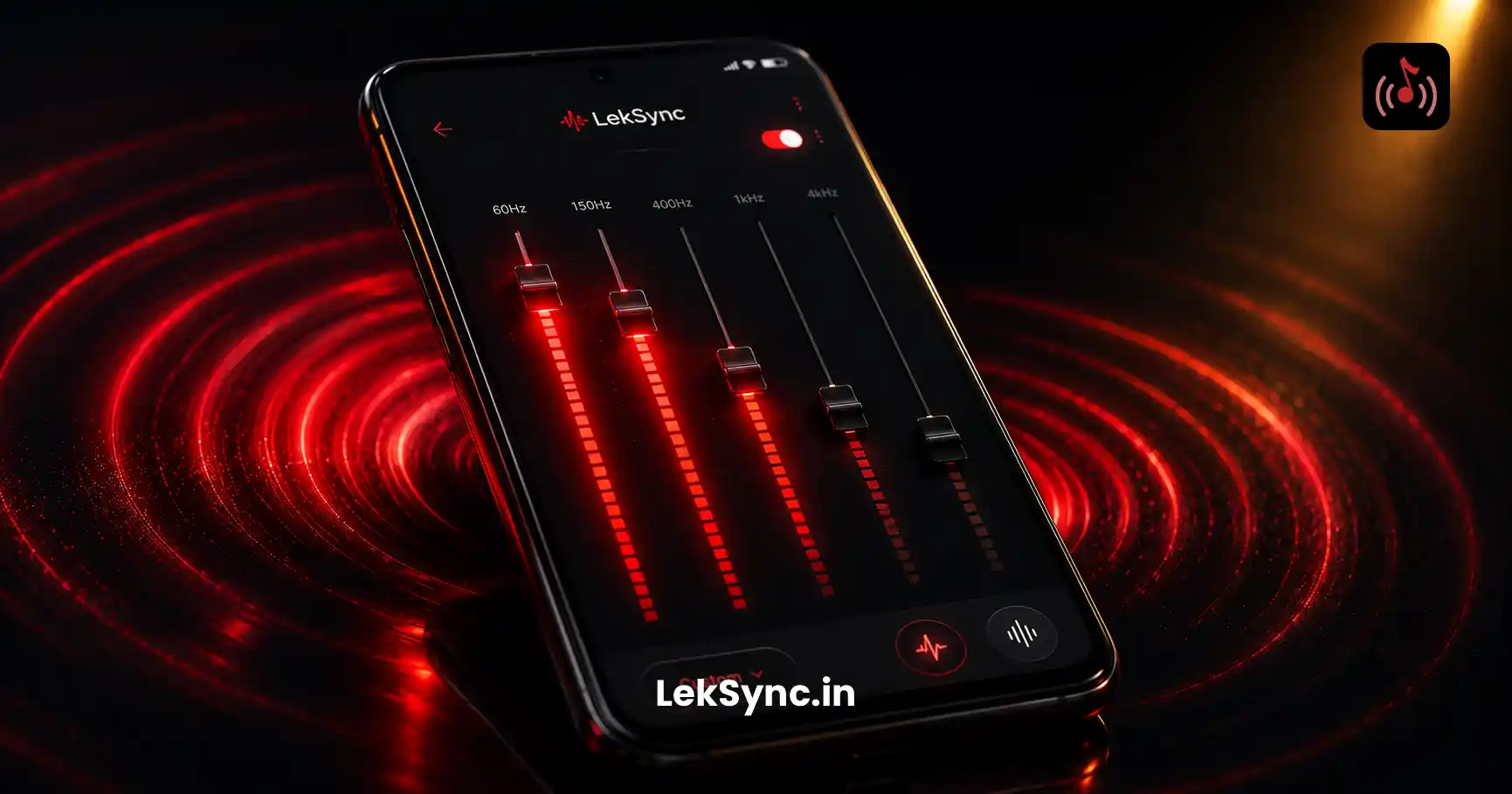
The host's EQ settings apply to all listeners. Tune the sound before sharing — every listener hears the same tuned version.
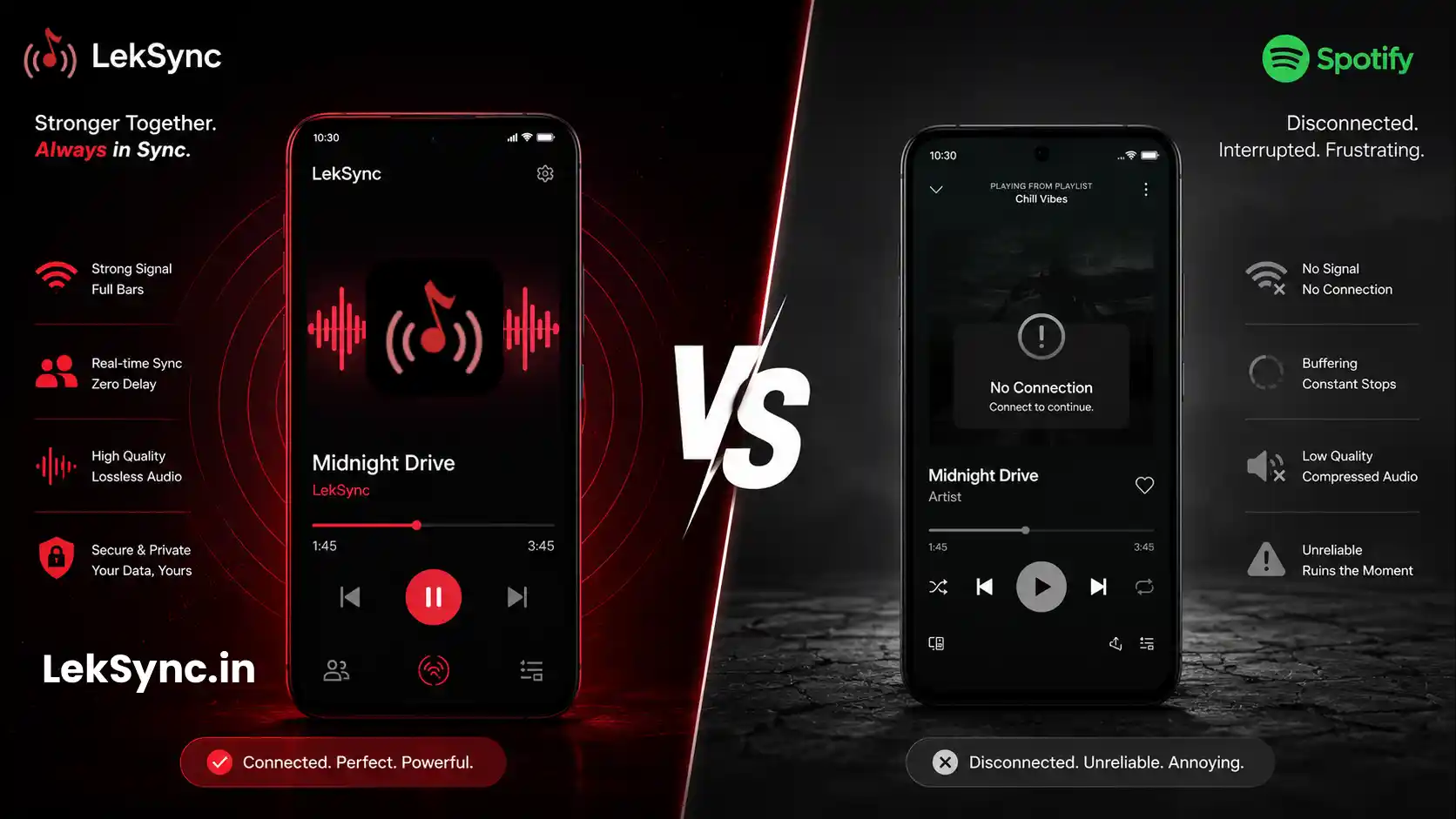
Group Listening Session: LekSync vs Spotify's Social Features
| Feature | Spotify Group Session | LekSync Online |
|---|---|---|
| Requires subscription | Spotify account (free or paid) | Free |
| Plays local files | ✗ | ✓ |
| Browser join (no app) | ✗ | ✓ |
| Live mic audio | ✗ | ✓ |
| Audio encrypted P2P | Via Spotify servers | Direct device-to-device |
Best Use Cases for Online Group Listening
- Long-distance friends — Share music with friends in another city like you're in the same room
- Watch parties — Sync the audio from a video with friends watching separately
- Study sessions — Host a shared background music session for a group studying remotely
- Late-night calls — Play music together while on a voice or video call
- Artist listening parties — Play a new album for your friend group the moment it drops
Start Your First Session
Download LekSync free on Google Play. Your friends can join instantly from their browser — no install needed on their end.